
In today’s fast-paced, digital-first world, selecting the right scheduling software is crucial for businesses striving for efficiency, productivity, and competitive edge. Whether you’re managing appointments, teams, or service bookings, the right tool can dramatically reduce manual work, improve customer experience, and ensure compliance.
Top-tier scheduling software delivers benefits like automation, real-time updates, seamless integrations, cloud-based access, and business optimization. In the U.S. landscape of 2026, where remote teams and hybrid models dominate, flexible and scalable scheduling software has become a non-negotiable asset.
15 Best Scheduling Software in 2026
- Calendly – Best for client appointment scheduling
- Microsoft Bookings – Best for Microsoft 365 integration
- HubSpot Meetings Tool – Best for sales team scheduling
- Doodle – Best for group meeting coordination
- Acuity Scheduling – Best for service-based businesses
- Zoho Bookings – Best for integration with Zoho suite
- Appointlet – Best for sales and marketing workflows
- Square Appointments – Best for retailers and salons
- Setmore – Best for small businesses and freelancers
- When I Work – Best for employee shift scheduling
- Homebase – Best for workforce scheduling and time tracking
- 10to8 – Best for reducing no-shows
- ScheduleOnce – Best for B2B scheduling
- TimeTap – Best for healthcare and public services
- Shiftboard – Best for complex workforce operations
How This Top 15 List Was Created
We evaluated these tools using:
- Pricing & Value: Cost-effectiveness for different business sizes
- Features & Automation: Core capabilities and time-saving functionalities
- Compliance & Security: Data protection, HIPAA/GDPR compliance
- Integrations & Scalability: Flexibility to connect with CRM, calendars, and other software
- Real-Time Reporting: Insights and analytics to drive efficiency
- User Reviews: Ratings and feedback from G2, Capterra, and Trustpilot
Pricing Breakdown by Business Type
For Startups and Small Businesses
- Setmore: Free tier available, user-friendly UI, basic features
- Appointlet: Affordable paid tiers, integrates with calendars
- Zoho Bookings: Low-cost plans, great for Zoho CRM users
For Mid-Sized Businesses
- Acuity Scheduling: Scalable features and user-based pricing
- Square Appointments: Modular pricing, great for growth
- 10to8: Tiered plans with premium automation and reporting
For Large Enterprises
- Shiftboard: Custom pricing, full-suite capabilities
- TimeTap: Enterprise-level support and compliance
- ScheduleOnce: Full Salesforce and CRM integration support
#1. Calendly
Overview
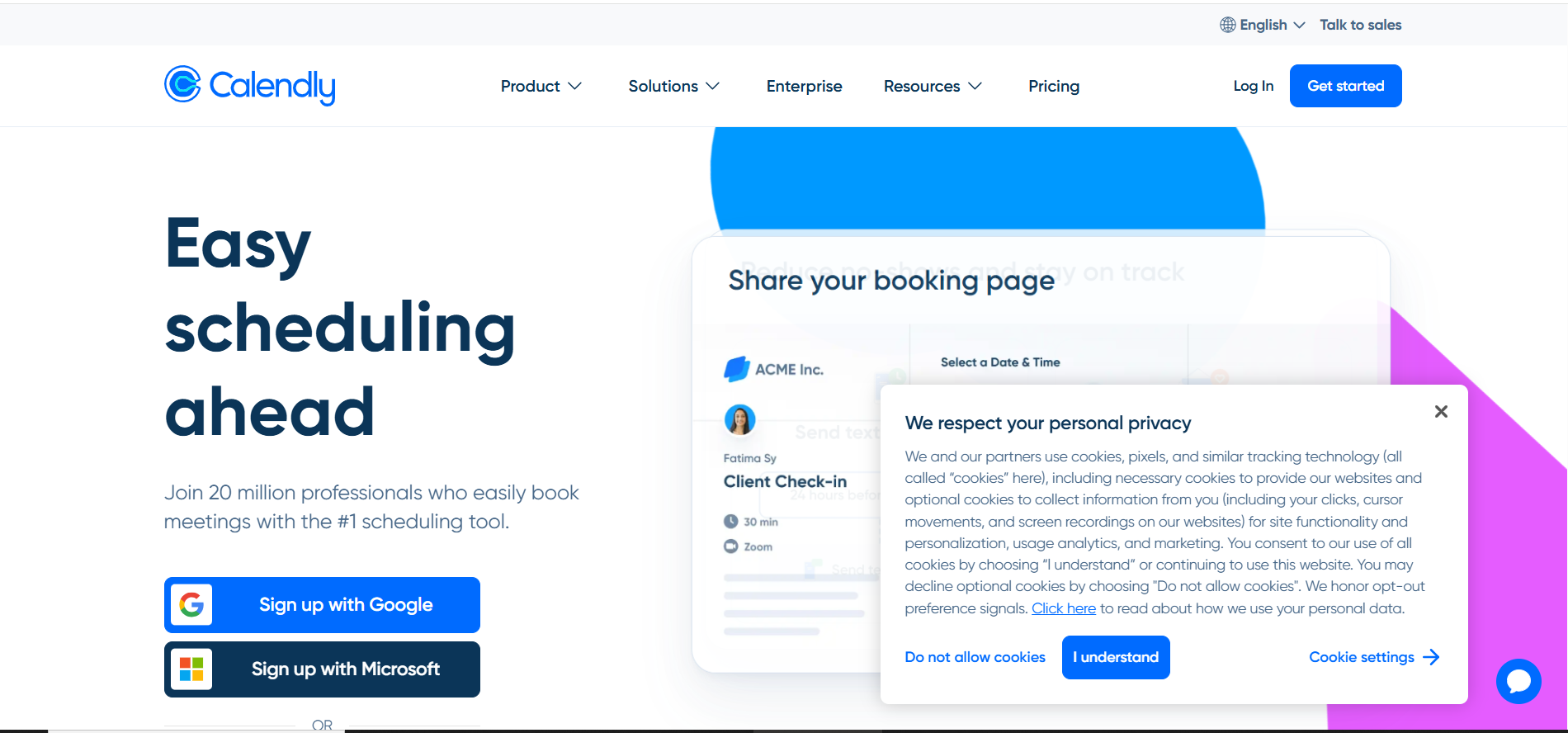
Calendly is a powerful scheduling tool designed to streamline appointment booking for consultants, sales teams, and customer support professionals. By eliminating the back-and-forth of email coordination, Calendly allows clients and team members to easily find and book available time slots, saving time and reducing scheduling conflicts.
With features like automated reminders, calendar integrations, and customizable booking pages, Calendly ensures a smooth and professional scheduling experience for both businesses and their clients. Its intuitive interface and seamless workflow make it an essential tool for teams looking to enhance productivity, improve client engagement, and simplify appointment management.
Features
- Automated time zone detection – ensures global availability
- Calendar sync – real-time updates from Google/Outlook
- Workflow automation – sends reminders and follow-ups
- Team scheduling – round-robin or collective bookings
- Buffer times – prevent over-scheduling
- Branding options – customize your booking page
Review
Users rate Calendly highly for its intuitive design and automation. Some wish for more advanced customization in the lower tiers, but reliability and UX get top marks.
Pros
- Scheduling software boosts client satisfaction with seamless booking
- Scheduling software integrates well with CRMs and calendars
- Scheduling software reduces no-shows with automated reminders
- Scheduling software allows flexible meeting types for teams
Cons
- No custom domain on free plan
- Limited branding on basic plan
- Payment collection only on premium
- Analytics features not robust for enterprise
Final Verdict
Calendly is a powerful, user-friendly scheduling software for U.S.-based teams focused on external bookings, sales meetings, and client coordination.
#2. Microsoft Bookings
Overview
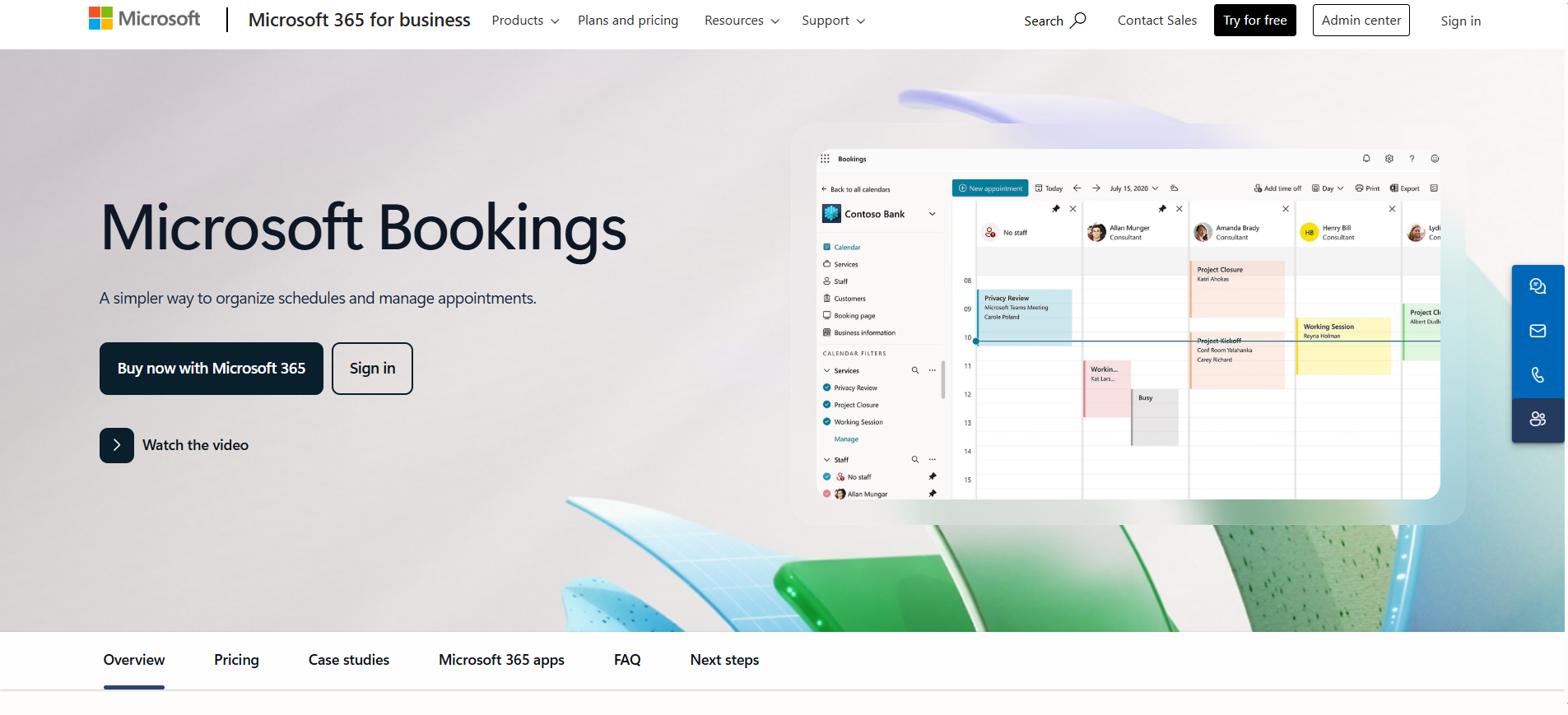
Microsoft Bookings is a robust scheduling tool designed for organizations that already use Microsoft 365, providing seamless integration with Outlook and Teams. It enables businesses to manage appointments efficiently, allowing clients and team members to book meetings directly within familiar Microsoft apps.
With features like automated notifications, calendar synchronization, and customizable booking pages, Microsoft Bookings simplifies scheduling while reducing administrative workload. Its tight integration with the Microsoft ecosystem ensures a smooth, professional, and reliable appointment management experience, making it ideal for businesses looking to streamline workflows and enhance client engagement.
Features
- Office 365 integration – seamless calendar syncing
- Automated email/SMS reminders – reduce no-shows
- Customizable booking page – brand alignment
- Team calendars – manage staff schedules
- Time zone auto-detection – global-friendly
- Analytics dashboard – usage and appointment trends
Review
Users appreciate Microsoft Bookings for its smooth integration into the Microsoft ecosystem. Limitations include customization and third-party integrations beyond Microsoft tools.
Pros
- Scheduling software integrates naturally within Microsoft 365
- Scheduling software offers strong team collaboration features
- Scheduling software reduces administrative workload
- Scheduling software supports hybrid workplace needs
Cons
- Limited outside Microsoft integrations
- Some UI components lack intuitiveness
- No robust mobile app for all features
- Not ideal for complex scheduling workflows
Final Verdict
Best for Microsoft-centric businesses, Microsoft Bookings offers streamlined, efficient scheduling software for internal and client-facing appointments.
#3. HubSpot Meetings Tool
Overview
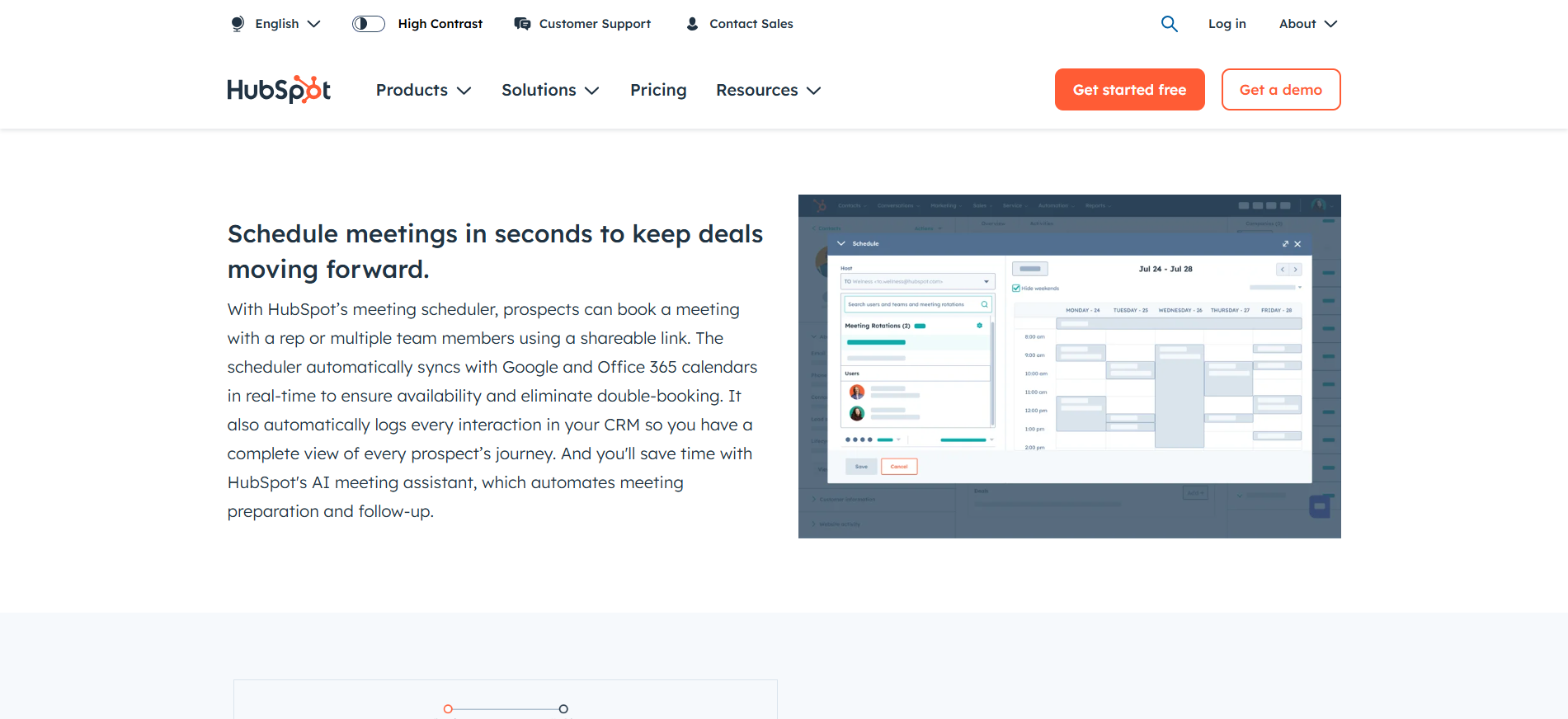
HubSpot Meetings Tool is a powerful scheduling solution designed for sales teams and marketers who want to streamline client calls and appointments. Fully integrated with HubSpot CRM, it allows businesses to automatically sync meetings, track interactions, and reduce manual scheduling efforts.
The tool features customizable booking links, automated reminders, and calendar integrations, ensuring a seamless and professional scheduling experience for both teams and clients. By using HubSpot Meetings, businesses can improve productivity, minimize scheduling conflicts, and maintain a smooth client communication workflow.
Features
- CRM sync – auto logs meetings with contact profiles
- Custom links – personalized scheduling experience
- Group and round-robin scheduling – team support
- Form capture – collect lead info before meetings
- HubSpot workflows – post-meeting automation
- Email integration – works with Gmail and Outlook
Review
HubSpot users love the native integration and CRM automation, though those outside the HubSpot ecosystem find the tool limited.
Pros
- Scheduling software automates pre- and post-meeting tasks
- Scheduling software enhances lead conversion efficiency
- Scheduling software supports full-funnel customer journeys
- Scheduling software integrates deeply with email and CRM
Cons
- Limited value outside HubSpot users
- Free tier lacks advanced features
- No payment collection options
- Minimal branding customization
Final Verdict
HubSpot Meetings Tool is ideal scheduling software for teams embedded in HubSpot, maximizing CRM data for conversion-driven scheduling.
#4. Doodle
Overview
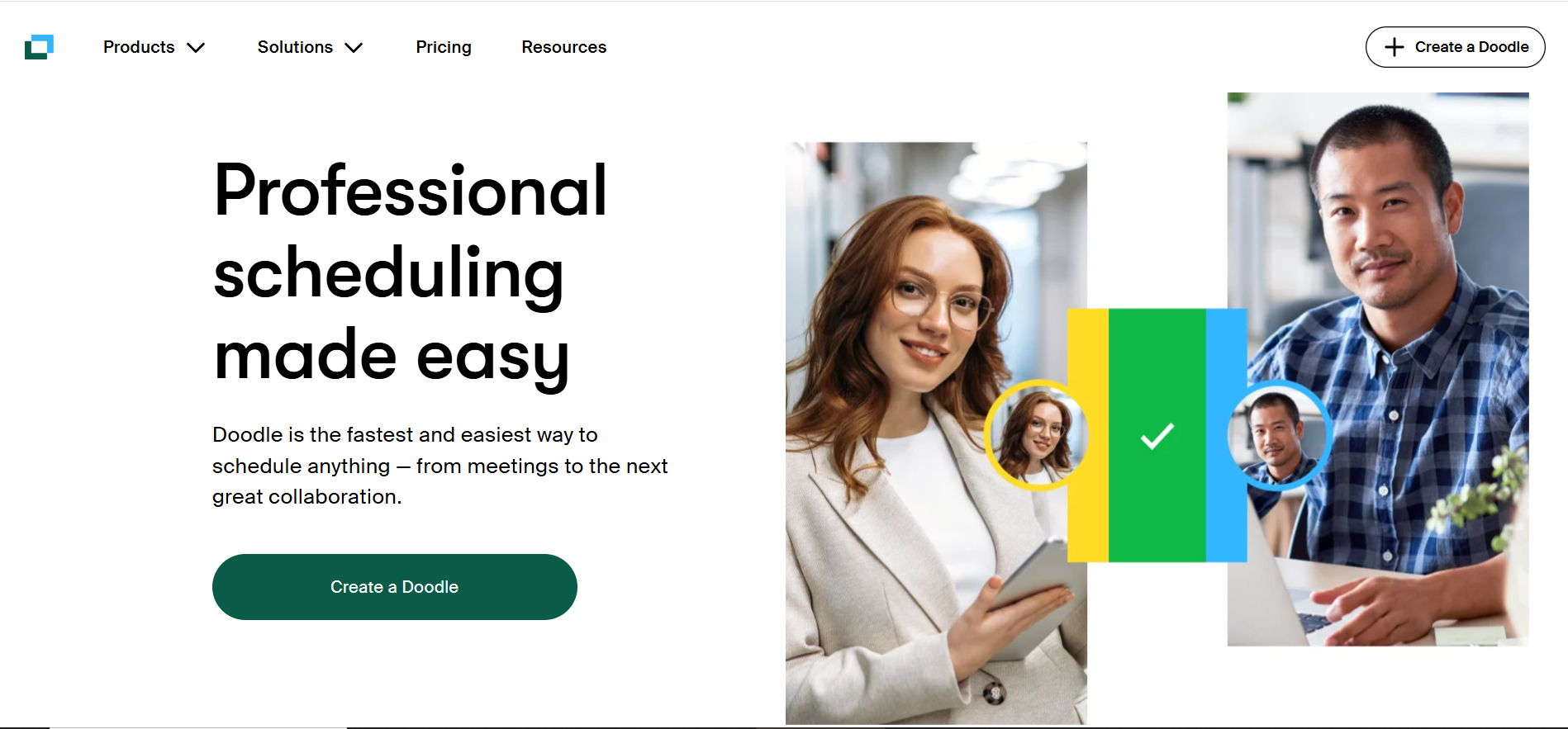
Doodle is a versatile scheduling tool designed to simplify group meetings and event coordination, making it an ideal choice for event organizers, collaborative teams, and project managers. It allows participants to vote on preferred time slots, helping teams quickly identify the most convenient meeting times without lengthy email exchanges.
With features like automated reminders, calendar integrations, and easy-to-use polls, Doodle ensures a smooth and efficient scheduling process for both small teams and large groups. By streamlining meeting coordination, it helps businesses and teams save time, reduce scheduling conflicts, and improve overall productivity.
Features
- Group polls – easy meeting time consensus
- Calendar syncing – auto-reserve availability
- Reminders – ensure participation
- Admin controls – restrict who can edit
- No account needed – external invite-friendly
- Time zone handling – simplifies global meetings
Review
Doodle users love the simplicity and effectiveness of polls. Drawbacks include fewer features for individual scheduling and no CRM integrations.
Pros
- Scheduling software simplifies group meeting organization
- Scheduling software is easy to use for external participants
- Scheduling software prevents double-booking with calendar sync
- Scheduling software promotes inclusivity in meeting polls
Cons
- Not ideal for individual or team-based scheduling
- Limited analytics
- Free version includes ads
- No built-in payment handling
Final Verdict
Doodle is top scheduling software for coordinating group availability, especially for cross-functional teams and external collaborators.
#5. Acuity Scheduling
Overview
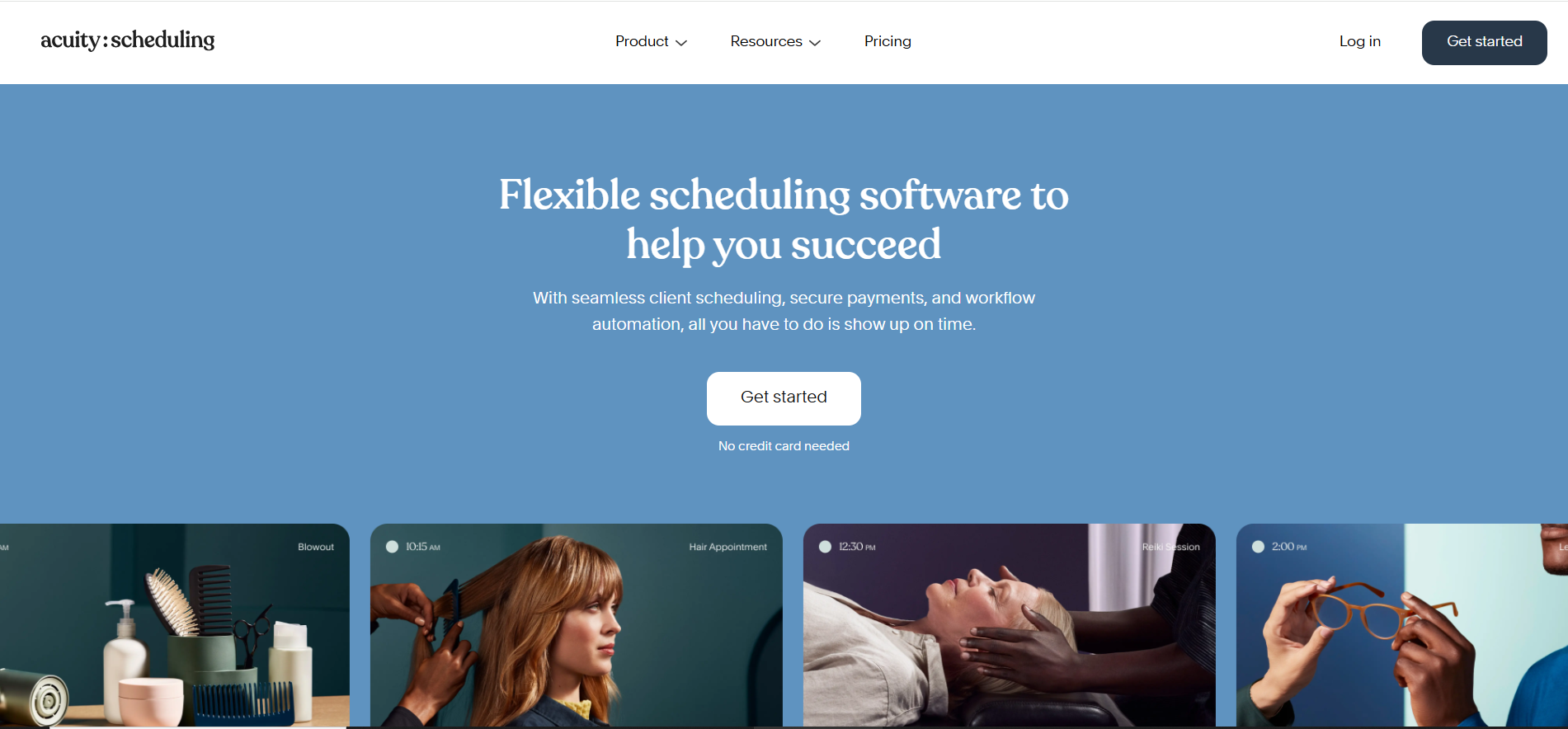
Acuity Scheduling is a comprehensive scheduling tool tailored for service-based professionals such as consultants, coaches, therapists, and healthcare providers. It streamlines appointment booking by allowing clients to view availability, book time slots, and make payments directly online, eliminating the hassle of manual scheduling.
With seamless integration with major calendars, payment platforms, and video conferencing tools, Acuity Scheduling ensures a smooth and professional booking experience for both service providers and clients. Its features, including automated reminders, customizable scheduling pages, and client management tools, make it an essential solution for businesses looking to save time, reduce no-shows, and enhance client satisfaction.
Features
- Real-time availability – eliminates double bookings
- Payment integrations – supports PayPal, Stripe, Square
- Customizable intake forms – gather client info upfront
- Branded booking pages – professional look and feel
- SMS/email reminders – reduce no-shows
- Group scheduling – manage classes or events
Review
Users love Acuity for its flexibility and client-friendly interface. Some feel advanced features are locked behind premium plans.
Pros
- Scheduling software helps convert leads with seamless bookings
- Scheduling software handles payments and reminders in one place
- Scheduling software supports multiple time zones with ease
- Scheduling software offers strong branding customization
Cons
- Interface may feel cluttered to new users
- Higher tiers required for advanced features
- Not ideal for large teams
- Limited reporting functionality
Final Verdict
Acuity Scheduling is top-tier scheduling software for service providers who need a flexible, client-focused appointment system.
#6. Zoho Bookings
Overview
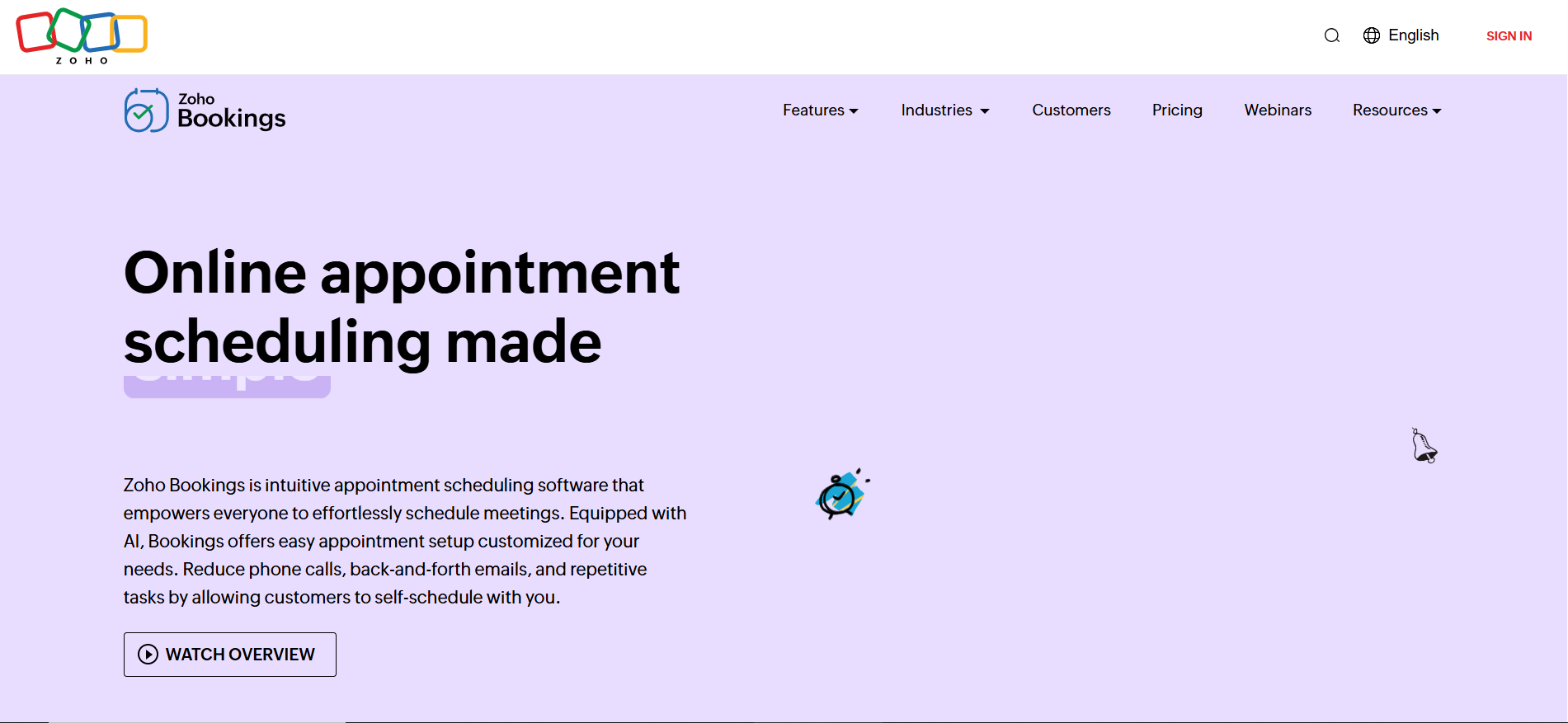
Zoho Bookings is an efficient scheduling tool designed for users of the Zoho ecosystem, offering seamless integration with other Zoho applications like Zoho CRM, Zoho Calendar, and Zoho Mail. It provides businesses with customizable booking options, allowing clients to easily schedule appointments while aligning with the company’s workflows.
With features such as automated reminders, calendar synchronization, and flexible time slot management, Zoho Bookings ensures a professional and streamlined scheduling experience. Its rich customization options and deep integration with Zoho apps make it an ideal choice for businesses seeking to improve productivity, reduce scheduling conflicts, and deliver a seamless client booking process.
Features
- Zoho CRM integration – seamless lead tracking
- Calendar sync – works with Google and Zoho Calendar
- Custom workflows – automate client communication
- Mobile app – manage appointments on the go
- Staff availability tracking – easy resource management
- Payment gateway support – Stripe and Razorpay
Review
Fans of Zoho love the integration and pricing, though UI simplicity could be improved.
Pros
- Scheduling software integrates deeply with Zoho tools
- Scheduling software supports multiple staff calendars
- Scheduling software provides strong API options
- Scheduling software includes custom domain and branding
Cons
- UI can be unintuitive for first-timers
- Limited appeal outside Zoho suite
- Customer support can be slow
- Mobile experience lacks some desktop features
Final Verdict
Zoho Bookings is ideal scheduling software for small businesses that already use Zoho products and want unified data management.
#7. Appointlet
Overview
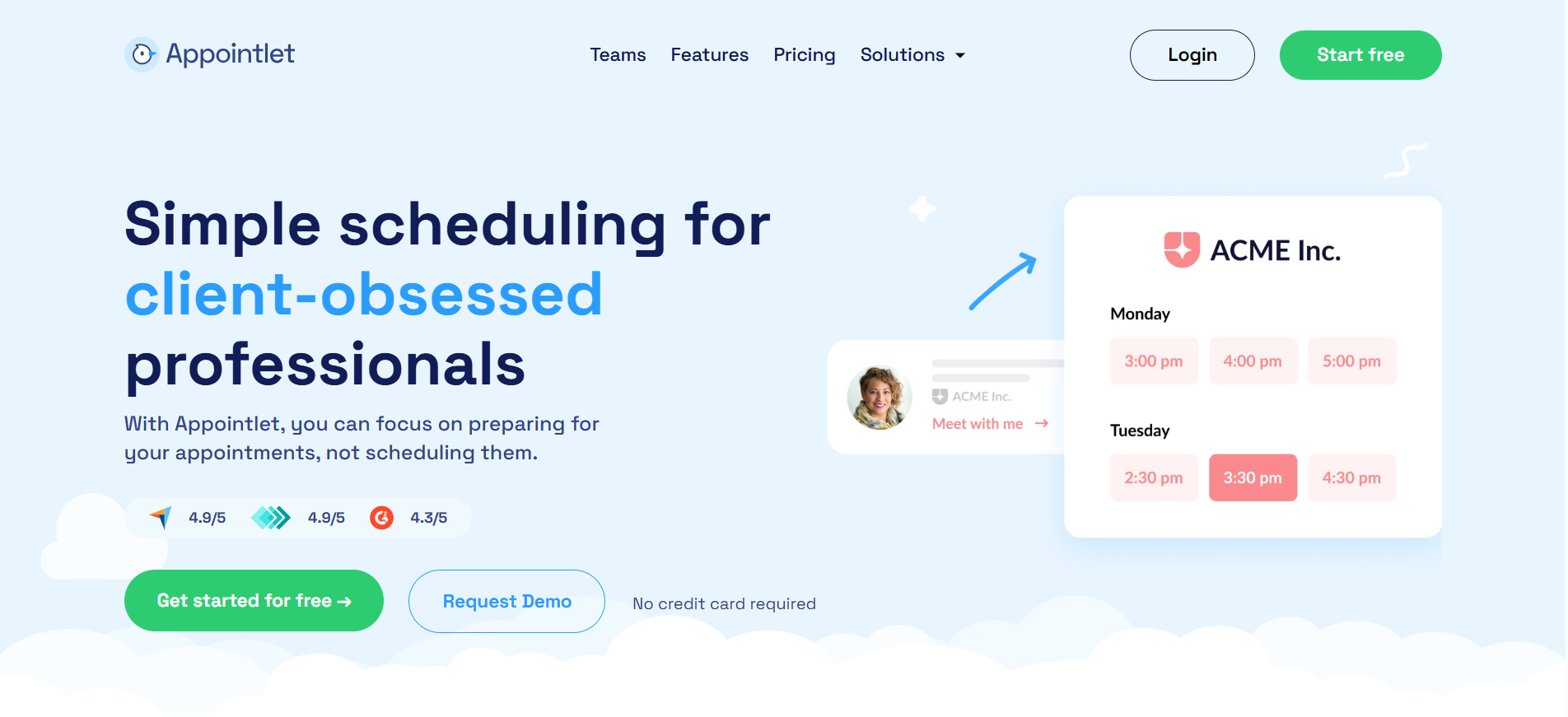
Appointlet is a versatile scheduling tool designed for sales and marketing professionals who want to streamline meeting bookings directly from landing pages, emails, and CRM platforms. It enables clients and prospects to easily select available time slots, helping teams save time and eliminate back-and-forth scheduling.
With features such as automated reminders, calendar integrations, and seamless CRM connectivity, Appointlet ensures a professional and efficient scheduling experience. Its ability to embed booking links directly into emails and web pages makes it ideal for businesses looking to increase appointment rates, improve client engagement, and maintain a smooth workflow.
Features
- Google and Office 365 integration – sync calendars
- Booking links – embed on website or email
- Meeting buffers – avoid back-to-back bookings
- Intake forms – collect attendee information
- Custom email notifications – stay informed
- Time zone support – automatic conversion
Review
Users love Appointlet’s ease of use and low entry cost. However, it lacks deeper reporting and integrations.
Pros
- Scheduling software is easy to set up for any skill level
- Scheduling software simplifies calendar sharing across teams
- Scheduling software embeds seamlessly in marketing workflows
- Scheduling software offers generous free features
Cons
- Limited analytics and reporting tools
- No phone support
- Free tier lacks customization
- Doesn’t support group bookings
Final Verdict
Appointlet is an accessible and efficient scheduling software for teams wanting quick deployment without complex features.
#8. Square Appointments
Overview
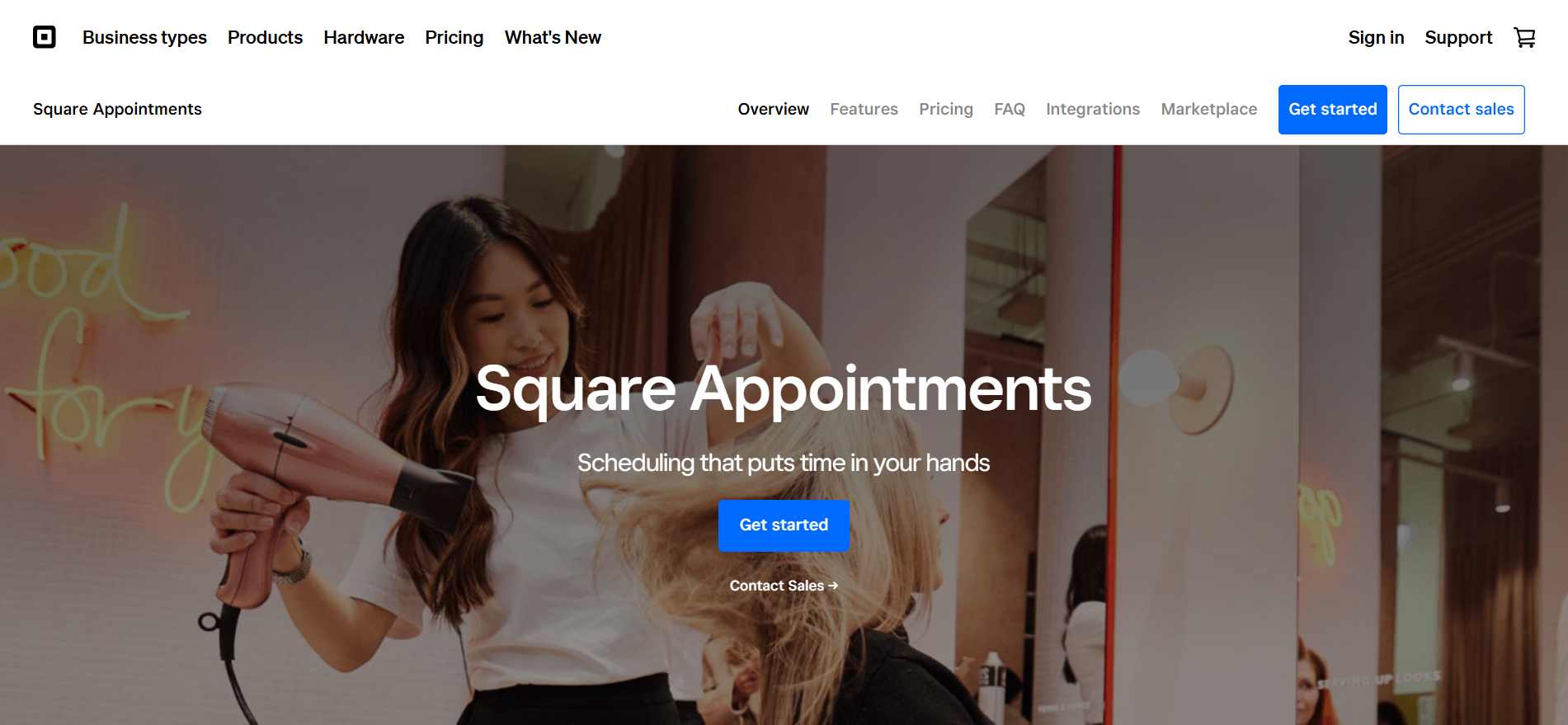
Square Appointments is a comprehensive scheduling solution designed specifically for beauty and wellness professionals, including salons, spas, and personal care providers. It not only streamlines appointment booking but also integrates payment processing, point-of-sale (POS) features, and client management tools, offering an all-in-one solution for service-based businesses.
With features like automated reminders, calendar synchronization, and online booking, Square Appointments ensures a smooth and professional scheduling experience for both staff and clients. Its combination of scheduling and payment capabilities makes it ideal for businesses aiming to reduce administrative tasks, improve client satisfaction, and efficiently manage operations in one platform.
Features
- Square POS integration – manage sales and bookings
- Customer profiles – track history and preferences
- Mobile app – schedule and charge on the go
- SMS/email reminders – reduce no-shows
- Booking widget – for websites and social media
- Inventory sync – for products and services
Review
Square Appointments earns praise for its payment-first design. Limitations arise with CRM and customization features.
Pros
- Scheduling software combines booking and payments
- Scheduling software enhances customer loyalty through profiles
- Scheduling software includes built-in POS features
- Scheduling software supports multiple service providers
Cons
- Some features only available with Square ecosystem
- Reporting tools are basic
- Custom branding options limited
- May not scale well for large enterprises
Final Verdict
Square Appointments is top scheduling software for service businesses needing integrated booking and payment capabilities.
#9. Setmore
Overview
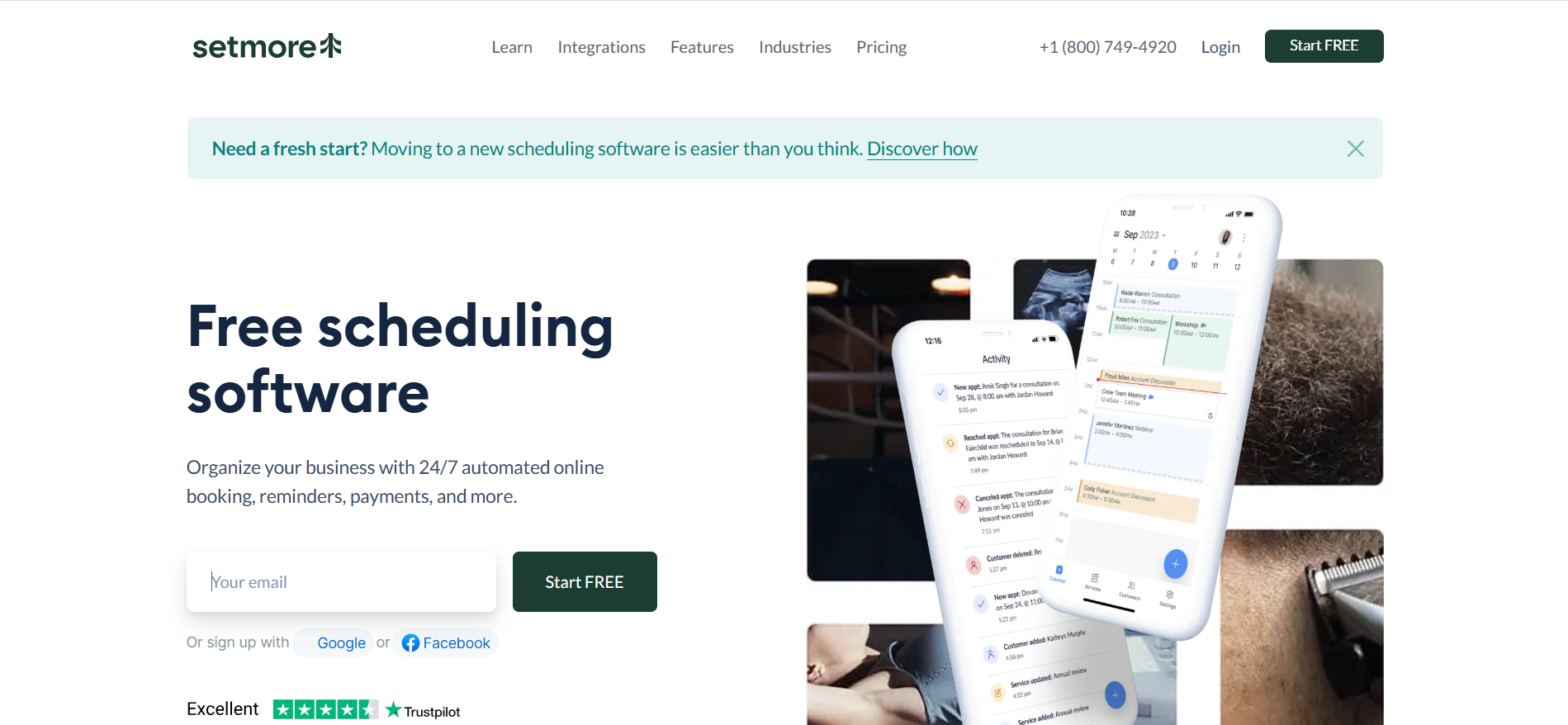
Setmore is a user-friendly scheduling tool designed for freelancers, small businesses, and teams seeking a simple yet effective way to manage appointments. With its visually appealing interface and intuitive navigation, Setmore makes booking and managing meetings quick and hassle-free.
Setmore offers a robust free plan that includes features like online booking, automated reminders, calendar integrations, and client management tools. Its combination of ease of use, professional design, and essential scheduling features makes it an ideal solution for small teams and independent professionals looking to save time, improve client interactions, and streamline daily operations.
Features
- Drag-and-drop calendar – intuitive interface
- Free video meetings – via Teleport or Zoom
- SMS/email reminders – improve attendance
- Social media booking – via Facebook and Instagram
- Staff management – assign roles and access
- Online payments – Stripe integration
Review
Users value Setmore’s design and free features. Some feel the mobile app could be more stable and feature-rich.
Pros
- Scheduling software includes video call integrations at no cost
- Scheduling software improves engagement via social media bookings
- Scheduling software helps teams manage calendars collaboratively
- Scheduling software supports customer invoicing and payments
Cons
- Limited CRM integration
- Some latency in mobile syncing
- Few advanced analytics features
- Branding customization is basic
Final Verdict
Setmore is one of the best free scheduling software tools for independent professionals and micro-businesses.
#10. When I Work
Overview
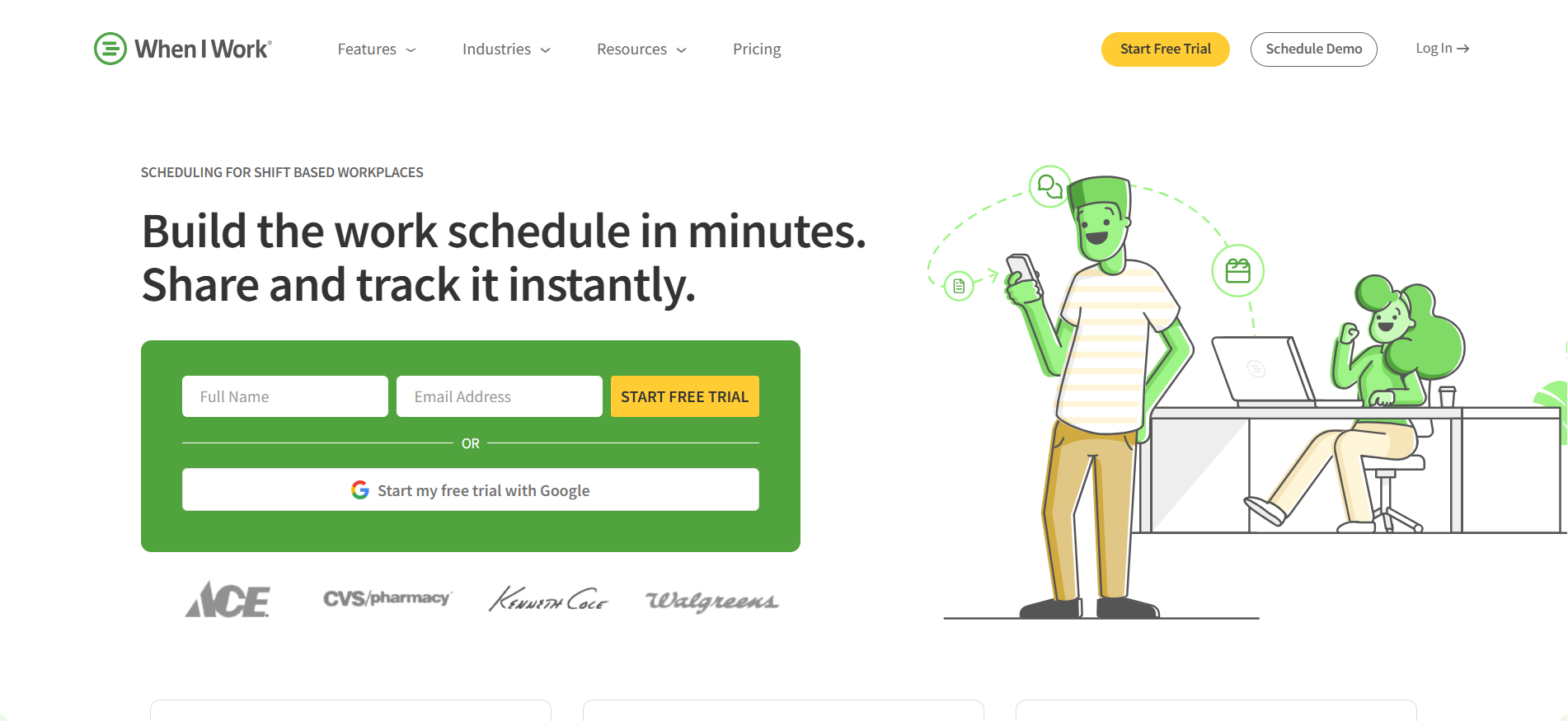
When I Work is a specialized scheduling tool built for shift-based teams and businesses that manage hourly employees. It streamlines workforce management by allowing managers to create schedules, assign shifts, and track employee hours, all from an intuitive, centralized platform.
With features like time clock management, shift notifications, and mobile accessibility, When I Work ensures employees stay informed and schedules remain accurate. Its focus on hourly workforce efficiency and streamlined communication makes it an ideal solution for businesses looking to reduce scheduling conflicts, improve team productivity, and simplify shift management.
Features
- Shift templates – save time on recurring schedules
- Time clock integration – track hours worked
- Team messaging – internal communications hub
- Schedule alerts – notify workers of changes
- Labor forecasting – optimize staffing
- Overtime tracking – manage labor costs
Review
Highly rated for its workforce management tools, but users report issues with mobile notifications and reporting complexity.
Pros
- Scheduling software simplifies staff communication
- Scheduling software optimizes workforce efficiency
- Scheduling software tracks real-time attendance
- Scheduling software manages compliance with labor laws
Cons
- Mobile app notifications can lag
- Advanced features locked behind paywall
- Not ideal for service bookings
- Interface can feel busy
Final Verdict
When I Work is must-have scheduling software for retail, hospitality, and field-service teams managing hourly shifts.
#11. Homebase
Overview
Homebase is an all-in-one scheduling and workforce management tool designed for small businesses with hourly employees. It combines employee scheduling, time tracking, and team communication into a single, easy-to-use platform, helping businesses streamline daily operations.
With features like automated shift reminders, calendar integrations, and real-time team messaging, Homebase ensures employees stay informed and managers can efficiently oversee their teams. Its comprehensive approach makes it ideal for small businesses looking to reduce scheduling conflicts, track hours accurately, and enhance overall team productivity.
Features
- Drag-and-drop schedule builder – quick and visual
- Time clock integration – accurate hours tracking
- Shift reminders – reduce absenteeism
- Labor cost forecasting – manage budgets
- Mobile app – manage schedules on the go
- Payroll integration – with top providers
Review
Homebase is praised for ease of use and team collaboration features. Some users desire more powerful reporting and customization.
Pros
- Scheduling software enhances team coordination with alerts
- Scheduling software tracks labor costs in real-time
- Scheduling software integrates with POS and payroll
- Scheduling software is ideal for hourly workforce management
Cons
- Reporting capabilities could be deeper
- Mobile experience varies by device
- Some features locked behind premium plans
- Not designed for appointment scheduling
Final Verdict
Homebase is an efficient scheduling software for managing hourly staff, shifts, and payroll in small businesses.
#12. 10to8
Overview
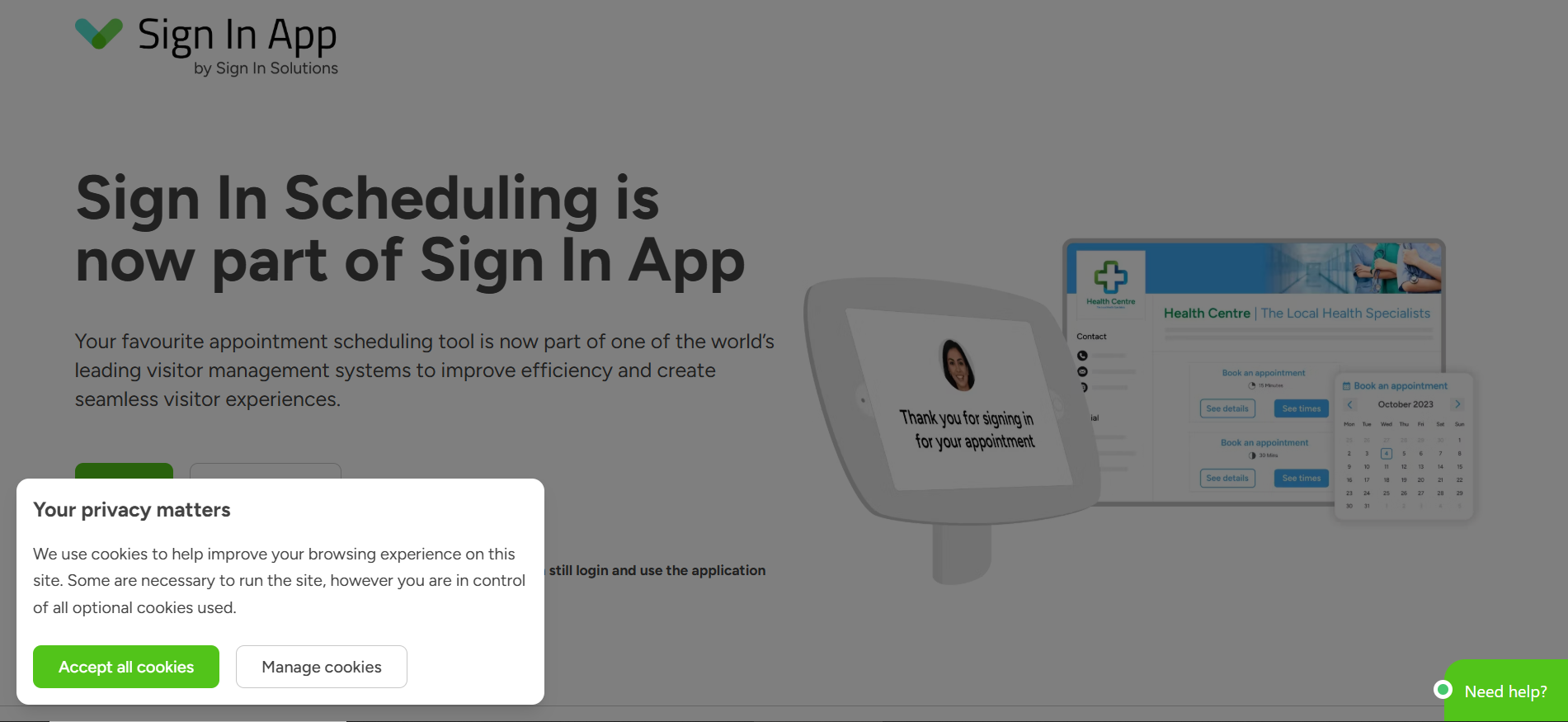
10to8 is a powerful scheduling tool designed to minimize no-shows and streamline appointment management for businesses of all sizes. Its platform makes it easy for clients to book, reschedule, or cancel appointments online, ensuring a smooth and accessible scheduling experience.
With features like automated reminders, calendar integrations, secure data handling, and compliance with industry standards, 10to8 helps businesses maintain professionalism while reducing missed appointments. Its robust integrations with CRM systems, payment platforms, and other business tools make it ideal for organizations looking to improve client engagement, enhance operational efficiency, and maintain reliable appointment workflows.
Features
- Automated SMS/email reminders – reduce no-shows
- Online booking – 24/7 access for clients
- Two-way calendar sync – real-time availability
- Telehealth integration – ideal for healthcare
- Activity log – full audit trail
- HIPAA/GDPR compliance – data protection
Review
Users highlight reliability, security, and accessibility. Some note its UI isn’t as modern and intuitive as competitors.
Pros
- Scheduling software ensures high attendance with smart reminders
- Scheduling software supports secure healthcare appointments
- Scheduling software integrates with Zoom and Microsoft Teams
- Scheduling software manages client communications automatically
Cons
- UI feels outdated for some users
- Customization is limited in lower tiers
- Setup can be complex for non-tech users
- Branding is minimal
Final Verdict
10to8 is a powerful, compliant scheduling software for reducing no-shows and enabling virtual bookings.
#13. ScheduleOnce
Overview
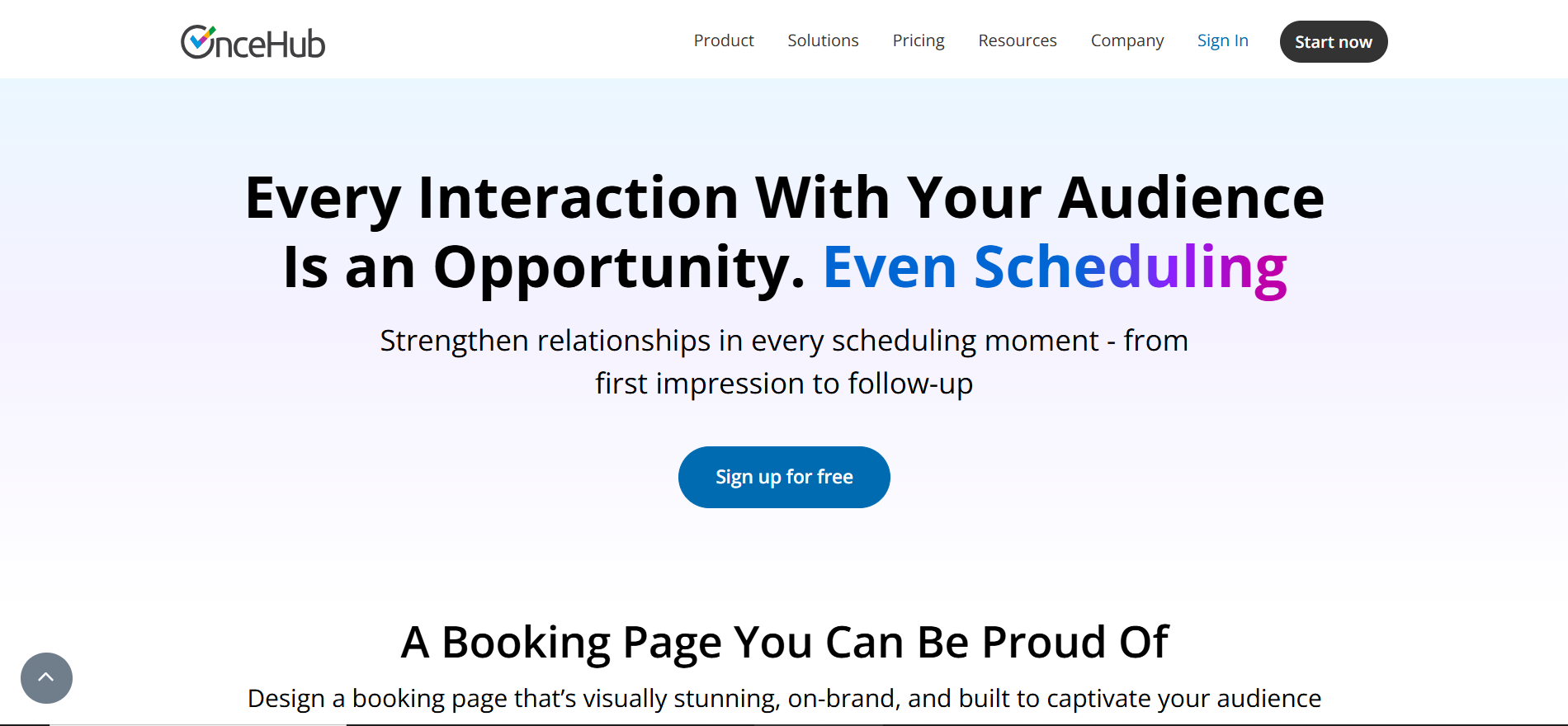
ScheduleOnce is a robust scheduling tool designed specifically for B2B businesses that require professional and secure appointment management. It offers deep CRM integrations, allowing sales and support teams to seamlessly sync meetings, track client interactions, and maintain a streamlined workflow.
With features like customizable booking pages, automated reminders, and secure data handling, ScheduleOnce ensures a smooth and professional scheduling experience for both clients and teams. Its focus on efficiency, reliability, and B2B collaboration makes it an ideal solution for businesses looking to enhance client engagement, reduce scheduling conflicts, and improve overall productivity.
Features
- Salesforce and HubSpot integration – native support
- Lead distribution – round-robin or direct
- Time zone conversion – for global clients
- Secure access – SSO and encryption
- Personalized links – for prospects or teams
- Activity insights – track engagement
Review
Loved for its enterprise-readiness and CRM syncing. However, pricing and setup complexity are often cited.
Pros
- Scheduling software aligns perfectly with sales funnels
- Scheduling software distributes leads efficiently
- Scheduling software enhances customer experience at touchpoints
- Scheduling software ensures secure appointment handling
Cons
- Learning curve for initial setup
- More expensive than competitors
- Minimal customization outside CRM
- Limited options for small teams
Final Verdict
ScheduleOnce is enterprise-ready scheduling software designed to streamline B2B scheduling within sales ecosystems.
#14. TimeTap
Overview
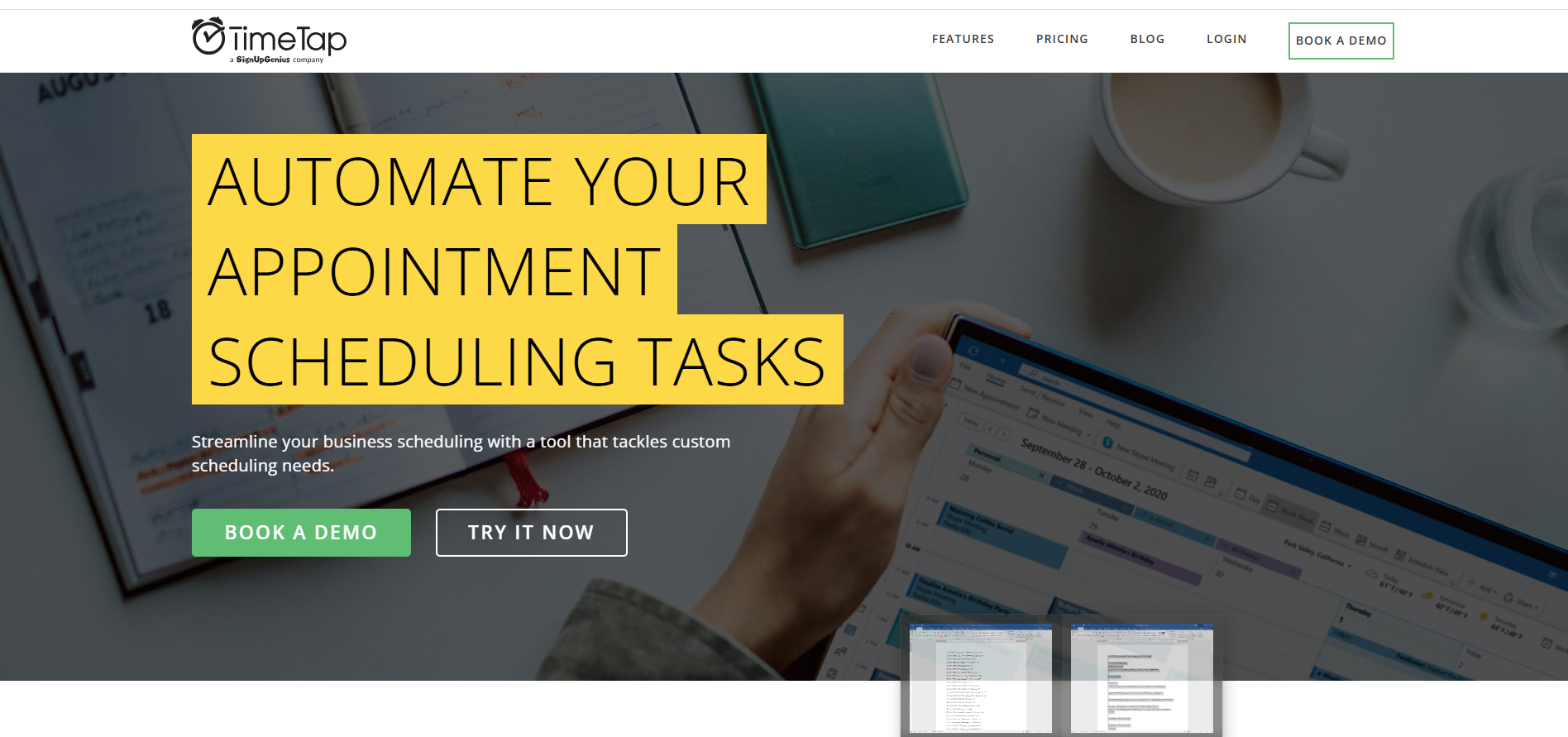
TimeTap is a specialized scheduling tool designed for public sector organizations, healthcare providers, and educational institutions. It offers HIPAA-compliant scheduling, ensuring sensitive client and patient information remains secure, while providing advanced tools for staff assignment and appointment management.
With features like automated reminders, calendar integrations, and flexible scheduling options, TimeTap streamlines operations and reduces administrative workload. Its focus on security, compliance, and efficiency makes it an ideal solution for organizations that need to manage appointments reliably, protect sensitive data, and optimize staff productivity.
Features
- HIPAA compliance – healthcare-ready
- Intake forms – gather pre-visit info
- Staff scheduling – resource planning
- Role-based access – secure user management
- Mobile access – book and manage on the go
- Waitlists – handle overflow demand
Review
Praised for compliance and flexibility. Users suggest design and UX improvements could enhance the experience.
Pros
- Scheduling software supports secure healthcare use cases
- Scheduling software manages appointments at scale
- Scheduling software allows detailed user permissions
- Scheduling software works well for government/public orgs
Cons
- Interface feels outdated
- Long setup process
- Support response time varies
- Steep pricing for premium features
Final Verdict
TimeTap is a specialized scheduling software solution for sectors needing secure, regulated appointment systems.
#15. Shiftboard
Overview
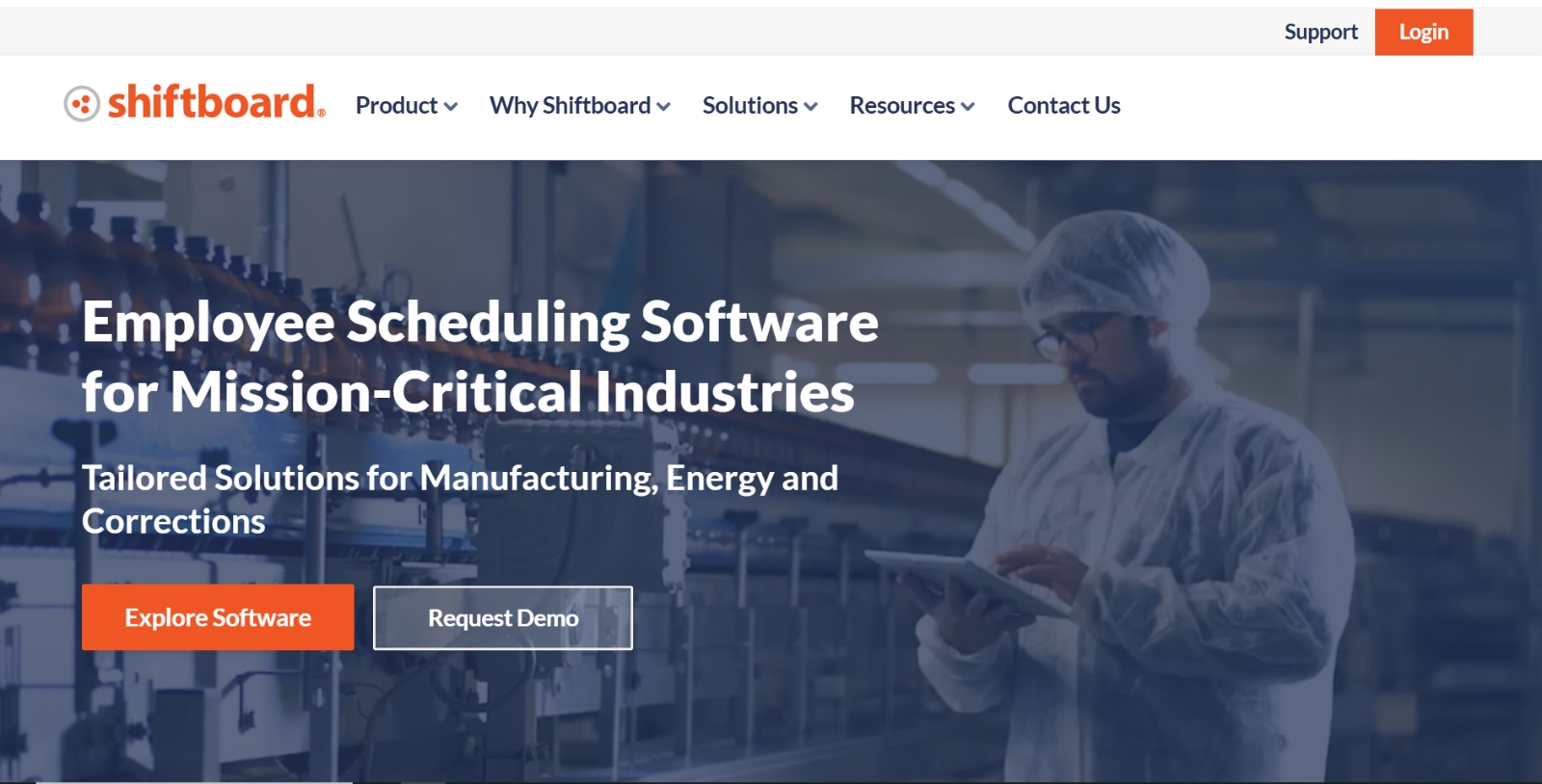
Shiftboard is a powerful scheduling and workforce management tool designed for enterprises with complex staffing needs, making it ideal for industries like logistics, manufacturing, and healthcare. It enables organizations to efficiently schedule shifts, manage workforce availability, and track employee hours across large teams.
With features like advanced shift planning, automated notifications, compliance tracking, and real-time reporting, Shiftboard ensures smooth operations even in the most demanding work environments. Its focus on optimizing workforce efficiency, reducing scheduling conflicts, and improving productivity makes it a top choice for businesses managing large, shift-based teams.
Features
- Dynamic shift planning – optimize coverage
- Compliance tracking – prevent labor law violations
- Real-time communication – notify schedule changes
- Mobile scheduling – remote access for workers
- Labor forecasting – match staffing to demand
- Integration APIs – connect enterprise systems
Review
Shiftboard wins points for robust features and scalability. However, it may be too complex for smaller operations.
Pros
- Scheduling software scales across large teams and locations
- Scheduling software ensures compliance with labor rules
- Scheduling software adjusts shifts in real time
- Scheduling software integrates into enterprise HR systems
Cons
- Complexity can hinder onboarding
- Pricing not transparent
- Limited appeal for SMBs
- UI not the most modern
Final Verdict
Shiftboard is powerful scheduling software designed for enterprises managing high-volume, regulated shift work.
Additional Considerations Before Choosing Scheduling Software
While the 15 tools listed above offer excellent functionality, selecting the best scheduling software for your specific business still requires strategic consideration. Here are a few more tips and trends to consider as you finalize your choice:
- AI and Machine Learning: Some advanced scheduling platforms are beginning to integrate predictive analytics and AI-based recommendations for optimal resource allocation.
- Accessibility and Inclusion: Ensure your scheduling system meets ADA compliance and is easy to use across all devices.
- Mobile-First Experience: With more workers relying on smartphones, mobile usability can make or break adoption.
- Industry-Specific Features: Look for tools that offer templates or modules tailored to your sector—whether healthcare, education, retail, or professional services.
- Support and Onboarding: A strong support system and easy onboarding process are crucial, especially for larger or less tech-savvy teams.
As remote work continues and the hybrid model solidifies, the demand for responsive, integrated, and cloud-based scheduling software will only grow. Stay ahead by investing in platforms that are both robust and adaptable to change.
Conclusion
Choosing the right scheduling software in the USA in 2025 can transform how teams operate, helping them automate repetitive tasks, integrate workflows, and deliver exceptional service. Whether you’re a solopreneur or managing a national enterprise, there’s a perfect tool tailored for your needs.
Recommended Picks:
- For startups: Setmore or Zoho Bookings
- For mid-sized firms: Acuity or Square Appointments
- For enterprises: Shiftboard or TimeTap
Embrace the power of scheduling software to drive ROI, productivity, and team alignment across digital platforms.
Frequently Asked Questions (FAQs)
What is the best scheduling software in the USA for small teams?
Setmore and Appointlet offer robust free plans, ideal for lean teams.
Are these tools cloud-based and secure?
Yes, all tools listed are cloud-based and follow strong encryption and compliance protocols.
What’s the price range for scheduling software platforms?
Free to $30/user/month for SMBs; Enterprise plans vary from $50 to custom quotes.
Do these tools integrate with CRMs and calendars?
Yes. Integration with Google Calendar, Outlook, Salesforce, HubSpot is common.
Which scheduling software supports remote teams and complex shift planning?
Shiftboard and When I Work offer advanced workforce scheduling and support remote operations.
