
Ever feel like running a small team is basically herding cats while juggling everything else at once? HR tasks, of course, end up at the very bottom of the list when you’re buried in client work, orders, or just trying to keep the coffee flowing.
But here’s the good news: Free HR software for beginners helps small businesses manage employee records, attendance, onboarding, and basic payroll without expensive HR systems.
In this guide, I’ll walk you through what each tool brings to the table, how they compare, and which ones might fit your workflow—coming from someone who’s definitely lived the small-business hustle.
What is Free HR Software for Beginners?
Ever wonder what “free HR software for beginners” actually means — and whether something like that can really help when you’re running a small team on a tight budget? In simple terms, it refers to HR tools that are easy to use, cost nothing (or very little), and cover basic HR functions — ideal when you’re just starting out or have a small staff.
Such software typically gives you the essentials: storing employee records, tracking attendance and time-off, managing leave, maybe simple onboarding or payroll — all without overwhelming you with complex features or hefty fees. These tools are geared for small teams and first-time HR users.
How Does Free HR Software Work?
Ever wondered what actually happens when you start using free HR software? In simple terms, it takes all the messy, time-consuming HR tasks and organizes them in one central, easy-to-use system.
When you set it up, the software creates a digital employee database where all staff information—like contact details, job roles, and employment history—is securely stored. It automates routine tasks such as tracking attendance, managing leave requests, and even calculating basic payroll. Many tools also provide an employee self-service portal, so your team can check their own records, submit leave requests, and view payslips without constantly bothering HR.
Behind the scenes, everything runs on pre-built modules, automation, and dashboards, turning manual spreadsheets and paperwork into a streamlined, organized workflow — perfect for small teams and beginners.
Benefits of Free HR Software for Beginners
Free HR software isn’t just about saving money—it actually makes managing your team simpler and more efficient. Here’s what it brings to the table:
- Saves Time: Automates repetitive tasks like attendance tracking, leave management, and payroll calculations, freeing you to focus on more important work.
- Reduces Errors: Manual spreadsheets and paperwork are prone to mistakes; software keeps everything accurate and consistent.
- Centralized Employee Data: All staff information is stored in one place, making it easy to access, update, and track records.
- Easy to Use: Designed for beginners and small teams, the interface is simple, intuitive, and requires little to no HR expertise.
- Improves Employee Experience: Staff can check their own records, apply for leave, and view payslips via self-service portals—reducing back-and-forth.
- Scalable: Start small for free, and easily upgrade or move to more advanced tools as your team grows.
- Better Insights: Many tools provide basic reports on attendance, leave trends, and payroll summaries to help you make informed decisions.
Quick Comparison: Best Free HR Software for Beginners in 2027
| Software | Best For | Main Features | Free Plan |
|---|---|---|---|
| Zoho People | Small teams | Employee records, attendance, leave management | Up to 5 users |
| Bitrix24 | Remote teams & collaboration | HR tools, communication, task management | Free plan available |
| Freshteam | Hiring and onboarding | Recruitment, ATS, employee database | Free plan available |
| Homebase | Shift-based businesses | Scheduling, time tracking, attendance | Free plan available |
| OrangeHRM | Open-source HR needs | Employee management, leave, recruitment | Free edition available |
| Horilla HRMS | Full HR management | Payroll, attendance, performance, recruitment | Free & open-source |
| Kredily | Payroll-focused teams | Payroll, compliance, attendance | Free plan available |
| WebHR | All-in-one HR needs | Payroll, reports, recruitment, performance | Free plan available |
| HR.my | Budget-conscious businesses | Payroll, attendance, employee records | Free forever |
| Connecteam | Remote & field workers | Scheduling, communication, time tracking | Free plan available |
Top Free HR Software for Beginners in 2027
Here are top 10 HR software for beginners in 2027:
- Zoho People
- Bitrix24
- Freshteam
- Homebase
- OrangeHRM
- Horilla
- Kredily
- WebHR
- HR.my
- Connecteam
1. Zoho People

Overview
Zoho People is a cloud‑based HR platform that helps small teams manage core HR tasks: employee records, attendance/leave tracking, onboarding, and more — all from one dashboard. It’s designed to be simple and scalable: you can start small (e.g. under 5 users) with basic functions and upgrade later when needed.
Key Features
- Employee database and record‑keeping
- Attendance and time tracking, plus leave management
- Onboarding and recruitment workflows (jobs, e‑offers, onboarding checklists)
- Performance reviews and training/learning management (for paid plans)
- Mobile access and employee self‑service portal (leave requests, attendance, personal info)
Pros
- Clean and user‑friendly interface — easy for beginners.
- Good for very small teams (free plan up to 5 users) without upfront cost.
- All basic HR needs covered: record‑keeping, attendance, leave, onboarding, etc.
- Integrates nicely if you use other tools from the same ecosystem (or external tools) — helpful as you grow.
- Helps move away from spreadsheets/paperwork: more secure & organized.
Cons / Limitations
- Free plan is quite limited (only up to 5 users), so not ideal if you have a larger team.
- Advanced features (performance management, analytics, payroll integrations) require paid plan.
- Mobile version and some features may feel less robust on free plan.
Final verdict:
Zoho People is a great starting point if you have a small team (5 people or less) and want a simple, all‑in‑one HR system without costs. As you grow, you can upgrade for more power.
2. Bitrix24
Overview
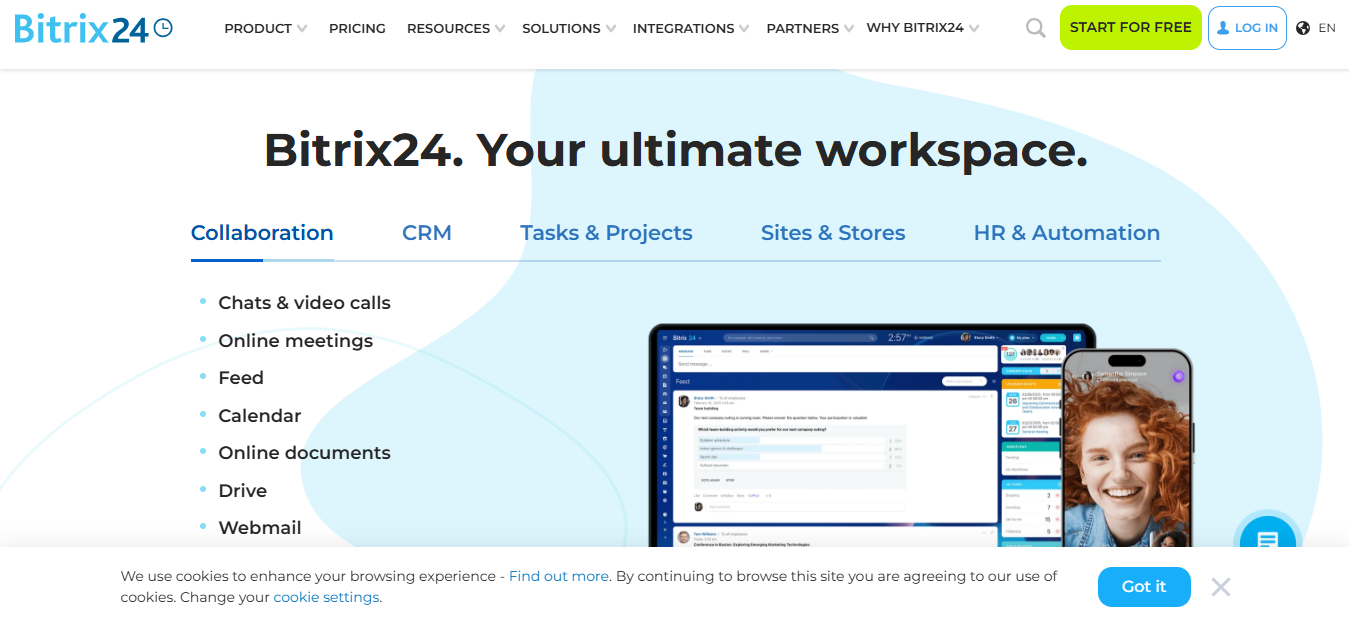
Bitrix24 is more than just HR software — it’s a full collaboration + productivity + HR platform — which makes it attractive for small businesses wanting both HR and general work‑management tools. Its free tier allows small teams to manage employee info, attendance/time tracking, leave/absence scheduling, and also use features like chat, document sharing, and calendars.
Key Features
- Employee directory / HR contact database
- Time & attendance tracking + absence/leave management
- Onboarding/ offboarding and HR workflow templates (leave types, holiday calendars)
- Built-in communication / collaboration tools (chat, document sharing, scheduling) helpful for team coordination
- Mobile & remote‑friendly access — good for teams that work remotely or in shifts.
Pros
- Combines HR + project & communication tools — handy if you don’t run separate apps for chat, tasks, HR.
- Free for unlimited users (though with storage/feature limits) — useful for larger small teams.
- Flexible leave types, holiday calendars & attendance rules — good for different local or remote setups.
- Good for onboarding/HR process automation — reduces manual paperwork.
- Offers a self‑hosted version if you prefer on‑premise installation (instead of cloud) — gives more control.
Cons / Limitations
- Because it has many tools and features, the interface can feel overwhelming for first-time users.
- Some features or storage might be limited in free version (e.g. cloud storage quota).
- For full HR beyond basic attendance and directory (like payroll, advanced reports), you may need paid plan or additional modules.
- Managing privacy/permissions across modules can be complex if many users or departments.
Final verdict:
Bitrix24 works very well if you want a “one app to rule them all” approach — combining HR, communication, and collaboration tools — especially if your team is remote or uses many tools already. Just be ready to spend a little time learning the interface.
3. Freshteam

Overview
Freshteam is a friendly HR software focused on recruitment, hiring, and onboarding — great if you are in growth mode or frequently add new employees. It also handles basic employee data and leave management, so even after hiring, you can keep track of staff info and manage time off.
Key Features
- Applicant‑tracking system (ATS): post jobs, track candidates, manage hiring pipeline
- Employee directory and HR database (after hiring)
- Leave/time off management for employees
- Basic onboarding tools / career website + job posting support for recruitment
- Mobile access — useful if you or your team are not always at office desktops
Pros
- Excellent for hiring and onboarding — simplifies recruitment process a lot.
- Free plan supports up to 50 employees — generous compared to many “free HR tools.”
- Good for fast‑growing small businesses or startups adding new staff frequently.
- Intuitive and easy to use — not overloaded with features for a simple HR admin.
- Helps centralize employee data and hiring history — useful for record‑keeping from day one.
Cons / Limitations
- Free plan focuses mostly on hiring/onboarding — lacks deeper HR functions (e.g. payroll, performance management).
- Only allows limited number of active job postings (for example 3 at a time) in free plan.
- As company grows or needs advance HR features, you’ll likely need to upgrade — free plan may not scale.
Final verdict:
Freshteam is excellent if you are building your team now — hiring new people often, onboarding them, and want to keep HR simple. If you need payroll or deeper HR later, you may need to plan for upgrade.
4. Homebase
Overview
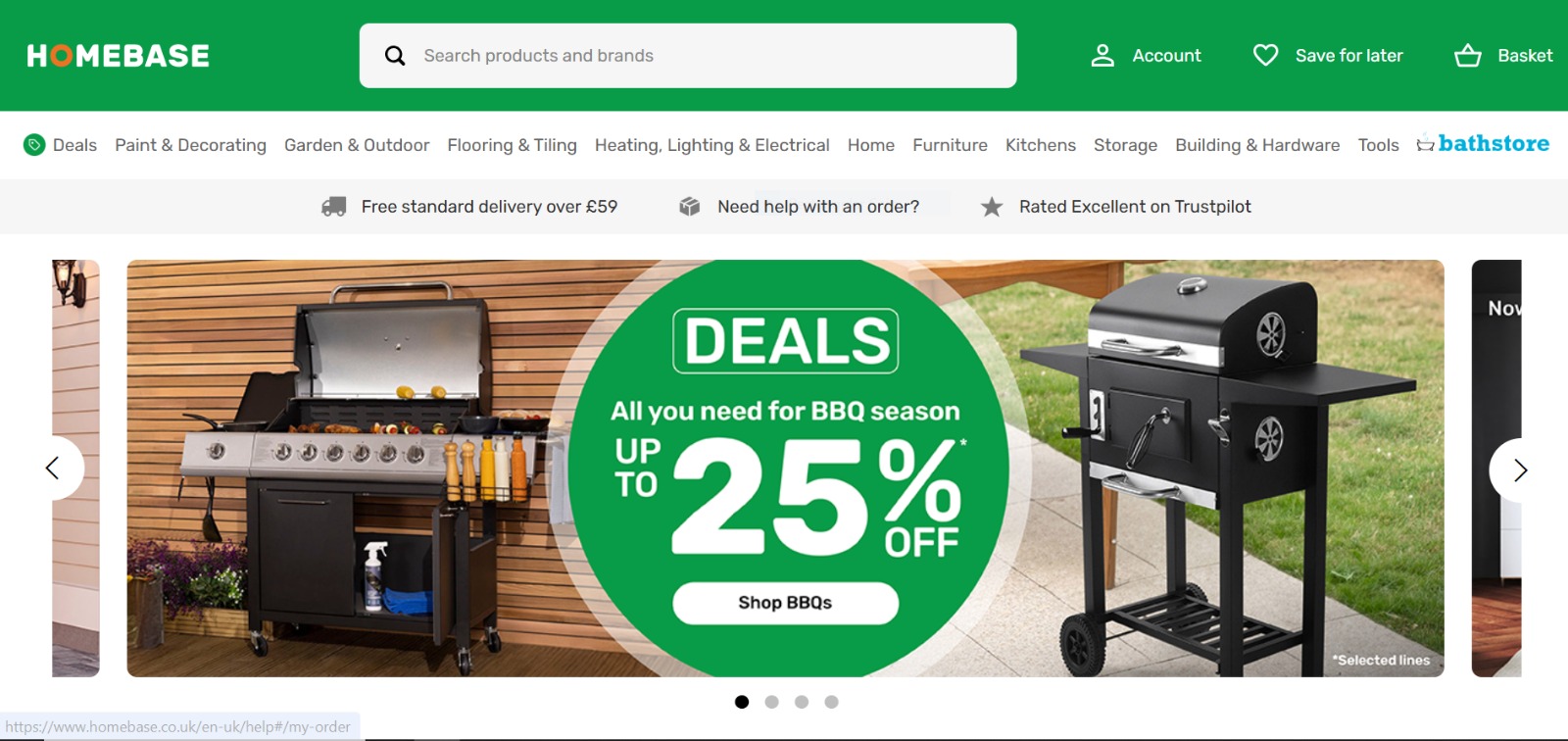
Homebase aims at small businesses, especially hourly‑based, shift‑based, or location‑based teams (like retail, small shops, restaurants). Its free plan covers time tracking, scheduling, and basic HR/time‑management — useful when you run a small team with shifts. It’s more light‑weight than full HR suites — that makes it less intimidating if you want something simple and practical for day‑to‑day operations.
Key Features
- Time tracking & timesheet exports for payroll/use later
- Employee scheduling and shift management + roster display
- Leave/time‑off request management and tracking (availability, vacation, etc.)
- Basic team communication tools — for small teams to coordinate easily
- Mobile app access — employees can view schedules, clock in/out, request leave from phone.
Pros
- Great for hourly‑ or shift‑based small businesses — scheduling and time tracking are easy.
- Free plan allows unlimited employees (for one location) — so small businesses with many hourly workers can still use it.
- Easy to set up and use — minimal HR knowledge needed.
- Helps reduce manual attendance & scheduling chaos — useful if you have variable shifts.
- Good for small shops/restaurants or businesses with simple payroll/time‑sheet needs.
Cons / Limitations
- Doesn’t offer full HR suite — limited to scheduling, attendance, and basic HR/time management.
- No built‑in advanced HR features like performance reviews, detailed payroll, or onboarding workflows on free plan.
- Some features (like payroll, onboarding, advanced reports) require paid upgrade — so may not be enough for growing businesses.
Final verdict:
Homebase is a nice fit if you run a small shop, café, retail business or any team with hourly/shift work. For simple time tracking and scheduling, it works well — but not ideal for full HR needs.
5. OrangeHRM

Overview
OrangeHRM is an open‑source HR management system that offers a free “Starter” edition — making it a good fit for small businesses or startups who want core HR functionality without cost. With OrangeHRM you can manage everything from employee records and leave/time tracking to recruitment and performance management. Because it’s modular, you can choose what HR functions you need, which keeps things simpler while you’re starting out.
Key Features
- Employee management & HR administration — store and manage employee data from one place.
- Leave and time attendance / time tracking — manage PTO, track working hours, check-ins/outs, and attendance.
- Recruitment / Applicant Tracking System (ATS) and onboarding — job posting, applicant tracking, hiring workflows.
- Performance management — performance reviews, goal-setting (KPIs), employee evaluations.
- Reporting & analytics — basic reports for HR metrics and data-driven insights (leave reports, attendance, employee stats).
Pros
- Because it’s open‑source and free, you avoid licensing costs — good for tight budgets / small teams.
- Covers many HR functions in a single platform — you don’t need separate tools for leave, attendance, recruitment, etc.
- Scales: because you can pick modules, it works for a small business now — but has room to grow if your team expands.
- Offers both cloud-based and on‑premise/self‑hosted deployment — flexible based on your IT setup.
Cons / Limitations
- The interface and usability can feel a bit outdated compared with newer, more modern HR tools.
- The free “Starter” version lacks some advanced features (e.g. payroll automation, deep integrations); for full capabilities you may need paid or add‑on modules.
- Reporting and analytics are basic; if your business needs complex reports or detailed HR‑analytics, you might find them insufficient.
Final verdict
OrangeHRM is a solid, no‑cost starting point if you want a full HR suite (records, leave, attendance, recruitment, performance) without monthly fees. It might lack some modern polish or advanced automation, but for a small or growing team — especially if you want self‑hosting — it’s a practical, reliable choice.
6. Horilla HRMS

Overview
Horilla HRMS is an open‑source, free-to-use HR software — you can self‑host or use as cloud depending on your preference. It aims to cover the entire HR lifecycle: attendance and time tracking, recruitment, onboarding, payroll, leave management, performance review, asset management, offboarding — all within one platform.
Key Features
- Attendance & time tracking — check‑in/out, biometric integration, overtime and early‑late tracking.
- Recruitment and applicant tracking — manage job postings, candidate flow, hiring stages.
- Leave and PTO management — leave requests, approvals, leave balances and history.
- Payroll & compensation management — salary, allowances/deductions, payslip generation, tax/contract handling.
- Performance management & evaluation — OKRs, 360° feedback, performance tracking modules.
Pros
- Fully open‑source and free — no subscription cost, no user‑limit, good for tight budgets.
- Very complete — combines all major HR functions (from hiring to offboarding + payroll + performance) in one tool.
- Customizable — since open‑source, you can host it yourself and adjust modules or workflows as per your needs.
- Offers additional modules like asset management, help‑desk, off‑boarding workflows — useful for companies beyond just basic HR.
Cons / Limitations
- Because it’s open‑source and self‑hosted (or requires own hosting), may need some technical setup / IT skills compared to cloud‑only SaaS.
- Less polish / UI friendliness compared to paid SaaS HR tools — might feel a bit rough around edges.
- Support may be limited — since it’s community‑driven; official support may not be as strong as commercial solutions.
Final verdict
Horilla HRMS is a powerful pick if you want a completely free, flexible, and full‑featured HR platform — especially if you’re comfortable self‑hosting or have some technical know‑how. It’s a strong contender for startups or small businesses that want full control without ongoing costs.
7. Kredily

Overview
Kredily is a cloud‑based HR and payroll platform (originally from India) that offers a “free forever” plan — combining attendance tracking, leave management, payroll automation and compliance functions in one tool. It aims to simplify HR and payroll for small companies or startups by automating repetitive tasks and reducing manual work.
Key Features
- Attendance tracking (including clock‑in/out, shift rules, geo‑fencing or location‑based clock‑in)
- Leave and absence management — employees can apply for leave, view leave balance, etc.
- Payroll automation: salary calculation, tax/ deduction calculation, payslip generation, compliance support
- Employee database and profile management — store employee info, documents, records, etc.
- Support for multi‑company or multi‑branch payroll/HR management (useful if you have more than one location)
Pros
- Truly free‑forever option for core HR + payroll tasks — rare among HR tools today.
- Automates payroll and attendance together — removes errors and manual spreadsheet work.
- Handy for small to medium businesses or startups that need payroll + HR without heavy costs.
- Mobile‑friendly and supports selfie/geo‑based attendance (good for field staff or remote/hybrid teams).
- Can manage multiple branches/locations — useful if you scale to more than one site.
Cons / Limitations
- Some users report limitations: e.g. tax/TDS/benefit‑computation features might be less clear or limited depending on plan.
- Might lack advanced HR modules (performance reviews, recruitment tracking, advanced analytics) compared to bigger HR suites.
- As it’s designed for markets like India, compliance/tax rules may not fit every country — potential issues outside its target region.
Final verdict:
Kredily is a strong pick if you mainly need attendance + leave + payroll + basic HR and want to avoid paying anything. Good for startups or small businesses — but if you need advanced HR features, you might need to look elsewhere or upgrade later.
8. WebHR
Overview
WebHR is a cloud-based HRMS platform that tries to cover the full “hire to retire” lifecycle: recruitment, onboarding, attendance, payroll, performance, leave, scheduling — all in one place. It targets small to mid‑sized businesses, offering a free (or low-cost) entry point, but also flexible modules and add‑ons as you grow.
Key Features
- Recruitment & onboarding modules: job posting, applicant tracking, candidate data management.
- Time & attendance tracking + leave / PTO management + scheduling / shift planning.
- Payroll processing and integration — combining time/attendance with salary/compensation calculation.
- Performance & employee evaluation toolkit (feedback, reviews, performance tracking) including 360‑degree reviews.
- Document management, employee records and HR database — store staff data, documents, history, etc.
Pros
- Offers almost a full HR suite — recruitment, attendance, payroll, performance — in a single tool.
- Interface is fairly easy to use, even for first-time users; good balance of features vs complexity.
- Employees get self‑service features: they can access payslips, request leave, view attendance — reduces HR workload.
- Reports and analytics available — helps with decision‑making, tracking overtime, payroll costs, leaves etc.
- Works for different types of companies — small, medium, multi‑branch — fairly flexible and modular.
Cons / Limitations
- For some users, setup and configuration (access roles, permissions) can be confusing at first.
- Free or low-cost tiers may have limitations — to unlock full potential, paid features might be needed.
- Some users report slower performance, and fewer customization options compared to enterprise‑grade HR systems.
Final verdict:
WebHR is one of the most complete “free-friendly” HR tools out there — great if you want a single platform that can scale with you. It may take some setup, but once configured, it covers nearly all needs for small to mid‑sized businesses.
9. HR.my

Overview
HR.my is a web-based HR & payroll system that claims to be “free forever,” offering unlimited employee management, data storage, and essential HR functions at no cost. It’s particularly suited for small to medium‑size companies on a tight budget, offering a simple setup without complicated licensing or per‑user fees.
Key Features
- Unlimited employees and data storage — you can add as many employees as you want without worrying about user‑limits.
- Leave management and time clock / attendance — employees can clock in/out via web, manager can approve leave, view attendance records.
- Payroll processing (basic) — pay‑slip generation, salary processing (monthly, weekly, etc.).
- Expense claim & document workflow — employees can submit expense claims (with receipt uploads), documents/forms can be shared or stored.
- Employee self-service portal & collaboration tools — staff can log in, view attendance/leave/pay, update personal info; also discussion board / internal forum for company communication.
Pros
- Truly free forever for unlimited employees — rare among HR tools, ideal for growing small businesses.
- Includes many useful modules: attendance, payroll, expense claims, leave, document sharing — covers essential HR needs without extra cost.
- Secure — data encrypted in transit and at rest, with optional two‑factor authentication, secure backups.
- Accessible — works through browser or mobile app, so employees and managers can access HR info from anywhere.
Cons / Limitations
- Payroll tax calculation or contractor payments may not be supported — not ideal if you need full payroll compliance or complex payroll setups.
- Interface isn’t the most modern or polished; navigation and layout can get a bit cluttered when system grows.
- Ads appear in free version (though optional sponsorship can remove them) — this might annoy some users.
Final verdict
HR.my is a surprisingly generous, truly free-for-life HR system — a solid choice if you’re on a budget and need basic HR + payroll + attendance + claims for a small to mid‑size team. It may not be fancy or perfect for complex payroll/tax needs — but for many small businesses, it offers more than enough.
10. Connecteam
Overview
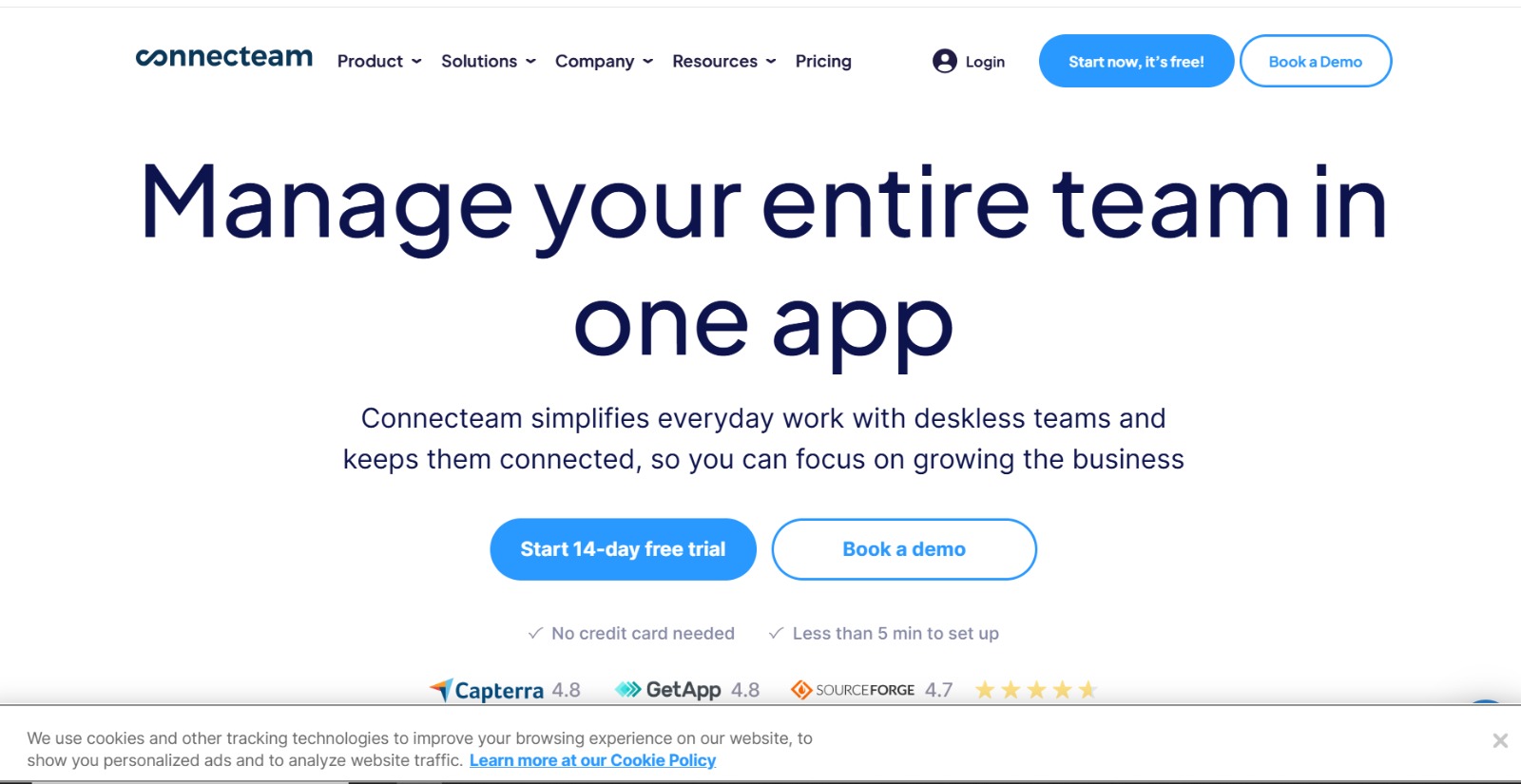
Connecteam is a mobile-first employee management and HR tool designed especially for small teams, shift‑based staff, or companies with remote/field workers. It combines HR, operations, scheduling, time tracking, communication, and even training — so you don’t need multiple apps. For small teams, there is a free plan that covers basic HR and team management needs.
Key Features
- Time tracking & shift scheduling — clock in/out, track hours, schedule shifts and roster management.
- Team communication & collaboration — in‑app chat, announcements, file/share capabilities for documents or SOPs.
- HR & staff management — manage employee profiles, handle simple HR tasks, store staff information.
- Mobile app support (iOS & Android) + web interface — works on the go, ideal for remote or field staff.
- Workflow & task management — custom forms/checklists, task assignments, training modules or SOPs for staff.
Pros
- Very easy to use, simple interface — good for teams that don’t have dedicated HR staff or are not tech-savvy.
- Mobile-first design — ideal if your staff works in shifts, remotely, or in field; everyone can use from phone.
- Free plan for small teams — usable option for up to ~10 users without cost, a good starting point for small businesses.
- Combines HR, scheduling, communication — reduces need for multiple separate tools, simplifying work and cost.
Cons / Limitations
- Free plan is limited — some advanced features (e.g. GPS tracking, advanced reporting, integrations) require paid upgrade.
- Interface and dashboard can get cluttered or overwhelming, especially if many modules are used.
- Performance issues reported by some users — slow loading or occasional bugs, especially on mobile.
Final verdict
Connecteam is a good fit if you have a small or shift‑based team — especially with remote or field workers — and want a simple, mobile-friendly HR + scheduling + communication solution. It covers core needs well, but as your team grows or needs get more complex, you may need to consider a more feature-rich HRMS.
Conclusion
Free HR software offers a big boost to small teams, startups, or first‑time business owners — allowing you to keep HR tasks organized, reduce paperwork, and save time and money without a big upfront cost. Many of these tools offer employee databases, attendance/leave tracking, self‑service portals, and basic payroll or scheduling features, helping you replace messy spreadsheets or handwritten files with a tidy, centralized system.
As your team grows, you get flexibility: you can stick with a free plan (if it still fits) or upgrade to a paid plan or more advanced tool — offering scalability without early financial commitment.
In short, free HR software is often the most practical way to begin formal HR management. It gives you enough structure to manage employees, attendance, leave, payroll basics, and more — letting you focus on growing your business instead of drowning in admin tasks.
Frequently Asked Questions (FAQs)
What is free HR software?
Free HR software is a tool that helps businesses manage HR tasks like employee records, attendance, leave tracking, and basic payroll — without charging a subscription fee. Many tools offer “freemium” plans where core features are free, while advanced features may require payment.
Who can use free HR software?
It’s ideal for small businesses, startups, and beginners who need an easy way to organize HR processes without investing in expensive software. Teams with a limited number of employees or basic HR needs benefit the most.
What are the limitations of free HR software?
Common limitations include a restricted number of users, fewer features (such as advanced payroll, analytics, or performance management), limited storage, and sometimes basic support only.
Is free HR software secure?
Yes. Most free HR tools store employee data securely with access controls and encryption, making them safer than spreadsheets or paper files. However, advanced compliance features may require a paid plan.
When should I upgrade to paid HR software?
Consider upgrading when your team grows beyond free plan limits, your HR processes become more complex, or you need advanced features like full payroll compliance, detailed analytics, performance reviews, or dedicated customer support.
Can free HR software handle payroll?
Many free tools handle basic payroll, such as salary calculations and pay-slip generation. For full tax compliance, benefits management, or multi-country payroll, a paid plan or more advanced HRMS is usually required.
