
Building an app used to require coding skills, long development cycles, and expensive teams. Many businesses, entrepreneurs, and creators struggled to bring their ideas to life because technical barriers slowed them down—or blocked them entirely.
No-code app builders solve this problem by letting anyone create fully functional apps without writing a single line of code. With drag-and-drop interfaces, pre-built templates, and smart integrations, these tools make app development faster, easier, and more accessible than ever.
In this article, we’ve carefully researched and selected the 10 best no-code app builders in 2027. Whether you want to launch a business app, a workflow tool, or a customer-facing product, these platforms help you turn ideas into real apps quickly and efficiently—no technical expertise required.
What is No-Code App Builder?
No-code app builder is a software platform that lets you create mobile apps or web apps without writing any code. Instead of programming, you use visual tools like drag-and-drop editors, pre-built templates, and simple settings to design how your app looks and works.
These platforms handle the technical side—such as databases, logic, and hosting—so users can focus on building features and launching apps quickly. No-code app builders are widely used by startups, small businesses, marketers, and non-technical founders.
In 2027, no-code app builders support advanced features like:
- User authentication and roles
- Payment integrations
- API and third-party tool connections
- Mobile and web app deployment
Simply put, a no-code app builder turns your app idea into a working product without needing a developer or coding skills.
What You Can Build: App Types and Platforms
Modern no-code app builders are highly versatile. You are no longer limited to simple websites or basic forms. In 2027, these platforms allow you to build fully functional, production-ready applications for many different use cases.
With a no-code app builder, you can create:
- Customer Portals: Secure platforms where users can manage accounts, track orders, submit requests, or access premium content.
- Internal Tools: Custom dashboards, admin panels, and internal CRMs designed to improve workflows and streamline daily operations. Many large organizations now rely on no-code tools for internal systems.
- Online Marketplaces: Platforms that connect buyers and sellers with features such as user profiles, product listings, messaging, and payment support.
- SaaS Applications: Subscription-based software products that can be launched and scaled globally without traditional development.
These applications can be deployed as responsive web apps that work on any browser. Some no-code platforms also support progressive web apps (PWAs) and native mobile apps for iOS and Android, helping you reach users across multiple devices.
Benefits, Limitations, and Learning Curve
Using a no-code app builder comes with many advantages, but it’s important to understand its limitations before choosing a platform.
Benefits
- Faster Development: No-code tools dramatically reduce app development time. You can move from idea to launch in days or weeks instead of months, which is a major reason why the no-code market continues to grow rapidly.
- Lower Costs: By minimizing the need for professional developers, no-code platforms help reduce both development and ongoing maintenance costs.
- Greater Accessibility: No-code app builders make software creation accessible to non-technical users. Founders, marketers, and designers can build, test, and improve apps without relying on engineering teams.
Limitations
- Scalability Challenges: Some no-code platforms may face performance issues as your app grows in users and data. For long-term projects, choosing a tool that offers flexible backend options is important.
- Customization Limits: While no-code platforms are flexible, they may not support highly complex or unique features that fall outside their built-in capabilities.
- Platform Dependency: Certain tools lock you into their ecosystem, making it difficult to migrate your app later. Platforms that allow you to retain control over your data and app structure offer more long-term flexibility.
Learning Curve
The learning curve for no-code app builders is generally much easier than learning traditional programming. Most users can create basic apps within a few hours or days. However, building advanced, professional-grade applications requires time, practice, and a solid understanding of the platform’s features and logic.
How to Choose a No-Code App Builder
Choosing the right no-code app builder plays a major role in the success of your app. Before making a decision, it’s important to evaluate each platform based on the features that matter most for long-term growth and performance.
Below are the key factors to consider:
Backend Flexibility
Look for platforms that allow connections to REST APIs, external services, or SQL databases, rather than forcing you to use a closed, proprietary backend.
Why it matters: Backend flexibility ensures your app can scale and easily integrate with your existing tools and data sources.
Design Control
Check whether the platform provides a visual editor with fine control over layout, styling, and responsive design.
Why it matters: A professional design and smooth user experience across devices are essential for user trust and engagement.
Extensibility
Some no-code builders allow you to add custom code or import external components when needed.
Why it matters: Even in no-code environments, this flexibility acts as a safety net for advanced or unique features.
Hosting and Deployment Options
Evaluate whether the platform supports self-hosting, multiple environments (such as staging and production), and flexible deployment settings.
Why it matters: Hosting control improves data security, compliance, and enterprise readiness.
Pricing Model
Review how pricing is calculated—by users, data records, features, or usage—and whether costs scale predictably as your app grows.
Why it matters: A transparent pricing structure helps you avoid unexpected expenses in the future.
Best No-Code App Builders in 2027
Below is a carefully selected list of the best no-code app builders in 2027, chosen for their features, flexibility, scalability, and real-world use cases across web and mobile applications.
- WeWeb
- Bubble
- AppSheet
- Adalo
- Glide
- Softr
- Thunkable
- FlutterFlow
- GoodBarber
- Betty Blocks
1. WeWeb
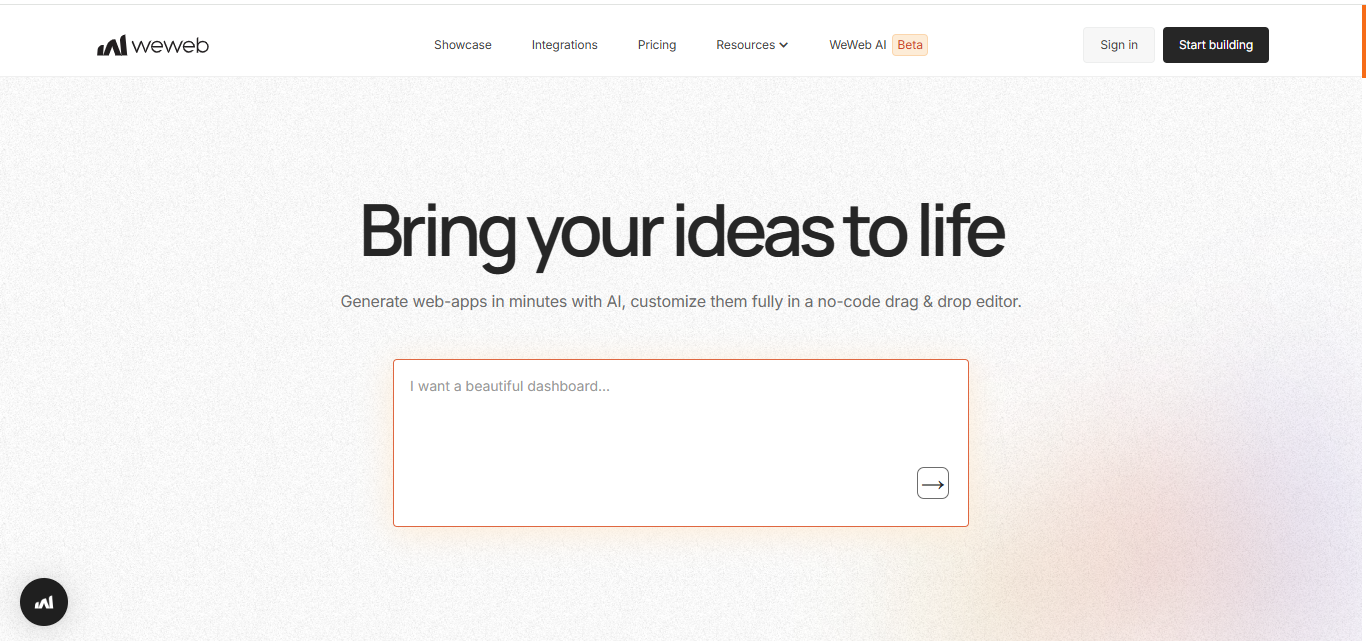
WeWeb is a visual, front-end-focused no-code web app builder designed for teams that want full design control and backend flexibility. It combines a drag-and-drop interface with AI tools to help generate user interfaces and workflows, while remaining completely backend-agnostic. You can connect WeWeb to any REST or GraphQL API, as well as popular backend services like Supabase and Xano, and deploy apps with a single click or export the code to host it yourself.
This platform is best suited for founders, agencies, and product teams that want scalable apps without vendor lock-in and full ownership of their project.
Build faster with WeWeb
- AI-powered tools for creating UIs, custom components, workflows, and Supabase backends
- Support for REST and GraphQL APIs, plus native integrations with Supabase and Xano
- One-click deployment via a global CDN or code export for self-hosting as a Vue.js app
- Advanced extensibility through custom Vue components and NPM packages
- Staging and production environments with team collaboration features
Why teams choose WeWeb (and limitations to consider)
- Strength: Code export and self-hosting options help avoid vendor lock-in
- Strength: Unlimited app users on all plans, with no per-user app fees
- Limitation: A separate backend service is usually required for production apps
- Limitation: Some built-in plugins depend on WeWeb services and may not fully support self-hosting
Pricing overview
- Free plan: Create and publish unlimited projects on a WeWeb subdomain with branding
- Paid plans from $16 per seat/month: Unlock code export, self-hosting, and GitHub integration
- Optional hosting add-ons are available, while self-hosting removes most platform restrictions
2. Bubble
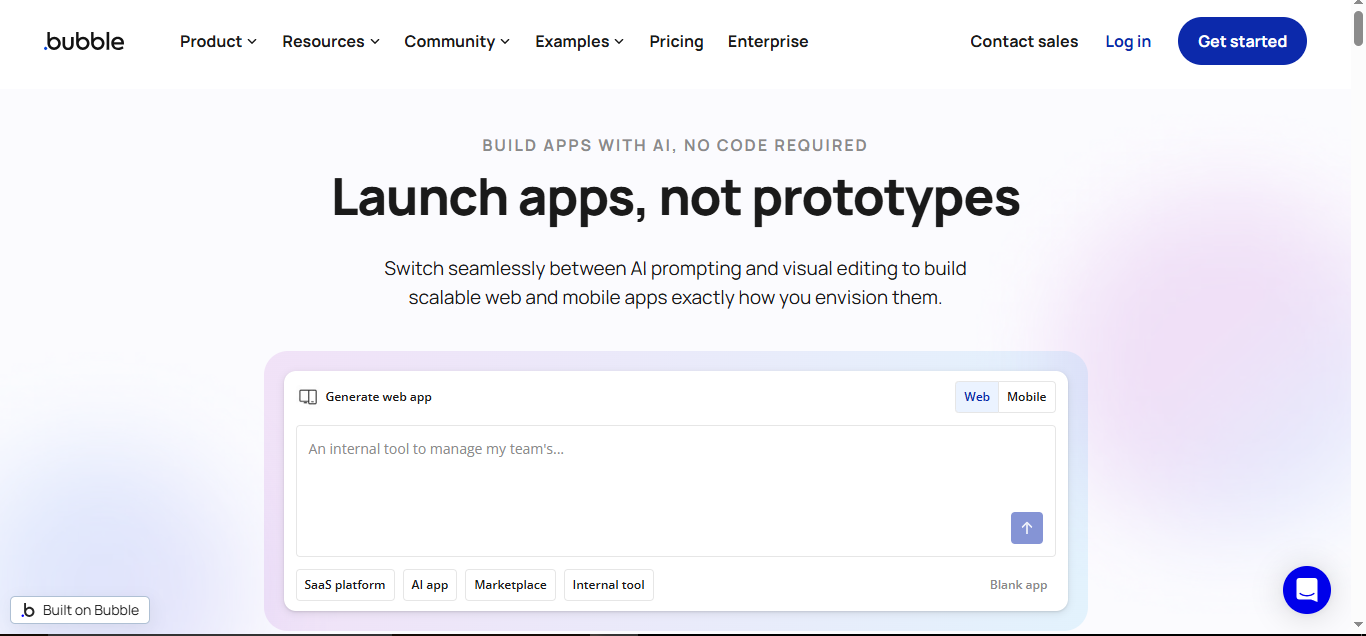
Bubble is a full-stack no-code platform that allows you to design user interfaces, manage data, and run workflows to build complete web and native mobile apps—without writing a single line of code. It’s a powerful solution for creating SaaS products, marketplaces, and internal tools, scaling from MVPs to fully functional applications, now with native iOS and Android support.
Bubble is ideal if you want an all-in-one platform with deep logic, database management, and app-building capabilities.
Build faster with Bubble
- One platform for web apps and native iOS/Android apps
- Built-in database plus connectors for external SQL databases and any REST API
- AI tools to scaffold apps, edit UIs, and generate data types from prompts
- Managed AWS hosting with optional dedicated instances
- Team collaboration with branching version control and a changelog
Why teams choose Bubble (and what to watch)
- Strength: Complete end-to-end solution for web and mobile apps
- Limitation: No code export; apps run on Bubble’s platform, creating vendor lock-in
- Limitation: Metered pricing (Workload Units) requires optimization and can affect costs
Pricing overview
- Free plan: Build apps with limits on database records and no custom domain
- Paid plans from $32/month: Unlock live deployment and use a custom domain
- Usage-based: Costs depend on Workload Units (WU)
- Enterprise: Dedicated instances, regional hosting, and SSO options
3. AppSheet
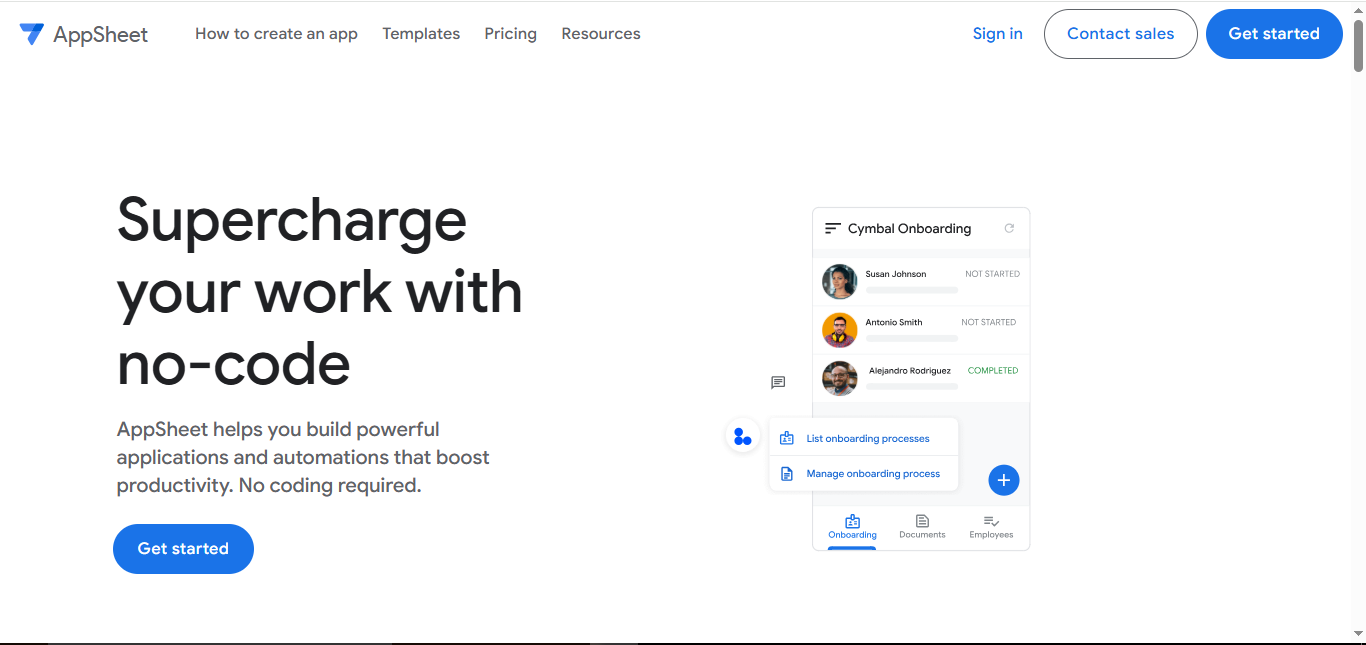
AppSheet, a Google platform, transforms business data into internal web and mobile apps using visual interfaces and automation. It’s perfect for workflow management, field operations, and asset tracking, especially for frontline teams. With deep integration into Google Workspace and strong offline capabilities, AppSheet lets organizations build secure, governed apps quickly.
Choose AppSheet if your organization relies on Google tools and needs apps that are fast to deploy, secure, and mobile-ready.
Build faster with AppSheet
- Convert data into apps with customizable views, dashboards, and an expression-based editor
- Offline sync, barcode scanning, and mobile-first features for field teams
- Connectors for Google Sheets, AppSheet’s database, and higher-tier access to Cloud SQL, BigQuery, and REST APIs
- AI-powered app creation with Gemini and intelligent document processing
- Secure deployment with SSO, SOC 2/HIPAA compliance, and fine-grained permissions
Why teams choose AppSheet (and what to watch)
- Strength: Native Google Workspace integration speeds up adoption and development
- Strength: Robust offline and mobile features make it ideal for field operations
- Limitation: Advanced SQL/API connectors are only available on higher-tier plans, which can push some organizations to upgrade
Pricing overview
- Free plan: Prototype and test apps with up to 10 users
- Paid plans from $5/user/month (Core at $10): Unlock additional features and governance tools
- Enterprise Plus: Includes cloud database/API connectors and advanced security controls
4. Adalo
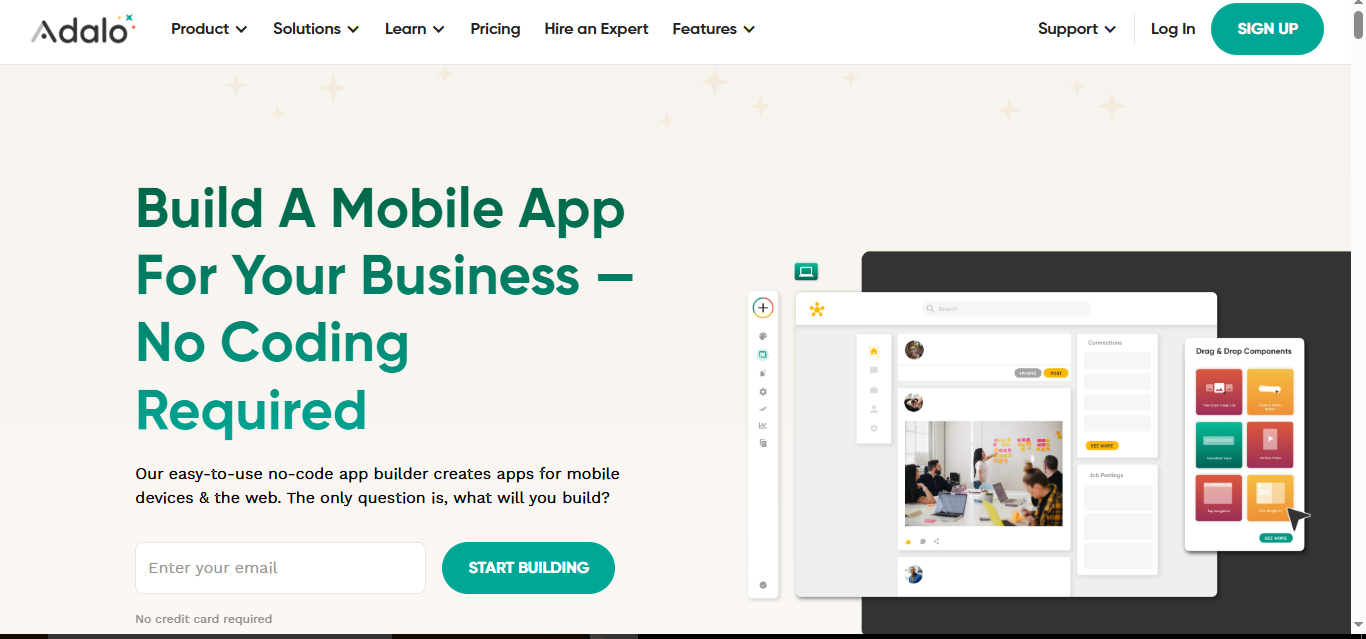
Adalo is a no-code platform for building native mobile and web apps quickly. With a drag-and-drop interface, built-in database, and one-click store publishing, Adalo is ideal for MVPs, member portals, and internal tools that need push notifications and a polished mobile experience.
Choose Adalo if you want the fastest way to launch on the App Store or Google Play without managing custom backend code.
Build faster with Adalo
- One project for responsive web apps and native iOS/Android apps
- Use Adalo’s built-in database or connect to REST APIs, Airtable, and Google Sheets
- Component marketplace plus React Native SDK for custom components
- AI-powered features through ChatGPT integrations (via Zapier or custom actions)
- Team plans include a Collections API for deeper external integrations
Why teams choose Adalo (and what to watch)
- Strength: Fastest path to launch on App Store and Play from a single project
- Strength: Extensible marketplace and custom React Native components for advanced needs
- Limitation: No code export or self-hosting; platform lock-in should be considered
- Limitation: API rate limits and latency can affect high-demand workloads
Pricing overview
- Free plan: Unlimited test apps with up to 200 records; store publishing not included
- Starter plan from $45/month: Publish one app to the web and app stores
- Team plan from $200/month: More apps, seats, and access to the Collections API
5. Glide
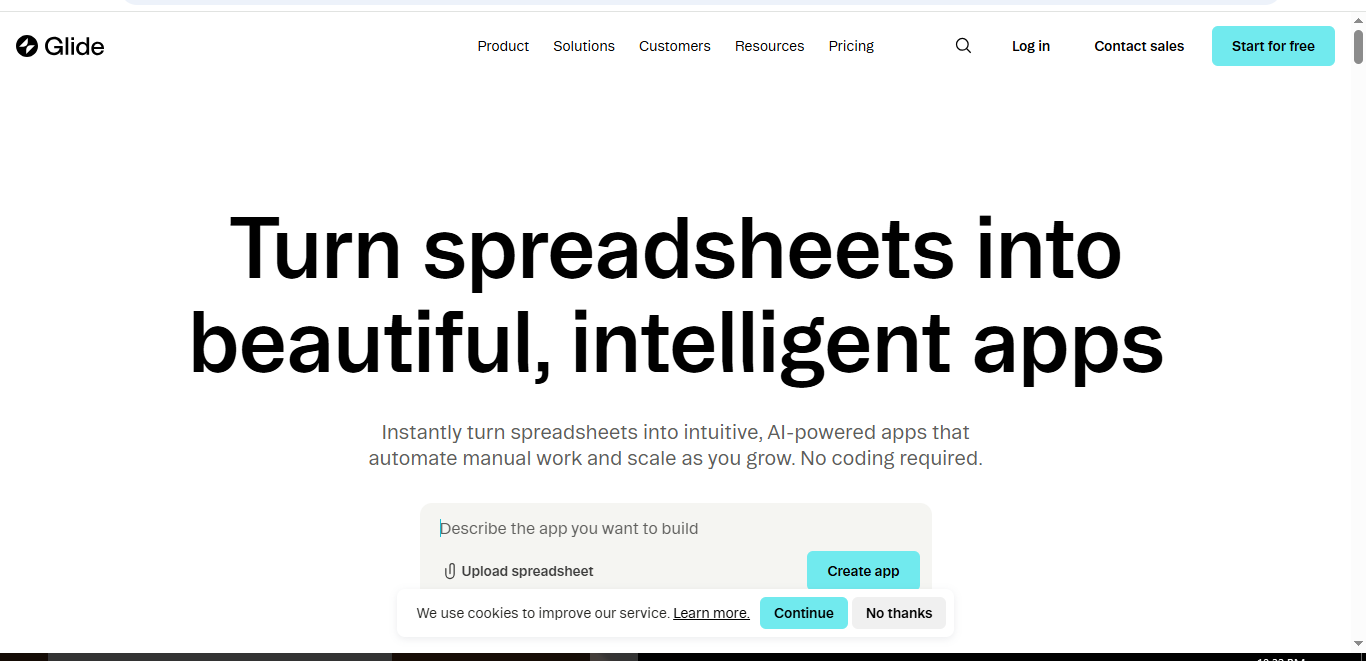
Glide is a spreadsheet-driven no-code platform for building data-rich business apps that run as installable progressive web apps (PWAs). Combining an intuitive UI builder with powerful data options—from Google Sheets to SQL—Glide is perfect for internal tools, customer portals, and field workflows.
Choose Glide if you want fast, secure apps and a smooth transition from spreadsheets to a structured database.
Build faster with Glide
- Visual builder with a data-first approach and workflow automations
- Connect to Glide Tables, Google Sheets, Airtable, Excel, and SQL databases
- Built-in AI for text generation, audio transcription, and prompt-driven UI scaffolding
- Extendable via Call API integration, Glide Tables API, and optional JavaScript columns
- Enterprise-grade security with SOC 2 Type 2 compliance and SSO for teams
Why teams choose Glide (and what to watch)
- Strength: Fastest way to turn spreadsheets into polished, data-driven apps
- Strength: Scales smoothly from simple tables to enterprise SQL backends
- Limitation: No native App Store publishing; limited access to device-specific features
- Limitation: Metered writes can increase costs for high-volume automations or syncs
Pricing overview
- Free plan: Test apps with up to 10 users and Glide Tables; no metered updates
- Maker plan from $49/month: Custom domains and 500 updates per month
- Business/Enterprise: Additional users and updates, API access, SQL integration, and SSO
6. Softr
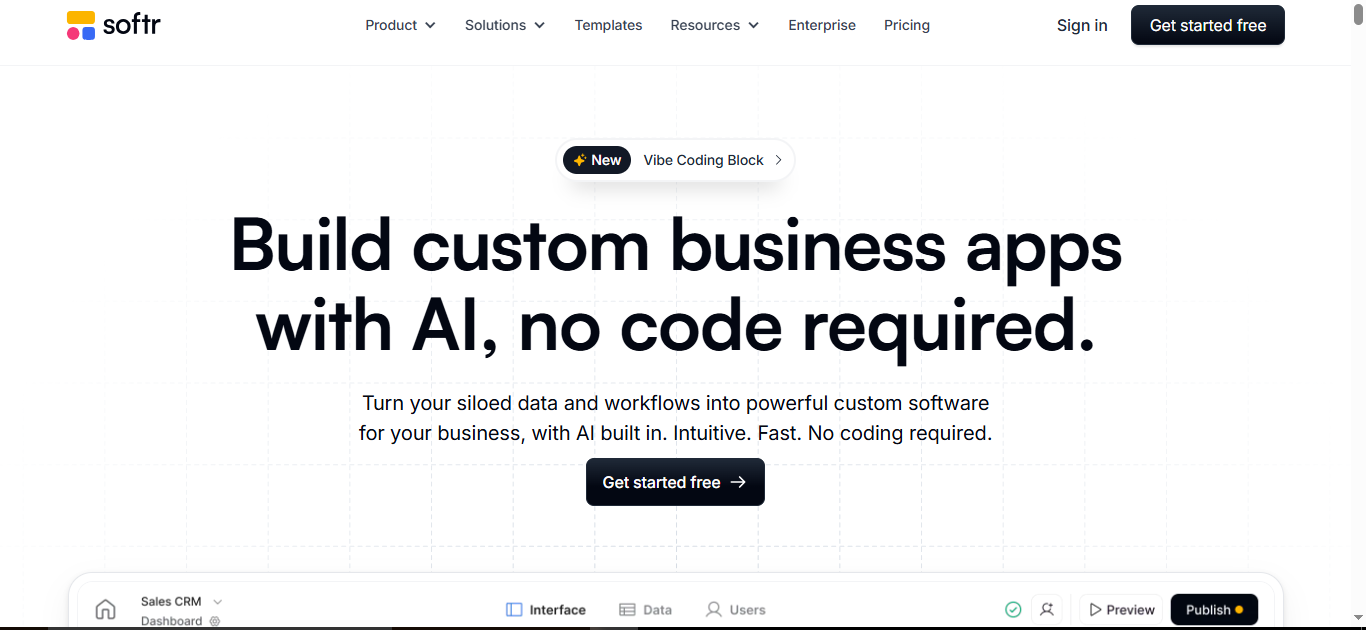
Softr lets you turn Airtable, Google Sheets, SQL, or native database data into secure portals and internal tools using a block-based no-code builder. With built-in automations and AI, Softr is ideal for permissioned, data-driven applications that integrate seamlessly with your existing stack.
Choose Softr if you’re an operator, agency, or team building client portals or internal apps that require security, scalability, and role-based access.
Build faster with Softr
- Block-based builder with ready-made lists, charts, forms, and more
- Connect to 14+ data sources: Airtable, Google Sheets, SQL, any REST API, plus a native database
- Enterprise-grade security with granular permissions, SOC 2 compliance, and SSO options
- Built-in workflows and AI agents to query and enrich data
- Deploy as a progressive web app (PWA) with unlimited collaborators
Why teams choose Softr (and what to watch)
- Strength: Excellent for secure, permissioned client portals and internal tools
- Strength: Data-agnostic approach lets you combine spreadsheets, CRMs, and SQL seamlessly
- Limitation: Not designed for native iOS/Android app distribution
- Limitation: Advanced features like SQL integrations and AI agents require higher-tier plans
Pricing overview
- Free plan: 1 app, 10 users, 5,000 records
- Basic plan from $49/month (annual): Adds custom code and payment features
- Pro plan from $139/month (annual): Unlimited apps and removal of Softr branding
- Business/Enterprise: Advanced SQL/API connectors, security features, and SSO
7. Thunkable
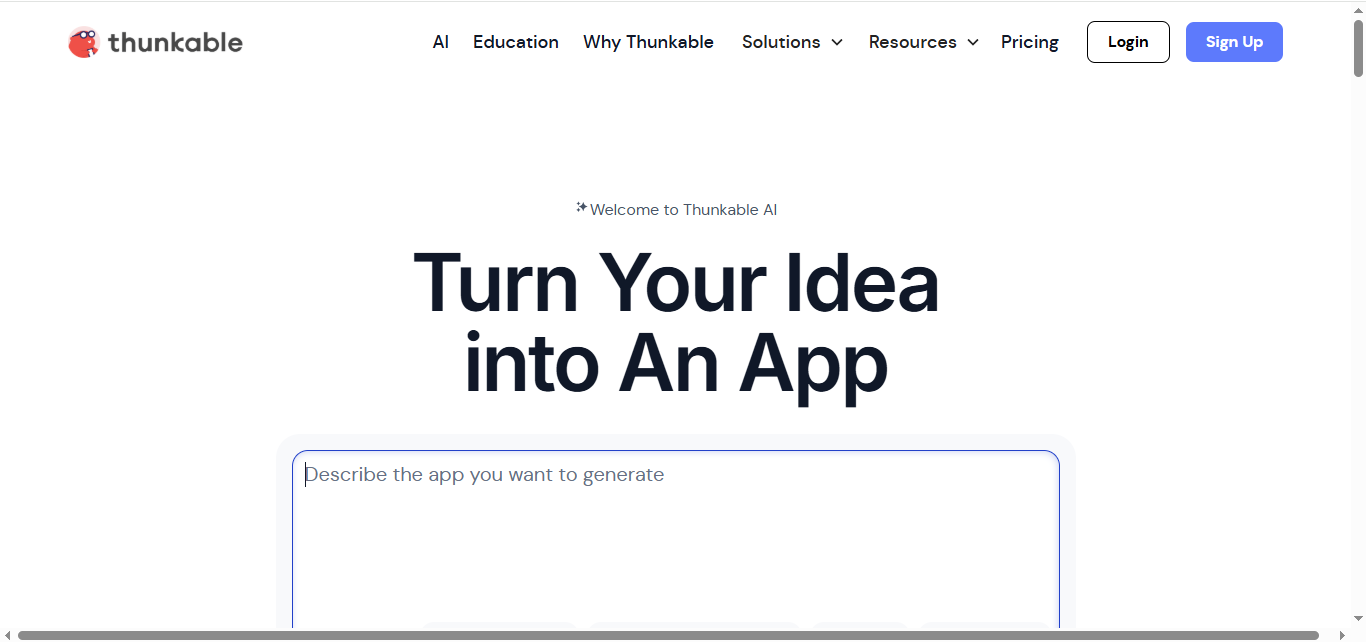
Thunkable is a visual, block-based no-code platform for creating cross-platform native mobile and web apps from a single project. With AI-assisted logic and mobile-first components, Thunkable is ideal for shipping native MVPs or internal tools without a dedicated mobile development team.
Choose Thunkable if you need real iOS and Android apps quickly without coding.
Build faster with Thunkable
- AI-assisted UI and block logic generation with a snap-to-place editor
- Connect to Airtable, Google Sheets, REST APIs, and Firebase
- Publish true native iOS/Android apps alongside responsive web apps
- JavaScript Web Bridge to embed custom code and web content
- Built-in native features: push notifications, in-app purchases, AdMob, maps, and location services
Why teams choose Thunkable (and what to watch)
- Strength: One codebase delivers native apps and a web app, with AI support
- Strength: Simple data connections make prototyping extremely fast
- Limitation: No source code export; apps must be published and maintained via Thunkable
Pricing overview
- Free plan: 3 public projects, limited screens, AI tokens, and test downloads
- Paid plans from $19/month: Private projects, more AI usage, and web publishing
- Advanced/Business plans: Unlimited native publishing, custom domains, and team collaboration
8. FlutterFlow
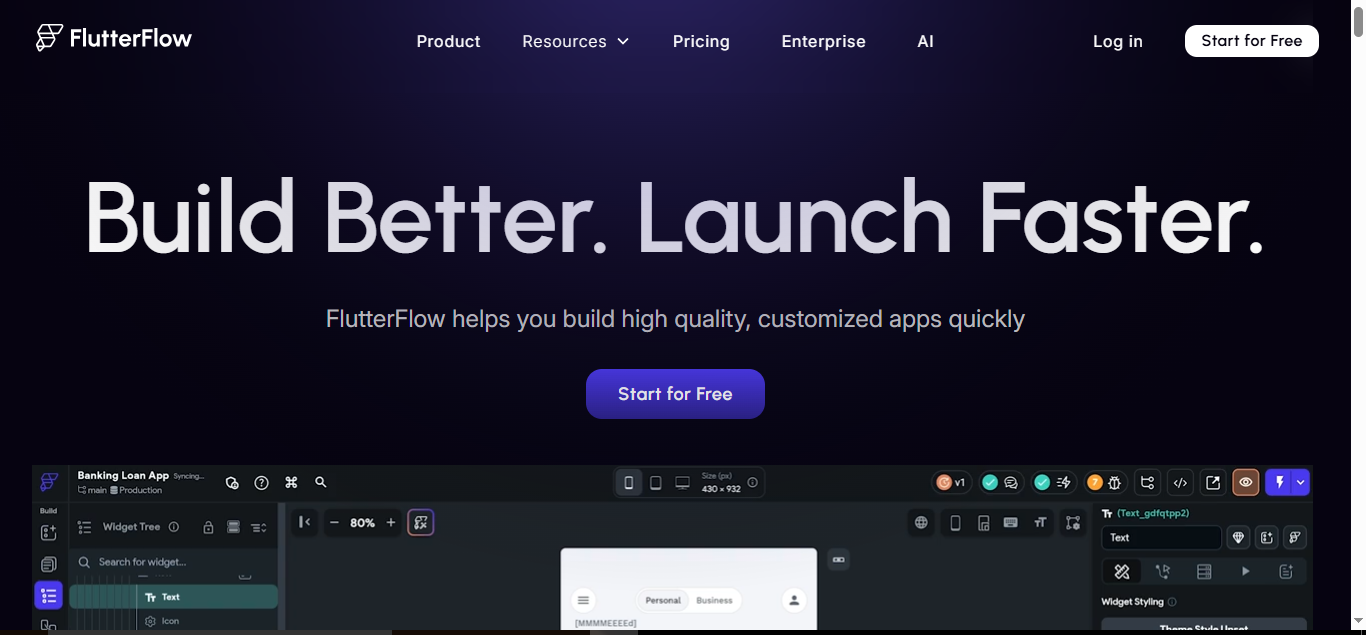
FlutterFlow is a low-code platform for building native mobile, web, and desktop apps using Flutter. It combines visual development with full code access, making it ideal for teams that want speed plus the ability to customize with code, all while maintaining native performance.
Choose FlutterFlow if you are technical-leaning and want control alongside fast app development.
Build faster with FlutterFlow
- Visual Flutter UI and logic builder with exportable, production-ready Dart code
- Connect to backends via Firebase, Supabase, local SQLite, or any REST API
- AI-powered page generation and server-side AI agents (OpenAI, Anthropic, Google)
- One-click deployment to App Store, Google Play, and web, with GitHub integration
- Real-time collaboration, branching, and reusable component libraries for teams
Why teams choose FlutterFlow (and what to watch)
- Strength: Full Flutter code export ensures no vendor lock-in and maximum extensibility
- Strength: Team workflows with branching, permissions, and automated testing streamline development
- Limitation: AI-assisted generation is still evolving and may require refinement
- Limitation: Complex Supabase data models may need custom code
Pricing overview
- Free plan: Build and test apps with web publishing
- Paid plans from $39/seat/month: Unlock code export, APK downloads, and store deployment
- Higher-tier plans: GitHub integration, real-time collaboration, and increased build capacity
9. GoodBarber
GoodBarber is a no-code platform for building native iOS/Android apps and progressive web apps (PWAs), with a focus on content and eCommerce. From templates to app-store publishing, it provides a fully managed path to polished mobile apps, making it ideal for local commerce and media brands.
Choose GoodBarber if you want rich mobile experiences without managing a custom backend.
Build faster with GoodBarber
- Visual builder with professional templates for native apps and PWAs from a single back office
- Built-in CMS, public APIs, and no-code automation through Zapier or Make
- AI-powered tools for content writing, SEO suggestions, color palettes, and chatbots
- Native binary generation and optional app store submission service
- Custom code sections and APIs for integrating native device features
Why teams choose GoodBarber (and what to watch)
- Strength: Excellent for mobile commerce, with 0% platform transaction fees and local delivery add-ons
- Strength: Advanced push notifications with geofencing and beacon support for proximity marketing
- Limitation: Not intended for complex backend logic; external tools may be needed for heavy automation
Pricing overview
- Free trial: 30 days, no credit card required
- Paid plans from $36/month: Content PWAs
- Paid plans from $50/month: eCommerce PWAs
- Native apps: Available on higher-tier plans for both content and eCommerce
10. Betty Blocks
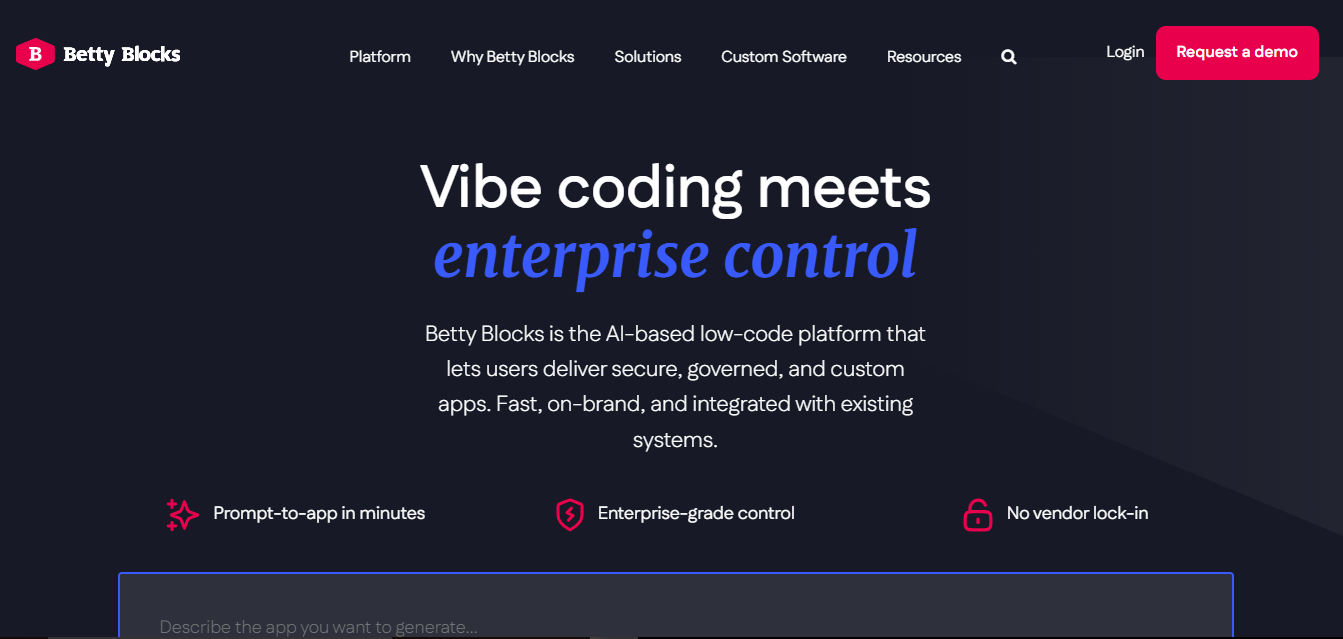
Betty Blocks is an enterprise-grade no/low-code platform for building secure, scalable business apps and portals. Designed for governed citizen development, it also offers escape hatches for professional developers. Betty Blocks excels in back-office systems and client-facing portals, especially within regulated industries.
Choose Betty Blocks if you are an IT-led innovation team that requires control, compliance, and composable applications.
Build faster with Betty Blocks
- React-based UI builder with AI tools to generate layouts from prompts
- Visual data modeling with enterprise connectors (Salesforce, SAP, Oracle APIs)
- Extend functionality with WebAssembly and export React code to reduce vendor lock-in
- Deploy on AWS, Azure, private cloud, or on-premises via Docker/Kubernetes
- Enterprise security with ISO 27001, SOC 2, RBAC, SSO, and governed reuse
Why teams choose Betty Blocks (and what to watch)
- Differentiator: Open architecture allows React and WebAssembly exports to avoid lock-in
- Strength: Built for regulated sectors with strong compliance certifications
- Limitation: Deep governance features create a steeper learning curve than simpler no-code tools
Pricing overview
- No public pricing: All plans are quote-based
- Free trial: Available under official terms; includes AI UI generator for prototyping
- Custom enterprise plans: Multi-app support, private cloud deployment, and service-level agreements (SLAs)
Conclusion
No-code app builders have transformed the way businesses, startups, and teams bring ideas to life. From simple internal tools to full-fledged SaaS products, these platforms allow you to build faster, reduce costs, and maintain control without needing deep coding skills.
The tools featured in this list—WeWeb, Bubble, AppSheet, Adalo, Glide, Softr, Thunkable, FlutterFlow, GoodBarber, and Betty Blocks—each offer unique strengths, whether you prioritize speed, design flexibility, enterprise-grade security, or native mobile performance.
By carefully evaluating your project requirements, team skills, and long-term scalability needs, you can select the right no-code app builder to bring your vision to life in 2027 and beyond.
No matter your choice, no-code platforms empower teams to innovate faster, iterate more efficiently, and deliver high-quality applications to users worldwide.
Frequently Asked Questions (FAQs)
What is a no-code app builder?
A no-code app builder is a platform that lets you create web or mobile applications without writing code. You can use visual editors, drag-and-drop components, and prebuilt integrations to design, connect data, and automate workflows.
Who can use no-code app builders?
No-code platforms are ideal for founders, designers, marketers, and teams who want to build apps quickly without hiring developers. Some platforms also offer advanced features for developers to extend functionality.
Can no-code apps scale for large businesses?
Yes, many no-code platforms like WeWeb, Bubble, FlutterFlow, and Betty Blocks are built for scalability. However, you should check each platform’s backend flexibility, performance limits, and data handling before building enterprise-grade apps.
Do no-code app builders allow native mobile apps?
Many do. Platforms like Adalo, Thunkable, FlutterFlow, and GoodBarber support iOS and Android apps, while others focus on web apps or PWAs. Some offer one-click store publishing or code export for full control.
Are no-code apps secure?
Yes, top platforms provide enterprise-grade security, compliance certifications, and user permissions. For example, Softr and Betty Blocks include SOC 2, ISO 27001, and SSO options to ensure secure deployments.
How much do no-code platforms cost?
Pricing varies by platform, features, and user seats. Free plans usually allow testing or small projects, while paid plans start from around $5–$50/month. Enterprise plans with advanced security and scalability are typically quote-based.
