

Poor audio quality can instantly ruin great content. Background noise, uneven volume, echo, or low clarity often make podcasts, videos, interviews, and voice recordings sound unprofessional—no matter how good the message is. For creators, marketers, educators, and businesses, bad audio can mean lost attention, lower engagement, and reduced credibility.
That’s where AI audio enhancers come in. Powered by advanced machine learning, these tools automatically clean up noise, balance sound levels, enhance voices, and improve overall audio quality—often in just a few clicks. In 2027, AI audio enhancement tools have become faster, smarter, and more accessible than ever, helping users achieve studio-quality sound without technical expertise.
In this article, we’ve carefully researched and compiled the 10 best AI audio enhancers in 2027, highlighting tools that deliver real results for podcasts, videos, music, meetings, and voiceovers. Whether you’re a beginner or a professional, this list will help you choose the right AI audio enhancer to upgrade your sound quality effortlessly.
What is AI Audio Enhancer?
An AI audio enhancer is a software tool that uses artificial intelligence and machine learning to automatically improve the quality of audio recordings. Instead of manual editing, it intelligently processes sound to make audio clearer and more professional.
The tool analyzes audio in real time or after recording to detect voices, music, and background noise. It then enhances important sounds—such as speech—while reducing or removing unwanted noise, echo, and distortion. This allows users to achieve high-quality audio quickly, even without technical skills.
What Does an AI Audio Enhancer Do?
AI audio enhancers can:
- Reduce or remove background noise
- Improve voice clarity and sharpness
- Balance volume levels automatically
- Fix muffled, distorted, or low-quality audio
- Enhance recordings from poor microphones or environments
How is it Different From Traditional Audio Editing?
AI audio enhancers are different from traditional audio editing tools because they automate the entire improvement process. Instead of manually adjusting settings, AI makes smart decisions on its own.
Traditional audio editing usually requires:
- Manual noise removal and sound adjustments
- Technical knowledge of audio tools
- Time-consuming editing and fine-tuning
- Multiple plugins and settings to get good results
AI audio enhancers, on the other hand:
- Automatically detect and fix audio issues
- Enhance voices and reduce noise with one click
- Work faster with minimal effort
- Deliver consistent results without audio expertise
In short, traditional editing gives full control but takes time and skill, while AI audio enhancers focus on speed, simplicity, and ease of use—making high-quality audio accessible to everyone.
Who Should Use an AI Audio Enhancer?
AI audio enhancers are ideal for:
- Podcasters and YouTubers
- Musicians and producers
- Content creators and streamers
- Remote workers and online educators
In short, an AI audio enhancer helps you achieve clear, professional-sounding audio with minimal effort, even if your original recording isn’t perfect.
How to Choose the Right AI Audio Enhancer
Choosing the right AI audio enhancer can greatly improve your audio quality and overall workflow. Before selecting a tool, it’s important to evaluate a few key factors to ensure it matches your needs.
Your Purpose and Use Case
Start by identifying how you plan to use the audio enhancer. Some tools are designed for podcasting and voiceovers, while others work better for music production, video content, or live calls. Choosing a tool built for your specific use case will give you better results.
Features and Capabilities
Look for essential features such as noise reduction, voice enhancement, automatic volume balancing, and equalization. Some AI audio enhancers also support real-time processing or batch editing, which can save time if you work with multiple files.
AI Quality and Technology
The quality of the AI engine plays a major role in the final output. Strong AI models deliver clearer sound, better noise removal, and fewer distortions. Reading user reviews and testing demos can help you judge performance.
Pricing and Plans
AI audio enhancers come with different pricing models, including free plans, subscriptions, or one-time purchases. Compare costs, usage limits, and included features to ensure the tool fits your budget and offers good value.
Ease of Use
Some tools are designed for beginners with simple one-click enhancement, while others offer advanced controls for experienced users. Choose a tool that matches your technical comfort level.
Platform Compatibility
Make sure the tool works on your preferred platform, such as Windows, macOS, web, or mobile devices. Cloud-based tools offer flexibility, while desktop software often provides better processing power.
Customer Support and Learning Resources
Good documentation, tutorials, and responsive customer support can help you get the most out of the tool. An active user community is also a plus.
Output Quality
Always evaluate the final audio quality. Test the tool with your own recordings when possible and listen for natural, clear sound without unwanted artifacts.
How We Evaluated These AI Audio Enhancers
To identify the best AI audio enhancers, we evaluated each tool based on the factors that matter most to creators, professionals, and everyday users.
Our evaluation criteria included:
Audio Enhancement Quality
How effectively the tool removes background noise, improves voice clarity, balances volume, and maintains natural sound quality.
AI Processing Accuracy
Whether the AI improves recordings without creating artificial effects, distortion, or robotic-sounding voices.
Ease of Use
How simple the tool is for beginners while still offering enough control for advanced users.
Features and Capabilities
The availability of important features such as noise removal, vocal enhancement, transcription, mastering, and real-time processing.
Pricing and Value
The availability of free plans, subscription options, usage limits, and whether the features justify the cost.
Platform Compatibility
Support for desktop, web, and mobile workflows.
Pricing Comparison: Free vs Paid AI Audio Enhancers
AI audio enhancers are available in different pricing models, including free plans, subscriptions, and usage-based pricing.
Free tools are useful for:
- Testing basic enhancement features
- Improving short recordings
- Occasional personal use
Paid tools are better for:
- Regular content production
- Professional podcasts
- Commercial videos
- Music projects
- Higher-quality exports
Before choosing a tool, compare:
- Monthly subscription cost
- Processing limits
- Export quality
- Available AI features
- Commercial usage rights
A free tool may be enough for casual users, while creators producing regular content usually benefit from paid plans with advanced features.
Quick Comparison: Best AI Audio Enhancers in 2027
Choosing the right AI audio enhancer depends on your goal, budget, and the type of audio you want to improve. Some tools focus on voice cleanup, while others are designed for music mastering, video production, or real-time communication.
| AI Audio Enhancer | Best For | Free Plan | Main AI Features | Platform |
|---|---|---|---|---|
| Adobe Audition | Professional audio editing | Trial available | Noise reduction, vocal enhancement, audio restoration | Windows, macOS |
| Descript | Podcasts and video creators | Limited free plan | AI voice enhancement, transcription, text-based editing | Web, Windows, macOS |
| Adobe Podcast AI | Voice recordings and podcasts | Yes | Speech enhancement, noise removal, echo reduction | Web |
| Auphonic | Podcast production | Limited free usage | Loudness balancing, noise reduction, audio leveling | Web |
| Krisp | Meetings and online calls | Limited free plan | Real-time noise cancellation and transcription | Windows, macOS |
| LANDR | Music mastering | Limited options | AI mastering, audio optimization | Web |
| LALAL.AI | Vocal and instrument separation | Limited free previews | AI stem separation and noise removal | Web |
| VEED.IO | Social media videos | Limited free plan | AI audio cleanup and video editing | Web |
| AI Mastering | Quick audio mastering | Limited free usage | Automated mastering and sound optimization | Web |
| Podcastle | Beginner creators | Limited free plan | AI voice enhancement and audio cleanup | Web |
Best AI Audio Enhancer by Use Case
The best AI audio enhancer depends on what type of audio you create. A tool that works well for podcasts may not be the best choice for music production or online meetings.
Best AI Audio Enhancer for Podcasts: Adobe Podcast AI
Adobe Podcast AI is one of the strongest options for podcasters because it focuses specifically on improving spoken audio. Its Enhance Speech feature can remove background noise, reduce echo, and make recordings sound cleaner without complicated editing.
Best AI Audio Enhancer for Professional Editing: Adobe Audition
Adobe Audition is better suited for professionals who need advanced control over audio editing. It combines AI-powered tools with manual editing features, making it suitable for podcasts, films, music projects, and complex productions.
Best AI Audio Enhancer for Online Meetings: Krisp
Krisp is designed for real-time communication. It removes background sounds such as keyboard typing, traffic, and unwanted noise during calls, making it ideal for remote workers and businesses.
Best AI Audio Enhancer for Music: LANDR
LANDR is focused on AI-powered music mastering rather than simple voice cleanup. It is a strong option for musicians who want to improve track quality and prepare songs for streaming platforms.
Best AI Audio Enhancer for Beginners: Podcastle
Podcastle is suitable for beginners because it combines recording, editing, and AI enhancement in one simple platform. Its one-click enhancement features make professional-sounding audio easier to achieve.
10 Best AI Audio Enhancers in 2027
Here are the best AI audio enhancers you should consider in 2027:
- Adobe Audition
- Descript
- Adobe Podcast AI (Enhanced Speech)
- Auphonic
- Krisp
- LANDR
- LALAL.AI
- VEED.IO
- AI Mastering
- Podcastle
1. Adobe Audition
Overview
Adobe Audition is a professional-grade AI audio enhancer designed for creators who need precise control and studio-quality results. It combines advanced AI-powered tools with deep manual editing options, making it suitable for everything from podcast cleanup to complex music and film audio production.
The software uses intelligent noise reduction, vocal enhancement, and spectral editing to improve clarity and balance. Its tight integration with Adobe Creative Cloud also allows users to move seamlessly between apps like Premiere Pro and After Effects, making it a strong choice for professional workflows.
Key Features
- AI-driven noise reduction for cleaner, clearer audio
- Spectral editing for detailed sound repair and fine adjustments
- Vocal isolation and enhancement tools
- Auto-ducking for balanced multi-track audio
- DeReverb tool to remove echo and room noise
Pros
- Industry-standard tool trusted by professionals
- Powerful AI features save time on audio cleanup
- Excellent sound quality and precision control
- Works smoothly with other Adobe Creative Cloud apps
- Suitable for complex and large-scale audio projects
Cons
- Steep learning curve for beginners
- Subscription-based pricing may be costly
- Overkill for simple or quick audio edits
Final Verdict
Adobe Audition is an excellent AI audio enhancer for professionals who demand high-quality output and full creative control. While it may not be ideal for beginners or casual users due to its complexity and pricing, it remains one of the best choices for podcasters, audio engineers, and video editors looking for reliable, professional-grade audio enhancement.
2. Descript
Overview
Descript is a versatile AI-powered tool that combines audio and video editing with advanced voice enhancement capabilities. It allows creators to improve audio quality, reduce background noise, and make precise edits using an intuitive, transcription-based interface. This makes it especially useful for podcasters, video editors, and content creators who want professional results without a steep learning curve.
Beyond audio enhancement, Descript also offers multi-track video and screen recording features, providing a unified platform for both audio and video content creation. Its AI tools, like noise reduction, echo cancellation, and one-click audio improvement, make it a reliable choice for anyone looking to streamline their workflow while maintaining high-quality output.
Key Features
- AI-powered noise reduction and voice enhancement for clear audio
- Transcription-based editing for seamless text-driven adjustments
- Overdub feature to create synthetic voiceovers
- Multi-track editing for audio and video projects
- Screen recording and integrated video editing tools
Pros
- Combines audio enhancement and video editing in one platform
- User-friendly interface suitable for beginners and professionals
- Accurate transcription with text-based audio editing
- Overdub feature adds flexibility for creative voiceovers
- One-click audio improvements save time and effort
Cons
- Free plan offers limited features compared to paid plans
- Overdub requires a voice training process, which can be time-consuming
- Cloud-based platform requires a stable internet connection
Final Verdict
Descript is an excellent choice for content creators who need a powerful, all-in-one audio and video editing solution. Its AI-enhanced audio tools make producing professional-quality content fast and efficient, while transcription-based editing simplifies workflow, making it ideal for podcasters, marketers, and video creators.
3. Adobe Podcast AI
Overview
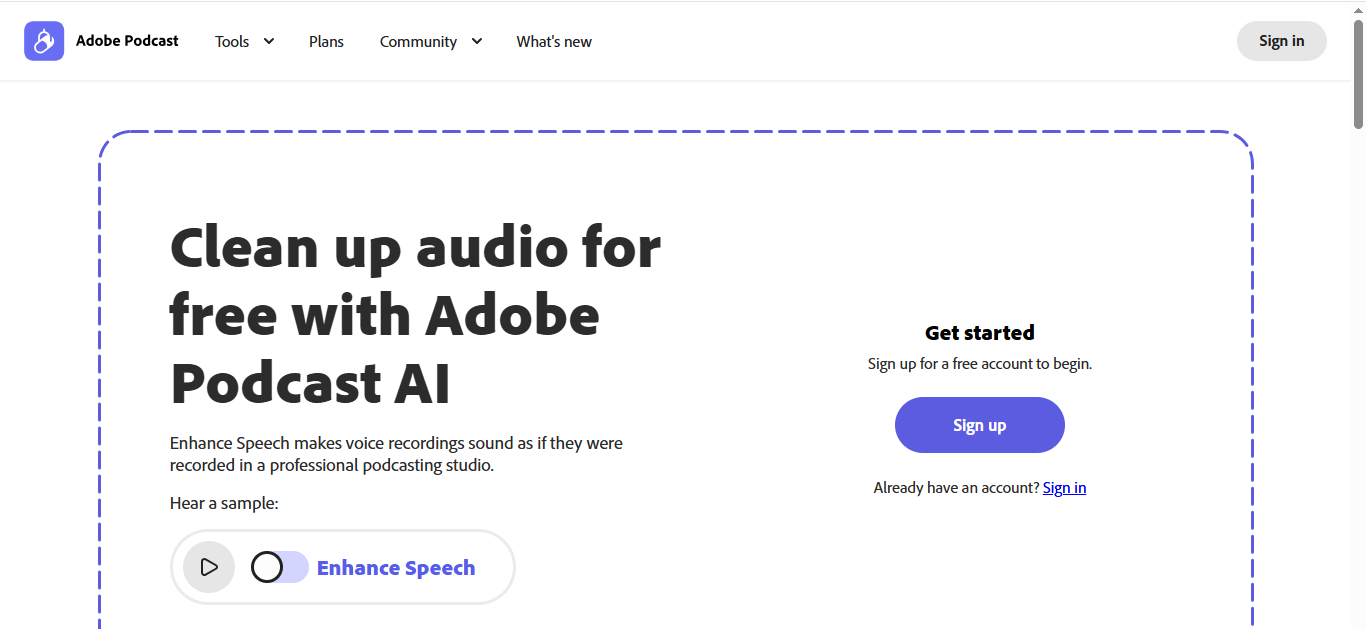
Adobe Podcast AI is a browser‑based AI audio enhancement and editing platform designed especially for podcasters and spoken‑word creators. It lets you record, transcribe, and clean up your audio with AI tools that make recordings sound more professional, even if your original audio was recorded in a less‑than‑ideal environment. As a web‑app, there’s no software to install — you log in and start improving audio right away.
The platform includes tools like Enhance Speech for AI‑driven noise reduction and echo removal, transcription with text‑based editing, and high‑quality remote recording. While Adobe Podcast AI started in beta and continues evolving, it’s quickly becoming a go‑to choice for beginners and hobbyists who want quality audio without the complexity of traditional editors.
Key Features
- AI‑powered Enhance Speech for noise and echo removal
- Browser‑based recording and editing (no install needed)
- Text‑based editing with automatic transcription
- Remote recording with high‑quality tracks
- Support for audio and video files with premium plans
Pros
- Very user‑friendly interface, ideal for beginners
- Clean, professional‑sounding audio with one‑click AI enhancement
- Works entirely in a browser — no software to install
- Automatic transcription makes editing faster
- Includes Mic Check to optimize recording setup
Cons
- Still partly in beta, so some features are limited or evolving
- Not as powerful as full desktop audio editors for advanced editing
- Some enhancement results may sound slightly artificial depending on the recording
Final Verdict
Adobe Podcast AI is an excellent choice for podcasters, educators, and content creators who want easy, browser‑based AI audio enhancement without steep learning curves. While it doesn’t replace professional desktop editors for complex projects, it delivers clean, professional audio quickly and efficiently for most spoken‑word content.
4. Auphonic
Overview
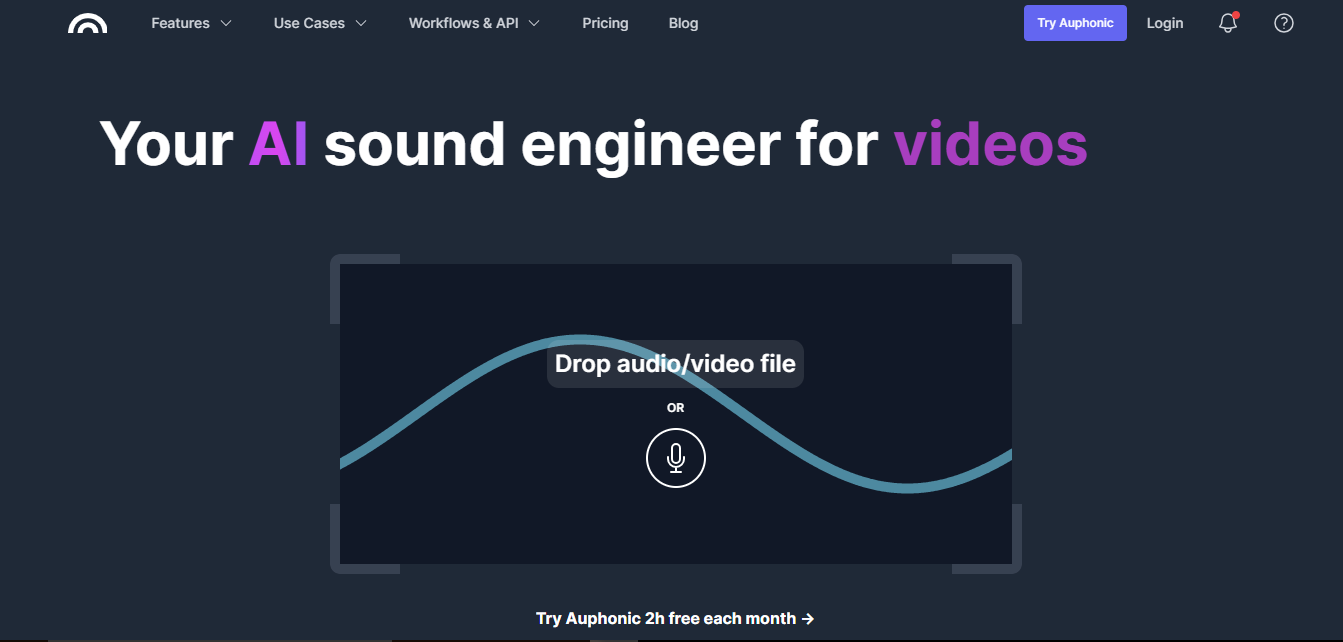
Auphonic is a versatile AI audio enhancer that positions itself as a personal AI sound engineer, making professional-level audio accessible to everyone. Its AI algorithms automatically balance levels, reduce noise, remove silences, and optimize loudness, ensuring that your audio sounds polished and consistent without requiring deep technical knowledge.
Beyond audio enhancement, Auphonic integrates with platforms like YouTube, SoundCloud, and Spotify, streamlining publication and distribution. It also supports workflow automation via APIs and services like Zapier, enabling content creators to save time while producing professional-quality audio for podcasts, broadcasts, videos, and music projects.
Key Features
- Intelligent Leveler for balanced audio levels across tracks
- Multitrack processing with automated ducking and crosstalk removal
- Silence removal, loudness adjustment, and metadata addition
- Integration with YouTube, SoundCloud, Spotify, and other platforms
- Automation tools and API support for streamlined workflows
Pros
- Extremely easy to use with drag-and-drop workflow
- Dynamic range compression enhances quiet speech and balances audio
- Affordable, with a free tier allowing up to 2 hours of audio per month
- Saves presets for recurring use, improving efficiency
- Integrates seamlessly with publishing platforms and automation tools
Cons
- Limited advanced editing features compared to software like Adobe Audition
- Primarily focused on final touches rather than complex audio production
- Some features may require a paid plan for heavier usage
Final Verdict
Auphonic is an excellent choice for podcasters, video creators, and hobbyist audio engineers who need professional-quality audio quickly and easily. Its intuitive AI-driven workflow, combined with integration and automation capabilities, makes it perfect for users who want high-quality results without complicated editing software.
5. Krisp
Overview
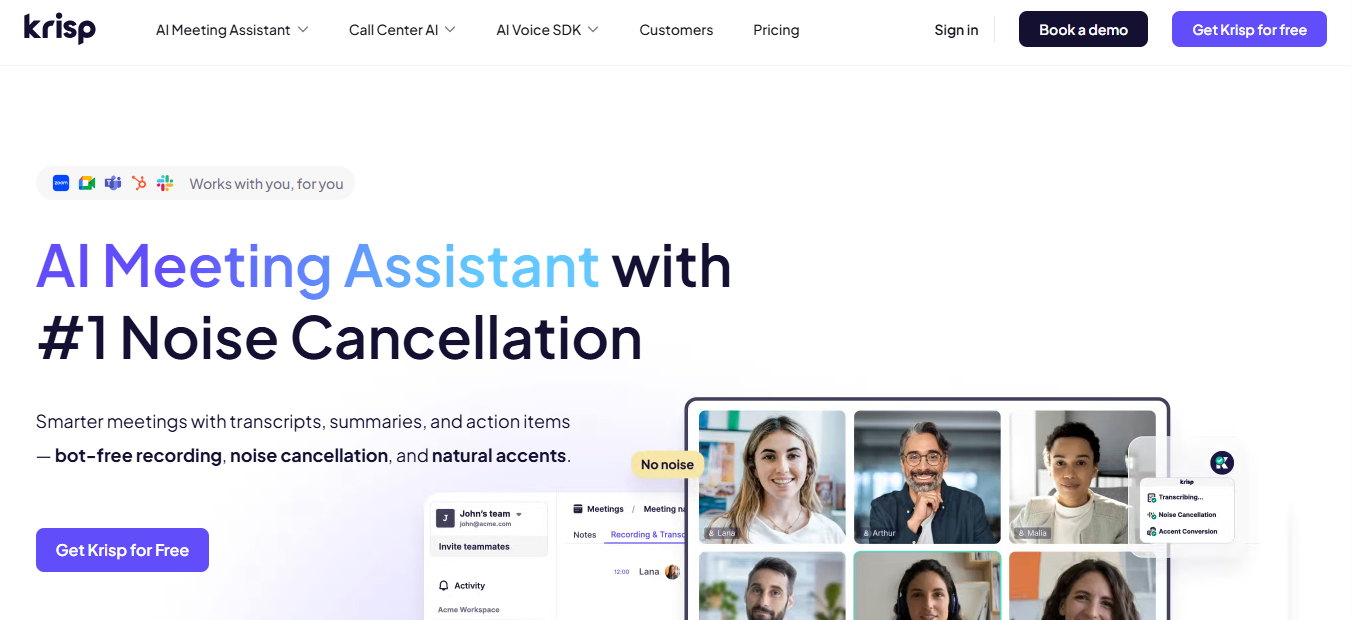
Krisp is a specialized AI audio enhancer designed to improve audio quality during online meetings and calls. Unlike traditional audio editors, its primary focus is real-time noise cancellation, removing background sounds such as keyboard typing, traffic, pets, or children. By integrating seamlessly with popular conferencing apps like Zoom, Microsoft Teams, Google Meet, and Skype, Krisp ensures clear and professional-sounding communication without manual editing.
In addition to noise cancellation, Krisp also offers AI-powered transcription of your meetings, allowing users to access editable text versions of discussions stored safely in the cloud. Its simple interface and straightforward installation make it ideal for professionals, remote workers, and anyone frequently attending online meetings who wants a hassle-free solution for crisp, distraction-free audio.
Key Features
- Real-time noise cancellation for calls and meetings
- AI-powered transcription of meeting audio
- Integration with 800+ apps, including Zoom, Teams, and Meet
- Cloud storage for transcriptions for easy access and editing
- Simple interface with one-click noise control
Pros
- Broad compatibility with conferencing and collaboration apps
- Improves professionalism by eliminating background noise
- Easy to use for both tech-savvy and less experienced users
- Lightweight and unobtrusive during calls
- Helps maintain focus and clarity in virtual meetings
Cons
- Free version limited to 60 minutes of noise cancellation per day
- Requires a stable internet connection for optimal performance
- Primarily designed for calls and meetings, not general audio editing
Final Verdict
Krisp is a must-have tool for professionals and remote workers who want clear, distraction-free audio during virtual meetings. While it doesn’t serve as a full-fledged audio editor for music or podcasts, its real-time AI noise cancellation and transcription features make it one of the best AI audio enhancers for online communication.
6. LANDR
Overview
LANDR is an AI-powered online audio platform designed for musicians, producers, and creators who want professional-quality music without spending hours mastering tracks manually. Its standout feature is automated AI mastering, which analyzes each uploaded track and applies a tailored mastering chain based on the genre, style, and sonic characteristics of the audio.
In addition to mastering, LANDR offers tools for volume matching, streaming optimization, and reference track comparisons, allowing users to fine-tune their music to industry standards. Its intuitive online interface makes it accessible for beginners while still offering enough control for seasoned producers, making it a comprehensive solution for music enhancement and distribution.
Key Features
- AI-powered automated music mastering tailored to each track
- Album mastering for consistent sound across multiple tracks
- Volume matching and streaming optimization for professional results
- Reference track comparison to monitor improvements
- Educational courses on music production, theory, and promotion
Pros
- Affordable solution for musicians of all skill levels
- Quick turnaround time for mastering tracks
- Consistent results for entire albums
- Intuitive interface with minimal learning curve
- Access to free courses and tutorials for skill improvement
Cons
- Pricing plans can be confusing due to multiple subscription options
- Limited manual reference control for advanced users
- Some features require a subscription for full functionality
Final Verdict
LANDR is an excellent AI audio enhancer for aspiring musicians and producers who want fast, professional-quality mastering without complicated workflows. Its AI-powered tools, album mastering, and online accessibility make it a standout choice for anyone looking to improve audio quality efficiently while maintaining creative control.
7. LALAL.AI
Overview
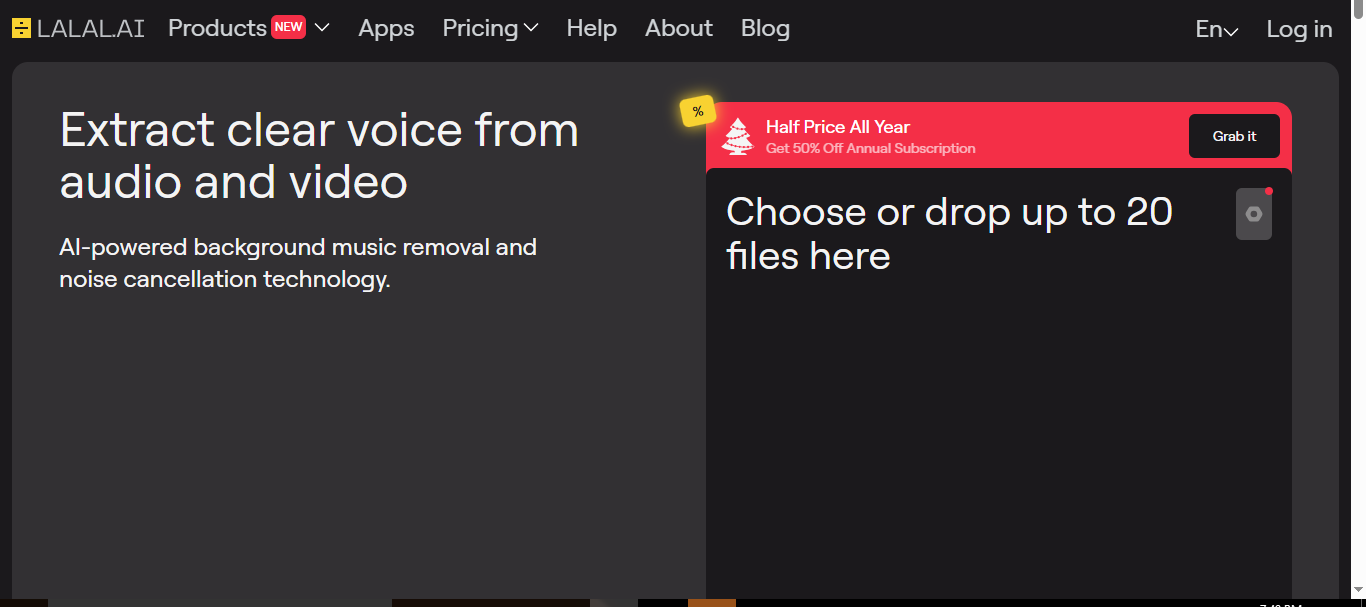
LALAL.AI is an AI-powered audio enhancement tool designed to remove unwanted sounds and isolate vocals from music or recordings. Its advanced algorithm allows users to produce clean, professional-quality audio by eliminating background noise, music, or other distracting elements. This makes it a valuable tool for creators who want clarity and precision in their audio tracks.
The platform is simple to use: upload your audio or video file, and LALAL.AI automatically separates vocals, instruments, and background noise. Its fast processing and accurate sound isolation make it ideal for streamers, journalists, transcribers, and musicians who need clear audio without spending hours manually editing.
Key Features
- AI-powered vocal and instrumental separation
- Background noise removal for cleaner recordings
- Fast and accurate audio processing
- Supports a wide range of audio and video file formats
- Easy-to-use online interface with minimal setup
Pros
- Produces crystal-clear voice or instrument tracks
- Simple and intuitive platform for all skill levels
- Quick processing time for audio and video files
- Helps prevent copyright issues for streamers
- Ideal for transcription and speech-to-text applications
Cons
- Limited features for full-scale audio production
- Best suited for specific use cases like vocal or noise isolation
- Requires internet connection for online processing
Final Verdict
LALAL.AI is a powerful AI audio enhancer for creators who need to quickly remove background noise or isolate vocals. Its ease of use, speed, and accuracy make it ideal for streamers, journalists, musicians, and transcribers who require clean, professional-sounding audio without complex editing software.
8. VEED.IO
Overview
VEED.IO is an AI-powered audio and video editing platform designed to clean audio quickly and efficiently. With its one-click “Clean Audio” feature, background noise and unwanted sounds are automatically removed, eliminating the need for specialized microphones or manual editing. This makes it an ideal tool for creators, marketers, and social media enthusiasts who want professional-quality audio in minutes.
In addition to audio cleaning, VEED.IO allows users to edit videos, add subtitles, and export content in formats suitable for social media platforms. Its intuitive interface and streamlined workflow make it accessible for beginners while still providing advanced features for more experienced users.
Key Features
- One-click AI audio cleaning for background noise removal
- Intuitive and user-friendly interface
- Advanced audio enhancement tools
- Video editing capabilities alongside audio processing
- Easily shareable output formats for social media platforms
Pros
- Quick and easy process to clean audio in minutes
- No need for external microphones or complex editing software
- Supports video editing alongside audio enhancement
- Output files are optimized for social media sharing
- Suitable for beginners and professionals alike
Cons
- Free plan has limited export options and watermarks
- Some advanced features require paid subscription
- Best suited for short videos or clips rather than large-scale projects
Final Verdict
VEED.IO is a versatile AI audio enhancer and video editing platform perfect for content creators seeking fast, high-quality audio cleaning. Its simplicity, combined with social media-ready exports, makes it ideal for YouTubers, marketers, and anyone looking to produce professional-sounding content with minimal effort.
9. AI Mastering
Overview
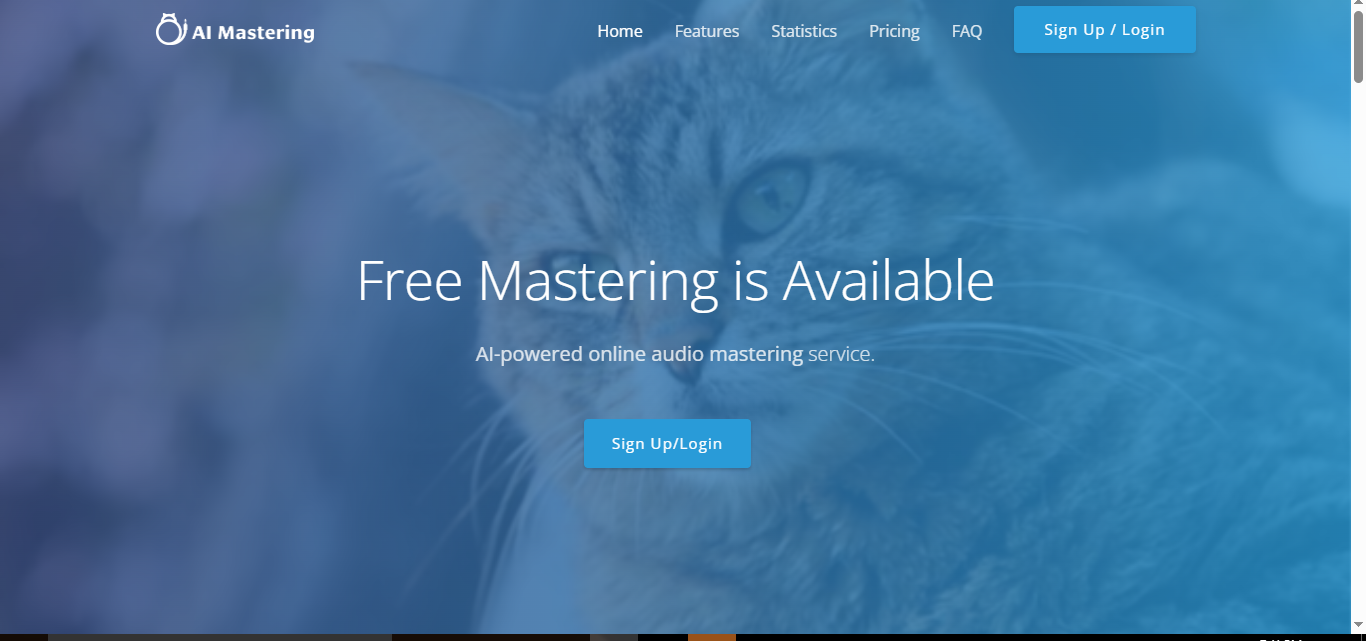
AI Mastering is an AI-powered audio enhancement tool designed to simplify the audio mastering process for creators of all levels. It focuses on user convenience by offering multiple sign-up options, including GitHub, Google, and Twitter accounts, making it easy to get started without lengthy registration processes.
The platform automatically analyzes and enhances uploaded audio tracks, applying AI-driven mastering techniques to optimize sound quality. With a user-friendly interface and fast processing, AI Mastering is ideal for musicians, podcasters, and content creators who want professional-quality audio quickly without the complexity of traditional mastering software.
Key Features
- Multiple sign-up options for easy access
- Automatic AI-powered audio mastering and conversions
- Simple and intuitive user interface
- Fast processing for quick results
- Suitable for various audio formats and use cases
Pros
- Extremely easy to use, suitable for beginners
- Saves time with automated audio enhancement
- Fast and efficient processing
- No complicated setup or learning curve
- Works across multiple audio formats
Cons
- Limited advanced editing features compared to professional tools
- Fewer customization options for audio mastering
- Primarily focused on single-track mastering rather than multi-track projects
Final Verdict
AI Mastering is a convenient and efficient AI audio enhancer for anyone seeking quick, automated mastering without complex software. Its focus on user-friendliness and fast results makes it ideal for musicians, podcasters, and content creators looking to improve audio quality effortlessly.
10. Podcastle
Overview
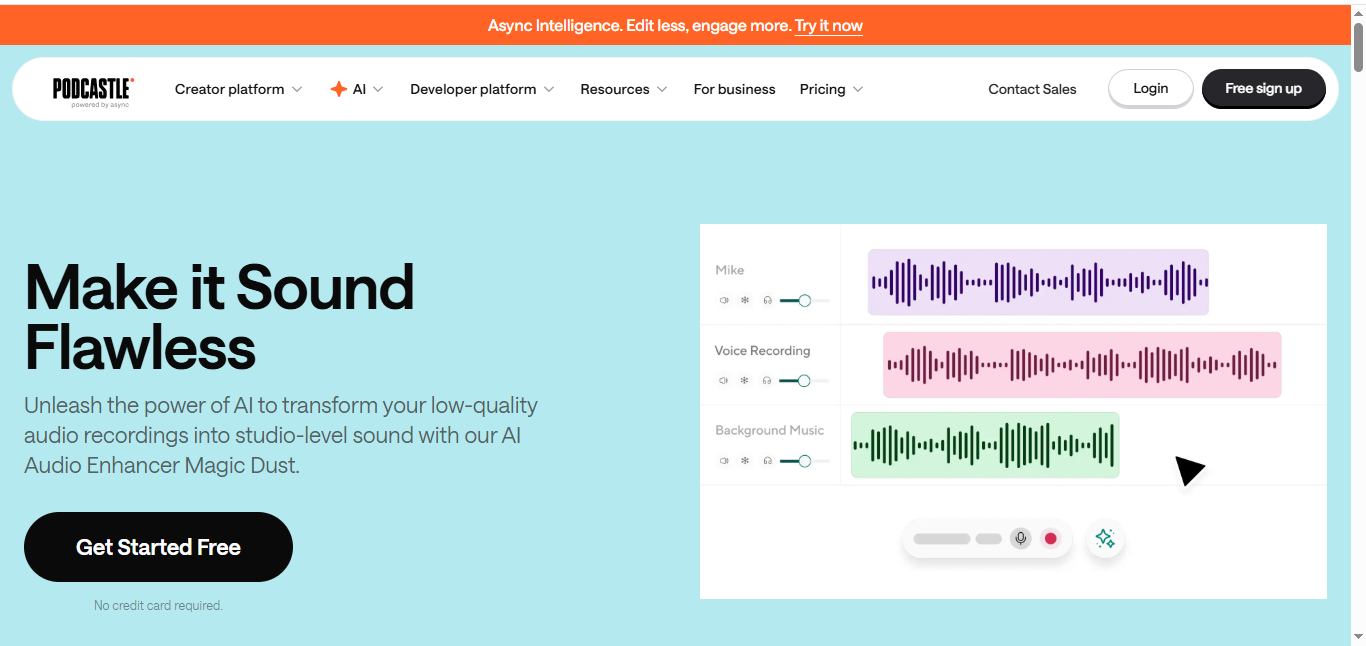
Podcastle is an AI-powered audio and video creation platform designed to enhance recordings effortlessly. Its standout feature, Magic Dust, uses AI to remove background noise, equalize audio levels, and improve vocal quality, producing studio-quality sound regardless of the recording environment. This makes it an ideal tool for podcasters, content creators, and storytellers who want professional results without expensive equipment or a technical team.
In addition to audio enhancement, Podcastle offers a complete suite of tools for recording, editing, and distributing both audio and video content. Its one-click enhancement process and intuitive interface streamline content creation, allowing creators to focus on producing and sharing their work efficiently.
Key Features
- Magic Dust AI for noise removal, vocal enhancement, and audio equalization
- One-click audio enhancement for fast results
- Cost-effective solution for professional-quality sound
- Supports both audio and video creation
- User-friendly platform with end-to-end content creation tools
Pros
- Produces studio-quality sound from any recording environment
- Simple, intuitive interface suitable for beginners and professionals
- Saves time with one-click enhancements
- Supports audio and video content creation
- Makes professional audio accessible without expensive gear
Cons
- Some advanced editing features may require paid subscription
- Limited customization compared to full-fledged audio software
- Best suited for podcasting and video content rather than music production
Final Verdict
Podcastle is a versatile AI audio enhancer and content creation platform for podcasters, educators, and storytellers. Its Magic Dust AI delivers professional-quality audio quickly, making it an excellent choice for creators who want efficient, high-quality results without complex editing software.
Limitations of AI Audio Enhancers
Although AI audio enhancers have improved significantly, they are not a complete replacement for professional audio engineering.
AI tools may struggle with:
- Extremely damaged or corrupted recordings
- Heavy distortion caused by poor equipment
- Multiple overlapping voices
- Complex music production requirements
The final quality also depends on the original recording. A clean recording with a basic microphone can often produce better results than a heavily damaged recording processed with advanced AI.
Some AI tools may also create unwanted effects, such as unnatural voice changes or over-processing. For professional projects, it is often better to combine AI enhancement with manual editing.
Conclusion
AI audio enhancers have revolutionized the way creators, musicians, podcasters, and professionals produce high-quality sound. From Adobe Audition’s professional-grade editing tools to Krisp’s real-time noise cancellation for meetings, these AI-powered platforms cater to a wide range of needs and skill levels. Tools like LANDR and LALAL.AI make mastering and vocal separation accessible, while Podcastle and VEED.IO streamline audio and video content creation for beginners and professionals alike.
Choosing the right AI audio enhancer depends on your goals—whether you need precise music mastering, clean podcasts, or distraction-free virtual meetings. With these top AI tools, you can save time, improve audio clarity, and produce polished content that engages your audience. Whatever your use case, there’s an AI audio enhancer to elevate your sound quality in 2027 and beyond.
Frequently Asked Questions (FAQs)
What is the best AI audio enhancer for podcasts?
Adobe Podcast AI, Descript, and Auphonic are among the strongest options for podcasts because they focus on speech clarity, noise reduction, and workflow automation.
What is the best free AI audio enhancer?
Several AI audio enhancers offer free plans, including Adobe Podcast AI, Krisp, Auphonic, and VEED.IO. However, free versions usually include limitations on processing time, exports, or available features.
Can AI improve poor microphone recordings?
Yes, AI audio enhancers can improve recordings made with low-quality microphones by reducing noise, improving clarity, and balancing sound levels. However, they cannot completely fix severely damaged audio.
Are AI audio enhancers better than traditional audio editing?
AI audio enhancers are faster and easier for common problems like noise removal and voice improvement. Traditional editing software provides more control for professionals who need detailed adjustments.
Can AI remove all background noise from audio?
No. AI can significantly reduce many types of background noise, but complete removal is not always possible, especially when noise overlaps with speech or important audio details.
Do AI audio enhancers work for music?
Yes, but results depend on the tool. Platforms like LANDR focus on music mastering, while tools like LALAL.AI specialize in vocal and instrument separation.
