
Video content has become one of the most powerful ways to communicate ideas, promote brands, and engage audiences across digital platforms. However, traditional video creation is time-consuming, expensive, and often requires advanced technical skills. This is exactly where AI video generators are changing the game.
AI video generators allow users to create professional-quality videos using simple text prompts, scripts, or templates. These tools automate editing, visuals, voiceovers, and animations, making video production faster and more accessible for marketers, educators, creators, and businesses of all sizes.
What Are AI Video Generators?
AI video generators are advanced tools that use artificial intelligence to create videos automatically from text, images, audio, or simple prompts. Instead of filming, editing, and designing videos manually, users can input a script or idea and let the AI handle visuals, animations, voiceovers, and transitions. These platforms rely on machine learning, computer vision, and generative models to produce professional-quality videos in minutes.
AI video generators have evolved far beyond basic animations. They now support realistic avatars, cinematic effects, brand customization, multilingual voiceovers, and automated storytelling. These systems can adapt visual styles to different platforms such as social media, websites, and presentations. Built-in templates and smart scene sequencing help maintain narrative flow and viewer engagement. This makes them valuable for marketing, education, training, social media, and internal business communication.
Why Use AI Video Generators?
Creating videos traditionally requires time, technical skills, and a high budget. AI video generators remove these barriers by making video creation faster, more affordable, and accessible to everyone. Businesses can launch campaigns quickly, educators can produce learning content at scale, and creators can maintain consistent posting schedules without burnout. Automated editing and pre-built assets significantly reduce production timelines.
Another key benefit is scalability. AI tools allow teams to create hundreds of videos with consistent branding and messaging. Centralized brand controls ensure logos, colors, and tone remain uniform across all outputs. As video consumption continues to grow across digital platforms, AI video generators help brands meet demand without expanding production teams.
How AI Video Generators Work?
AI video generators work by analyzing user input such as text scripts, prompts, or uploaded assets and converting them into structured video elements. The system selects visuals, animations, avatars, and voiceovers based on trained data patterns. Advanced tools also allow users to control style, tone, pacing, and branding elements.
Most platforms follow a simple workflow: input content, customize visuals or avatars, preview the output, and export the video. Some tools even offer real-time editing and auto-translation. This streamlined process ensures fast turnaround while maintaining creative control and consistency.
10 Best AI Video Generators in 2027
Here is the complete and refined list of the best AI video generators in 2027:
- Synthesia
- Pictory AI
- DeepBrain AI
- InVideo AI
- HeyGen
- Descript
- Lumen5
- Rephrase.ai
- Runway Video (Runway ML)
- Synthesys
1. Synthesia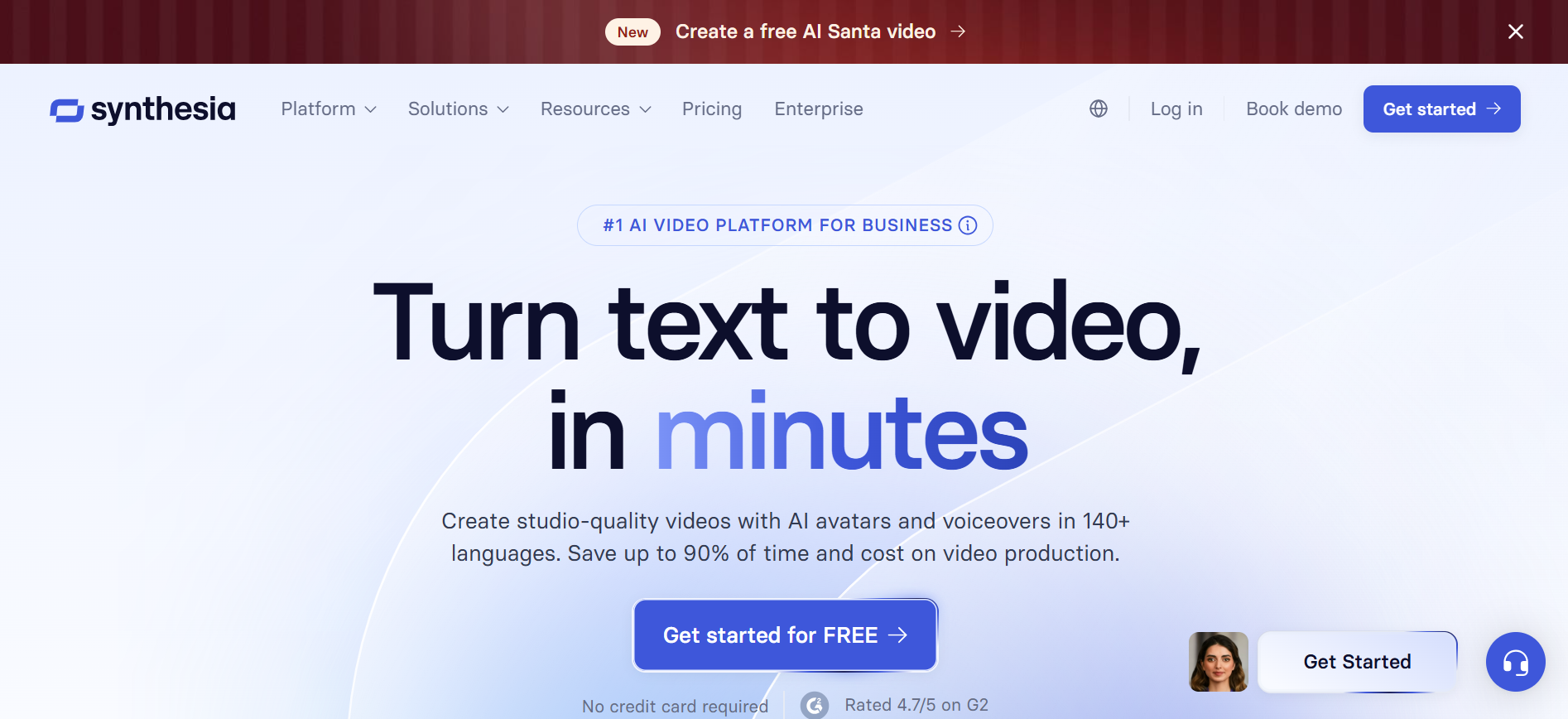
Review
Synthesia is one of the most widely used AI video generators, recognized for its realistic AI avatars and presentation-focused video outputs. The platform allows users to convert written scripts into professional videos without using cameras, microphones, or studio setups. This capability makes Synthesia highly suitable for organizations that need consistent, repeatable video content such as employee training, onboarding materials, and internal communications.
The tool emphasizes clarity, structure, and scalability. Users can choose from a wide range of AI presenters, languages, and voice styles, making it effective for global teams. Synthesia also supports slide-based visuals and screen recordings, which helps align video content with corporate documentation and instructional workflows. Its controlled creative environment ensures brand-safe and professional results.
Features
- AI avatars with realistic facial expressions and lip-sync accuracy
- Text-to-video generation using scripted input
- Support for multiple languages and regional accents
- Custom branding with logos, colors, and backgrounds
- Screen recording and slide-based video creation
- Subtitle and closed-caption support
- Centralized video management dashboard
Pros
- Highly realistic AI presenters
- Strong focus on business and training videos
- Multilingual support for global audiences
- Clean and intuitive user interface
Cons
- Limited creative freedom for cinematic storytelling
- Higher pricing compared to entry-level tools
- No advanced visual effects or scene customization
- Less suitable for entertainment content
Pricing
- Starter plan: Around $30 per month, limited video minutes
- Creator plan: Higher monthly cost with more avatars and languages
- Enterprise plan: Custom pricing for teams and advanced features
- Source: Synthesia official website
Final Verdict
Synthesia is a premium AI video generator built specifically for professional communication. It excels in producing clean, structured, and multilingual videos with minimal manual effort. The platform is ideal for organizations that prioritize clarity, consistency, and scalability over creative experimentation.
For corporate training, internal updates, and instructional content, Synthesia delivers reliable results. While it may not suit cinematic or entertainment-focused creators, it remains one of the strongest choices for business-driven video production.
#2. Pictory
Review
Pictory AI is designed to convert long-form text, articles, and scripts into short, engaging videos. It is widely used by content marketers, bloggers, and social media teams who want to repurpose written content into visual formats efficiently. The platform uses AI to identify key points, select visuals, and generate captions automatically.
The tool focuses on speed and simplicity. Users can upload blog posts or scripts and generate videos suitable for social platforms, websites, and presentations. Pictory AI also offers automatic summarization, making it easier to create concise video content from lengthy materials while maintaining message clarity.
Features
- Text-to-video and article-to-video conversion
- AI-powered content summarization
- Automatic caption and subtitle generation
- Stock video and image library integration
- Brand customization options
- Voiceover generation and audio syncing
- Multiple aspect ratios for social platforms
Pros
- Excellent for content repurposing
- Fast video generation process
- Strong caption and subtitle features
- Easy for non-technical users
Cons
- Limited control over scene-by-scene visuals
- Not suitable for avatar-based presentations
- Stock visuals may feel generic
- Advanced customization requires higher plans
Pricing
- Free trial with limited exports
- Standard plan: Around $19 per month
- Premium plan: Higher pricing for longer videos and branding
- Enterprise options available
- Source: Pictory AI official site
Final Verdict
Pictory AI is a practical solution for turning written content into engaging videos quickly. It works especially well for marketers and bloggers who want to increase video output without investing in manual editing. While it does not offer deep creative control, its automation and summarization features make it an efficient tool for scalable content production across digital platforms.
#3. DeepBrain AI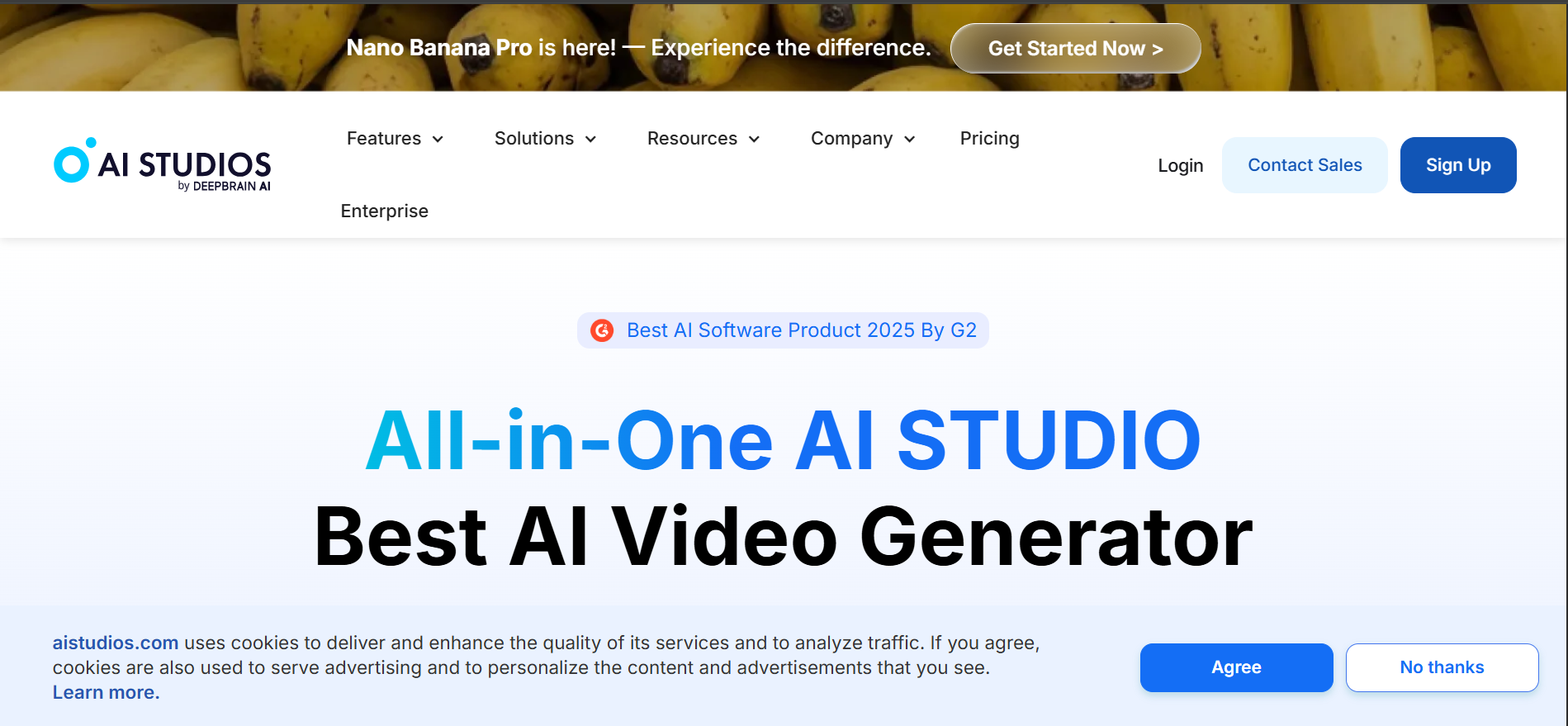
Review
DeepBrain AI specializes in avatar-driven video generation for corporate and educational use cases. The platform enables users to create videos using AI presenters that deliver scripts in a natural and professional manner. This reduces dependency on human presenters while maintaining a polished delivery style.
The tool is commonly used for training videos, customer support content, and internal knowledge sharing. DeepBrain AI also focuses on enterprise-level reliability, offering structured templates and consistent output quality that aligns with corporate communication standards.
Features
- AI human avatars with realistic speech delivery
- Text-based script input system
- Support for multiple languages
- Corporate-friendly video templates
- Branding customization tools
- Cloud-based video management
- Scalable output for teams
Pros
- Professional avatar quality
- Strong focus on enterprise use cases
- Consistent and repeatable video output
- Multilingual support
Cons
- Limited creative flexibility
- Higher pricing for commercial usage
- Not ideal for marketing storytelling
- Avatar variety may feel restricted
Pricing
- Entry plans with limited video minutes
- Business plans with expanded avatar access
- Enterprise pricing available on request
- Source: DeepBrain AI official website
Final Verdict
DeepBrain AI is well-suited for organizations that need structured, presenter-led videos at scale. Its avatar realism and professional tone make it ideal for training, onboarding, and internal communication. While it lacks creative freedom, the platform delivers reliability and consistency, making it a strong choice for enterprise-focused video production.
#4. InVideo AI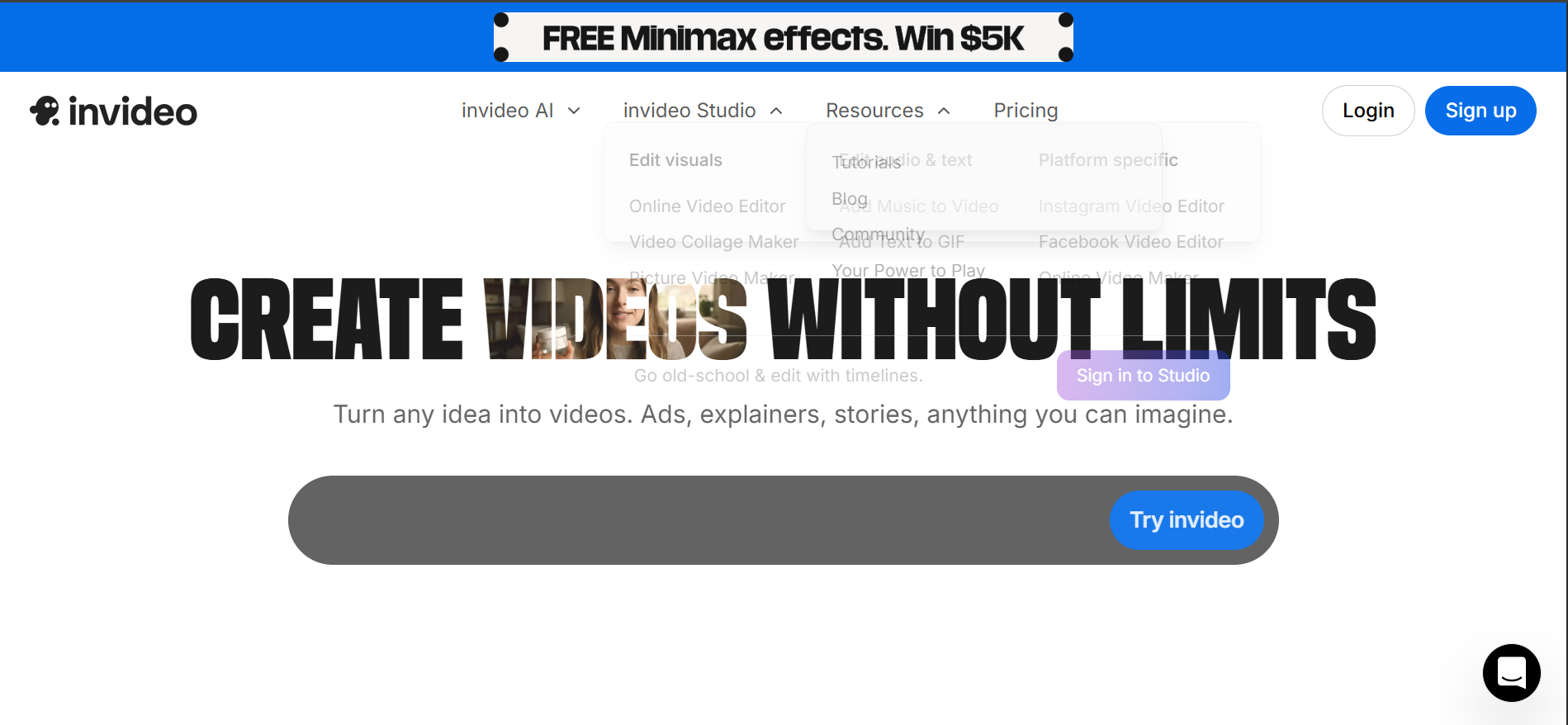
Review
InVideo AI is a versatile video creation platform that combines AI automation with manual editing flexibility. It supports text-to-video generation while allowing users to customize scenes, animations, and transitions extensively. This makes it suitable for marketers, educators, and content creators.
The platform offers thousands of templates designed for ads, social media, and presentations. AI assistance helps speed up video assembly, while manual controls ensure creative customization when needed. This hybrid approach balances automation and control effectively.
Features
- Text-to-video generation
- Large template and stock media library
- Scene-level customization
- AI-assisted script handling
- Voiceover and music integration
- Export options for multiple platforms
- Team collaboration tools
Pros
- High level of customization
- Suitable for marketing and social media
- Large template collection
- Flexible editing workflow
Cons
- Interface may feel complex for beginners
- AI automation not fully hands-off
- Rendering speed depends on plan
- Watermarks on lower tiers
Pricing
- Free plan with watermark
- Plus plan: Around $20 per month
- Max plan: Higher pricing for premium assets
- Enterprise plans available
- Source: InVideo official website
Final Verdict
InVideo AI is a flexible platform for users who want AI assistance without sacrificing creative control. It supports a wide range of video formats and marketing needs. For creators who prefer hands-on customization with AI support, InVideo AI offers a balanced and scalable solution.
#5. HeyGen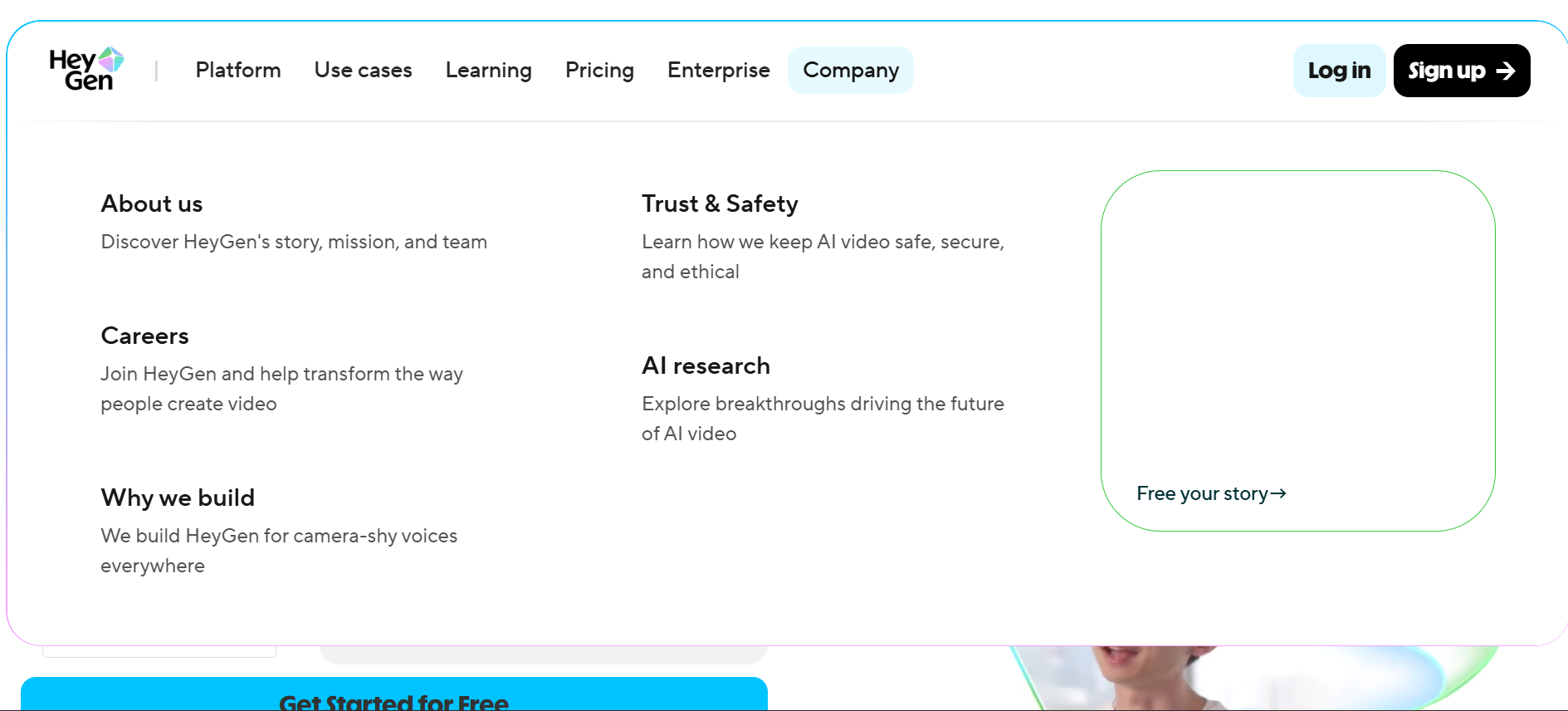
Review
HeyGen is an AI video generator designed for creating professional, avatar-based videos quickly and efficiently. It allows users to turn text scripts into engaging video content using digital presenters with natural lip-sync and expressive facial movements. This makes it suitable for marketing videos, educational content, product explainers, and internal communication without the need for cameras or studios.
The platform focuses on simplicity and speed, offering an intuitive interface that works well for beginners and professionals alike. HeyGen also supports multilingual video creation, making it easier to localize content for different regions while maintaining consistent branding and visual quality.
Features
- AI avatars with realistic facial expressions and speech synchronization
- Text-to-video generation with tone and style control
- Multilingual voiceovers and subtitle support
- Automatic caption generation
- Custom branding with logos, colors, and layouts
- Royalty-free background music library
- Voice tone and delivery customization
- Real-time preview and script editing
- Multiple export formats and aspect ratios
Pros
- High-quality AI avatars with natural delivery
- Strong support for multilingual videos
- Beginner-friendly and easy to use
- Useful for marketing, training, and explainers
- Branding tools for professional consistency
Cons
- Limited cinematic and storytelling features
- Advanced avatars available only in higher plans
- Restricted control over detailed scene visuals
- Not ideal for creative or entertainment-focused videos
- Fewer animation effects compared to creative AI tools
Pricing
- Free trial with limited credits
- Creator plan (around $24/month) with basic avatars and exports
- Business plan (around $49/month) with advanced avatars and branding
- Enterprise plan with custom pricing and team features
Final Verdict
HeyGen is a dependable AI video generator for businesses and professionals who need clean, presenter-led videos without technical complexity. It performs well for training, marketing, and multilingual communication where clarity and speed matter most.
Although it lacks advanced cinematic control, HeyGen delivers polished and professional results with minimal effort. For users focused on efficiency, branding, and global reach, it remains a strong and practical choice.
#6. Descript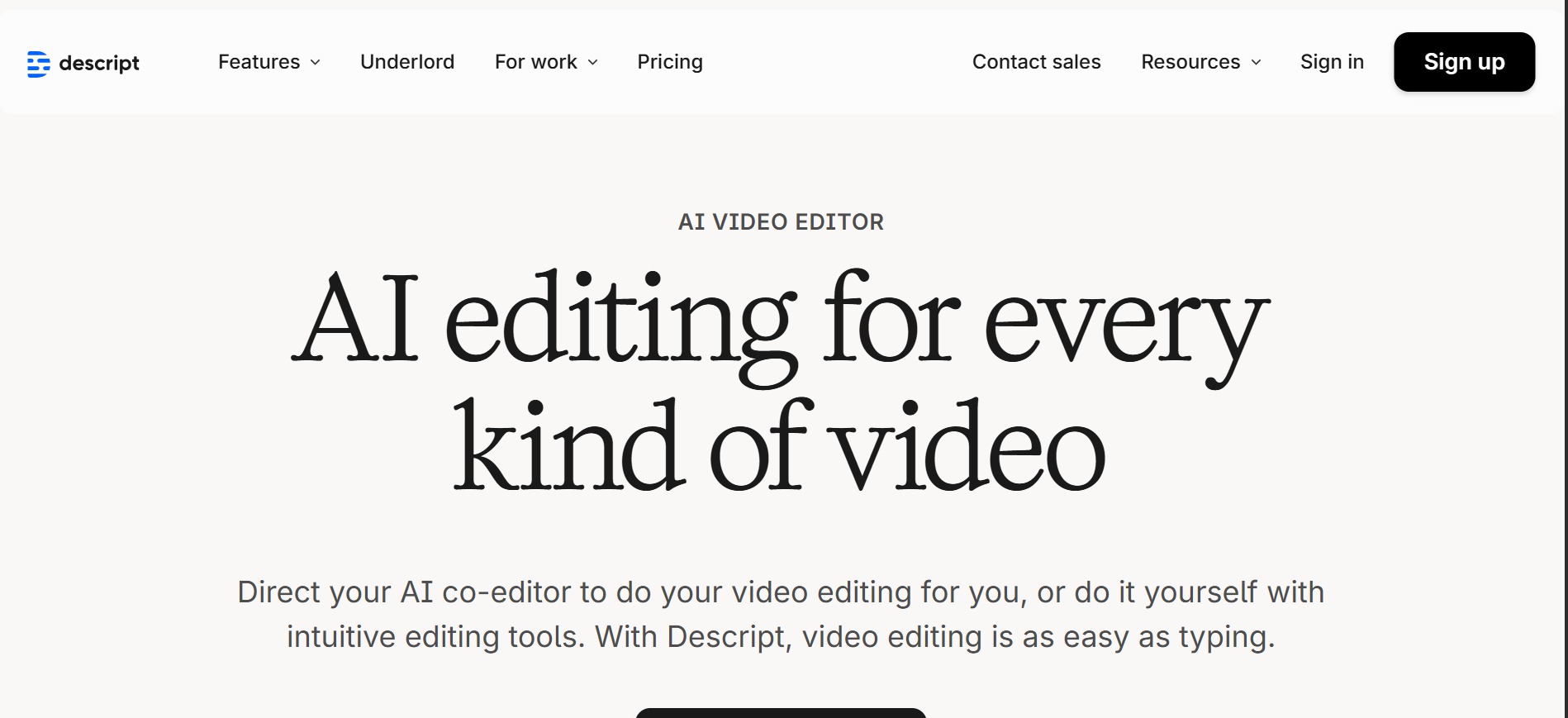
Review
Descript is a unique AI-powered video generator that blends video creation, audio editing, and transcription into a single workflow. Instead of editing videos through timelines and layers, users can edit video content by simply editing text, which makes the process far more intuitive and beginner-friendly. This approach significantly reduces the learning curve for creators who are more comfortable with writing than traditional video editing.
Beyond basic video creation, Descript is widely used for podcasts, tutorials, marketing clips, and educational videos. Its AI-driven tools such as Overdub and automatic filler word removal help polish content quickly. Descript focuses more on content clarity and efficiency rather than flashy visuals, making it ideal for creators who prioritize storytelling and communication.
Features
- Text-based video and audio editing
- Automatic transcription with high accuracy
- AI-powered voice cloning using Overdub
- Screen recording and webcam recording
- Removal of filler words and background noise
- Multi-track audio and video support
- Collaboration tools for teams
Pros
- Extremely easy editing workflow
- Strong transcription and audio tools
- Great for podcasts and educational content
- Saves significant editing time
Cons
- Limited cinematic and visual effects
- Not ideal for avatar-based videos
- Requires clean audio for best results
- Advanced features locked behind higher plans
- Less suitable for highly animated content
Pricing
- Free plan with basic transcription and editing
- Creator plan with expanded AI tools and exports
- Pro plan offering Overdub and advanced collaboration
- Enterprise plans for teams and large organizations
Final Verdict
Descript is an excellent choice for creators, educators, and podcasters who want to simplify video and audio editing. Its text-based workflow removes technical barriers and allows users to focus on message clarity rather than complex editing tools.
If your goal is clean, professional content rather than visual-heavy productions, Descript offers outstanding efficiency and value. It is especially powerful for teams producing frequent educational or spoken-content videos.
#7. Lumen5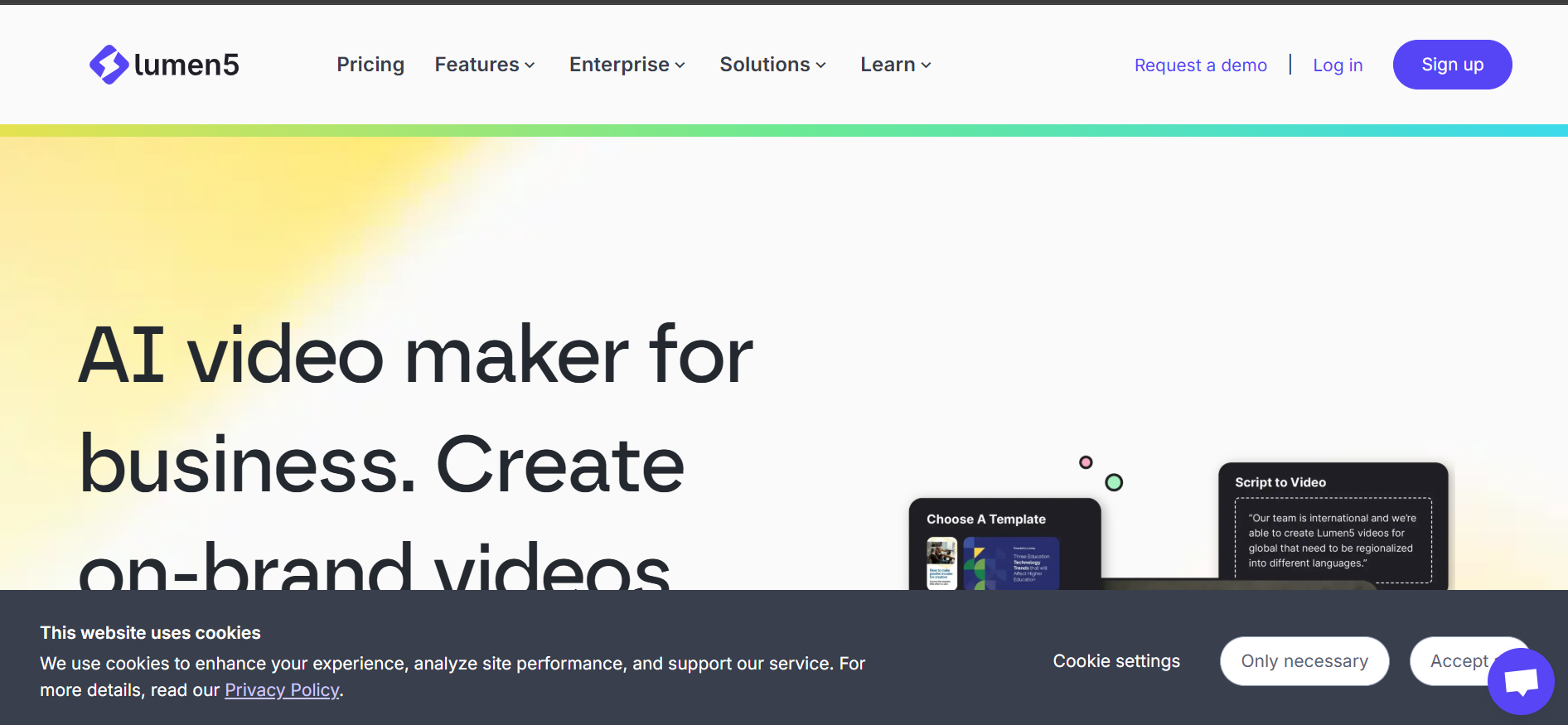
Review
Lumen5 is an AI video generator designed specifically for transforming written content into engaging videos. It allows users to convert blog posts, articles, or scripts into short-form videos by automatically matching text with visuals, animations, and music. This makes it a strong tool for content marketers and social media managers.
The platform focuses heavily on speed and simplicity. Users can quickly generate branded videos for platforms like LinkedIn, Instagram, and YouTube without any prior design experience. Lumen5 emphasizes consistency, making it easier for brands to maintain a unified visual identity across video content.
Features
- Text-to-video automation from articles or scripts
- Large library of stock images and videos
- Brand kits for fonts, colors, and logos
- Drag-and-drop video editor
- Pre-built templates for social media
- Automatic scene generation
- Music and animation presets
Pros
- Excellent for repurposing blog content
- Very easy to use for beginners
- Strong branding and consistency tools
- Ideal for social media marketing
Cons
- Limited creative control for advanced users
- Not suitable for long-form videos
- Avatar and voice features are minimal
- Custom animations are restricted
- Output styles can feel repetitive
Pricing
- Free plan with limited exports
- Starter plan for basic branding needs
- Professional plan with advanced branding and templates
- Enterprise solutions for large marketing teams
Final Verdict
Lumen5 is best suited for marketers and businesses looking to repurpose written content into video quickly. Its automation and branding tools make it easy to maintain consistency across multiple platforms. While it may not offer deep creative flexibility, Lumen5 excels at speed, simplicity, and scalable content production, especially for social media and promotional use.
#8. Rephrase.ai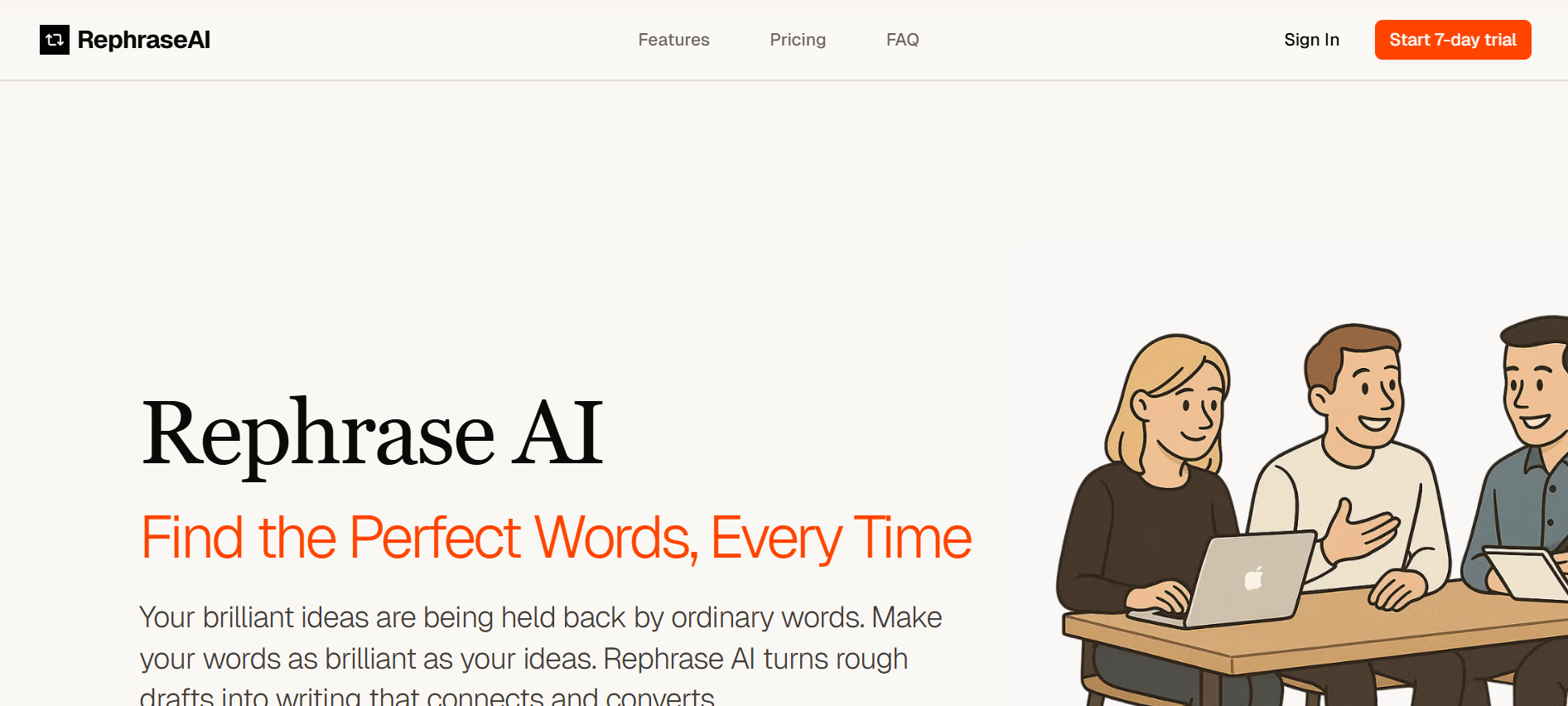
Review
Rephrase.ai specializes in AI-generated human avatars that deliver personalized video messages at scale. It allows businesses to create videos where AI presenters speak customized scripts, making it highly effective for sales outreach, onboarding, and personalized marketing campaigns.
The platform focuses on realism and personalization rather than creative effects. By integrating user data into scripts, Rephrase.ai enables brands to send thousands of personalized videos without recording individual messages. This approach increases engagement while saving time and production costs.
Features
- AI avatars with realistic lip-syncing
- Personalized video generation at scale
- Text-to-video automation
- API integration for marketing workflows
- Multilingual voice support
- Enterprise-grade security
Pros
- Excellent personalization capabilities
- Strong avatar realism
- Ideal for sales and customer engagement
- Scales video production easily
Cons
- Limited creative video styles
- Not suitable for entertainment content
- Higher cost for advanced personalization
- Requires structured scripts
- Focused mainly on business use cases
Pricing
- Custom pricing based on usage
- Enterprise-focused subscription plans
- API-based pricing for large-scale deployment
- Volume discounts for bulk video creation
Final Verdict
Rephrase.ai is a powerful tool for businesses that rely on personalized communication. Its ability to generate customized videos at scale makes it ideal for sales, onboarding, and customer engagement. If personalization and efficiency are your priorities rather than creative visuals, Rephrase.ai delivers strong ROI and measurable engagement benefits.
#9. Runway Video (Runway ML)
Review
Runway Video is an advanced AI-powered creative platform known for its cutting-edge video generation and editing capabilities. It enables users to generate videos from text prompts, images, and existing footage, making it popular among designers, filmmakers, and creative professionals.
Unlike business-focused tools, Runway emphasizes artistic control and experimentation. Its AI models allow users to explore new visual styles, effects, and motion concepts, making it suitable for creative storytelling, visual effects, and experimental projects.
Features
- Text-to-video and image-to-video generation
- AI-powered video effects and transitions
- Background removal and object tracking
- Creative motion tools
- Integration with professional workflows
- Real-time previews and exports
Pros
- High creative freedom
- Advanced AI video effects
- Ideal for designers and filmmakers
- Constantly evolving AI models
Cons
- Steeper learning curve
- Not optimized for business presentations
- Output consistency can vary
- Requires experimentation for best results
- Pricing increases with heavy usage
Pricing
- Free plan with limited credits
- Standard subscription with monthly usage limits
- Pro plans for extended AI generation
- Studio plans for professional teams
Final Verdict
Runway Video is best for creators who want creative freedom and experimental AI video generation. It pushes the boundaries of what AI-generated video can look like and enables unique visual storytelling. While it may not suit corporate needs, Runway excels in artistic exploration and advanced creative workflows for professionals and studios.
#10. Synthesys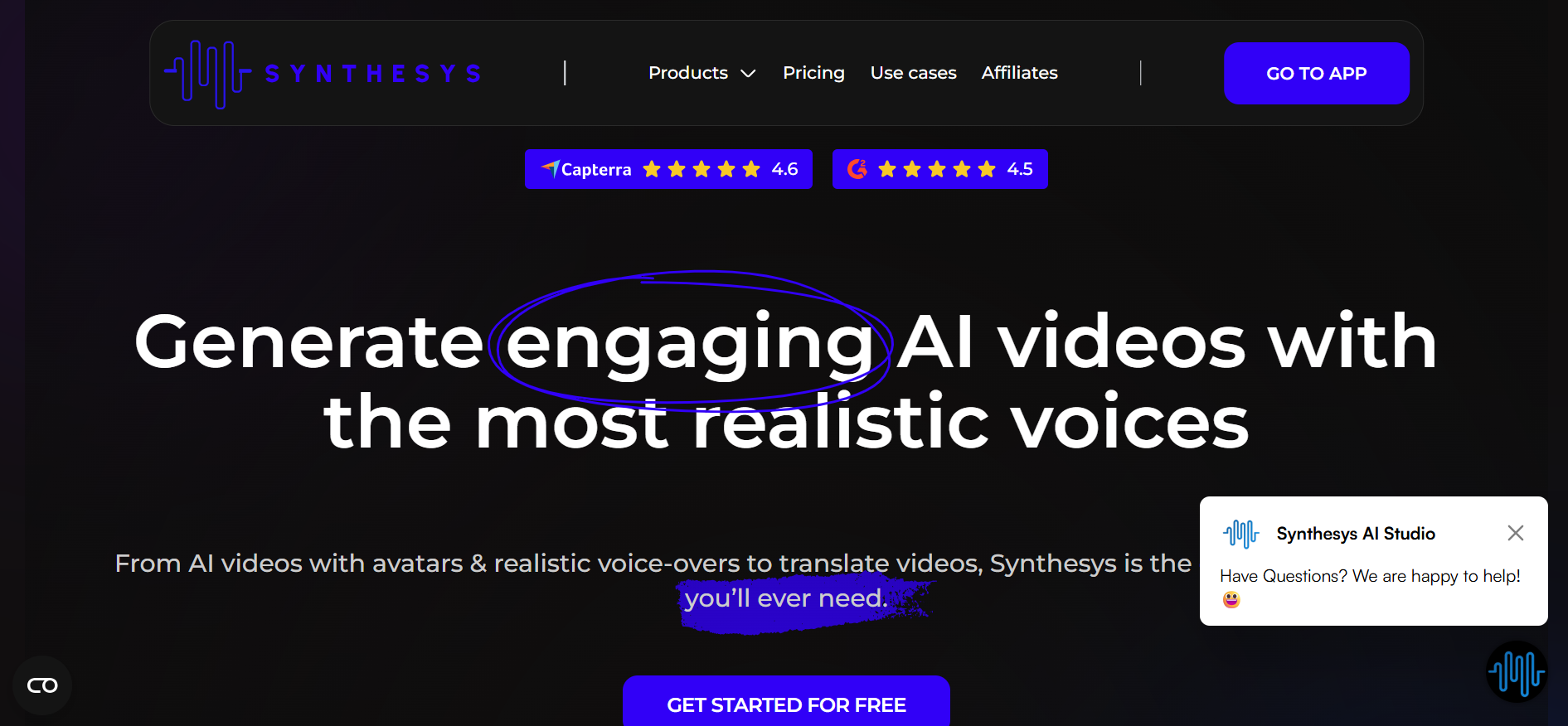
Review
Synthesys is an AI video and voice generation platform focused on professional-quality presentations and marketing videos. It allows users to generate videos using AI avatars combined with realistic voiceovers, making it suitable for explainer videos, ads, and corporate communication.
The platform emphasizes clarity and professionalism. Synthesys provides users with control over voice tone, pacing, and presentation style, helping brands create consistent and polished video content without production teams.
Features
- AI avatars for video presentations
- High-quality AI voice generation
- Text-to-video workflow
- Multiple languages and accents
- Custom branding support
- Script-based video creation
Pros
- Professional output quality
- Strong voice realism
- Suitable for marketing and training
- Simple and structured workflow
Cons
- Limited creative animation options
- Less suitable for storytelling videos
- Higher pricing for premium voices
- Interface may feel rigid to creatives
- Focused mainly on business use
Pricing
- Starter plans for basic video creation
- Professional plans with premium voices
- Business subscriptions for teams
- Custom enterprise pricing available
Final Verdict
Synthesys is a solid option for businesses seeking professional AI-generated videos with strong voice quality. It performs well in marketing, training, and informational use cases where clarity matters most. If your goal is structured, polished communication rather than creative experimentation, Synthesys provides reliable results and consistent branding.
Conclusion
AI video generators have completely changed how creators, marketers, and businesses produce video content. Instead of relying on expensive equipment, long editing hours, or technical expertise, these tools allow anyone to create professional-quality videos using simple text prompts or scripts. From marketing videos and social media content to training materials and presentations, AI video platforms now support a wide range of use cases.
The tools listed above cater to different needs some focus on avatar-based videos, others on cinematic visuals, and some on fast social media production. Choosing the right AI video generator depends on your goals, content type, and level of creative control required. No matter your experience level, investing in the right AI video tool can significantly improve productivity and content quality.
Frequently Asked Questions(FAQs)
Are AI video generators suitable for beginners?
Yes, most AI video generators are designed for beginners. They offer templates, drag-and-drop editors, and text-to-video features that make video creation easy without technical skills.
Can AI video tools replace traditional video editing?
AI video tools can replace traditional editing for many use cases such as marketing, social media, training, and explainer videos. However, advanced filmmaking and highly customized projects may still require manual editing.
Do AI video generators support multiple languages?
Many AI video platforms support multiple languages and accents, especially avatar-based tools. This makes them ideal for global businesses and international audiences.
How do I choose the best AI video generator?
To choose the best tool, consider your video goals, budget, customization needs, and ease of use. Some tools focus on speed and automation, while others provide creative flexibility and advanced effects.
