2. DocuWare
Overview
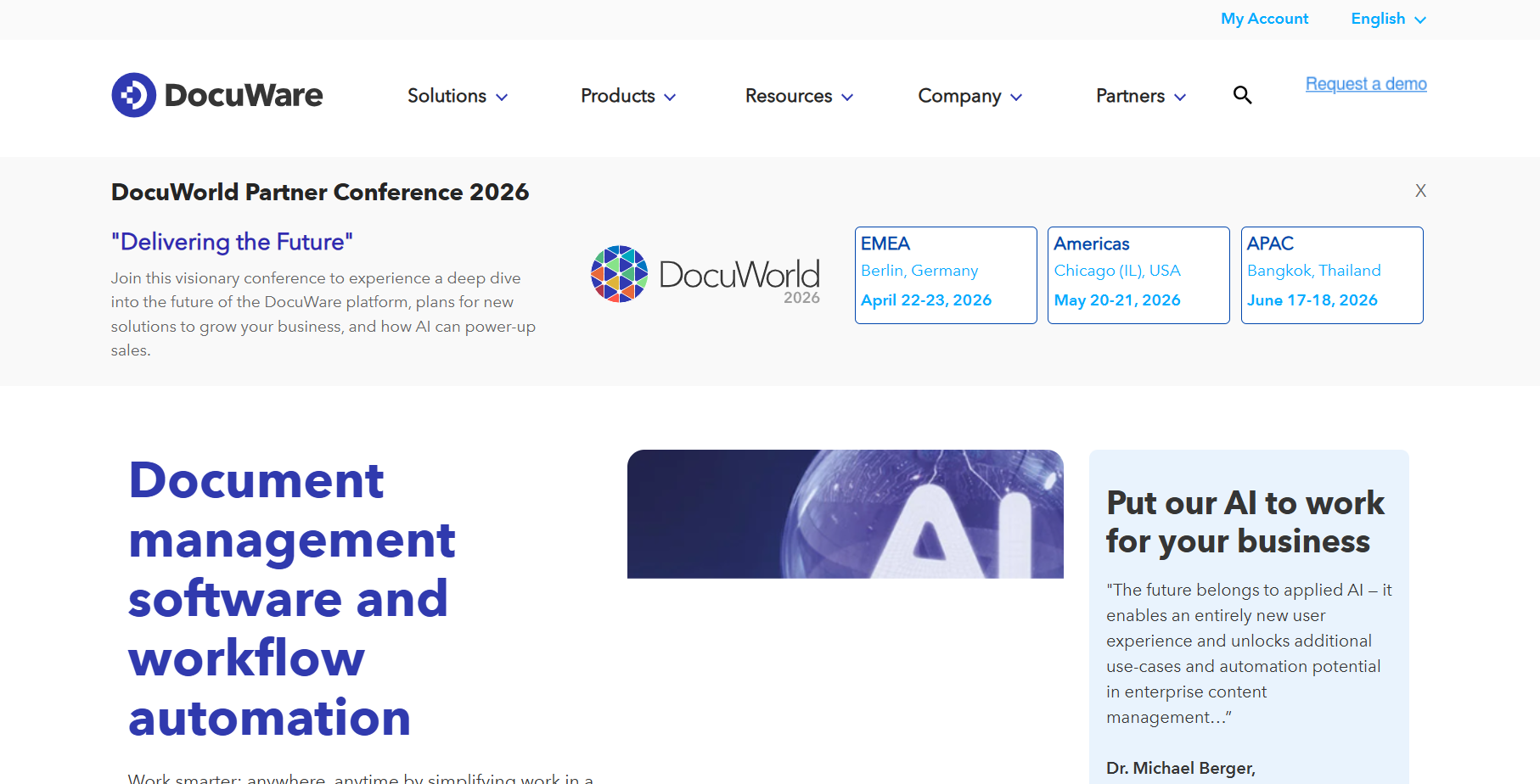
DocuWare is a powerful AI-driven document management and workflow automation platform widely used in 2026 by organizations seeking to digitize, organize, and control business documents. It helps companies eliminate paper-based processes, improve operational efficiency, and ensure compliance by intelligently capturing, indexing, and managing documents across departments.
What sets DocuWare apart is its strong focus on automation, accuracy, and compliance. By combining AI-powered document capture with structured workflows, DocuWare enables businesses to process invoices, contracts, HR files, and records with minimal manual intervention. This makes it especially valuable for finance, HR, legal, and operations teams.
Key Features
- Intelligent Document Capture – Automatically captures, indexes, and classifies documents using AI
- Workflow Automation – Automates approvals, routing, and document lifecycle processes
- Smart Search & Retrieval – Quickly locates documents using metadata and full-text search
- OCR & Data Extraction – Extracts structured data from scanned documents and PDFs
- Version Control – Maintains document history and prevents duplication
- Security & Compliance – Role-based access, audit trails, and regulatory compliance support
- Integration Options – Connects with ERP, CRM, accounting, and Microsoft platforms
- Cloud-Based Platform – Secure, scalable cloud deployment with high availability
- Analytics & Insights – Tracks document activity, workflow performance, and compliance metrics
Review
DocuWare stands out as a reliable and structured document management solution for businesses that prioritize automation and compliance. Its workflow-centric design makes it particularly effective for document-heavy processes such as invoicing and approvals. While it may require some initial configuration, the long-term gains in efficiency, accuracy, and visibility make DocuWare a strong choice for mid-sized and enterprise organizations.
Pros
- Powerful document capture and workflow automation
- Strong security and compliance features
- Excellent for finance, HR, and operations teams
- Scalable cloud-based infrastructure
- Seamless integration with business systems
Cons
- Interface may feel complex for first-time users
- Advanced customization may require technical expertise
Pricing
Free trial available; Paid plans based on modules, users, and storage; Enterprise pricing available with custom configurations
3. OpenText Content Cloud
Overview
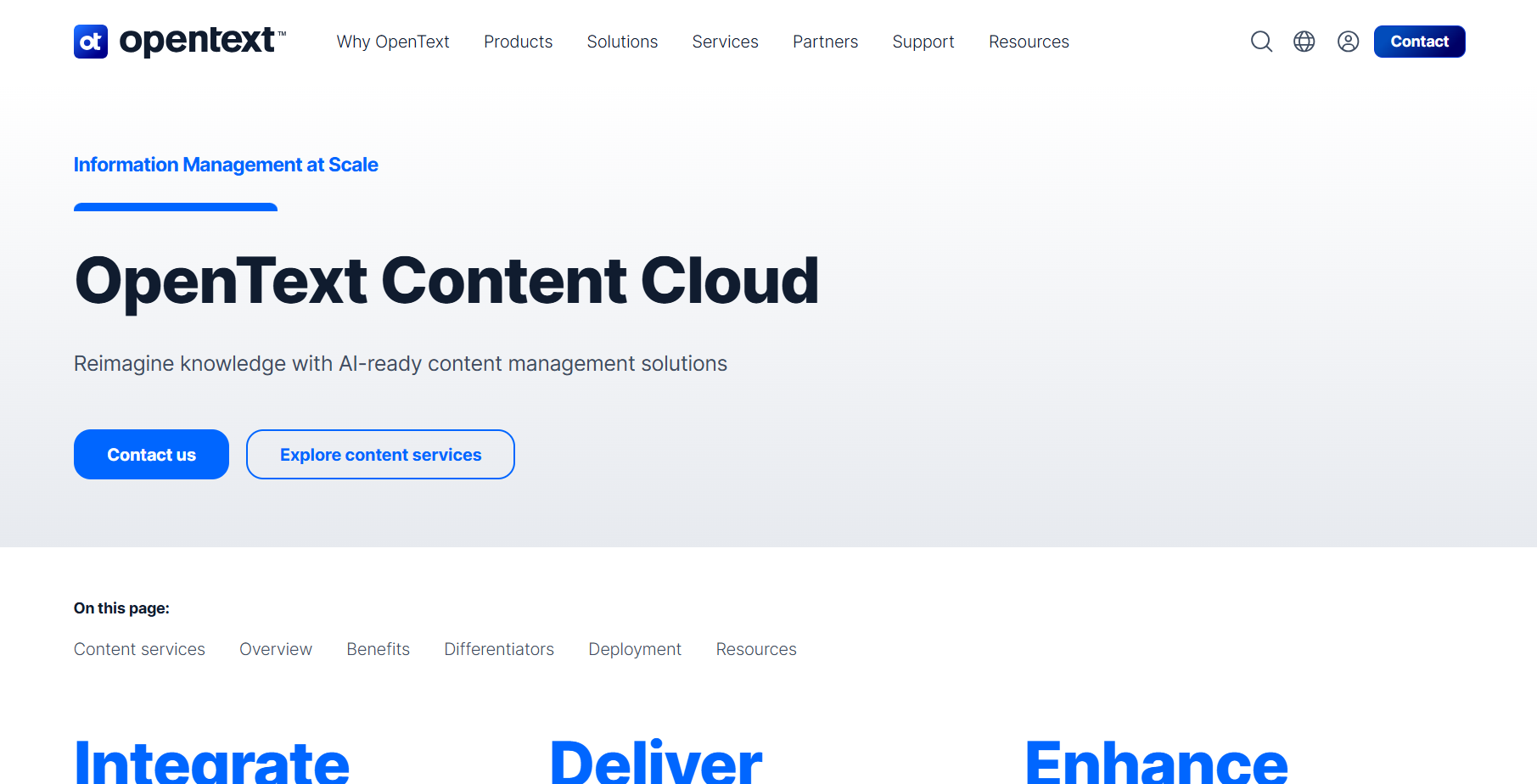
OpenText Content Cloud is a powerful AI-driven document and content management platform widely used in 2026 by enterprises managing large volumes of business information. It helps organizations securely store, organize, govern, and control documents while improving collaboration, compliance, and operational efficiency across departments.
What sets OpenText Content Cloud apart is its strong focus on enterprise governance, scalability, and AI-powered content intelligence. By combining intelligent content classification with automated workflows and records management, OpenText enables organizations to manage the entire content lifecycle with minimal risk and maximum control. This makes it especially valuable for regulated and data-intensive industries.
Key Features
- AI-Powered Content Classification – Automatically organizes and manages documents using AI
- Workflow Automation – Automates approvals, routing, and content lifecycle processes
- Smart Search & Retrieval – Quickly locates content using metadata and full-text search
- OCR & Data Extraction – Extracts structured data from scanned and digital documents
- Records Management – Enforces retention policies and regulatory compliance
- Security & Compliance – Role-based access, audit trails, and enterprise compliance support
- Integration Options – Connects with ERP, CRM, and enterprise business systems
- Cloud & Hybrid Deployment – Secure cloud, hybrid, and on-premise deployment options
- Analytics & Insights – Tracks content usage, risk exposure, and workflow performance
Review
OpenText Content Cloud stands out as a reliable and enterprise-focused content management solution for organizations that prioritize governance, compliance, and scalability. Its structured approach to managing complex content ecosystems makes it highly effective for large enterprises. While the platform may require more setup and training, the long-term gains in control, security, and efficiency justify the investment.
Pros
- Powerful enterprise-grade content management capabilities
- Strong security, governance, and compliance features
- Excellent for large and regulated organizations
- Scalable architecture for growing content volumes
- Deep integration with enterprise systems
Cons
- Initial setup may be complex for new users
- Higher pricing compared to basic document management tools
Pricing
Custom enterprise pricing; Plans vary based on deployment model, modules, users, and storage needs
4. DocuSign Agreement Cloud
Overview
DocuSign Agreement Cloud is an AI-powered document and agreement management platform widely used in 2026 to streamline contract creation, execution, and lifecycle management. It enables businesses to automate agreement workflows, secure approvals, and manage digital signatures while improving efficiency and compliance across departments.
What sets DocuSign Agreement Cloud apart is its focus on intelligent contract automation and secure digital transactions. By combining AI-driven document analysis with workflow automation, the platform helps organizations reduce manual errors, accelerate agreement processes, and maintain regulatory compliance. It is especially valuable for legal, sales, and procurement teams.
Key Features
- AI-Powered Document Analysis – Automatically analyzes agreements and identifies key terms
- Workflow Automation – Automates contract approvals, routing, and execution
- Smart Search & Retrieval – Quickly locates agreements using metadata and full-text search
- Electronic Signatures – Secure e-signature support for fast and compliant agreement execution
- Version Control – Tracks agreement history and updates
- Security & Compliance – Role-based access, encryption, and audit trails
- Integration Options – Connects with CRM, ERP, and business applications
- Cloud Deployment – Secure, scalable cloud infrastructure
- Analytics & Insights – Monitors agreement performance, turnaround times, and compliance metrics
Review
DocuSign Agreement Cloud stands out as a reliable and secure solution for managing agreements and contracts digitally. Its AI-driven document analysis and workflow automation make it ideal for organizations seeking faster approvals and better compliance. While initial setup may require training, the long-term gains in efficiency, accuracy, and risk mitigation make it a top choice for enterprises.
Pros
- Powerful AI-driven contract and document management
- Strong security and compliance capabilities
- Efficient workflow automation for legal, sales, and procurement teams
- Scalable cloud-based infrastructure
- Integration with enterprise systems for seamless operations
Cons
- Setup may be complex for first-time users
- Higher pricing compared to basic e-signature solutions
Pricing
Free trial available; Subscription-based pricing with Business, Advanced, and Enterprise plans (custom pricing based on users and features)
5. Laserfiche
Overview
Laserfiche is an AI-powered document and content management platform widely used in 2026 for automating business processes, managing records, and improving organizational efficiency. It enables businesses to digitize documents, streamline workflows, and maintain compliance across multiple departments.
What sets Laserfiche apart is its focus on intelligent process automation and enterprise content governance. By combining AI-driven document classification with customizable workflows, Laserfiche helps organizations reduce manual effort, improve accuracy, and ensure regulatory compliance. It is particularly valuable for finance, HR, legal, and operations teams.
Key Features
- AI-Powered Document Classification – Automatically tags and organizes documents using AI
- Workflow Automation – Automates approvals, routing, and business process management
- Smart Search & Retrieval – Quickly finds documents using metadata and full-text search
- OCR & Data Extraction – Extracts data from scanned and digital documents
- Version Control – Maintains document history and prevents duplication
- Security & Compliance – Role-based access, audit trails, and regulatory compliance
- Integration Options – Connects with ERP, CRM, and other business applications
- Cloud & On-Premise Deployment – Flexible deployment options for organizational needs
- Analytics & Insights – Tracks document activity, workflow performance, and compliance metrics
Review
Laserfiche stands out as a reliable and scalable document management platform for organizations that prioritize workflow automation and compliance. Its AI-driven classification and process automation improve productivity and reduce operational risk. While setup may require some training, the long-term efficiency gains make it a top choice for enterprises.
Pros
- Intelligent document classification and AI-powered automation
- Strong security and compliance features for regulated industries
- Efficient workflow management for multiple departments
- Scalable cloud and on-premise infrastructure
- Integration with business applications for seamless operations
Cons
- Initial setup may require training for new users
- Advanced features may require technical expertise
Pricing
Free trial available; Subscription-based pricing with Business and Enterprise plans (custom pricing based on users and features)
6. Box Governance
Overview
Box Governance is an AI-powered document and content management platform widely used in 2026 to ensure secure information management, regulatory compliance, and streamlined workflows. It helps organizations control, organize, and manage documents while improving collaboration and reducing operational risk.
What sets Box Governance apart is its focus on compliance, retention policies, and secure content management. By combining AI-driven document classification with automated retention and workflow rules, Box Governance ensures documents are properly managed throughout their lifecycle. It is particularly valuable for legal, finance, healthcare, and enterprise teams handling sensitive data.
Key Features
- AI-Powered Document Classification – Automatically categorizes and tags documents for easier management
- Workflow Automation – Automates document approvals, retention, and routing
- Smart Search & Retrieval – Quickly locates documents using metadata and full-text search
- OCR & Data Extraction – Extracts key information from scanned and digital files
- Version Control – Maintains document history and prevents duplication
- Security & Compliance – Ensures role-based access, audit trails, and regulatory compliance
- Integration Options – Connects with CRM, ERP, and other business applications
- Cloud Deployment – Secure and scalable cloud infrastructure
- Analytics & Insights – Tracks document activity, workflow efficiency, and compliance metrics
Review
Box Governance stands out as a secure and compliance-focused document management platform for enterprises. Its AI-driven classification and automated retention policies help organizations maintain regulatory compliance and reduce risk. While setup and configuration may require planning, the long-term benefits in security, organization, and workflow efficiency make it a strong choice for regulated industries.
Pros
- AI-powered document classification and management
- Strong security and compliance capabilities
- Automated workflows for approvals and retention
- Scalable cloud infrastructure for enterprise use
- Integration with enterprise systems for seamless operations
Cons
- Initial setup may be complex for first-time users
- Some advanced compliance features require technical expertise
Pricing
Free trial available; Subscription-based pricing with Business and Enterprise plans (custom pricing based on users, storage, and features)
7. SharePoint Syntex
Overview
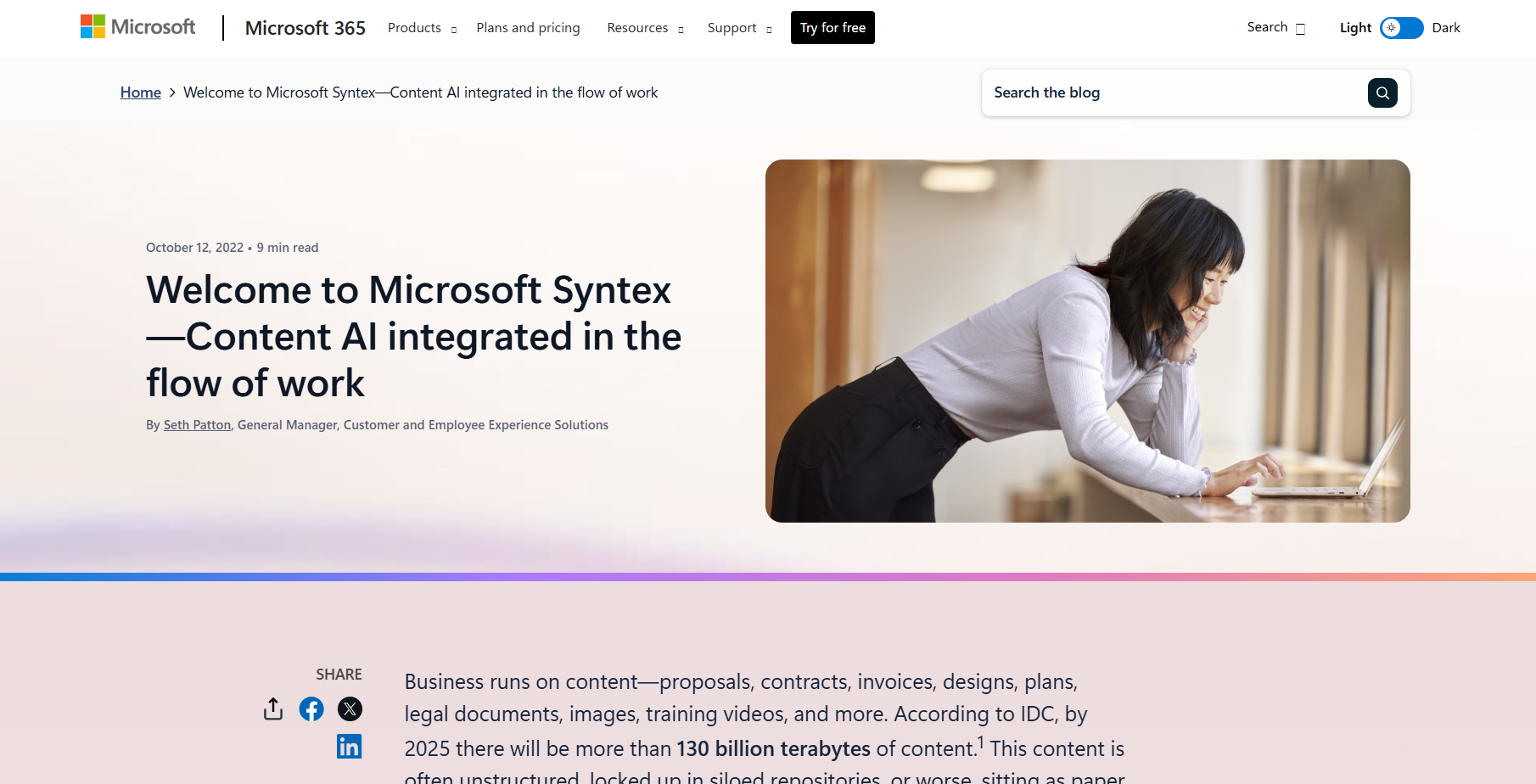
SharePoint Syntex is an AI-powered document and content management solution widely used in 2026 to automate content processing, extract information, and improve organizational efficiency. It enables businesses to classify, manage, and analyze documents while integrating seamlessly with Microsoft 365.
What sets SharePoint Syntex apart is its focus on AI-driven content understanding and Microsoft ecosystem integration. By combining intelligent document classification, automated metadata tagging, and workflow automation, Syntex helps organizations reduce manual work, improve accuracy, and ensure compliance. It is particularly valuable for enterprises using Microsoft 365 across finance, HR, legal, and operations teams.
Key Features
- AI-Powered Content Classification – Automatically tags and organizes documents using AI
- Workflow Automation – Automates approvals, document routing, and content lifecycle processes
- Smart Search & Retrieval – Quickly locates documents using metadata and full-text search
- OCR & Data Extraction – Extracts data from scanned and digital documents
- Version Control – Maintains document history and ensures a single source of truth
- Security & Compliance – Role-based access, audit trails, and regulatory compliance support
- Integration Options – Seamlessly connects with Microsoft 365, SharePoint, and business applications
- Cloud Deployment – Secure and scalable cloud-based infrastructure
- Analytics & Insights – Tracks document activity, workflow efficiency, and compliance metrics
Review
SharePoint Syntex stands out as a Microsoft-integrated document management platform that leverages AI for intelligent content processing. Its automated classification, extraction, and workflow features improve efficiency and reduce manual effort. While some advanced capabilities require Microsoft 365 knowledge, the platform provides significant long-term productivity gains for enterprises.
Pros
- AI-powered document classification and automation
- Strong integration with Microsoft 365 and SharePoint
- Automated workflows for approvals and content management
- Scalable cloud infrastructure for enterprise use
- Analytics and reporting for document insights
Cons
- Setup and advanced features require Microsoft 365 familiarity
- Premium features may be limited to certain Microsoft 365 plans
Pricing
Subscription-based pricing with Microsoft 365 plans; Enterprise pricing varies based on users, storage, and features
8. Egnyte Content Services
Overview
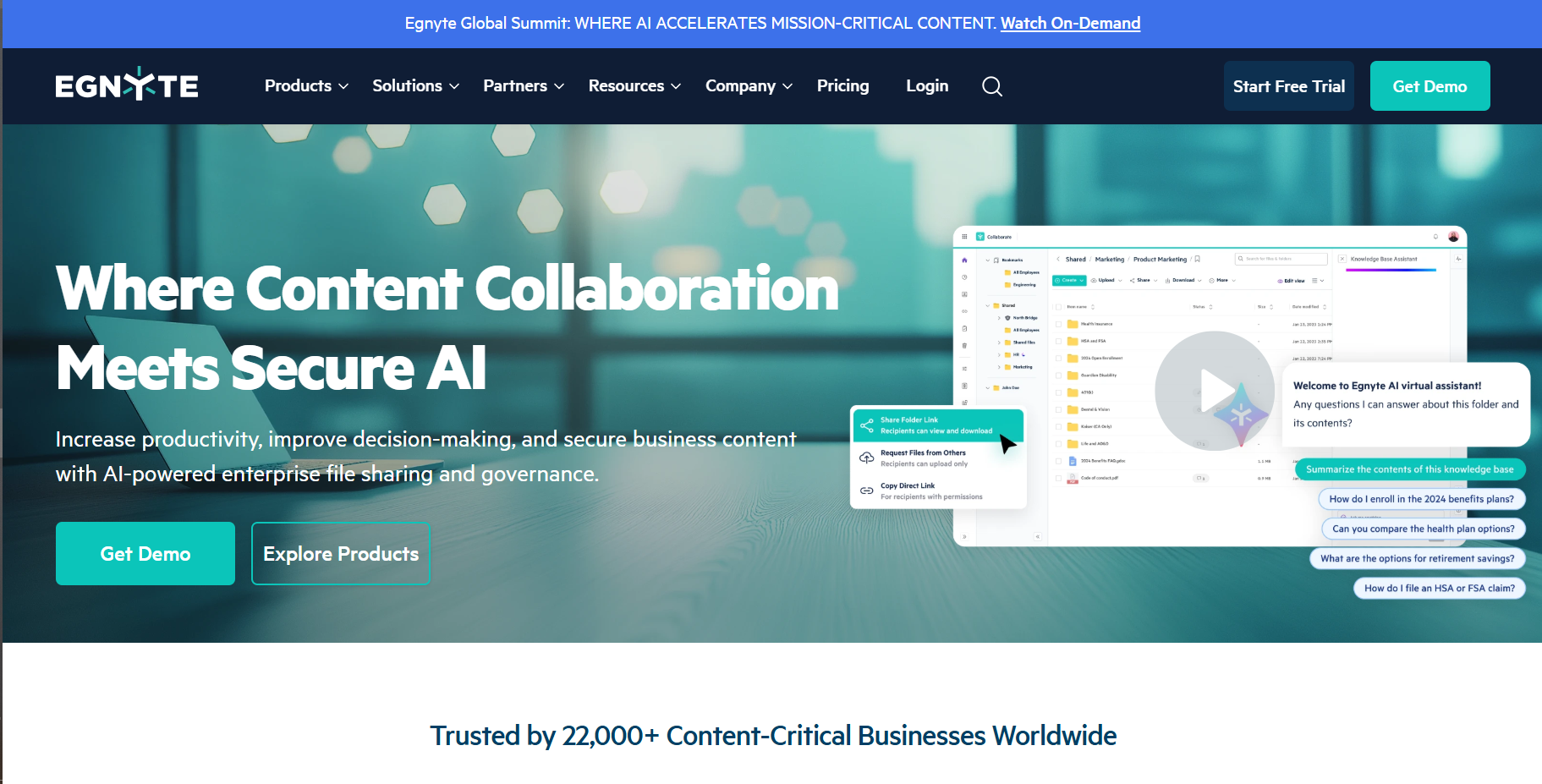
Egnyte Content Services is an AI-powered document and content management platform widely used in 2026 to help businesses securely store, manage, and collaborate on files. It enables organizations to automate workflows, classify content, and ensure compliance across departments and locations.
What sets Egnyte apart is its focus on secure content collaboration and intelligent data management. By combining AI-driven classification, automated workflows, and granular access controls, Egnyte helps organizations reduce manual effort, improve efficiency, and maintain regulatory compliance. It is especially valuable for finance, legal, and enterprise teams handling sensitive documents.
Key Features
- AI-Powered Document Classification – Automatically categorizes and tags documents using AI
- Workflow Automation – Automates approvals, routing, and content lifecycle processes
- Smart Search & Retrieval – Quickly finds documents using metadata and full-text search
- OCR & Data Extraction – Extracts data from scanned and digital documents
- Version Control – Maintains document history and prevents duplication
- Security & Compliance – Role-based access, audit trails, and regulatory compliance support
- Integration Options – Connects with ERP, CRM, and business applications
- Cloud & Hybrid Deployment – Flexible deployment options for organizational needs
- Analytics & Insights – Tracks document activity, workflow efficiency, and compliance metrics
Review
Egnyte Content Services stands out as a secure and flexible document management solution for businesses that prioritize collaboration and compliance. Its AI-powered classification and workflow automation improve productivity and reduce operational risk. While setup may require some training, the long-term benefits in security, efficiency, and collaboration make it a top choice for enterprises.
Pros
- AI-driven document classification and management
- Strong security and compliance capabilities
- Automated workflows for approvals and content lifecycle
- Scalable cloud and hybrid deployment options
- Integration with business applications for seamless operations
Cons
- Initial setup may be complex for new users
- Some advanced features require technical expertise
Pricing
Free trial available; Subscription-based pricing with Business and Enterprise plans (custom pricing based on users, storage, and features)
9. OnBase by Hyland
Overview
OnBase by Hyland is an AI-powered enterprise content and document management platform widely used in 2026 to streamline business processes, manage records, and ensure compliance. It enables organizations to capture, organize, and automate document workflows across multiple departments efficiently.
What sets OnBase apart is its focus on process automation, AI-driven content management, and regulatory compliance. By combining intelligent document capture, workflow automation, and analytics, OnBase helps businesses reduce manual effort, improve accuracy, and maintain operational control. It is particularly valuable for finance, healthcare, legal, and HR teams.
Key Features
- AI-Powered Document Capture – Automatically scans, indexes, and classifies documents
- Workflow Automation – Automates approvals, routing, and business processes
- Smart Search & Retrieval – Quickly locates documents using metadata and full-text search
- OCR & Data Extraction – Extracts data from scanned and digital documents
- Version Control – Maintains document history and ensures a single source of truth
- Security & Compliance – Role-based access, audit trails, and regulatory compliance support
- Integration Options – Connects with ERP, CRM, and other business systems
- Cloud & On-Premise Deployment – Flexible deployment options for different organizational needs
- Analytics & Insights – Tracks workflow efficiency, document usage, and compliance metrics
Review
OnBase by Hyland stands out as a robust and scalable content management platform for organizations seeking process automation and compliance. Its AI-powered capture, workflow automation, and analytics improve operational efficiency and reduce risk. While initial setup may require training, the platform delivers long-term productivity and regulatory benefits for enterprises.
Pros
- AI-driven document capture and classification
- Strong workflow automation and compliance capabilities
- Scalable for enterprise-level operations
- Flexible deployment options for cloud or on-premise
- Integration with enterprise business systems
Cons
- Initial configuration may require technical expertise
- Advanced features may be limited to premium plans
Pricing
Free trial available; Subscription-based pricing with Business and Enterprise plans (custom pricing based on users, modules, and storage)
10. Nuxeo Platform
Overview
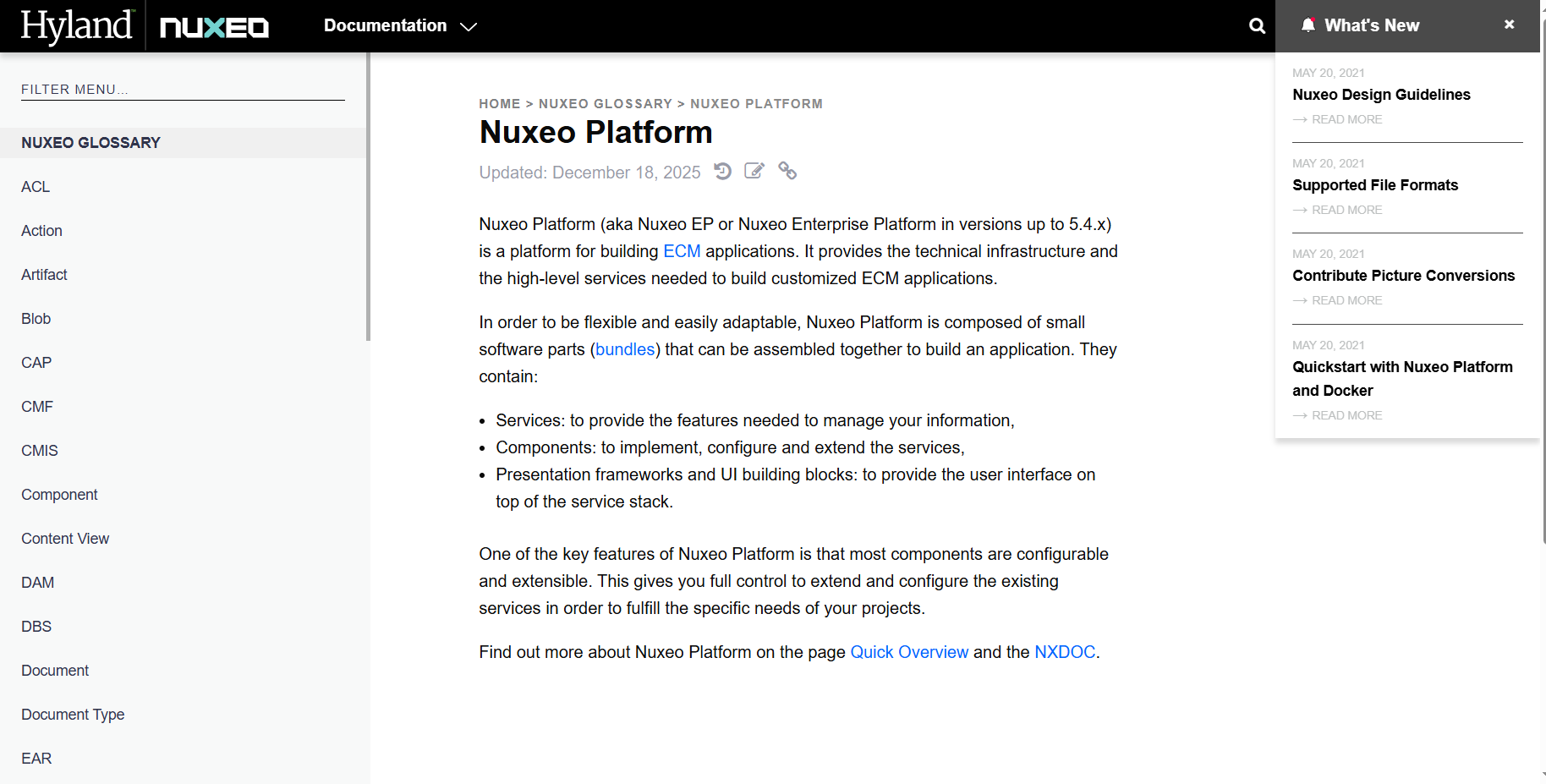
Nuxeo Platform is an AI-powered content and document management solution widely used in 2026 to help organizations manage, automate, and govern enterprise content. It enables businesses to organize documents, streamline workflows, and maintain compliance across multiple departments and industries.
What sets Nuxeo apart is its focus on AI-driven content services, scalability, and flexible integration options. By combining intelligent document classification, workflow automation, and robust metadata management, Nuxeo helps organizations reduce manual work, improve operational efficiency, and maintain regulatory compliance. It is particularly valuable for finance, healthcare, legal, and media teams.
Key Features
- AI-Powered Document Classification – Automatically tags and organizes documents using AI
- Workflow Automation – Automates approvals, routing, and content lifecycle processes
- Smart Search & Retrieval – Quickly finds documents using metadata and full-text search
- OCR & Data Extraction – Extracts structured data from scanned and digital documents
- Version Control – Maintains document history and ensures a single source of truth
- Security & Compliance – Role-based access, audit trails, and regulatory compliance support
- Integration Options – Connects with ERP, CRM, and other business applications
- Cloud & On-Premise Deployment – Flexible deployment options for organizational needs
- Analytics & Insights – Tracks document activity, workflow performance, and compliance metrics
Review
Nuxeo Platform stands out as a flexible and scalable document management solution for enterprises that prioritize AI-driven automation and content governance. Its intelligent classification and workflow features improve efficiency, accuracy, and compliance. While setup may require technical expertise, Nuxeo provides significant long-term value for organizations managing complex content ecosystems.
Pros
- AI-powered document classification and automation
- Strong security and compliance features
- Efficient workflow management for multiple departments
- Scalable cloud and on-premise infrastructure
- Integration with business systems for seamless operations
Cons
- Initial configuration may require technical expertise
- Advanced features may require premium plans
Pricing
Free trial available; Subscription-based pricing with Business and Enterprise plans (custom pricing based on users, modules, and storage)
Conclusion
AI document management systems have become essential tools for modern business operations and information management in 2026. From automating document classification and workflow approvals to improving compliance and secure collaboration, these systems save time, reduce errors, and ensure efficient, real-time management of organizational content. Beyond operational efficiency, AI-powered document management platforms provide valuable insights through analytics, helping businesses track document usage, monitor workflow performance, and make data-driven decisions that enhance productivity and regulatory compliance.
Choosing the right AI document management system depends on your business needs and use cases:
- M-Files and DocuWare excel at intelligent metadata-based organization and workflow automation.
- OpenText Content Cloud and Laserfiche shine in enterprise content management, process automation, and compliance.
- Box Governance and SharePoint Syntex are ideal for secure collaboration, retention policies, and Microsoft ecosystem integration.
- Egnyte Content Services, OnBase by Hyland, and Nuxeo Platform are perfect for scalable, AI-driven document classification, retrieval, and multi-department management.
By integrating AI document management systems into business operations, companies can streamline repetitive tasks, improve accuracy, maintain compliance, and make data-driven decisions. In today’s competitive market, leveraging AI for document management is no longer optional — it’s a strategic necessity for businesses aiming to scale efficiently, improve collaboration, and enhance overall operational effectiveness.
Frequently Asked Questions (FAQs)
What is an AI document management system?
An AI document management system is a software platform that uses artificial intelligence to organize, classify, and automate the handling of business documents. It improves search, workflow automation, version control, and compliance while reducing manual effort.
How do AI document management systems improve efficiency?
These systems automate repetitive tasks like document tagging, approval routing, and data extraction. They provide quick search and retrieval, streamline workflows, and reduce errors, allowing teams to focus on higher-value tasks.
Are these systems secure and compliant?
Yes. Most AI document management systems include role-based access, encryption, audit trails, and regulatory compliance features to ensure that sensitive documents are protected and properly managed.
Can AI document management integrate with other business tools?
Absolutely. Platforms like M-Files, DocuWare, and OpenText offer integrations with ERP, CRM, Microsoft 365, and other enterprise applications for seamless document workflows and collaboration.
Do I need technical expertise to use AI document management?
Basic deployment and usage are generally user-friendly, requiring minimal technical skills. Advanced workflows, integrations, or custom automation may require IT support, but most systems provide intuitive interfaces for everyday users.