
In today’s digital-first world, LinkedIn stands as a powerful hub for professional networking and personal branding. But simply posting isn’t enough—understanding your LinkedIn analytics is key to unlocking real growth. It’s not just about tracking numbers; it’s about uncovering meaningful insights that improve visibility, engagement, and connection-building.
This guide dives deep into the top analytics tools and proven strategies to help you monitor performance, optimize content, and expand your impact on LinkedIn.
What are LinkedIn analytics?
LinkedIn analytics are specialized platforms designed to monitor, measure, and interpret your LinkedIn performance. They include LinkedIn’s built-in analytics dashboard as well as advanced third-party tools that provide deeper insights, competitive tracking, and reporting automation. These tools help users understand audience behavior, content engagement, and overall strategy effectiveness. For instance, while a marketing manager might use LinkedIn’s native analytics for basic metrics, they might rely on tools like Hootsuite for in-depth competitor analysis and multi-platform performance reporting.
Why LinkedIn Analytics Matter for Individuals, Businesses, and Marketers
Measuring Performance and ROI
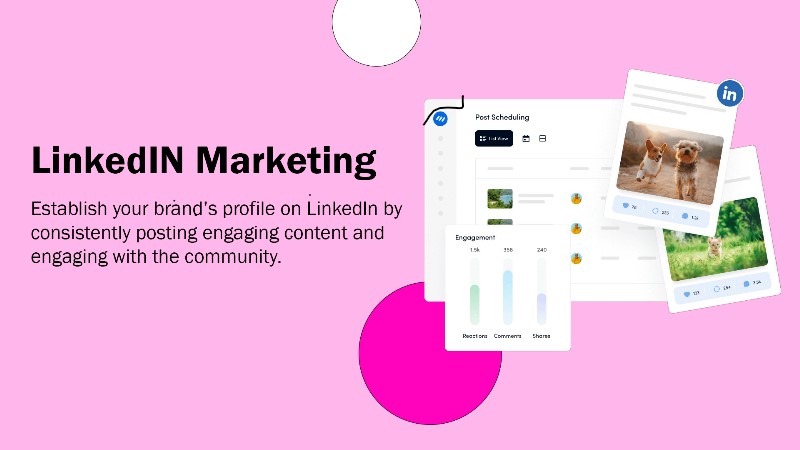
LinkedIn analytics allow individuals to understand how their content performs and how often their profile is viewed. Businesses and marketers rely on these metrics to measure the success of their campaigns and optimize future strategies. By identifying what works, they can improve visibility and return on investment. These insights help shape a more powerful and consistent presence on the platform.
Understanding Audience Behavior
With LinkedIn analytics, users can access detailed information about their audience’s job roles, industries, and locations. This understanding helps in crafting messages that truly resonate and attract the right people. When professionals speak directly to their ideal audience, engagement and relevance naturally improve. Tailored content backed by data builds stronger professional relationships and trust.
Gaining Competitive Advantage
In today’s fast-paced professional landscape, those who use LinkedIn analytics gain a critical edge over their competitors. It reveals which content types and strategies perform best, allowing users to refine their communication. Staying ahead means adjusting quickly based on real-time data, not assumptions. Analytics empower smarter moves that translate into higher visibility and better results.
The Risk of Going Without Analytics
Ignoring LinkedIn analytics leaves individuals and brands blind to how their efforts are performing. Without insights, content may miss its mark, and opportunities for growth may slip by unnoticed. Resources get wasted on strategies that don’t deliver results, causing frustration and stagnation. Success on LinkedIn requires clarity—and analytics provide that essential direction.
Best LinkedIn Analytics tools
- Taplio
- Kleo
- Shield
- Crystal Knows
- Lempod
- LinkedIn Sales Navigator
- Evaboot
- LaGrowthMachine
- Phantombuster
- LinkedIn Smartlinks
- LinkedIn Ads
- Scoop.it
1. Taplio
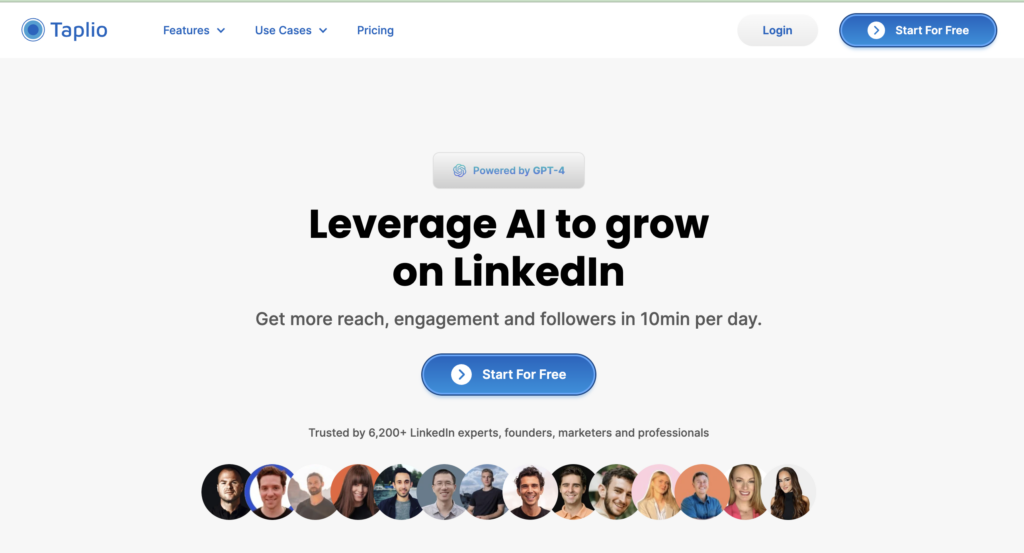
Taplio is a powerful LinkedIn marketing platform designed to enhance content planning and audience engagement. It uses AI to generate post ideas, hashtags, and headlines tailored to your niche. This makes content creation easier and more consistent. Users can also schedule posts for maximum visibility and engagement. With analytics, Taplio helps track and improve your LinkedIn strategy over time.
Features
- Schedule LinkedIn posts
- Scrape the most viral posts in your niche
- Get recommendations with AI
- Easily interact with your prospects’ posts
- Send messages and InMail to post likers and commenters
- Analyze your LinkedIn performance
Pricing
- $39/month: Post scheduling, inspiration, and analytics
- $52/month: AI features, Relationship Builder, Team tools
- $149/month: Lead database + higher usage limits
2. Kleo
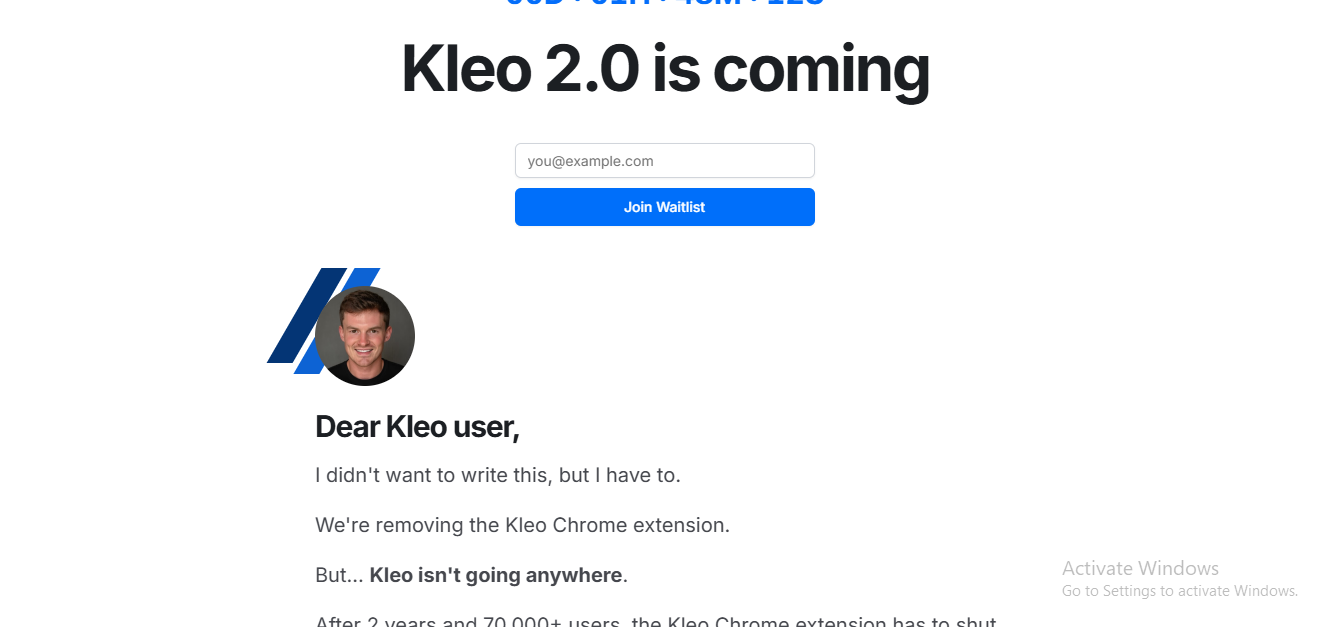
Kleo is an AI-powered tool designed specifically to help LinkedIn creators grow their presence with ease. From creating high-converting content to providing insights on what resonates best with your audience, Kleo streamlines your workflow. It also helps in discovering viral topics and optimizing your personal brand. Whether you’re an individual creator or part of a team, Kleo offers features to suit your needs. Its clean interface and actionable analytics make it a favorite among marketers.
Features
- Write better content, faster
- Know what content to create
- Analyze your personal brand
- Schedule content
- Create with AI
- Spy on your competitors
Pricing
- Free: Limited post analytics and content ideas
- Creator ($29/month): AI-powered writing, competitor tracking
- Teams ($99/month): Team collaboration + advanced analytics
3. Shield
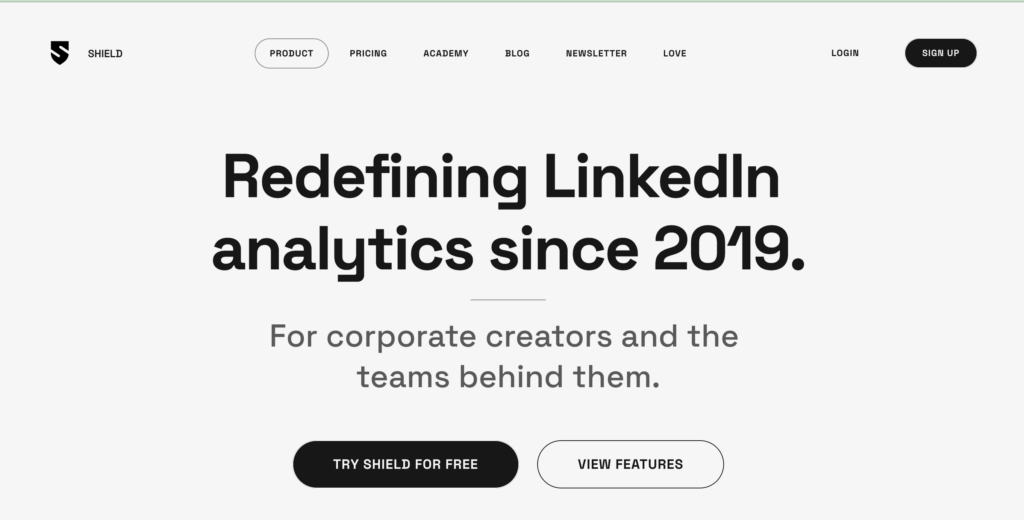
Shield is a powerful LinkedIn analytics tool designed for creators, marketers, and teams who want to track their content’s performance and audience growth in detail. With its clean, user-friendly interface, Shield offers real-time analytics and customizable dashboards to help users identify patterns, measure ROI, and improve their content strategy. It also provides valuable insights like engagement rates and reach across different timeframes, making it easier to refine your LinkedIn presence. Shield is particularly useful for individuals who post regularly and want to base their growth on real data.
Features
- Real-time engagement tracking
- Audience growth analytics
- Content performance trends
- Custom dashboards and filters
- Exportable data and graphs
- Team collaboration features
Pricing
- Solo – $8/month (basic analytics for individual users)
- Pro – $16/month (advanced insights + tagging)
- Teams – $26/month (collaborative features + multiple accounts)
4.Crystal Knows
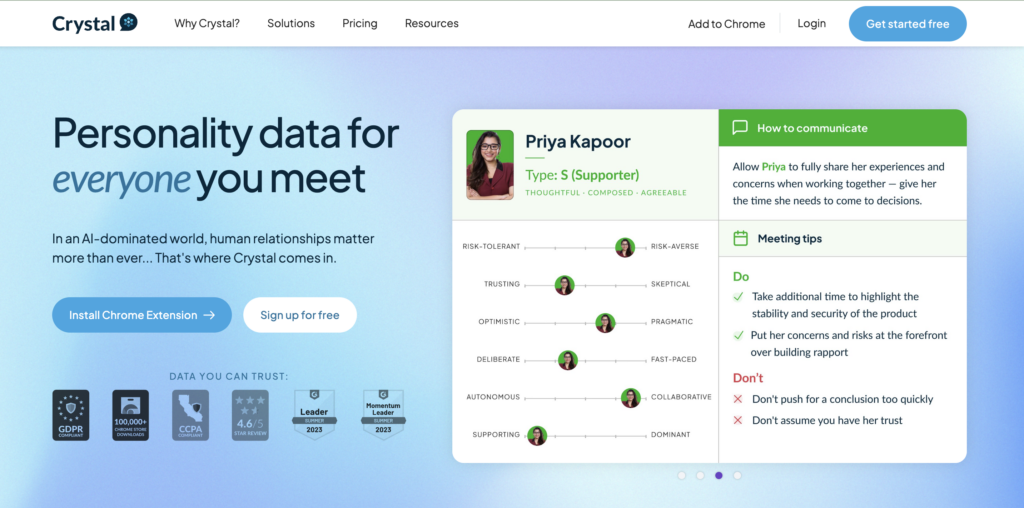
Crystal Knows is a LinkedIn intelligence tool that goes beyond analytics by offering personality insights based on user profiles. It uses AI and DISC personality assessments to help professionals better understand prospects, colleagues, or potential hires. For marketers and sales teams, it’s a powerful tool to personalize outreach and improve communication strategies.
Features
- Personality AI for LinkedIn users using DISC framework
- Communication tips tailored to individual personality types
- Chrome extension for real-time insights on LinkedIn profiles
- Ideal for sales, HR, and recruiting teams
- Enhances messaging, email writing, and outreach accuracy
Pricing
- Free basic insights
- Premium: Starts at $49/month
- Team and enterprise plans available with more robust features
5. Lempod
Lempod is a LinkedIn engagement pod tool designed to boost your content reach through community-based support. It helps marketers, influencers, and businesses get more visibility by joining pods—groups of LinkedIn users who engage with each other’s posts. This leads to higher post impressions, increased engagement, and improved profile visibility on LinkedIn feeds.
Features
- Join or create engagement pods tailored to your niche
- Automates likes and comments from real LinkedIn users
- Boosts visibility and credibility through consistent post support
- Analytics to track engagement growth and post performance
- Easy-to-use dashboard with scheduling and pod managemen
Pricing
- Starts at $9.99 per pod/month
- Bulk pricing available for multiple pods
- 14-day free trial to test engagement boost features
6. LinkedIn Sales Navigator
LinkedIn Sales Navigator is a premium sales prospecting tool designed to help sales professionals and businesses find and engage with the right prospects on LinkedIn. It offers advanced search filters, lead recommendations, and real-time insights that improve your outreach strategy and relationship-building. This tool is especially valuable for B2B marketers and enterprise sales teams looking to scale.
Features
- Advanced lead and account search with 30+ filters
- Real-time updates on leads and accounts you follow
- InMail messaging to contact decision-makers directly
- CRM integration for Salesforce, HubSpot, and others
- Custom lead lists and activity tracking
Pricing
- Core Plan: $99.99/month per user
- Advanced Plan: $149.99/month with TeamLink and CRM sync
- Free trial available for new users
7. Evaboot
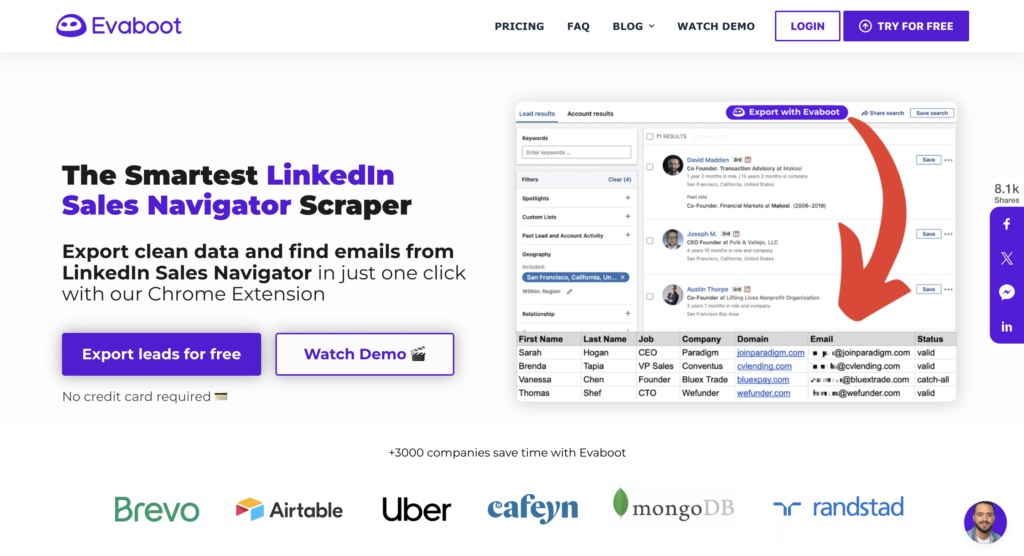
Evaboot is a Chrome extension designed to clean and optimize lead lists exported from LinkedIn Sales Navigator. It removes inaccurate or incomplete data, allowing users to save time and improve lead quality. For sales teams and lead generation professionals, Evaboot ensures cleaner pipelines and better results with less manual work.
Features
- Automatically cleans LinkedIn Sales Navigator lead exports
- Verifies emails and removes duplicates
- Provides company and contact data enrichment
- Easy-to-use interface with batch processing
- Google Sheets and CRM integration support
Pricing
- Starter Plan: $49/month (1,000 credits)
- Growth Plan: $99/month (3,000 credits)
- Scale Plan: $199/month (10,000 credits)
8. LaGrowthMachine
LaGrowthMachine is a multi-channel outbound automation platform that helps users run LinkedIn, email, and Twitter campaigns simultaneously. Ideal for sales and marketing teams, it increases outbound performance through personalization, follow-ups, and automated workflows.
Features
- Multichannel outreach: LinkedIn, email, Twitter
- Pre-built workflows for prospecting
- Advanced analytics and A/B testing
- Native integrations with HubSpot, Pipedrive, etc.
- Auto-sync leads and messages to your CRM
Pricing
- Basic Plan: €80/month per seat
- Pro Plan: €120/month per seat
- Business Plan: Custom pricing
9. Phantombuster
Phantombuster is a powerful automation tool that lets users extract data and automate actions across platforms like LinkedIn, Instagram, and Twitter. It’s widely used for scraping LinkedIn profiles, sending connection requests, and automating lead gen tasks—all without coding.
Features
- 100+ prebuilt automation “Phantoms” for LinkedIn
- Web data scraping and workflow automation
- Connects with Google Sheets and CRMs
- No-code interface for easy setup
- Cloud-based with scheduled runs and triggers
Pricing
- Starter: $69/month
- Pro: $149/month
- Team: $439/month
- Free trial with limited executions
10. LinkedIn Smart Links
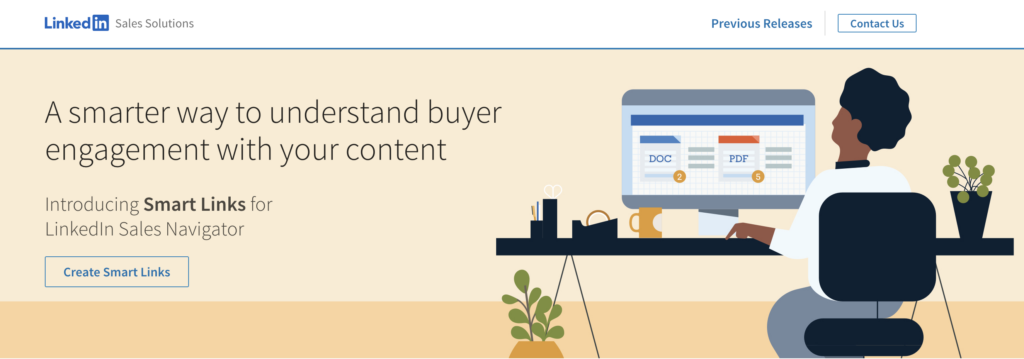
LinkedIn Smart Links is a feature available within Sales Navigator that lets users create trackable, shareable links for personalized outreach. It gives insights into who viewed your content, when, and for how long—making follow-ups highly targeted and timely.
Features
- Create personalized, trackable links
- Monitor who viewed content and when
- Real-time notifications for engagement
- Centralized content sharing hub
- Integrates with Sales Navigator workflows
Pricing
- Included in Sales Navigator Advanced and Advanced Plus plans
- Requires no additional cost beyond your plan
11. LinkedIn Ads
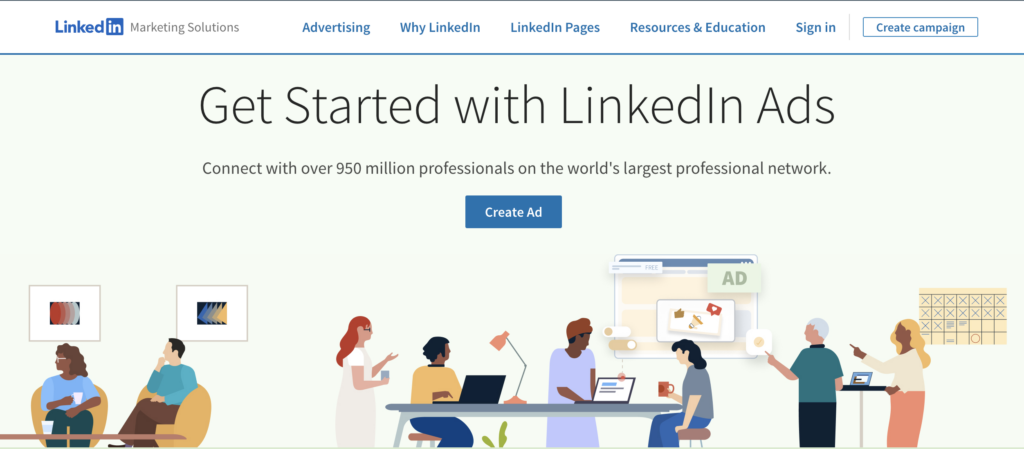
LinkedIn Ads is the official advertising platform by LinkedIn, helping marketers run highly targeted campaigns based on job title, industry, seniority, and more. It supports lead gen, brand awareness, and retargeting with detailed performance insights.
Features
- Sponsored Content, Message Ads, and Dynamic Ads
- Audience targeting by job title, company, industry
- Conversion tracking and lead gen forms
- Campaign Manager dashboard with in-depth metrics
- Integration with CRMs and tracking pixels
Pricing
- Minimum daily budget: $10/day
- CPC and CPM bidding available
- Pay-per-result pricing model
12. Scoop.it
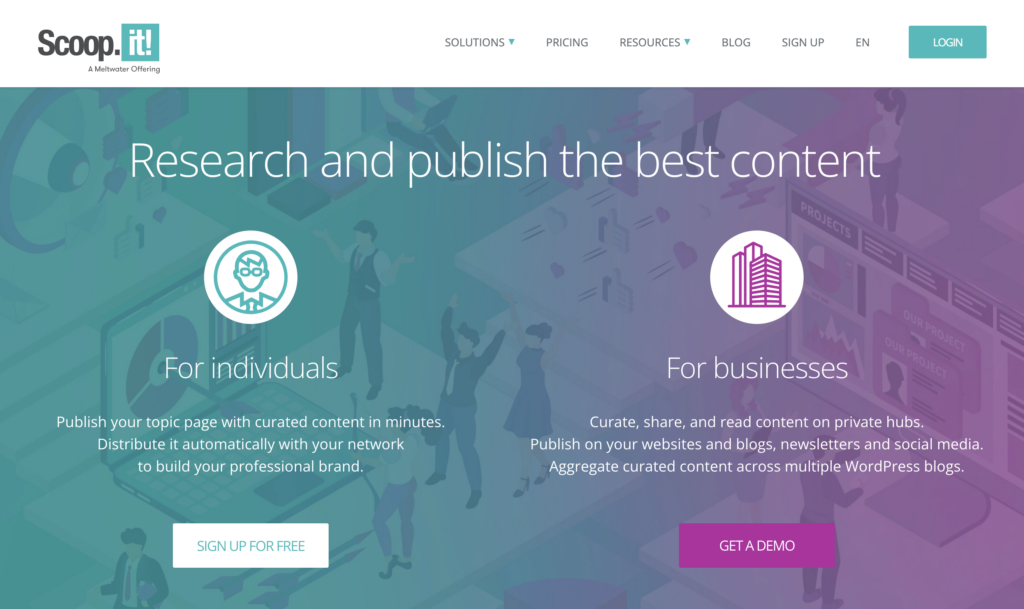
Scoop.it is a content curation platform that helps professionals find, publish, and distribute relevant content. For LinkedIn users, it streamlines content sharing to boost authority, engagement, and traffic. It’s especially useful for personal branding and corporate thought leadership.
Features
- Smart content suggestions based on your niche
- Easy publishing to LinkedIn and other platforms
- Collaboration tools for teams
- Analytics for performance tracking
- Integrates with Hootsuite and Buffer
Pricing
- Pro Plan: $14.99/month
- Plus Plan: $67/month
- Enterprise: Custom pricing
Features to Look for in LinkedIn Analytics Tools
1. Comprehensive Reporting
Advanced LinkedIn analytics tools provide in-depth reports covering key metrics like impressions, engagement, click-through rates, and audience demographics. These reports are often customizable, allowing users to focus on specific goals or campaigns. The ability to export data for presentations or team reviews enhances collaboration. Actionable insights help refine content strategy for better results. With clear reporting, professionals can confidently track and improve performance.
2. Competitor Analysis
Effective tools offer features that let you monitor your competitors’ content strategies, growth rates, and engagement levels. These insights help identify what’s working for others in your industry and how you can outperform them. By comparing your performance side-by-side, you can spot trends and content gaps. Strategic improvements become easier when backed by competitive data. Staying ahead on LinkedIn requires constant benchmarking and adaptation.
3. Team Collaboration
For businesses, LinkedIn analytics tools must support smooth teamwork with multi-user access and role-based permissions. Shared dashboards make it easier for marketing and sales teams to stay aligned on goals and performance. These tools streamline communication, reduce duplication, and ensure consistent messaging. Everyone on the team can view the same data and act accordingly. Efficient collaboration leads to faster execution and better outcomes.
4. Content Scheduling and Automation
Scheduling tools help maintain a consistent posting calendar, ensuring your content reaches the audience at the right time. Automation features can handle repetitive tasks like queuing posts and suggesting optimal posting times. This saves valuable time and keeps your profile or page active even when you’re offline. Some tools also recommend trending content topics to boost engagement. Overall, automation supports smarter and faster content workflows.
5. Customizable Dashboards
Custom dashboards allow users to highlight the metrics that matter most, whether it’s lead generation, reach, or follower growth. Tools with drag-and-drop functionality and filter options offer a tailored analytics experience. This makes it easier to focus on specific KPIs without unnecessary clutter. Visualizing key data in a personalized layout boosts decision-making speed. A well-designed dashboard turns complex data into clear, actionable insights.
Final Verdict
Whether you’re building a personal brand or running large-scale B2B campaigns, LinkedIn tools like Sales Navigator, LaGrowthMachine, and Phantombuster bring automation and intelligence to your workflow. Tools like Crystal Knows enhance your outreach personalization, while LinkedIn Ads and Smart Links offer powerful lead generation and tracking capabilities. Start with tools that align with your goals—automated outreach, content curation, or deep prospect insights—and scale up from there. A well-equipped LinkedIn stack is the key to networking smarter in 2026.
Frequently Asked Questions (FAQs)
What’s the best LinkedIn tool for sales prospecting?
LinkedIn Sales Navigator combined with Evaboot or Phantombuster is ideal for identifying and engaging high-quality prospects with enriched data.
Can I automate LinkedIn messages without violating policies?
Yes, but tools like LaGrowthMachine and Phantombuster must be used carefully to avoid LinkedIn limits. Always keep your automation rate realistic.
What’s a budget-friendly content tool for LinkedIn posts?
Scoop.it is great for content curation and scheduling, especially for small teams or solo creators.
Are Smart Links free to use?
Smart Links come bundled with Sales Navigator Advanced plans—there’s no extra cost if you’re already subscribed.
What’s the easiest tool for team collaboration on LinkedIn campaigns?
Shield Analytics (for content) and Lempod (for engagement pods) work well for teams looking to boost coordinated LinkedIn activity.
