
Are you struggling to stay consistent on Pinterest or wondering which scheduler will actually grow your traffic in 2026?
Pinterest thrives on regular, fresh content especially if you’re trying to drive clicks to your blog, eCommerce site, or affiliate links. But manual pinning can be exhausting and time-consuming. That’s where scheduling tools like Tailwind and Buffer come in, letting you plan, optimize, and post content automatically so you stay visible without being online 24/7.
In this article, we’ll compare Tailwind vs Buffer for Pinterest, explore other top scheduling tools, and help you decide which one best supports your marketing goals in 2026.
Why You Need a Pinterest Scheduler in 2026
Pinterest’s success formula in 2026 still heavily relies on fresh, consistent content. The platform rewards creators who pin regularly, at the right times, and with optimized visuals and keywords. But keeping up manually? That’s not scalable especially for businesses or bloggers with multiple channels to manage.
A Pinterest scheduling tool helps you:
- Maintain posting consistency without burning out
- Schedule pins for peak engagement times
- Track performance analytics to refine your strategy
- Repurpose content across boards without duplication
- Collaborate with teams or clients efficiently
Using tools like Tailwind or Buffer, you automate the process while staying aligned with Pinterest’s best practices saving time and boosting results.
Tailwind vs Buffer for Pinterest: Core Features Comparison
Both Tailwind and Buffer offer Pinterest scheduling, but they differ significantly in their feature sets, focus, and user experience. Here’s how they stack up in 2026:
Tailwind for Pinterest
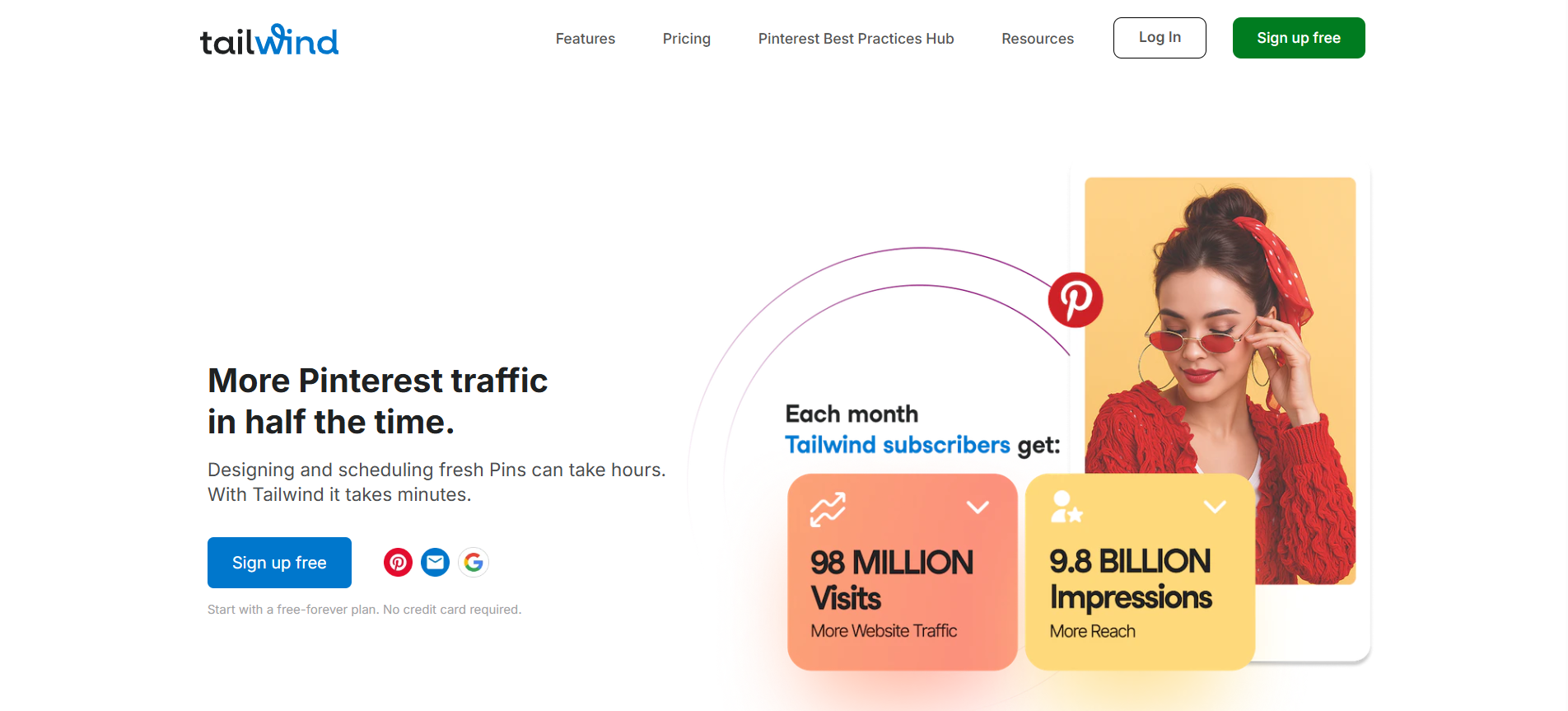
Tailwind is a Pinterest-approved marketing partner, meaning it’s designed specifically with Pinterest’s algorithm and features in mind.
- Smart Scheduling: Automatically selects the best times to post for engagement.
- Tailwind Create: Instantly generates beautiful, branded pins with design templates.
- Board Lists: Save time by grouping boards for one-click scheduling.
- Analytics: Detailed insights into pin performance, board activity, and audience trends.
- Communities (formerly Tribes): Helps you expand your reach by sharing content within relevant niches.
Buffer for Pinterest
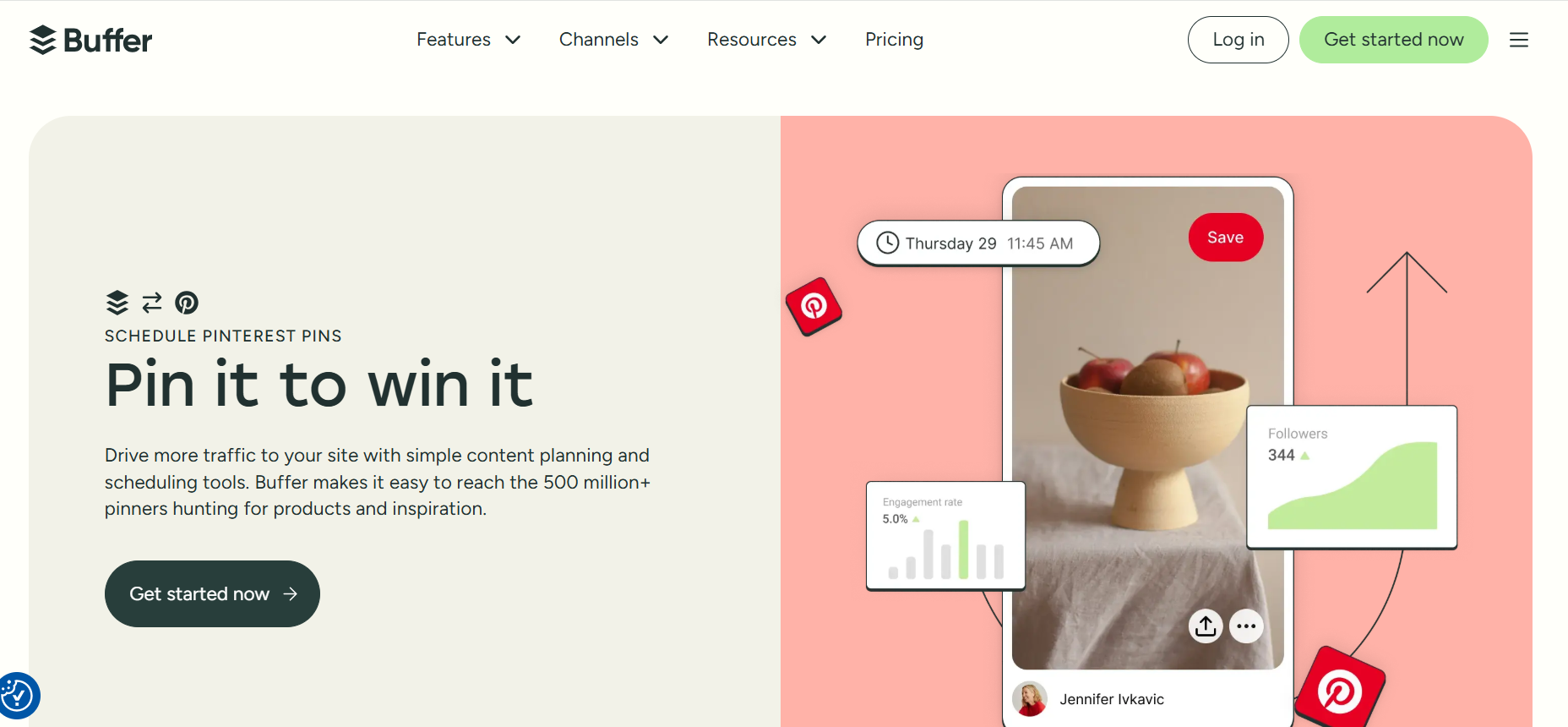
Buffer is a general-purpose social media scheduler that supports Pinterest along with other platforms.
- Multi-platform Scheduling: Manage Instagram, Facebook, X, LinkedIn, and Pinterest from one dashboard.
- Simple Interface: Clean and intuitive, great for beginners.
- Basic Scheduling: Queue pins in a custom time slot or calendar view.
- Limited Pinterest Features: Lacks Pinterest-specific tools like board lists, Tailwind Create, or community sharing.
- Affordable Pricing: Offers a straightforward pricing model with essential features.
Pros and Cons: Tailwind vs Buffer for Pinterest
Choosing between Tailwind and Buffer depends on your specific Pinterest strategy, business size, and platform usage. Here’s a clear breakdown of the strengths and limitations of each tool:
Tailwind Pros
- Pinterest-approved partner with platform-specific features
- Offers SmartSchedule and Tailwind Create for fast, optimized pin design
- Access to Tailwind Communities for broader content reach
- Deep Pinterest analytics tailored to boards and pins
Tailwind Cons
- Learning curve for beginners due to many features
- Can be expensive for smaller creators or casual users
- Best suited only for Pinterest and Instagram, limited outside of that
Buffer Pros
- All-in-one tool for managing multiple social platforms
- User-friendly interface and quick to set up
- More affordable if you’re managing multiple channels
- Great for businesses focusing on cross-platform content strategy
Buffer Cons
- Lacks Pinterest-specific tools like Tailwind Create or board targeting
- No access to community sharing or viral growth features
- Analytics are more generic and not as Pinterest-focused
When to Use Tailwind vs Buffer for Pinterest
Both Tailwind and Buffer offer scheduling capabilities, but they serve slightly different audiences depending on your Pinterest marketing goals. Here’s how to decide which one works best for you:
Use Tailwind If:
- Pinterest is a primary traffic source for your business or blog.
- You want Pinterest-specific tools like SmartSchedule, Tailwind Create, or Communities.
- You care deeply about pin performance analytics and want to grow faster on Pinterest alone.
- You focus on visual content creation and want help designing pins consistently.
Use Buffer If:
- You need to manage multiple social platforms in one dashboard.
- Pinterest is just one part of your broader content strategy.
- You want a simple, affordable tool that’s quick to learn and scale.
- You’re looking for a clean interface and a lightweight scheduling process.
Other Top Pinterest Scheduling Tools in 2026
While Tailwind and Buffer dominate the conversation, several other tools offer valuable Pinterest scheduling features especially if you want to streamline workflows or combine platforms. Here’s a look at the top alternatives:
1. Later – Visual Content Scheduler for Multi-Platform Creators
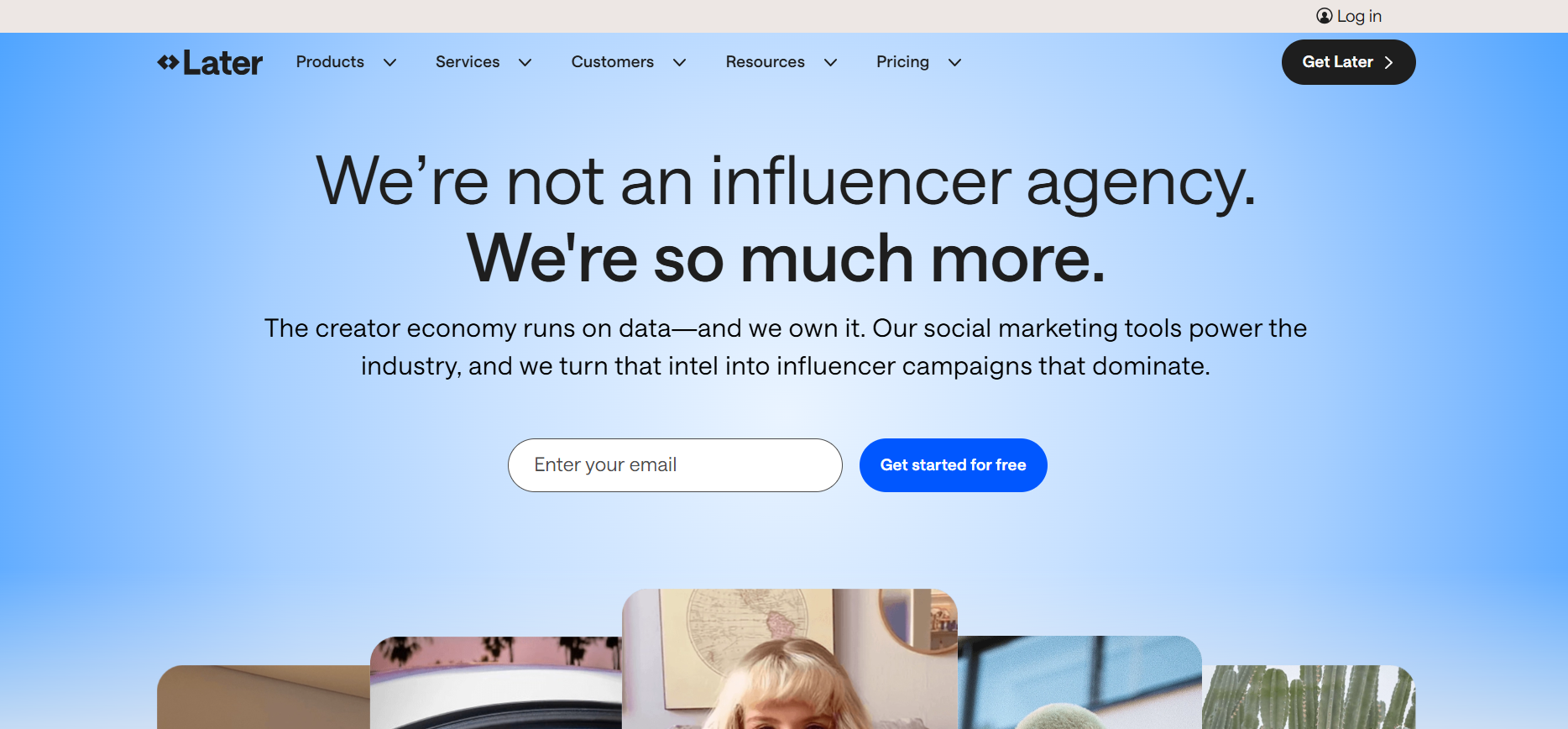
Later is a visual marketing platform originally built for Instagram, now supporting Pinterest scheduling. It offers a drag-and-drop calendar, media library, and Pinterest post previews. It’s ideal for creators who prefer an intuitive interface to plan visual content across platforms.
Features of Later
- Drag-and-drop visual content calendar
- Pinterest post previews and media organization
- Multi-platform support (Instagram, TikTok, Pinterest, etc.)
- Analytics dashboard
- Mobile and desktop apps
Pricing Overview
Later offers a free plan with limited features. Paid plans start at $16/month for additional posts, analytics, and multi-account access.
Pros of Later
- Intuitive visual planning tools
- Solid media library management
- Multi-platform scheduling
Cons of Later
- Limited Pinterest-specific features
- Analytics are basic for Pinterest
2. Hootsuite – All-in-One Social Media Dashboard for Teams and Agencies

Hootsuite is a robust social media management tool that includes Pinterest scheduling. With features like bulk posting, in-depth analytics, and team collaboration, it’s suited for agencies or businesses managing multiple social media accounts.
Features of Hootsuite
- Unified dashboard for all major platforms
- Bulk scheduling and auto-queueing
- Team collaboration tools
- Performance analytics and reporting
- App integrations and browser extension
Pricing Overview
Hootsuite’s plans begin at $99/month. Custom pricing is available for enterprise-level features and team access.
Pros of Hootsuite
- Centralized dashboard for all accounts
- Scalable for teams and agencies
- Strong analytics and reporting tools
Cons of Hootsuite
- Expensive for solo users
- Pinterest-specific tools are limited
3. Planoly – Visual Planner Tailored for Creators and eCommerce Brands
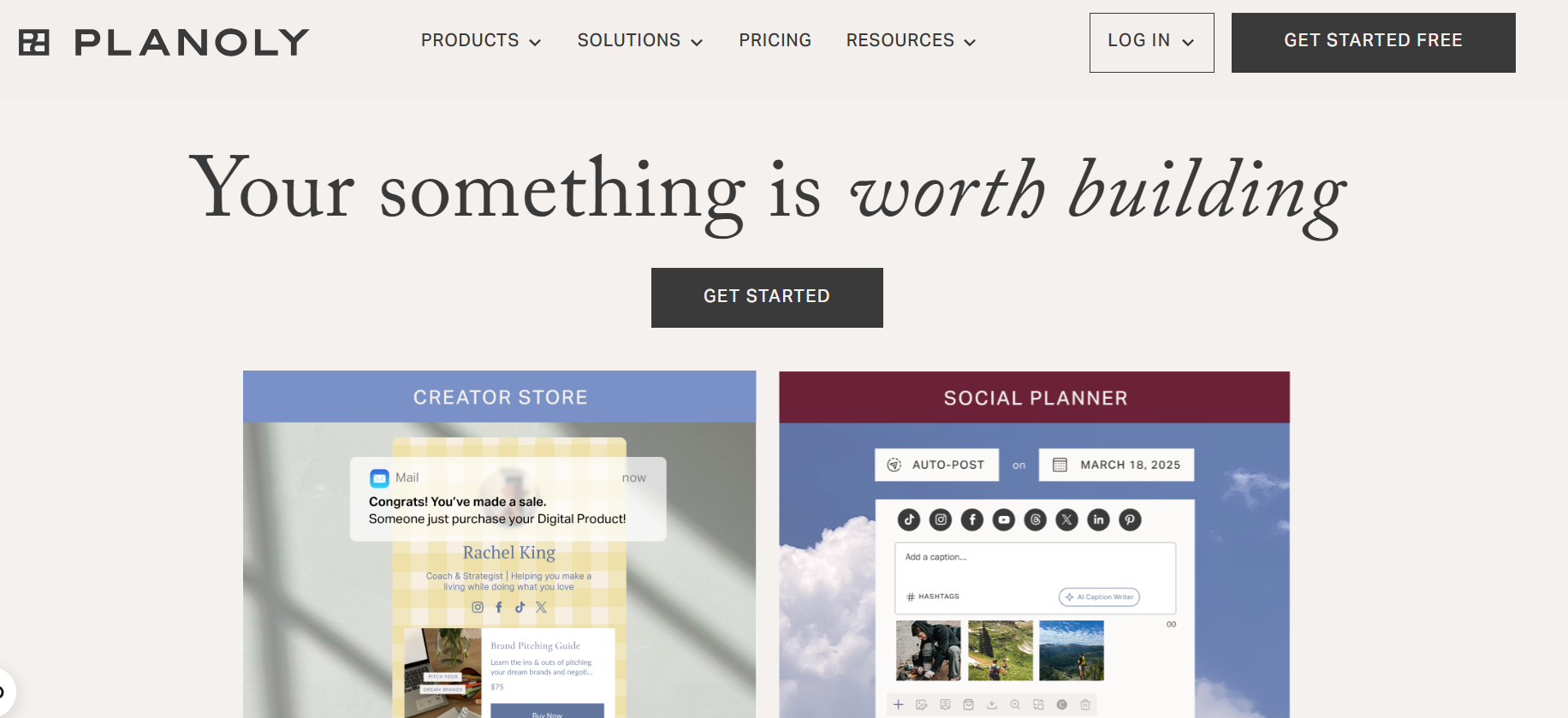
Planoly is a clean and organized platform for planning and scheduling Pinterest and Instagram content. It includes content calendars, visual layout tools, and hashtag organization, making it great for solo creators and shops.
Features of Planoly
- Visual content calendar
- Pin drafts and auto-publish
- Hashtag library
- Shoplink integration for eCommerce
- Mobile app for on-the-go planning
Pricing Overview
Free plan available with limits. Paid plans begin at $13/month for more uploads, analytics, and multiple profiles.
Pros of Planoly
- Clean, user-friendly layout
- Good planning tools for visuals
- eCommerce-friendly features
Cons of Planoly
- Pinterest tools less advanced than Tailwind
- No content recycling
4. SocialBee – Category-Based Scheduling with Automation Power
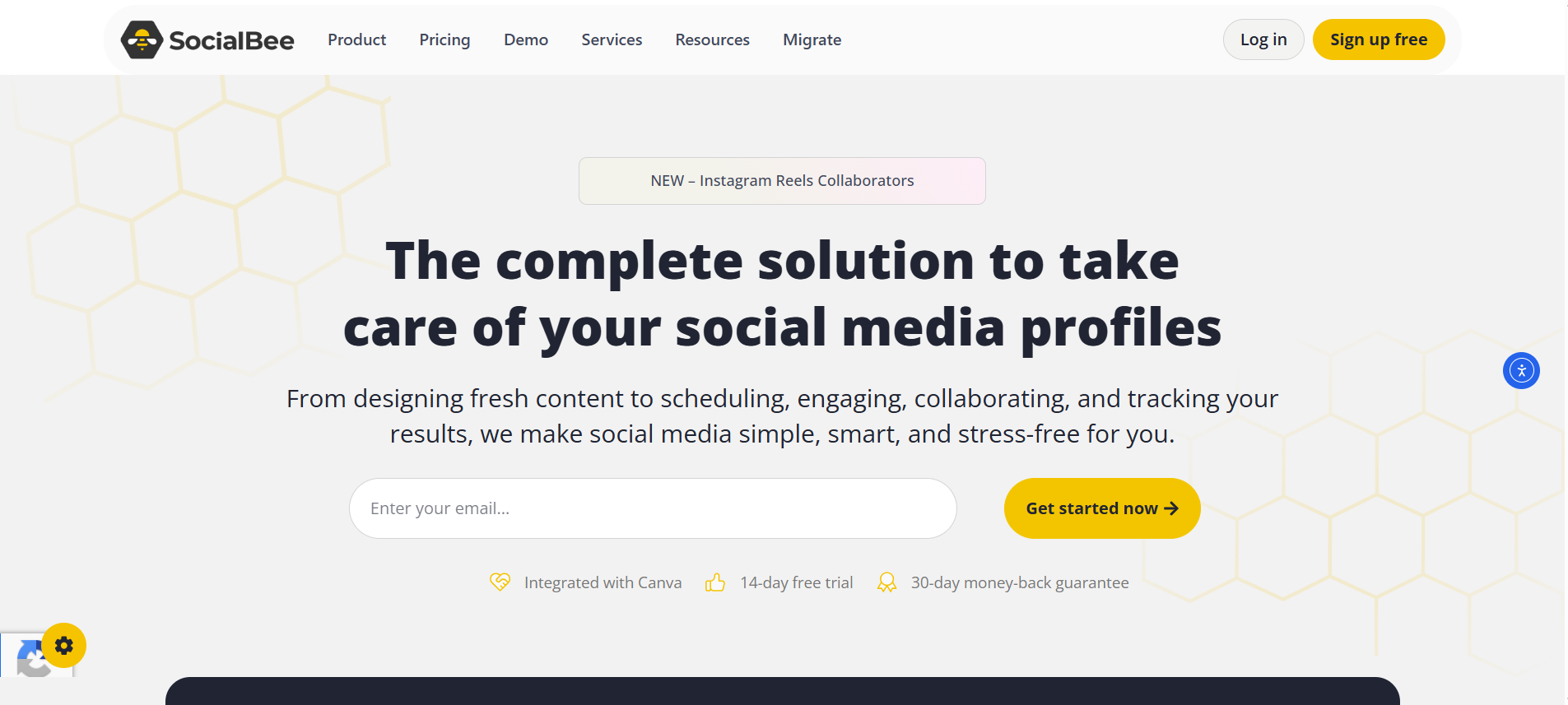
SocialBee provides categorized scheduling and evergreen content recycling for Pinterest and other platforms. It’s ideal for marketers looking for structured, long-term automation across multiple channels.
Features of SocialBee
- Category-based scheduling queues
- Evergreen content recycling
- Multi-platform posting (Pinterest, LinkedIn, Facebook, etc.)
- Content import and bulk editing
- Custom post variations for A/B testing
Pricing Overview
Plans start at $29/month with access to all social platforms, including Pinterest, and tiered plans for more content and users.
Pros of SocialBee
- Automated, structured scheduling
- Affordable with high customization
- Powerful recycling features
Cons of SocialBee
- Slight learning curve
- Visual editing for pins is limited
5. Canva Scheduler – Seamless Design-to-Pin Workflow for Beginners
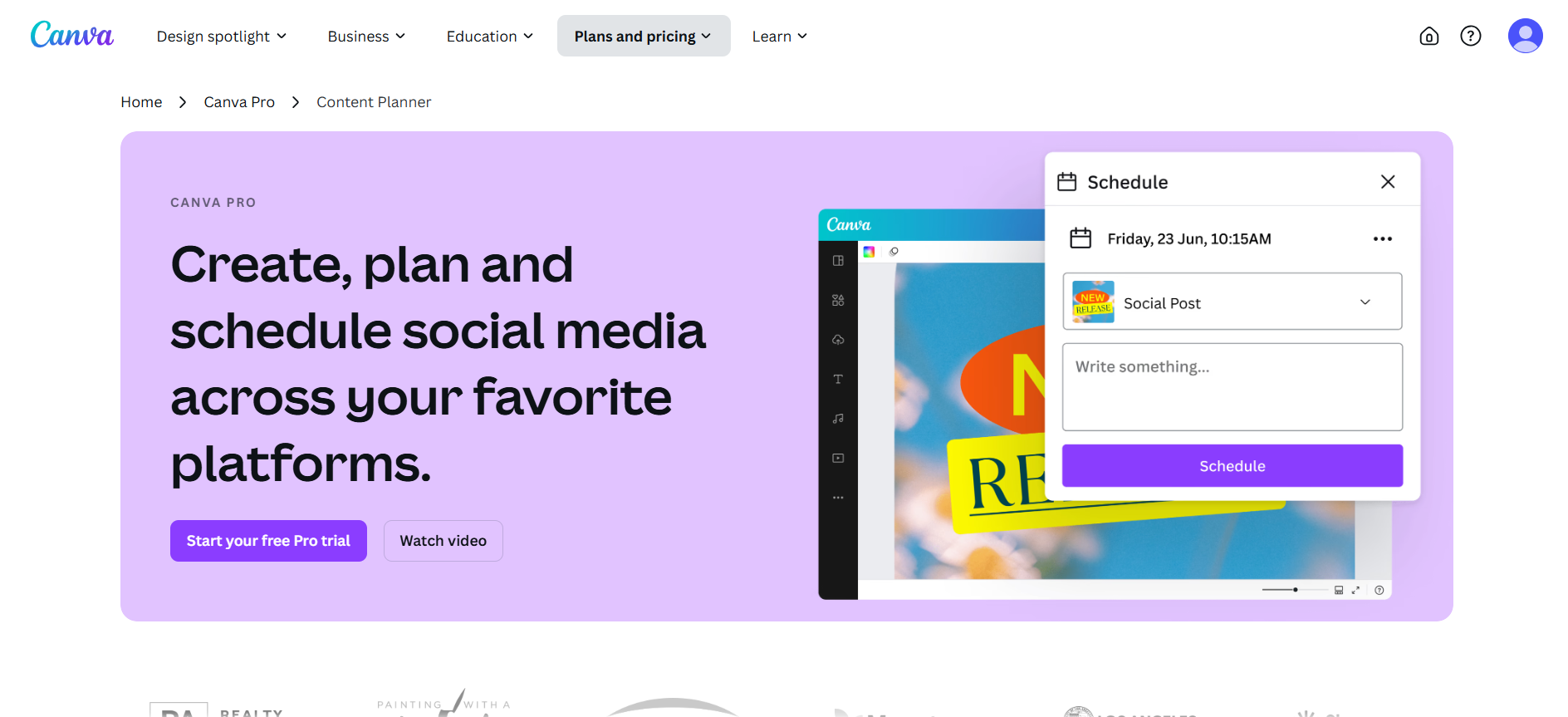
Canva Scheduler allows users to design Pinterest pins and schedule them directly within Canva. While basic, it offers a simple and quick workflow for solopreneurs or casual users.
Features of Canva Scheduler
- Native integration with Canva design tools
- Direct scheduling to Pinterest
- Post preview and basic calendar view
- Ideal for simple workflows
- Works with Instagram, Facebook, LinkedIn, and more
Pricing Overview
Included with Canva Pro, which starts at $14.99/month. No standalone scheduling plan available.
Pros of Canva Scheduler
- Seamless design-to-scheduling pipeline
- Fast and beginner-friendly
- Supports multiple platforms
Cons of Canva Scheduler
- No performance analytics
- No bulk scheduling or queueing options
What to Look for in a Pinterest Scheduler
Not all Pinterest scheduling tools are created equal. If you want to grow your account and drive consistent traffic, your scheduler should offer more than just automation. Here are the key features to prioritize:
Smart Scheduling Based on Engagement Times
A good scheduler should suggest optimal posting times based on your audience’s activity. Tailwind, for example, analyzes engagement data to recommend high-performing time slots. This increases the chances of visibility and repins.
Pin Design Integration
Look for tools that integrate directly with design platforms like Canva. This lets you design, upload, and schedule pins all in one flow—saving time and keeping your visuals consistent. Canva’s built-in scheduler or Tailwind Create are great examples.
Performance Analytics
Insightful analytics help you understand which pins perform best, what content drives clicks, and where improvements are needed. Metrics like saves, clicks, impressions, and board-level performance are essential for optimizing your Pinterest strategy.
Multi-board Posting & Interval Control
Scheduling tools should allow you to post a single pin to multiple boards with controlled time gaps between each post. This avoids spamming and maximizes reach over time. Tailwind shines here with its interval and board list features.
Pinterest API Approval Status
Always choose a Pinterest scheduler that is officially approved through Pinterest’s API partner program. Approved tools follow Pinterest’s guidelines and reduce the risk of account bans or functionality issues. Unapproved tools can jeopardize your account. You can verify a tool’s status on Pinterest’s official partner page.
Real-World Pinterest Scheduling Strategies
Once you’ve picked the right tool, the next step is implementing a workflow that saves time and grows traffic. These strategies are used by top creators and marketers in 2026.
Batch-Designing Pins with Canva + Scheduling
Creating all your pin graphics in a single session (batching) keeps your visual branding consistent and streamlines your process. After designing, use Tailwind, Canva’s own scheduler, or Buffer to upload and schedule pins weeks ahead.
How Often to Pin in 2026
Quality matters more than quantity now. A good benchmark is 3–10 pins per day, mixing fresh content and high-performing evergreen pins. Avoid flooding your boards spaced, intentional pinning works better for engagement and algorithm reach.
Combining Manual Pinning with Automation
Automation saves time, but occasional manual pinning (especially of your best content or seasonal pins) sends fresh engagement signals to Pinterest. Combine scheduled pins with real-time posting for optimal reach and relevance.
Conclusion
Choosing the right Pinterest scheduler in 2026 depends on your goals, workflow, and level of experience. If you need powerful Pinterest-specific features like SmartLoop, interval scheduling, and niche-tailored analytics, Tailwind is still the top choice. On the other hand, Buffer offers a simple, clean interface ideal for those already managing multiple social platforms and needing lightweight Pinterest support.
Other tools like Later, Planoly, SocialBee, and Canva Scheduler offer competitive features, especially for visual creators and small teams. Ultimately, the best tool is one that aligns with how you create, plan, and track your pins.
Whether you prioritize automation, in-depth analytics, or a seamless design-to-schedule workflow, investing in the right Pinterest scheduler will help you post consistently, stay on brand, and grow your traffic.
Frequently Asked Questions (FAQs)
Is Tailwind better than Buffer for Pinterest scheduling?
Tailwind is purpose-built for Pinterest and offers features like SmartLoop, Board Lists, interval scheduling, and optimized post timing. Buffer is more general-purpose, suitable for managing multiple platforms. If Pinterest is your main focus, Tailwind typically provides more value.
Can I schedule pins directly from Canva?
Yes, Canva now includes a built-in content planner that lets you design and schedule pins. While it lacks advanced analytics or interval features, it’s great for creators who want a quick design-to-publish workflow without switching tools.
How many pins should I schedule per day in 2026?
Most experts recommend pinning 3–10 times per day, with a mix of fresh and repurposed content. Tools like Tailwind and Buffer help maintain consistency without overwhelming your followers or violating Pinterest’s spam policies.
Are all scheduling tools approved by Pinterest?
No, not all tools are officially approved. Pinterest only endorses certain tools as Marketing Partners, like Tailwind, which meet its API and platform standards. Using non-approved tools might violate Pinterest’s terms and put your account at risk. Always verify a tool’s approval status before using it for scheduling.
Can I combine manual pinning with scheduled pins?
Yes, combining both is recommended. Manual pinning helps you stay engaged and responsive, while scheduling ensures consistency. A hybrid strategy gives you the best of both worlds flexibility and automation.
