
Finding the right AI assistant in 2026 can feel overwhelming, especially when every tool claims to be “smart,” “all-in-one,” or “revolutionary.” You try one expecting instant productivity, only to end up dealing with limited features, confusing interfaces, poor integrations, or results that don’t actually match how you work. Instead of saving time, some AI assistants add friction to your workflow.
Even worse, many platforms overpromise automation and intelligence but fall short when it comes to real-world reliability, accuracy, and adaptability. For professionals and businesses alike, choosing the wrong AI assistant doesn’t just slow you down — it wastes time, disrupts focus, and can even lead to costly decisions based on weak insights.
That’s why selecting the right AI assistant is no longer just a productivity choice; it’s a strategic one. You need tools that understand context, integrate smoothly into your workflow, scale with your needs, and genuinely reduce mental and operational load rather than adding to it.
In this guide to the Best AI Assistants in 2026, we cut through the hype to help you avoid underperforming tools, recognize real value, and choose assistants that actually enhance how you work. Whether you’re an individual professional looking to reclaim your time or a business aiming to operate smarter and faster, this article is designed to help you scale with clarity and confidence.
How We Selected the Best AI Assistants
Choosing the right AI assistant involves much more than brand recognition or hype. Each tool on this list was carefully evaluated using practical, real-world criteria to ensure it delivers consistent performance and meaningful value across different use cases.
We focused on the following key areas:
- Core AI Capabilities: Strong reasoning, natural language understanding, automation features, and accurate task execution were essential requirements.
- Use-Case Flexibility: Tools had to support a wide range of applications, including personal productivity, business operations, creative workflows, and technical tasks.
- Ease of Use: We assessed how accessible each assistant is for beginners while still offering depth and control for advanced users.
- Integration Support: Preference was given to AI assistants that integrate smoothly with popular tools, platforms, and workflows.
- Reliability & Scalability: Long-term performance, data security, and the ability to scale with growing user needs were key considerations.
Only AI assistants that consistently performed well across these dimensions earned a place in this list.
Who Should Use AI Assistants?
AI assistants are no longer limited to tech experts—they offer value to a broad range of users by improving efficiency, accuracy, and decision-making.
They are especially useful for:
- Professionals & Executives who want to save time, streamline decisions, and manage complex workloads more effectively.
- Content Creators & Marketers looking for faster ideation, content drafting, and campaign execution.
- Developers & Technical Teams needing support with coding, debugging, documentation, and problem-solving.
- Businesses & Startups aiming to automate workflows, enhance customer interactions, and improve operational efficiency.
-
Students & Researchers who require help with learning, summarization, analysis, and information synthesis.
If productivity, precision, and scalability are important to you, using an AI assistant is no longer a luxury—it’s a necessity.
Why AI Assistants Are Transforming the Way We Work in 2026
AI assistants are no longer limited to simple chat or task reminders. In 2026, they function as intelligent digital partners that actively support decision-making, automate repetitive workflows, and enhance human productivity across industries. From drafting complex reports and analyzing large datasets to managing projects and customer interactions, AI assistants now operate at a level that was once reserved for specialized human roles.
What makes modern AI assistants truly transformative is their ability to understand context, learn user preferences, and integrate seamlessly with existing tools and platforms. Instead of switching between multiple apps, users can now centralize their work through a single AI-powered interface. This shift has reduced operational friction, improved efficiency, and allowed professionals to focus more on strategic and creative tasks rather than routine execution.
Businesses, in particular, are leveraging AI assistants to scale faster without increasing headcount. Individuals benefit by saving hours every week, making smarter decisions, and improving output quality. As AI continues to evolve, assistants are becoming more personalized, proactive, and reliable—making them an essential component of modern work environments rather than an optional add-on.
Top 10 Best AI Assistants in 2026
Here is the list of the top 10 best AI Assistants in 2026:
- ChatGPT
- Google Gemini
- Microsoft Copilot
- Claude AI
- Amazon Q
- IBM Watson Assistant
- Notion AI
- Jasper AI
- Perplexity AI
- Replika
1. ChatGPT
Overview
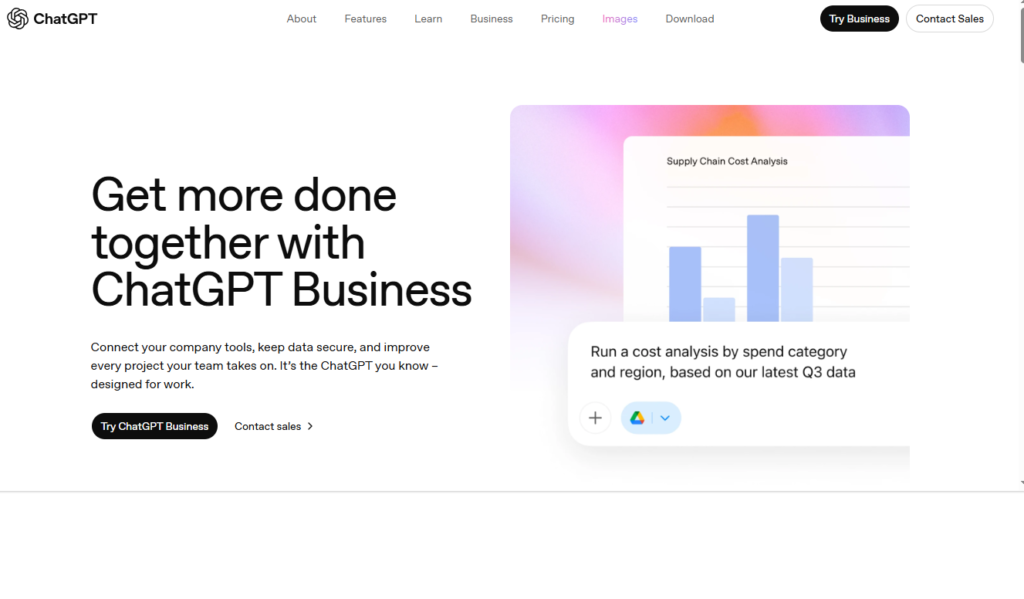
ChatGPT is one of the most widely adopted AI assistants globally, known for its advanced conversational abilities and versatility across industries. It is used for content creation, customer support, coding assistance, research, brainstorming, and automation workflows. The platform supports both casual users and enterprises through scalable plans and API access. ChatGPT’s strength lies in its ability to understand context and generate human-like responses across long conversations. It integrates smoothly with various tools and platforms, making it suitable for white-label and internal deployments.
Key Features
- Advanced natural language understanding and generation
- Support for long-form conversations and contextual memory
- API access for custom and white-label integrations
- Multimodal capabilities including text and image understanding
- Custom instructions and fine-tuning options
- Enterprise-grade security and scalability
Review
ChatGPT delivers consistently strong performance across a wide range of tasks, from simple Q&A to complex analytical reasoning. Its conversational flow feels natural, reducing friction for end users interacting with AI-driven systems. The platform excels in adaptability, handling creative, technical, and operational requests with minimal prompt engineering. For businesses, its API enables deep integration into products and services.
Pros
- Highly versatile across industries and use cases
- Strong ecosystem and frequent model improvements
- Easy integration via API and plugins
- Supports both individual and enterprise needs
- Large community and extensive documentation
Cons
- Output accuracy still depends on prompt quality
- Advanced features require paid plans
- Limited real-time data access in some versions
Final Verdict
ChatGPT is a powerful, flexible AI platform ideal for businesses and developers seeking a robust conversational and automation engine. Its scalability, adaptability, and continuous innovation make it one of the strongest AI solutions available today.
2. Google Gemini
Overview
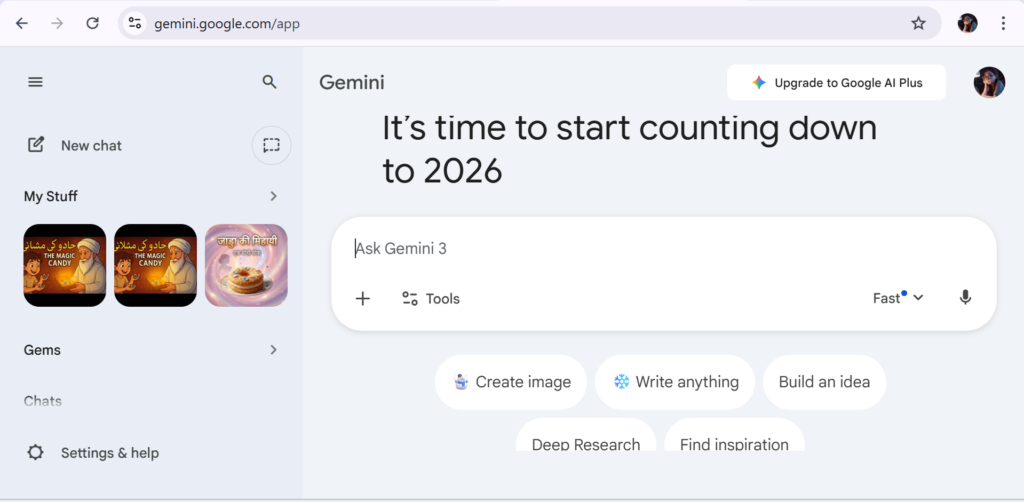
Google Gemini is an advanced AI model developed to integrate deeply with Google’s ecosystem and cloud infrastructure. It focuses on multimodal intelligence, combining text, code, images, and data understanding into a unified system. Gemini is designed for enterprises that rely heavily on Google Workspace, Search, and Cloud services. Its strength lies in data processing, reasoning, and integration with real-time information sources. Gemini supports both consumer-facing applications and backend AI workflows. It is particularly effective in analytical tasks and knowledge-based queries.
Key Features
- Deep integration with Google Workspace and Cloud
- Multimodal AI capabilities
- Advanced reasoning and data analysis
- Scalable API for enterprise applications
- Strong performance in research-oriented tasks
- Real-time information processing support
Review
Google Gemini performs exceptionally well in environments that require structured data handling and analytical depth. Its integration with Google services enhances productivity for teams already embedded in the ecosystem. The AI demonstrates strong reasoning abilities, especially for research, summarization, and technical tasks. Gemini’s multimodal design allows it to interpret complex inputs efficiently.
Pros
- Strong enterprise and cloud integration
- Excellent analytical and research capabilities
- Multimodal input handling
- Backed by Google’s infrastructure
- Scalable for large deployments
Cons
- Less conversational compared to some rivals
- Best features tied to Google ecosystem
- Limited customization for non-Google workflows
Final Verdict
Google Gemini is an excellent choice for enterprises and data-driven teams seeking a powerful AI tightly integrated with Google’s ecosystem. It shines in analytical and large-scale applications rather than casual interaction.
3. Microsoft Copilot
Overview
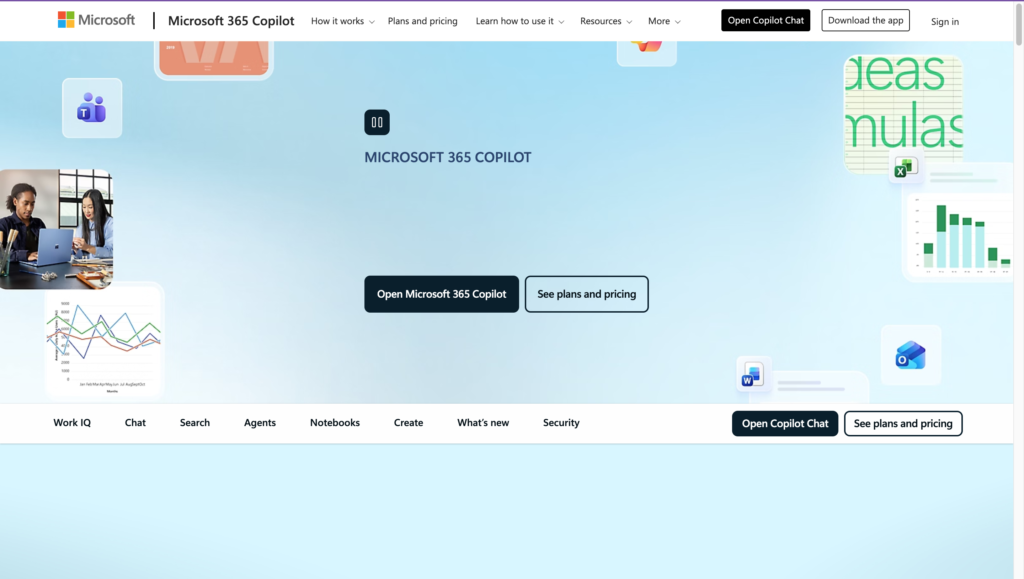
Microsoft Copilot is an AI assistant designed to enhance productivity across Microsoft’s ecosystem, including Office 365, Teams, and Azure. It focuses on embedding AI directly into everyday business workflows rather than acting as a standalone chatbot. Copilot assists with document creation, data analysis, meeting summaries, and task automation. Its strength lies in contextual awareness of enterprise data and permissions. The platform is built with security and compliance at its core. Copilot integrates seamlessly into existing Microsoft environments. This makes it especially attractive to large organizations.
Key Features
- Native integration with Microsoft 365 apps
- Enterprise-grade security and compliance
- Context-aware assistance using organizational data
- AI-powered document and data analysis
- Automation within Teams and workflows
- Azure-based scalability
Review
Microsoft Copilot significantly improves efficiency for teams already using Microsoft products daily. Its contextual awareness allows it to generate relevant insights without exposing sensitive data. Copilot performs particularly well in document drafting, spreadsheet analysis, and meeting productivity. The AI feels less conversational but more action-oriented, which suits enterprise environments.
Pros
- Deep Microsoft ecosystem integration
- Strong data security and compliance
- Improves productivity across common tools
- Minimal learning curve for Microsoft users
- Enterprise-ready infrastructure
Cons
- Limited use outside Microsoft products
- Less creative compared to general AI tools
- Pricing tied to enterprise subscriptions
Final Verdict
Microsoft Copilot is ideal for organizations deeply invested in Microsoft tools. It delivers tangible productivity gains by embedding AI directly into everyday business workflows.
4. Claude AI

Overview
Claude AI is a conversational AI developed with a strong emphasis on safety, reasoning, and clarity. It is particularly well-suited for long-form content, document analysis, and thoughtful responses. Claude is designed to handle complex instructions while maintaining consistent tone and coherence. The platform is widely appreciated for its ethical design and reduced hallucination tendencies. Claude supports both individual users and API-based integrations. Its long context window allows it to process extensive documents efficiently. This makes it valuable for research and compliance-heavy tasks.
Key Features
- Long-context document processing
- Strong focus on AI safety and alignment
- Clear and structured response generation
- API access for business integrations
- Effective summarization and analysis
- Consistent tone control
Review
Claude AI excels in producing well-structured, thoughtful outputs, particularly for long documents and nuanced topics. Its responses feel measured and reliable, making it suitable for professional and academic use. The AI handles complex instructions with minimal confusion. Claude’s emphasis on safety reduces problematic outputs, which is beneficial for regulated industries.
Pros
- Excellent long-context handling
- Strong reliability and safety focus
- Clear and structured outputs
- Suitable for professional use
- Consistent performance
Cons
- Less creative than some competitors
- Smaller ecosystem
- Fewer multimodal features
Final Verdict
Claude AI is a dependable choice for organizations and professionals needing accurate, long-form, and safety-focused AI interactions. It is especially strong in research, documentation, and compliance-driven environments.
5. Amazon Q
Overview
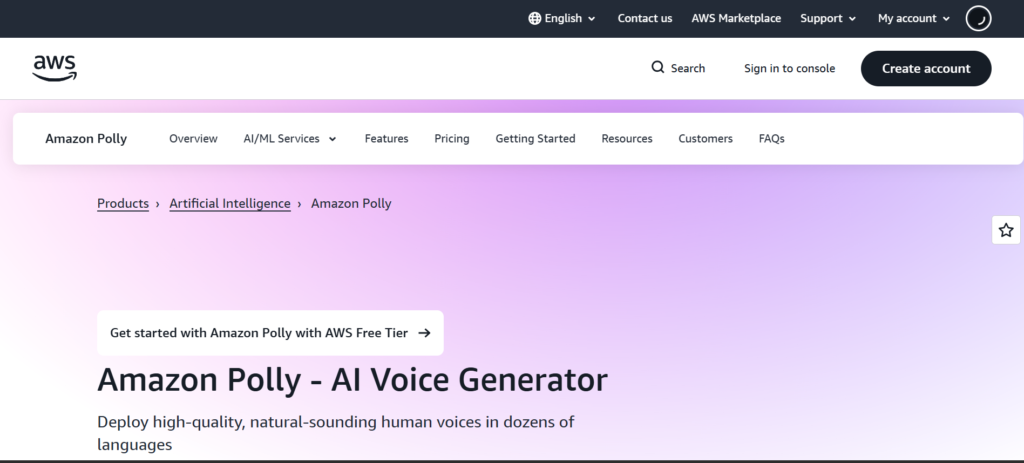
Amazon Q is an enterprise-focused AI assistant designed to work within AWS environments and business applications. It emphasizes secure access to organizational data and cloud-native workflows. Amazon Q supports developers, analysts, and business users by automating insights and troubleshooting. Its design prioritizes compliance, scalability, and integration with AWS services. The platform is optimized for internal enterprise use rather than public-facing chatbots. Amazon Q enhances productivity through contextual cloud intelligence. It is particularly useful for technical teams.
Key Features
- Deep integration with AWS services
- Secure enterprise data access
- Developer and IT-focused intelligence
- Cloud-native scalability
- Compliance and governance controls
- Business analytics support
Review
Amazon Q performs best in technical and enterprise cloud environments where AWS is central. Its ability to interpret cloud infrastructure and operational data adds significant value for IT teams. The AI assists with troubleshooting, insights, and workflow optimization. While it lacks conversational creativity, accuracy and relevance remain strong. Deployment aligns smoothly with existing AWS setups.
Pros
- Strong AWS ecosystem integration
- Enterprise-grade security
- Valuable for developers and IT teams
- Scalable cloud-native design
- Focused business intelligence
Cons
- Limited creative or conversational use
- Best suited for AWS users only
- Less flexible for non-enterprise needs
Final Verdict
Amazon Q is a solid AI solution for enterprises operating within AWS ecosystems. It delivers practical value for cloud operations, analytics, and internal productivity rather than general AI interaction.
6. IBM Watson Assistant
Overview
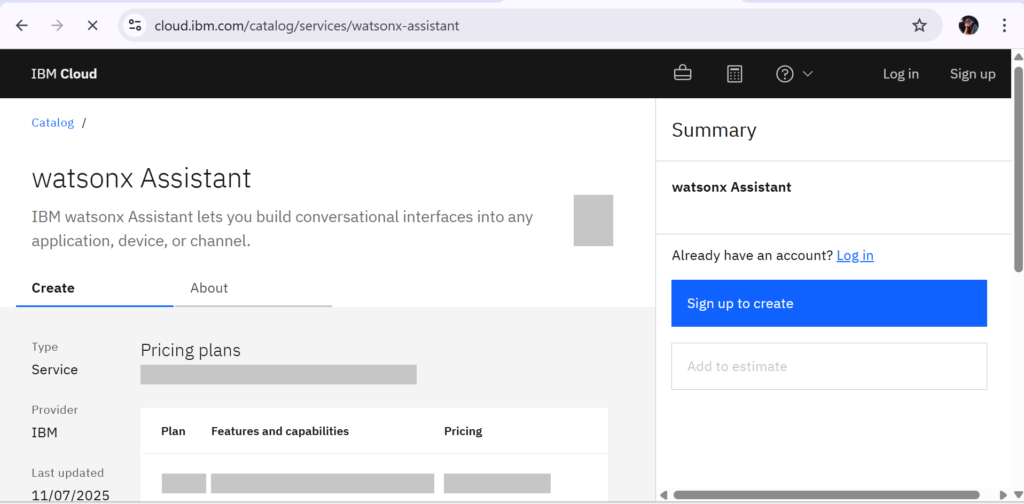
IBM Watson Assistant is an enterprise-grade conversational AI platform designed to build intelligent virtual assistants for customer support, internal operations, and complex business workflows. It is widely adopted by large organizations that require high accuracy, security, and compliance. The platform supports both text and voice interactions and integrates deeply with existing enterprise systems. Watson Assistant leverages IBM’s natural language understanding to deliver context-aware responses. It is particularly strong in regulated industries such as banking, healthcare, and insurance.
Key Features
- Advanced natural language understanding
- Omnichannel deployment (web, mobile, voice)
- Enterprise-grade security and compliance
- Seamless integration with CRM and backend systems
- Conversation analytics and performance insights
- Custom workflow and dialog builder
Review
IBM Watson Assistant delivers a highly reliable and professional conversational AI experience, especially for large-scale operations. Its ability to understand user intent with precision makes it suitable for handling complex queries without constant human intervention. Businesses benefit from its deep customization and integration capabilities, which allow the assistant to align closely with internal processes.
Pros
- Enterprise-level accuracy and reliability
- Strong security and compliance standards
- Highly customizable conversational flows
- Excellent integration capabilities
- Scales easily for large organizations
Cons
- Steep learning curve for beginners
- Higher cost compared to lightweight tools
- Requires technical setup and maintenance
Final Verdict
IBM Watson Assistant is ideal for enterprises seeking a powerful, secure, and scalable AI assistant. It is best suited for organizations with complex workflows and high customer interaction volumes.
7. Notion AI
Overview
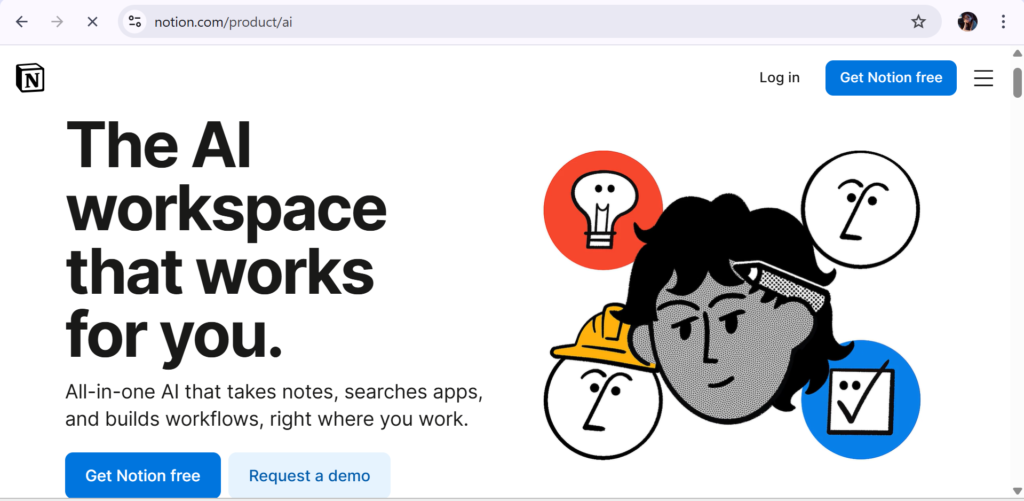
Notion AI is an intelligent writing and productivity assistant built directly into the Notion workspace. It enhances note-taking, documentation, and project management by automating content creation and organization. The tool is designed for individuals and teams who rely heavily on written collaboration. Notion AI can summarize documents, generate ideas, rewrite content, and answer questions within a workspace. Its seamless integration makes it feel like a natural extension of the Notion platform. Users can leverage AI without switching tools or workflows. It is particularly popular among startups, creators, and remote teams.
Key Features
- AI-powered writing and summarization
- Context-aware content generation
- Built-in integration with Notion pages
- Task and document assistance
- Idea brainstorming and rewriting tools
- Team collaboration support
Review
Notion AI significantly enhances productivity by reducing the time spent on writing and organizing information. Its ability to understand context within documents makes outputs more relevant and usable. Teams benefit from faster documentation, clearer meeting notes, and improved knowledge sharing. It performs best for structured content.
Pros
- Seamless integration with Notion
- Improves writing and documentation speed
- Easy to use with minimal setup
- Ideal for team collaboration
- Strong context awareness
Cons
- Limited outside the Notion platform
- Not suitable for complex AI automation
- Fewer advanced AI controls
Final Verdict
Notion AI is best for individuals and teams looking to enhance productivity and documentation within Notion. It delivers practical AI value without complexity.
8. Jasper AI
Overview
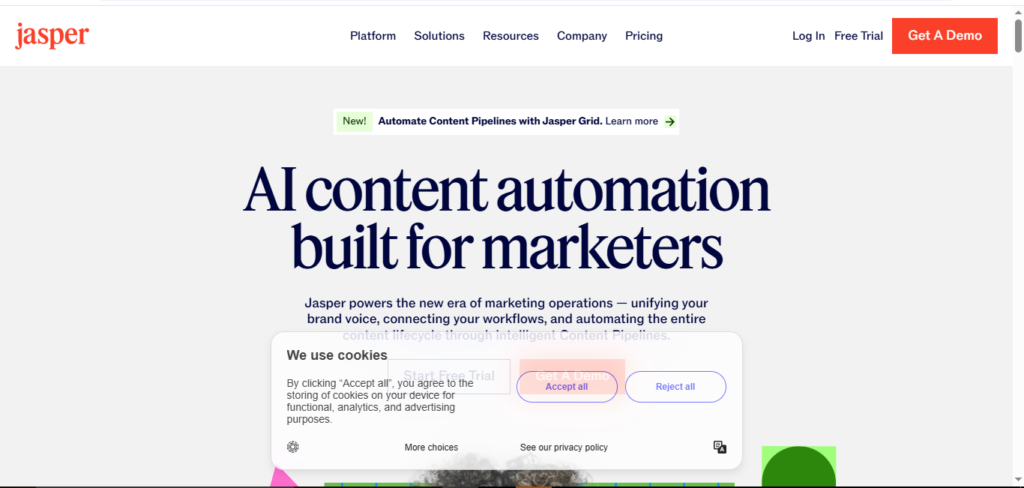
Jasper AI is a popular AI content generation platform designed primarily for marketing, sales, and branding teams. It helps businesses create high-quality written content at scale, including blogs, ads, emails, and website copy. Jasper focuses heavily on tone, brand voice, and conversion-driven writing. The platform supports multiple languages and content formats. Teams can collaborate within shared projects to maintain consistency. Jasper is especially useful for agencies and content-driven organizations. It emphasizes speed without sacrificing quality. The tool is optimized for professional content creation rather than casual use.
Key Features
- AI-powered long-form and short-form writing
- Brand voice and tone customization
- Marketing and SEO-focused templates
- Team collaboration tools
- Multilingual content support
- Integration with marketing workflows
Review
Jasper AI performs exceptionally well in producing polished, marketing-ready content. Its brand voice feature ensures consistency across campaigns, which is critical for businesses. Users can generate content quickly while maintaining strategic messaging. Jasper’s templates streamline repetitive writing tasks and reduce creative fatigue. While it excels in marketing use cases, it may feel limited for general AI assistance.
Pros
- High-quality marketing content output
- Strong brand voice control
- Saves significant writing time
- Ideal for agencies and marketers
- Professional-grade templates
Cons
- Less flexible for non-marketing tasks
- Requires learning prompt optimization
- Higher pricing for small users
Final Verdict
Jasper AI is best suited for marketing teams and agencies that need consistent, high-converting content at scale.
9. Perplexity AI
Overview
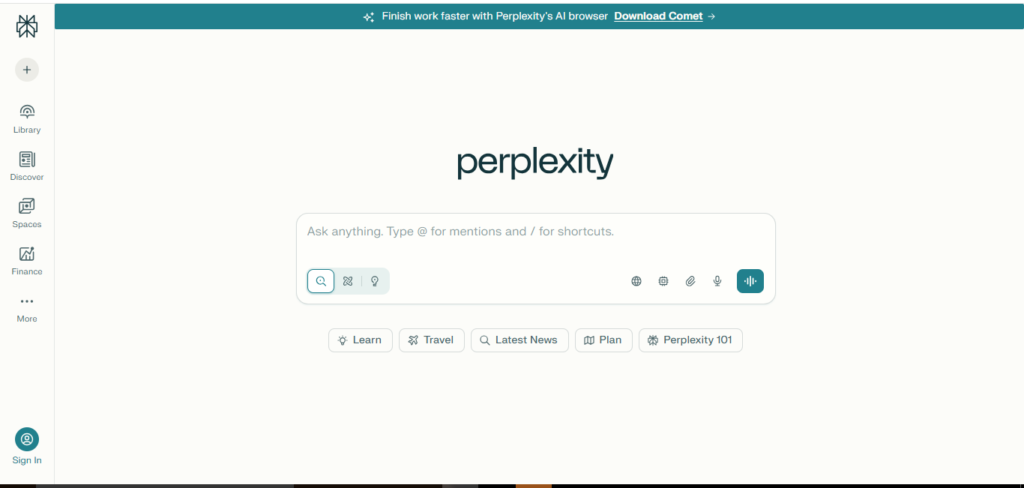
Perplexity AI is an AI-powered research and answer engine focused on delivering accurate, source-backed information. It combines conversational AI with real-time web insights to provide concise and reliable responses. The platform is widely used for research, learning, and fact-checking. Perplexity emphasizes transparency by citing sources in its answers. It is particularly useful for professionals, students, and analysts. The interface is clean and distraction-free. Unlike creative AI tools, its strength lies in information accuracy. It is designed for knowledge discovery rather than content creation.
Key Features
- Real-time AI-powered search
- Source-cited responses
- Conversational research interface
- Fast and accurate information retrieval
- Clean and minimal UI
- Ideal for academic and professional use
Review
Perplexity AI stands out for its focus on accuracy and credibility. The inclusion of sources builds trust and allows users to verify information easily. It performs exceptionally well for research-heavy tasks and exploratory learning. Users appreciate its speed and clarity when answering complex questions. While it lacks creative writing features, it excels in factual reliability.
Pros
- Accurate, source-backed answers
- Excellent for research and learning
- Fast and easy to use
- Transparent information sourcing
- Clean user experience
Cons
- Limited creative content generation
- Not suitable for branding tasks
- Fewer customization options
Final Verdict
Perplexity AI is ideal for users who prioritize accuracy, research, and verified information over creative output.
10. Replika
Overview
Replika is an AI companion designed to provide emotional support and conversational engagement. It focuses on human-like interaction rather than productivity or business automation. The platform adapts its personality based on user interaction over time. Replika is widely used for mental wellness, companionship, and self-reflection. It supports text-based conversations with emotional intelligence features. The AI aims to create a personalized experience for each user. It is not intended for professional workflows. Instead, it focuses on emotional connection and daily conversation.
Key Features
- Personalized AI companionship
- Emotional intelligence modeling
- Adaptive conversational memory
- Mental wellness support features
- Customizable AI personality
- Always-available conversational support
Review
Replika offers a unique AI experience centered on emotional connection rather than task completion. Users often report feeling heard and supported through ongoing conversations. The AI adapts well to user preferences, creating a sense of familiarity. While it cannot replace human interaction, it serves as a supportive digital companion. The platform performs best for casual, reflective conversations.
Pros
- Strong emotional engagement
- Personalized conversational experience
- Easy and intuitive to use
- Available anytime
- Helpful for self-reflection
Cons
- Not designed for productivity
- Limited practical applications
- Emotional dependency concerns
Final Verdict
Replika is best for users seeking companionship and emotional interaction rather than functional AI assistance.
Conclusion
AI tools have rapidly evolved from experimental technology into practical solutions that support businesses, creators, and individuals in very different ways. The platforms covered in this list demonstrate how diverse the AI landscape has become—from enterprise-grade conversational systems like IBM Watson Assistant, to productivity-focused tools such as Notion AI, marketing powerhouses like Jasper AI, research-oriented platforms like Perplexity AI, and emotionally driven companions like Replika.
Each of these tools serves a distinct purpose, proving that there is no one-size-fits-all AI solution. Choosing the right AI tool depends entirely on your goals. Businesses seeking scalability and automation will benefit from enterprise solutions, while creators and teams may prioritize content generation or workflow efficiency.
Meanwhile, individuals focused on learning, research, or emotional well-being may find value in more specialized AI experiences. By clearly identifying your needs and understanding each tool’s strengths, you can leverage AI not just as a trend, but as a meaningful asset that enhances productivity, decision-making, and human interaction.
Frequently Asked Questions (FAQs)
What is the main difference between AI assistants and AI productivity tools?
AI assistants are typically designed for conversational interaction, automation, and support tasks, while AI productivity tools focus on improving workflows, content creation, documentation, or research. Assistants aim to respond and interact, whereas productivity tools aim to help users work faster and smarter.
Are these AI tools safe to use for businesses and individuals?
Most well-established AI platforms follow strict security and privacy standards, especially enterprise-focused tools. However, users should always review data handling policies, compliance certifications, and privacy settings before integrating any AI tool into sensitive workflows.
Can AI tools replace human employees or professionals?
AI tools are designed to support and enhance human work rather than fully replace it. They excel at repetitive tasks, data processing, and content generation, allowing humans to focus on creativity, strategy, and decision-making. In most cases, AI works best as a collaborative assistant.
Which AI tool is best for beginners with no technical background?
Tools like Notion AI, Jasper AI, and Replika are beginner-friendly and require little to no technical setup. They offer intuitive interfaces and immediate value, making them suitable for users new to AI technology.
How do I choose the right AI tool for my needs?
Start by identifying your primary objective—whether it is productivity, marketing, research, automation, or personal support. Then evaluate tools based on ease of use, scalability, pricing, and relevance to your use case. Testing free trials or demos can also help determine the best fit before committing.
