

Everyday browser tasks shouldn’t feel time-consuming, yet writing emails, researching topics, summarizing pages, and managing workflows can quickly slow you down. Switching between multiple tools, tabs, and apps breaks focus and reduces productivity—especially when everything happens inside your browser.
That’s where AI Chrome extensions make a real difference. These smart add-ons bring artificial intelligence directly into Chrome, helping you write faster, summarize content, automate repetitive tasks, and make smarter decisions without leaving the page you’re on. In 2026, AI Chrome extensions are more powerful, accurate, and essential than ever.
In this article, we’ve carefully selected the 10 best AI Chrome extensions in 2026 to help you work smarter, save time, and boost productivity—whether you’re a student, professional, marketer, or content creator.
What Are AI Chrome Extensions?
Chrome extensions are small software programs that you can install directly into your Google Chrome browser from the Chrome Web Store. They are built using web technologies such as HTML, JavaScript, and CSS, and are designed to add new features or improve how your browser works.
AI Chrome extensions are advanced Chrome plugins powered by artificial intelligence. These tools use AI technologies to help automate, streamline, and simplify everyday tasks while you browse the web. Common functions of AI-powered Chrome extensions include content creation, content research, text summarization, web scraping, and productivity enhancement.
By working in real time inside your browser, AI Chrome extensions help users save time, reduce manual effort, and work more efficiently.
How Do AI Chrome Extensions Work?
AI Chrome extensions work by integrating artificial intelligence directly into your web browser. Once installed, they become part of your daily browsing experience and assist you in real time without requiring you to open separate apps or tools.
First, the extension accesses browser content with your permission. It can read selected text, web pages, forms, or user input to understand what task you are performing—such as writing an email, researching a topic, or summarizing an article.
Next, the extension processes this information using AI models. It sends the data to advanced machine learning systems that use natural language processing to analyze context, intent, and meaning. This allows the AI to understand what you want and how to help.
Then, the AI generates smart and relevant outputs. Depending on the tool, this may include writing suggestions, summaries, translations, grammar corrections, content ideas, or productivity insights—all tailored to the current webpage.
Finally, the results are delivered instantly inside the browser. The enhanced content appears through pop-ups, side panels, or inline suggestions, allowing you to work faster without switching tabs or disrupting your workflow.
In simple terms, AI Chrome extensions observe your actions, understand context, and assist you in real time, making everyday browsing more efficient, accurate, and productive.
Benefits of AI Chrome Extensions
Adding an AI-powered extension to your Chrome browser is like upgrading a basic car with all the latest smart features. While a regular car can get you from point A to B, a smart car makes every journey smoother, faster, and more efficient. Similarly, AI Chrome extensions turn your browser into a smart assistant that helps you work, create, and communicate more effectively.
Here are some key ways AI Chrome extensions can enhance your browsing experience:
Improved productivity
AI extensions automate repetitive tasks, reduce information overload, and provide helpful suggestions in real time. Whether you’re drafting emails, researching content, or summarizing long articles, these tools help you accomplish more in less time. By handling mundane tasks, AI frees you to focus on higher-value work and boosts overall efficiency.
Enhanced accessibility
Features like voice assistance, speech-to-text, and text-to-speech make browsing easier and more inclusive. AI Chrome extensions can assist users with different needs, including those with visual impairments or difficulties typing, enabling a smoother and more accessible online experience for everyone.
Personalized user experience
AI-powered extensions adapt to your individual habits and preferences over time. They learn how you work, which tools you use most, and the type of content you interact with. As a result, they offer customized suggestions, shortcuts, and workflows tailored specifically to your style, helping you stay organized and efficient.
Time-saving functionality
From instant translations and smart replies to quick summaries, AI extensions save valuable time. They help you process large amounts of information quickly, respond faster in emails and chats, and make decisions more efficiently. By reducing the time spent on repetitive or tedious tasks, you can focus on what really matters.
Better collaboration
Many AI Chrome extensions support smoother communication and teamwork. By breaking language barriers, generating clear content, or summarizing messages, they make collaboration easier across teams and locations. This ensures that everyone stays on the same page and projects move forward more seamlessly.
In short, AI Chrome extensions transform Chrome from a simple web browser into a powerful, intelligent productivity tool. They not only save time and effort but also enhance accessibility, personalize your workflow, and improve collaboration—making your everyday browsing smarter, faster, and more efficient.
Top 10 AI Chrome Extensions in 2026
Here is the list of the best AI Chrome extensions, based on popularity, usefulness, and versatility:
- Sider AI
- HARPA AI
- Jasper
- QuillBot
- Perplexity AI
- Scalenut
- INK
- Otter
- Monica
- Compose AI
These tools stand out for AI writing, research, SEO, productivity, and communication tasks in 2026.
1. Sider AI
Overview
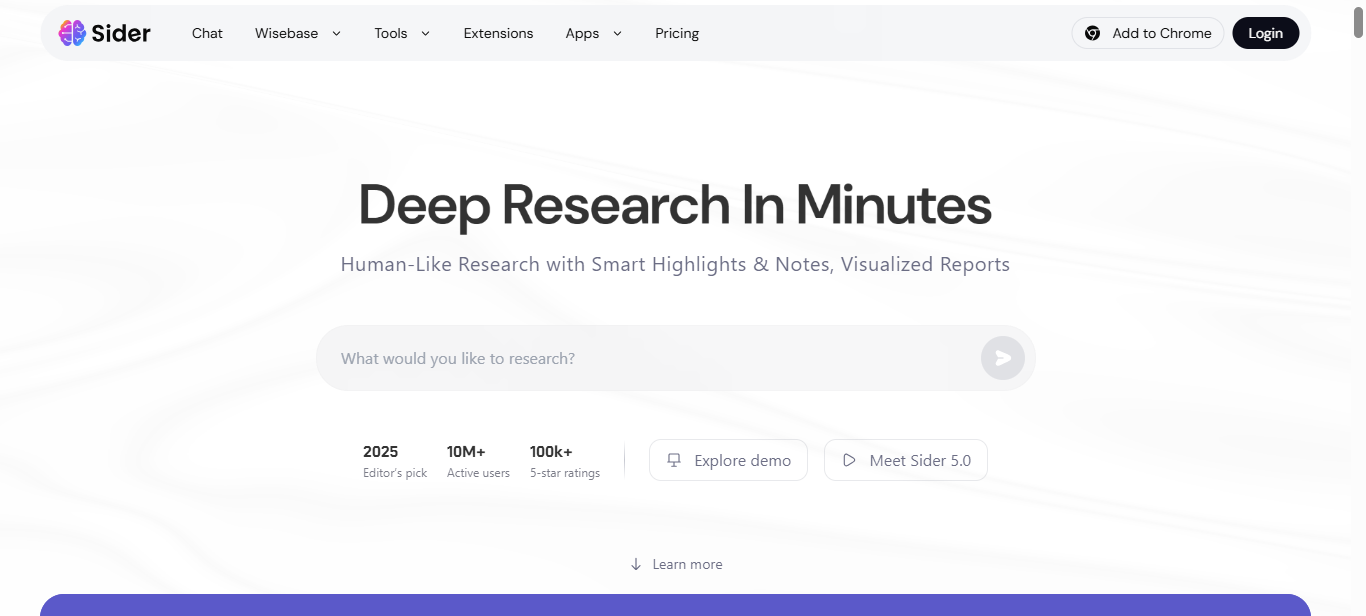
Sider AI is a powerful all-in-one AI browser assistant that works directly inside Chrome to help you read, write, research, and get answers without switching tabs. It brings multiple top AI models together — including GPT, Claude, Gemini, DeepSeek, and more — so you can ask questions, summarize webpages, chat with documents, and generate content right from your browser.
Unlike standalone tools, Sider integrates with the pages you’re already using, letting you highlight text for instant explanations, create drafts, translate languages, summarize videos and PDFs, and even manipulate images — all from a sidebar that stays visible as you browse.
Key Features
- Supports multiple AI models for diverse responses (GPT, Claude, Gemini, etc.)
- Summarizes webpages, YouTube videos, and PDFs instantly
- AI writing and paraphrasing tools for drafts, outlines, and tone editing
- Built-in translation and contextual reading assistance
- Sidebar interface that works on any site for seamless AI interaction
Pros
- Combines multiple leading AI models for richer results
- Versatile tools for reading, writing, research, and translation
- Works with PDFs, videos, links, and plain webpages
- Easy-to-use sidebar that stays accessible while browsing
Cons
- Some users may find the number of features overwhelming at first
- Advanced tools and high-quality models require a paid plan
- Performance depends on internet speed and device capability
Pricing
Sider AI offers a Free plan with limited daily credits and basic access.
- Paid plans include Starter (around $4.20–$5/month),
- Basic (about $6.70–$10/month), Pro (about $12.40–$20/month)
- Unlimited (about $16.70–$30/month) tiers, each providing more credits, advanced AI access, and additional features than the previous.
Final Verdict
Sider AI is a versatile and powerful AI Chrome extension that brings advanced AI capabilities right into your browser — perfect for writers, researchers, students, and anyone who wants smarter, faster web workflows. Its rich feature set makes it one of the most comprehensive AI assistants available, though beginners might need a short learning period to unlock its full potential.
2. Harpa AI

Overview
Harpa AI is a powerful AI Chrome extension that blends advanced artificial intelligence with web automation to simplify a wide range of online tasks. It uses a hybrid AI engine that combines popular AI models like OpenAI’s GPT, Gemini, and Claude with automation tools, so you can summarize content, generate text, automate workflows, and extract data — all inside your browser without switching tabs.
Designed for both productivity and security, Harpa AI helps you work faster across everyday activities like summarizing articles and videos, managing emails, and performing SEO tasks. It also monitors website changes, tracks product prices, and connects with tools like Zapier to automate complex workflows, making it a versatile assistant for professionals, students, and creators.
Key Features
- Summarizes blogs, web pages, and YouTube videos instantly
- Automates copywriting and content creation tasks
- Tracks website updates and monitors price changes
- SEO tools including audits and keyword extraction
- Integrates with Zapier for workflow automation
Pros
- Combines AI and automation in one extension
- Strong SEO and data extraction capabilities
- Monitors websites and product prices automatically
- No user data stored; GDPR-compliant privacy
Cons
- Learning curve for advanced automation features
- Some features may require technical setup for best results
- Free version limits usage on advanced tools
Pricing
Harpa AI offers flexible pricing plans designed for individuals and professionals with different usage needs:
- For Everyone – $12 per month (billed annually)– Ideal for individual users who need core AI features for everyday tasks.
- For Pros (Popular) – $19 per month (billed annually)– Best suited for power users and professionals. Includes advanced features, higher limits, and the option to add extra seats at 10% off.
- For Life – $240 one-time payment- A lifetime plan for a single user, offering long-term access without recurring subscription fees.
These plans allow users to choose between affordability, advanced functionality, or lifetime access depending on their workflow and budget.
Final Verdict
Harpa AI is one of the most comprehensive AI Chrome extensions available, combining AI intelligence with smart automation to help users save time and work more efficiently. Whether you’re focused on SEO, content creation, research, or workflow optimization, Harpa offers valuable tools that adapt to different use cases — although new users may need some time to fully explore its automation capabilities.
3. Jasper AI
Overview
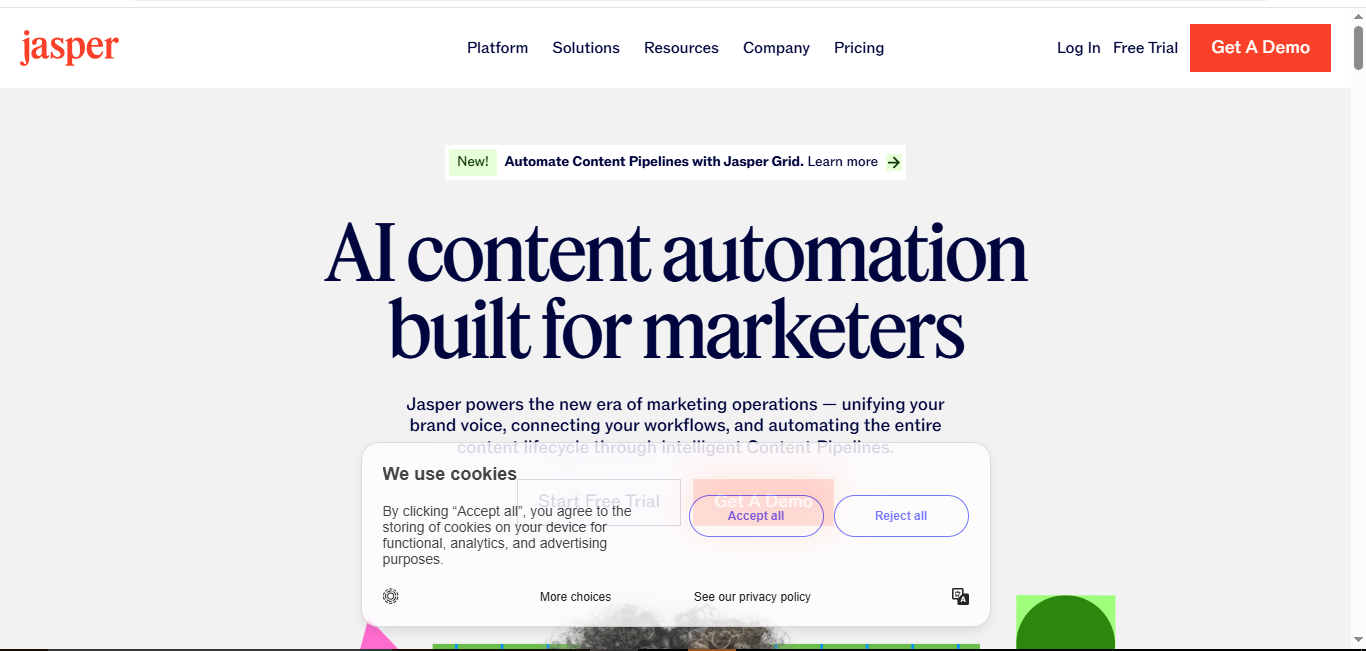
Jasper AI is a market-leading AI writing assistant designed to help users create high-quality content quickly and efficiently. It analyzes seed words or phrases you provide and generates content in the tone and style you specify, ranging from short paragraphs to full-length articles. With Jasper, you can produce professional content such as blog posts, marketing copy, emails, ad text, SEO meta descriptions, and more — all with minimal effort.
The platform offers over 50 AI content generation templates and supports 25+ languages, making it ideal for businesses, marketers, bloggers, and writers. Jasper is known for its long-form writing capabilities, which allow users to create 1,500+ word articles almost instantly. Its intuitive interface, combined with AI-powered content suggestions, ensures you stay on-brand and maintain a consistent voice.
Key Features
- Over 50 AI content generation templates, including blog posts, emails, and ads
- Supports 25+ languages for global content creation
- Long-form writing assistant capable of 1,000+ word documents
- Identify key elements in text (pronouns, verbs, names, etc.)
- Intuitive interface with customization options like Brand Voices and Knowledge Assets
Pros
- Extremely fast content generation
- Versatile templates for marketing, SEO, and creative writing
- Supports multiple languages
- Helps maintain consistent brand voice
Cons
- Can be expensive for small teams
- Some outputs may require manual editing for tone or context
- Advanced features require higher-tier plans
Pricing
- Pro Plan: $59/month per seat, includes 1 seat, access to Canvas platform, core marketing apps, 2 Brand Voices, 5 Knowledge Assets, 3 Audiences
- Business Plan: Custom pricing based on requirements
- Free Trial: 7-day free trial available
Final Verdict
Jasper AI is a top choice for anyone looking to scale content production without sacrificing quality. Its wide range of templates, long-form writing capabilities, and multilingual support make it a versatile tool for professionals, marketers, and writers alike, though the cost may be higher for smaller teams.
4. QuillBot
Overview
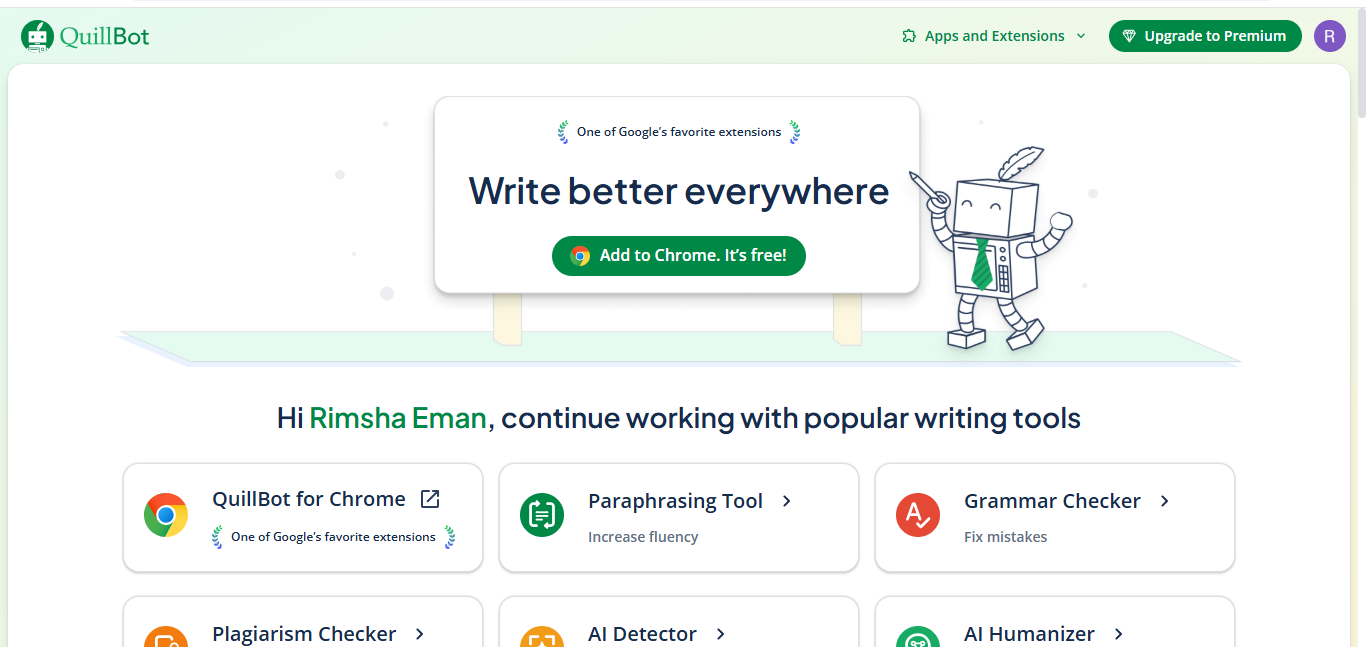
QuillBot is a widely trusted AI writing assistant that’s especially popular with writers, students, and professionals who need quick help with grammar, paraphrasing, and overall writing improvement. Launched in 2017, the tool has expanded its features over time and now offers a Chrome extension that brings AI‑powered writing support directly into your browser, wherever you work.
The extension helps you improve text quality, correct errors in real time, and rephrase sentences with multiple style options. It also includes features like synonym suggestions, tone refinement, and shortcut buttons for faster access, making it a lightweight alternative to other comprehensive writing tools.
Key Features
- Real‑time grammar and spelling corrections directly in your browser
- Paraphrasing with multiple writing modes such as Standard and Fluency (free) and more modes with Premium
- Rewriting text using prompts to adjust tone or style
- Shortcut button for quick access without opening the menu
- Summarization and writing enhancements for clarity and structure
Pros
- Helps improve writing quality and clarity quickly
- Works anywhere you type (Gmail, Docs, social platforms)
- Paraphrasing and synonyms boost creativity
- Intuitive and lightweight interface
Cons
- Free plan limits paraphrasing to short chunks (125 words)
- Advanced features require Premium subscription
- Not all paraphrased output is perfect and may need revision
Pricing
QuillBot offers a Free plan with basic paraphrasing and grammar checking at no cost. The Premium plan unlocks unlimited paraphrasing, advanced grammar suggestions, full summarizer limits, plagiarism checking, tone detection, and more. Pricing options include:
- Monthly: around $19.95/month
- Semi‑Annual: around $13.33/month (billed ~$79.95 every 6 months)
- Annual: around $8.33/month (billed ~$99.95/year) — the best value for regular users.
Team pricing and student discounts may also be available, offering even lower per‑user rates.
Final Verdict
QuillBot is an excellent choice for anyone who needs writing assistance and paraphrasing tools directly in their browser, especially for students, writers, and professionals. Its free plan is useful for lighter tasks, while the Premium plan offers powerful features and flexibility, making it one of the most versatile AI writing extensions available.
5. Perplexity AI
Overview
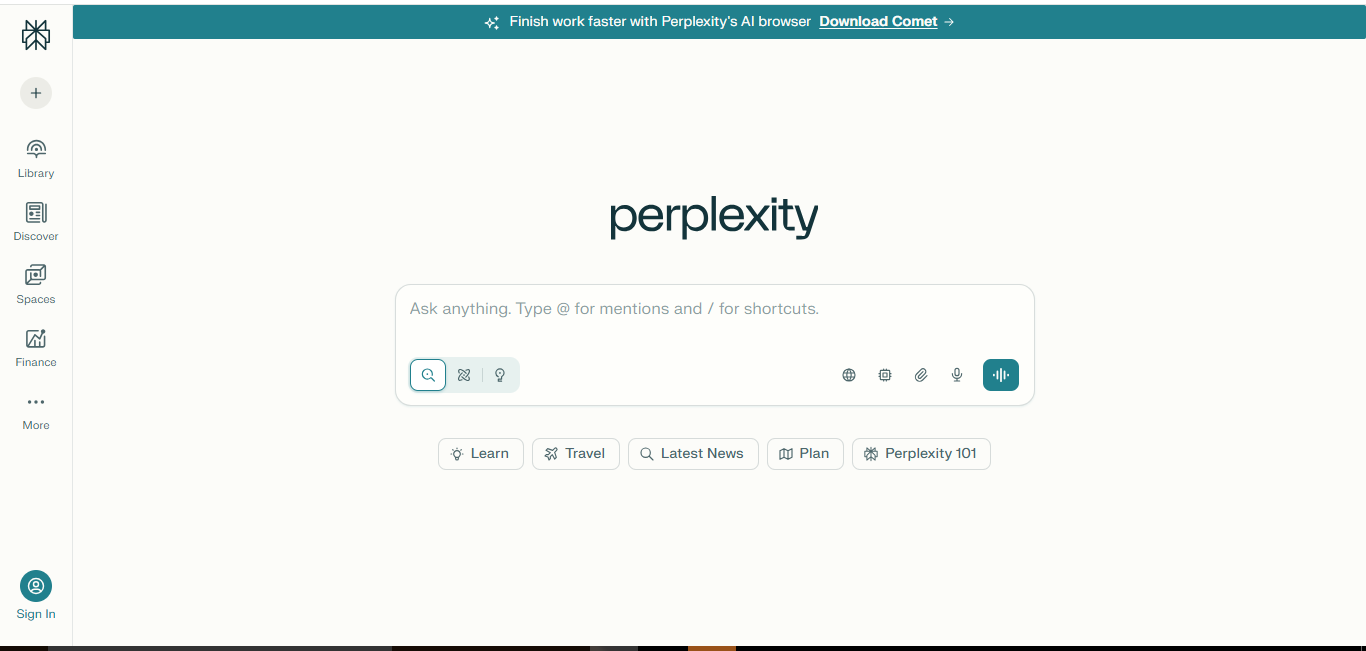
Perplexity AI is a powerful AI-powered conversational search engine designed for fast, accurate, and research-oriented responses. Launched in 2022, it has quickly become popular among students, educators, and professionals who need factually correct information. Unlike single-model chatbots, Perplexity integrates multiple AI models, including Gemini, Claude, Grok, and its own Sonar and R1 1776, offering deeper insights and reliable data sources.
The platform also features Comet, an agentic AI browser that enhances user workflows by allowing in-browser research, summarization, and instant queries without opening a separate dashboard. Its focus on speed, accuracy, and source citation makes it a strong tool for in-depth research, learning, and content validation.
Key Features
- Integrates multiple AI models (Gemini, Claude, Grok, Sonar, R1 1776) for diverse answers
- Sonar Deep Research model for advanced query analysis
- Fast and accurate responses with proper source citations
- Summarization of articles, web pages, and documents instantly
- In-browser assistant with quick search and Comet AI browser agent
Pros
- Provides factual and well-sourced information
- Supports advanced research and summarization
- Fast response times compared to similar AI tools
- Useful for students, educators, and researchers
Cons
- Free plan limits pro searches to 5 per day
- Lacks image generation and file upload in the standard plan
- Advanced features may require Pro subscription
Pricing
- Standard (Free): 5 pro searches per day, basic support, standard data privacy
- Pro Plan: Paid subscription with full access (image generation, unlimited searches, file uploads); Airtel users may receive a Pro subscription worth ₹17,000 for free.
Final Verdict
Perplexity AI is an excellent AI extension for research-focused users who need accurate, fast, and well-sourced information. Its multi-model integration, deep research capabilities, and in-browser functionality make it ideal for academics, students, and professionals seeking reliable answers without switching platforms.
6. Scalenut

Overview
Scalenut is a comprehensive AI-powered SEO and content marketing platform designed to help businesses, marketers, and agencies scale their content and rank higher on search engines. The platform offers end-to-end capabilities, from keyword research to content creation, optimization, and marketing copy generation. Its AI engine leverages advanced Natural Language Processing (NLP) and Natural Language Understanding (NLU) to create high-quality, humanized content that aligns with real-time SEO data.
The platform is divided into four core sections: Research, to uncover insights and build keyword strategies; Create, for generating SEO-friendly articles and marketing copy; Optimize, which provides real-time content feedback with dynamic SEO scoring; and Marketing Copy, offering 40+ AI copywriting templates for product descriptions, website copy, email campaigns, and other marketing needs. Scalenut’s integration with AI tools ensures that users can produce ready-to-rank content efficiently and strategically.
Key Features
- End-to-end SEO content creation with NLP/NLU optimization
- Real-time SEO scoring and content optimization
- Keyword research and cluster generation for niche domination
- AI-powered marketing copy templates for emails, ads, and websites
- Additional tools including AI image generation, traffic insights, topic gap analysis, and auto-optimization
Pros
- Comprehensive all-in-one platform for content creation and SEO
- Produces high-quality, humanized articles optimized for ranking
- Advanced tools for keyword clustering, SEO audits, and traffic analysis
- Suitable for startups, growing businesses, and agencies
Cons
- Can be expensive for individuals or small teams
- Learning curve for mastering all features and tools
- Some add-ons may require separate subscriptions or upgrades
Pricing
- Essential Max: $235/year (Limited Offer, 60% off), includes AI content suite with 5–15 articles/month, optimization, keyword clusters, AI images, and core support
- Growth Max: $494/year (Limited Offer, 60% off), includes 30–90 articles/month, page optimization, keyword clusters, site audits, 2 user seats, AI visibility tools, social engagement, and additional add-ons
- Pro Max: $926/year (Limited Offer, 60% off), designed for large teams and agencies with full access to all features and maximum limits on content, optimization, AI images, and advanced tools
Final Verdict
Scalenut is an ideal choice for businesses and agencies looking for a complete AI-driven SEO and content marketing solution. Its end-to-end capabilities, advanced optimization features, and flexible plans make it perfect for scaling content production, improving search rankings, and streamlining marketing workflows, though smaller users may find it costlier than simpler alternatives.
7. INK AI

Overview
INK AI is a versatile AI-powered writing and SEO assistant that helps users create high-performing content while optimizing for search engines. Its AI Co-Writing feature assists in generating, rewriting, and simplifying text, while the SEO Assistant evaluates your content in real time, offering suggestions to improve rankings and drive organic traffic. INK’s patented AI technology ensures that every piece of content is both engaging and optimized for visibility.
Designed for marketers, bloggers, and content creators, INK integrates seamlessly with platforms like WordPress and includes additional tools such as meta optimization, image compression, grammar checking, and AI-based content expansion. The platform also offers built-in plagiarism detection and keyword research capabilities, making it a complete solution for anyone looking to create SEO-friendly content efficiently.
Key Features
- AI Co-Writing: Generate, rewrite, and simplify content
- Real-time SEO Assistant with optimization suggestions
- Meta and image optimization for web publishing
- 130+ copywriting templates, AI image generation, keyword clustering, and plagiarism checker
- Integration with WordPress and live chat support for instant help
Pros
- Combines AI writing with SEO optimization in one platform
- Real-time suggestions improve content quality and ranking potential
- Supports multiple content formats and integrations
- Free 5-day trial for new users
Cons
- Free trial is limited to 5 days
- Some advanced features require paid subscription
- May have a learning curve for beginners
Pricing
- Starter Plan: Free 5-day trial with 10,000 AI words, 10 SEO audits, 400 AI images, and access to templates
- Professional Plan: $39/month (billed $468/year, save $120)
- Includes unlimited AI writing, unlimited SEO articles, unlimited AI images
- Access to all apps and features, AI Content Shield, keyword research & clustering
- 130+ AI templates, support for 20+ languages, community, and training
- 5-day free trial with 10,000 AI words, no credit card required
- Enterprise Plan: $99/month (billed $1,188/year, save $228)
- Designed for teams with full access to all INK features, apps, and integrations
Final Verdict
INK AI is a strong choice for content creators seeking a combined writing and SEO optimization tool. Its AI Co-Writing and SEO Assistant capabilities streamline content creation, improve search engine performance, and save time, making it ideal for bloggers, marketers, and businesses looking to enhance their digital presence.
8. Otter AI
Overview
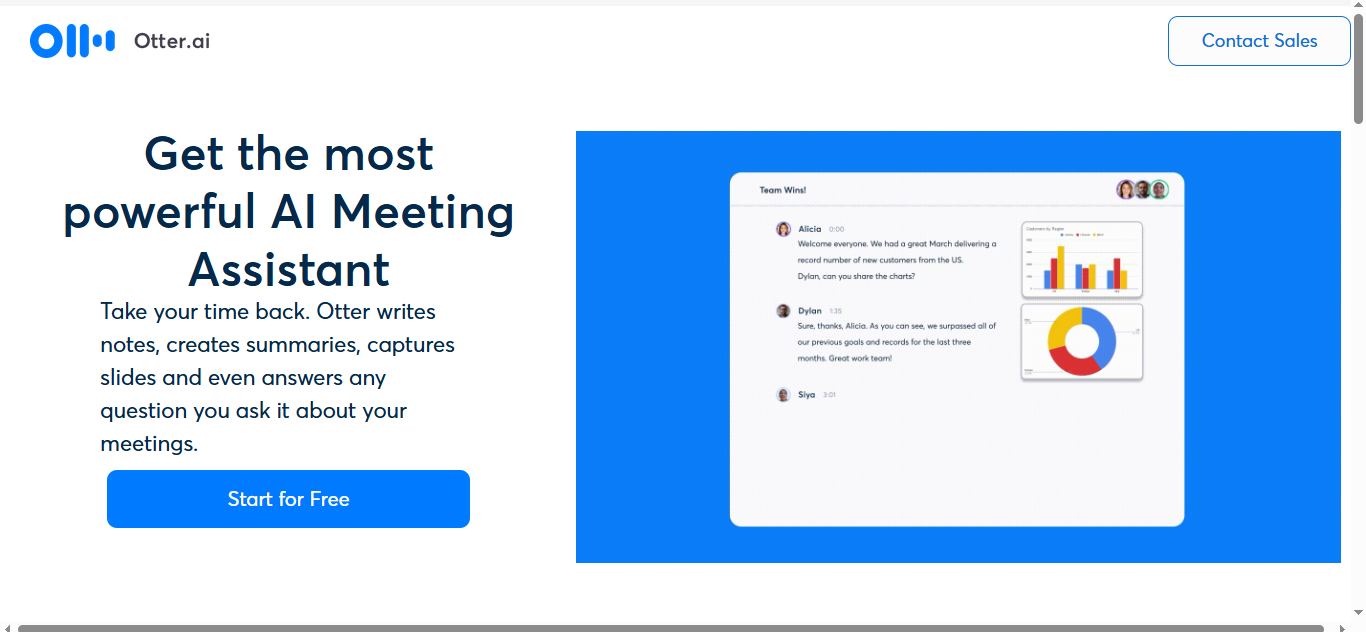
Otter AI is a leading AI-powered transcription service that helps users convert voice conversations into accurate text. Available on desktop, Android, and iOS, Otter is ideal for professionals, students, journalists, and anyone who needs reliable transcription. Its advanced AI can automatically recognize different speakers, making it easy to follow conversations, meetings, or lectures.
Beyond transcription, Otter allows users to edit and manage their transcripts directly in the app, integrate images and other content, and import audio or video files for automatic transcription. The platform also provides playback at adjustable speeds, ensuring you can review content efficiently. Its intuitive interface and guided tutorials make it user-friendly for both beginners and advanced users.
Key Features
- Automatic transcription of voice conversations on desktop and mobile
- Speaker identification to differentiate voices
- Edit, manage, and annotate transcripts directly in-app
- Playback audio at different speeds
- Import audio and video files for transcription
Pros
- Accurate AI transcription with speaker recognition
- Cross-platform availability (desktop, Android, iOS)
- Easy to manage and edit transcripts within the app
- Supports multimedia content integration
Cons
- Free version has limited transcription minutes
- Some advanced features require a paid plan
- May require occasional manual corrections for technical terms
Pricing
- Pro Plan: $8.33 per user/month (billed annually)
- Business Plan: $20 per user/month (billed annually)
- Both plans provide more transcription minutes, advanced export options, and collaboration tools.
Final Verdict
Otter AI is one of the best tools for quick, reliable transcription across multiple devices. Its speaker recognition, editable transcripts, and intuitive interface make it perfect for professionals, students, and teams who want to save time and improve productivity when handling audio content.
9. Monica AI
Overview
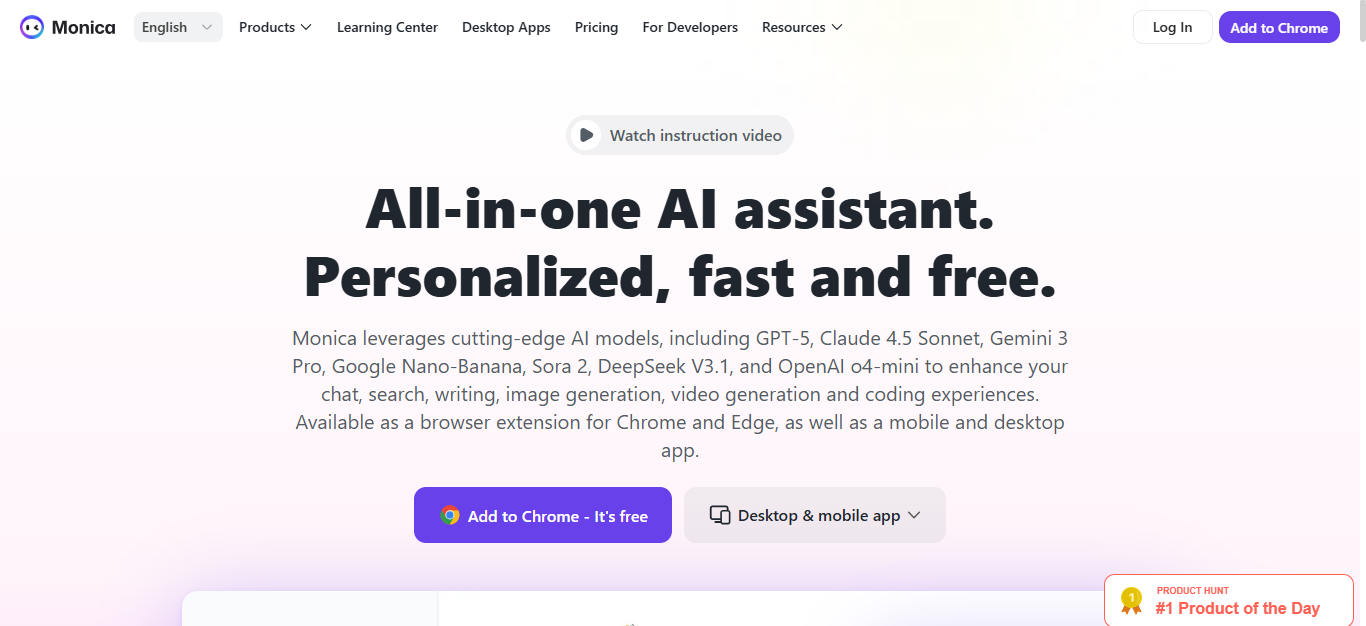
Monica AI is a powerful all-in-one AI assistant designed to help users streamline content creation, research, translation, and multimedia generation. It integrates advanced large language models (LLMs) such as GPT-4, GPT-5, Claude, DeepSeek, Flux Pro, Gemini 3 Pro, and more, offering users access to cutting-edge AI tools directly in their browser and across multiple platforms. Monica AI is ideal for professionals, content creators, students, and businesses looking for a versatile AI assistant.
The extension offers multiple functionalities, including summarizing articles or YouTube videos, analyzing topic trends, recommending relevant websites, translating content, and generating AI illustrations in various styles. Users can also take screenshots of any content and ask Monica AI for explanations or interpretations, making it an invaluable tool for research, learning, and creative projects. Its cross-platform support includes Chrome, Windows, iOS, Android, and VS Code.
Key Features
- Summarize content from articles, videos, or web pages instantly
- Topic trends analyzer for emerging insights and content strategy
- Translation and multilingual support
- AI illustration and image/video generation in multiple styles
- Screenshot & Ask AI feature for on-the-spot content explanation
Pros
- Combines research, writing, translation, and multimedia generation
- Integrates multiple advanced AI models for high-quality results
- Cross-platform support including Chrome, Windows, iOS, Android, and VS Code
- Offers both basic and advanced models for flexible use
Cons
- Advanced models may require paid subscription
- Learning curve for utilizing all features efficiently
- Free plan has limited access and credits
Pricing
- Free Plan: $0, basic access to AI models
- Pro Plan: $8.3/month (billed $99/year), 5,000 accesses to basic models/month, 200 accesses to advanced models, image/video generation, cross-platform integration, 1,500 advanced credits
- Unlimited Plan (Flash Sale): $16.6/month or $199/year (or $299/year regular), unlimited access to basic and advanced models, image/video generation, 4,500 advanced credits, smart writing, translation, summaries, ChatPDF, and application integrations
Final Verdict
Monica AI is an excellent all-in-one AI assistant for professionals, students, and content creators who want to access advanced AI tools across multiple platforms. With its extensive model support, versatile features, and cross-platform integrations, it’s ideal for research, content creation, translation, and multimedia generation, though advanced features are best accessed via paid plans.
10. Compose AI
Overview
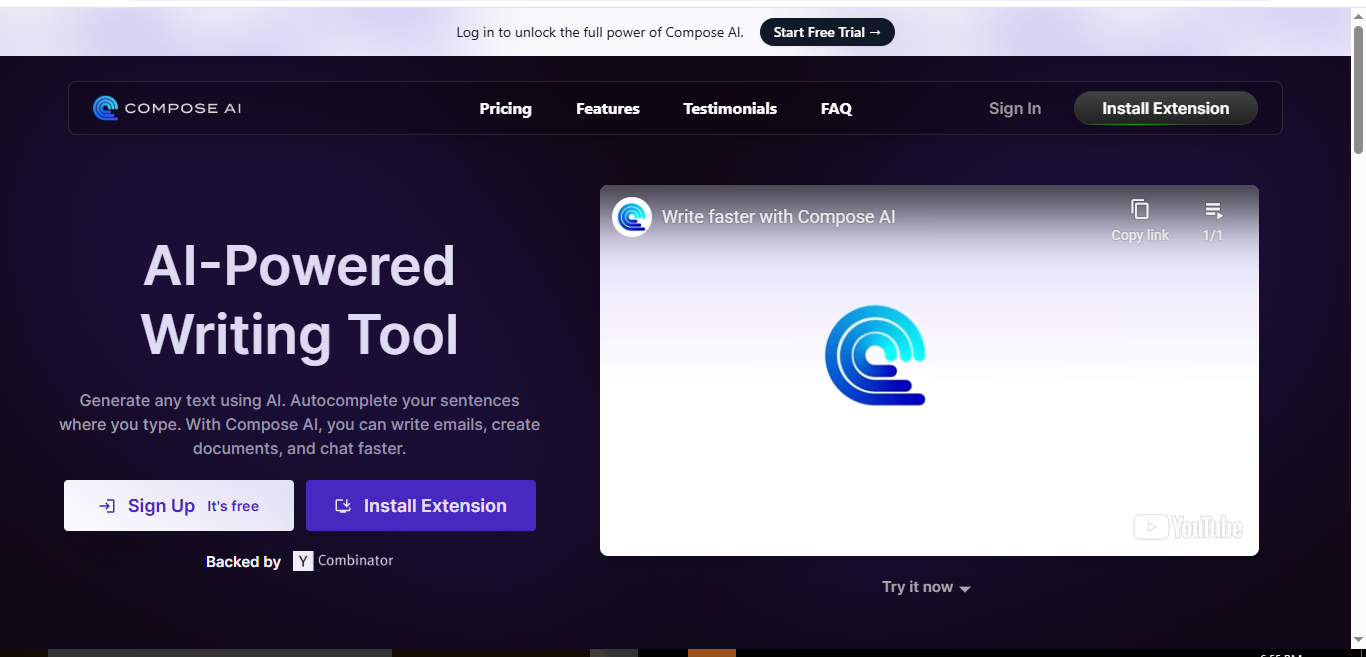
Compose AI is a Chrome extension designed to transform your writing experience using AI-powered assistance. Its goal is to help users overcome writer’s block, generate ideas, and produce high-quality content effortlessly. From drafting emails to creating blog posts, Compose AI provides real-time suggestions and contextual recommendations to make writing faster and more efficient.
The extension also includes grammar and spelling checks, ensuring that your content is polished and error-free. It adapts to your writing style and tone, offering personalized outputs that reflect your unique voice. Compose AI is suitable for professionals, students, marketers, and anyone looking to streamline their writing workflow.
Key Features
- Auto-generates high-quality content based on context and keywords
- Provides real-time suggestions and ideas to enhance writing
- Built-in grammar and spelling checks for error-free content
- Adapts to individual writing style and tone
- Easy-to-use interface suitable for beginners and pros
Pros
- Saves time with fast content generation
- Simple and intuitive interface
- Personalizes outputs based on writing style
- Helps overcome writer’s block efficiently
Cons
- Requires an internet connection for instant suggestions
- Autosuggestions may sometimes be distracting
- Limited features in the free plan
Pricing
- Basic Plan: Free, limited features
- Premium Plan: $9.99/month (billed $119.88/year, save 33%), includes all core AI writing features, real-time suggestions, and grammar checks, 7-day free trial available
- Ultimate Plan: $29.99/month (billed $359.88/year, save 33%), full access to all features and advanced AI tools, 7-day free trial available
Final Verdict
Compose AI is an excellent tool for anyone who wants AI-assisted writing directly in Chrome. Its ability to generate content, provide real-time suggestions, and adapt to your writing style makes it ideal for professionals, students, and marketers seeking efficiency, though users may find autosuggestions distracting at times.
Conclusion
AI Chrome extensions are transforming the way we work, write, research, and create content online. From powerful writing assistants like Jasper, QuillBot, and Compose AI to research and productivity tools like Perplexity AI, Scalenut, and Monica AI, these extensions save time, enhance accuracy, and boost efficiency across multiple tasks.
Whether you are a student, content creator, marketer, or professional, integrating AI extensions into your browser can streamline workflows, improve content quality, and provide a smarter way to interact with digital information. Explore the tools that fit your needs, and let AI simplify your online tasks in 2026.
Frequently Asked Questions (FAQs)
What are AI Chrome extensions?
AI Chrome extensions are browser add-ons powered by artificial intelligence that help automate tasks, improve productivity, assist with writing, research, and more directly within your browser.
Are these AI Chrome extensions free?
Many offer free plans with limited features. Most also provide premium or paid plans that unlock advanced capabilities, additional AI credits, and extended usage.
Can AI Chrome extensions replace human writers?
No, AI tools assist in content creation, research, and editing, but human oversight is essential to ensure accuracy, creativity, and context relevance.
Are these AI extensions safe to use?
Yes, reputable extensions follow security standards and GDPR compliance, but always check privacy policies before granting access to sensitive data.
Which AI Chrome extension is best for beginners?
Extensions like Compose AI, QuillBot, and Otter are user-friendly and beginner-friendly, offering intuitive interfaces and step-by-step guidance.
Can these extensions work offline?
Most AI Chrome extensions require an internet connection as they rely on cloud-based AI models to process data and generate results.
