
In a visually driven digital landscape, image quality and sizing play a critical role in how content is perceived across websites, social platforms, and professional channels. From maintaining fast page load speeds to meeting platform-specific image dimensions, achieving the perfect image size has become a necessity rather than an option. This is where AI-powered image resizer tools step in, transforming a once time-consuming task into a fast, intelligent, and highly accurate process.
This blog explores the best free AI image resizer tools available today, showcasing platforms that combine advanced artificial intelligence with intuitive, user-friendly design. These tools go beyond simple resizing by preserving image clarity, sharpness, and aspect ratio—ensuring visuals remain high-quality regardless of resolution changes. Whether you’re a content creator, digital marketer, web designer, or business owner, AI image resizers offer a smart, efficient solution for optimizing images while enhancing overall digital performance.
What Is an AI Image Resizer?
An AI image resizer is a software or online tool that automatically adjusts the dimensions of an image while preserving its quality, clarity, and visual details. Unlike traditional resizers, which simply stretch or compress pixels and often cause blurry or distorted results, AI-powered tools use advanced algorithms and machine learning to analyze the image’s content.
By recognizing key elements—like faces, text, edges, and textures—AI image resizers ensure that resized images maintain their original sharpness and composition. They are ideal for a wide range of applications, including website optimization, e-commerce product images, social media content, print media, and marketing campaigns.
In 2026, free AI image resizers have become accessible to everyone, making it possible for both beginners and professionals to resize images efficiently without losing quality or spending money on expensive software.
Why Resizing Your Images Matters
Before choosing the right image resizer tool, it’s important to understand why image optimization and resizing are essential in the first place. In today’s digital environment, image size directly affects website performance, user experience, and even conversion rates.
You might wonder—do you really need a dedicated image resizing tool? After all, software like Photoshop has offered resizing features for years, and even basic programs like Microsoft Paint can change image dimensions quickly. While that’s true, relying on traditional tools often leads to outdated and inefficient results that don’t meet modern digital standards.
The Problem with Large File Sizes
High-resolution images captured by smartphones typically range around 2,000 pixels, while professional cameras can produce images that are 4,000, 6,000 pixels, or even larger. However, most online platforms don’t require images anywhere near that size. For example, a full-width website banner only needs to be about 1,920 pixels wide.
Many businesses upload original images without resizing them, either due to convenience or fear of quality loss. Unfortunately, this approach creates unnecessarily large files that consume excess bandwidth, slow down page load times, and degrade overall site performance. Slow-loading pages frustrate users and significantly hurt engagement and conversion rates—especially on mobile devices.
Blurriness and Pixelation Issues
Incorrect image sizing also leads to poor visual quality. When oversized images are uploaded to platforms like Instagram, Shopify, Amazon, or Walmart, those platforms automatically compress and resize them. Their basic compression methods often strip away image data, resulting in blurry or washed-out visuals.
On the other hand, uploading images that are too small causes platforms to stretch them to fit required dimensions. This process duplicates pixels to fill space, creating grainy, blocky, and pixelated images. In both cases, image clarity and resolution are compromised, reducing the professional appeal of your content.
The best results come from images that closely match the platform’s recommended dimensions—usually within a few hundred pixels—to avoid quality loss.
Incorrect Dimensions and Aspect Ratios
Beyond size, image dimensions and aspect ratios play a crucial role. For instance, a square 2,000 × 2,000 pixel image won’t naturally fit an Instagram Story, which requires 1080 × 1920 pixels. If you don’t resize and adjust it yourself, the platform will do it automatically—often cropping or compressing the image without preserving key visual elements.
Manually resizing ensures you maintain control over composition, framing, and quality.
How Image Resizer Tools Improve Results
Modern image resizer tools support three essential transformations: scaling down, upsizing, and cropping—each requiring a different approach.
Scaling Down: Reducing image size without losing detail is harder than it seems. AI-powered resizers analyze image features and intelligently preserve sharpness, edges, and textures—something traditional editors often fail to do effectively.
Upsizing: Increasing image size has historically resulted in blurry outputs. AI-based tools solve this by reconstructing missing details, allowing images to scale up while maintaining clarity, depth, and vibrancy.
Cropping: While basic cropping is possible in standard editors, combining cropping with precise resizing requires a smarter tool. AI image resizers help maintain balance, composition, and correct dimensions simultaneously.
Key Features of Free AI Image Resizing Tools in 2026
AI image resizers in 2026 are far more than simple dimension changers. Modern tools are packed with features that help users optimize images for web, social media, marketing, or print without losing quality. Key features include:
1. Smart Upscaling and Downscaling
AI algorithms automatically adjust image size while preserving sharpness, textures, and critical details. Whether you need to enlarge a small image or reduce a large photo for faster web loading, these tools maintain high fidelity.
2. Automatic Cropping and Composition Adjustment
AI can detect subjects, faces, and key objects, ensuring the resized image keeps its focus. Unnecessary backgrounds or edges are trimmed intelligently without manual effort.
3. Batch Processing
Resize multiple images at once, saving time for marketers, designers, and content creators working with large image libraries.
4. Aspect Ratio Preservation
AI ensures that resizing does not distort the image, maintaining the correct proportions for profile photos, banners, thumbnails, or product shots.
5. Integration with Other Platforms
Many AI resizers support seamless export to CMS platforms, e-commerce stores, and social media channels for easy publishing.
6. Compression without Quality Loss
Some tools include automatic compression features that reduce file size for faster website performance while keeping images crisp.
7. Cross-Format Support
Users can resize images in popular formats like JPEG, PNG, WebP, and even vector-based files while maintaining quality.
8. Cloud-Based Editing
No downloads or installations are required—users can resize images online from any device with instant results.
9. Free and Accessible
Unlike traditional premium software, these tools are free, making professional-quality image resizing accessible to everyone in 2026.
10 Best Free AI Image Resizer Tools for 2026
Here is the list of the 10 best free AI image resizer tools for 2026:
- Img2Go
- Upscale.media
- Resize Image Editor
- Icons8 Smart Upscaler
- Bigjpg
- MindOnMap
- Clipdrop
- Aiseesoft Image Upscaler
- Let’s Enhance
- Fotor AI Image Resizer
1. Img2Go
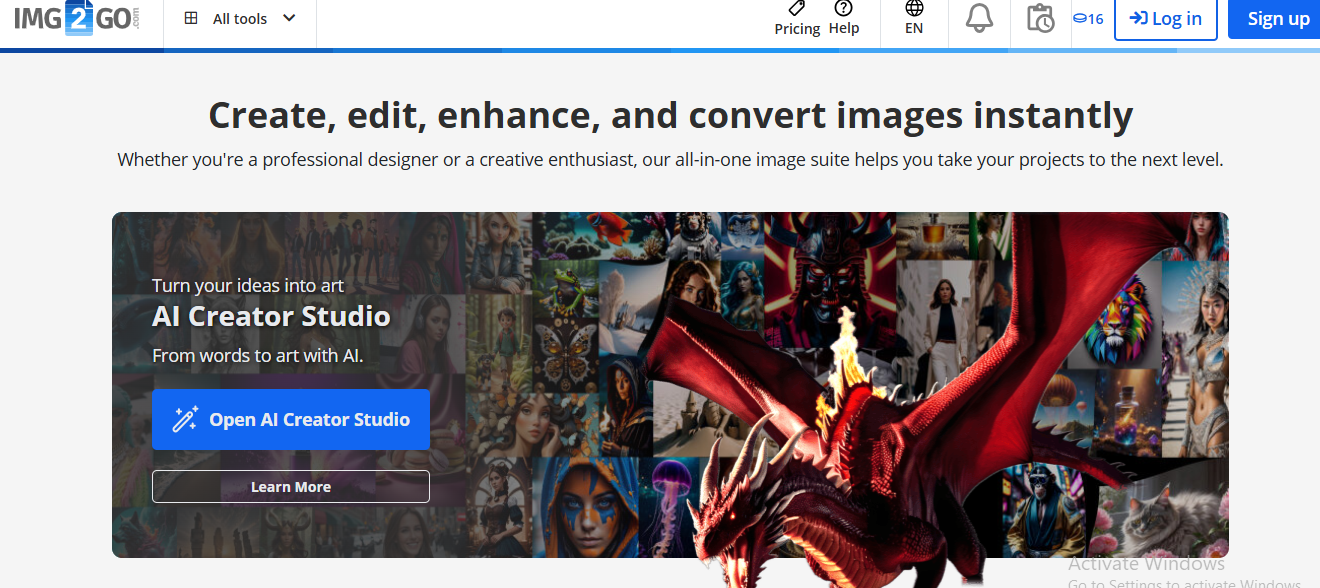
Img2Go is a versatile online image editing platform that offers a comprehensive suite of tools, including high-quality AI-powered image resizing. Users can adjust image dimensions while preserving sharpness, textures, and overall visual clarity, ensuring professional results across various projects. The platform supports all popular raster formats such as BMP, GIF, JPG, and PNG, making it suitable for web design, social media, presentations, and e-commerce.
Beyond resizing, Img2Go provides additional functionalities such as format conversion, basic photo editing (brightness, contrast, filters), watermark addition, and file size compression to optimize images for faster loading without losing quality. Its intuitive drag-and-drop interface and browser-based operation mean there’s no need to download or install software, making it accessible to beginners and professionals alike. With free access, batch processing capabilities, and fast processing times, Img2Go is an efficient and cost-effective solution for users seeking reliable, high-quality image editing and resizing in 2026.
Key Features of Img2Go:
- Quality-preserving image resizing
- Supports BMP, GIF, JPG, PNG, and other formats
- Includes image conversion, editing, watermarking, and compression
- No download or installation required
- Free and easy-to-use online tool
2. Upscale.media
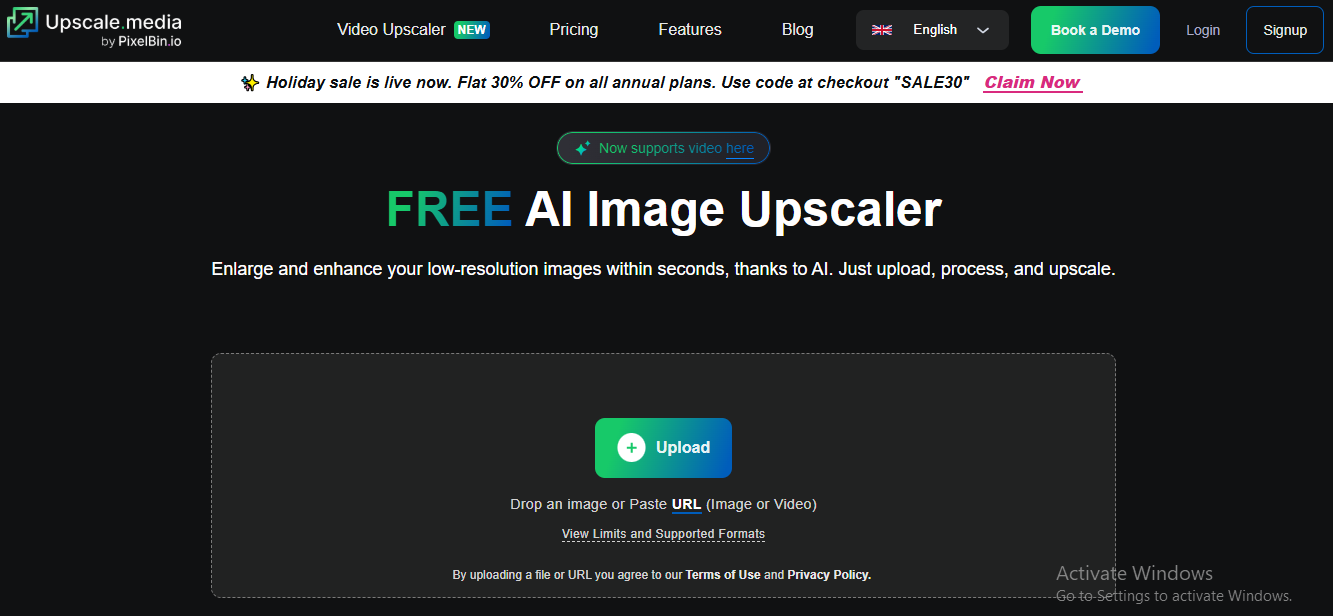
Upscale.media, part of the Pixelbin.io ecosystem, is a powerful AI-driven image resizer and upscaler designed to enhance image quality with minimal effort. Available as both a web-based platform and a mobile app for iOS and Android, it supports popular image formats including PNG, JPEG, JPG, and WEBP, making it versatile for a wide range of projects.
The tool excels at enlarging images while reducing compression artifacts, sharpening details, and improving overall clarity—perfect for e-commerce, social media, or professional presentations. Its AI algorithms intelligently preserve textures, colors, and edges, ensuring images look natural even at higher resolutions. Upscale.media also benefits from Pixelbin’s broader ecosystem, offering seamless access to complementary tools like Erase.bg for background removal and Shrink.media for file compression. With fast processing, intuitive usability, and high-quality results, Upscale.media is an excellent choice for both casual users and professionals seeking reliable, polished images in 2026.
Key Features of Upscale.media:
- Supports PNG, JPEG, JPG, and WEBP formats
- Enhances image quality by removing JPEG artifacts
- AI-powered upscaling up to 4× resolution
- Fast and fully automated processing
- Part of the Pixelbin.io tools ecosystem
3. Resize Image Editor
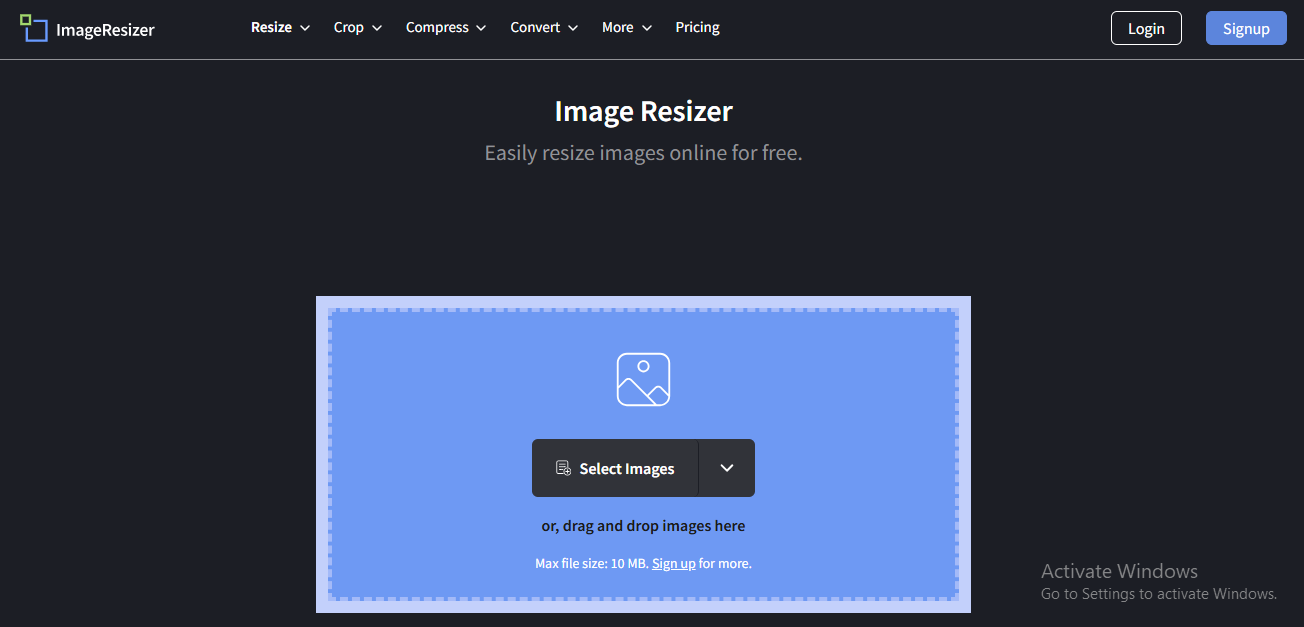
Resize Image Editor is a fast, free, and user-friendly online tool designed for effortless image resizing and editing. Supporting popular formats such as PNG, JPG, GIF, and WebP, it caters to both casual users and professionals who need quick, reliable results.
The platform allows resizing by pixel dimensions, percentage, or platform-specific presets optimized for social media channels like Instagram, Facebook, and Twitter. Beyond resizing, Resize Image Editor offers versatile features including image compression, watermark removal, black-and-white conversion, and flipping or mirroring, giving users full control over image customization. Its intuitive interface, combined with fast processing and no installation requirement, makes it a convenient solution for optimizing images for websites, presentations, and social media in 2026.
Key Features of Resize Image Editor:
- Supports PNG, JPG, GIF, and WebP formats
- Resize images by pixels, percentage, or presets
- Remove watermarks from images
- Convert images to black and white
- Quick and user-friendly online editor
4. Icons8 Smart Upscaler
Icons8 Smart Upscaler is a powerful AI-driven online tool designed to enhance and enlarge images without compromising quality. Compatible with popular formats like PNG, JPG, and JPEG, it allows users to turn low-resolution images into crisp, high-definition visuals quickly and efficiently.
The platform leverages advanced AI processes, including intelligent upscaling, noise reduction, and sharpening, to preserve fine details and improve clarity. Users can perform batch uploads, making it ideal for photographers, designers, and eCommerce professionals who need to process multiple images at once. With the ability to upscale images up to 7680 × 7680 pixels, Icons8 Smart Upscaler is suitable for high-resolution projects, professional prints, and digital media where quality matters. Its browser-based interface ensures accessibility without installation, combining convenience with top-tier image enhancement capabilities.
Key Features of Icons8 Smart Upscaler:
- AI-powered image upscaling and enhancement
- Automatic sharpening and noise reduction
- Batch image upload support
- Upscales images up to 7680 × 7680 resolution
- Simple and intuitive interface
5. Bigjpg
Bigjpg is a powerful AI-driven image upscaling tool designed to enhance image resolution while maintaining exceptional quality, making it ideal for digital art, illustrations, photography, and print-ready visuals. Utilizing advanced deep learning algorithms, Bigjpg intelligently enlarges images, minimizing noise, jagged edges, and pixelation while preserving fine details and textures.
The platform is web-based, allowing users to upscale images from anywhere without installing software. It supports popular formats such as JPEG, PNG, and JPG, and offers batch processing for users handling multiple images at once. Bigjpg is particularly popular among artists, designers, eCommerce professionals, and photographers who need high-resolution outputs for professional projects or large-format prints.
Key Features of Bigjpg:
- AI-driven image upscaling technology
- Reduces noise and edge distortion
- Suitable for digital art and illustrations
- Supports large image uploads on paid plans
- Maintains image clarity and detail
6. MindOnMap
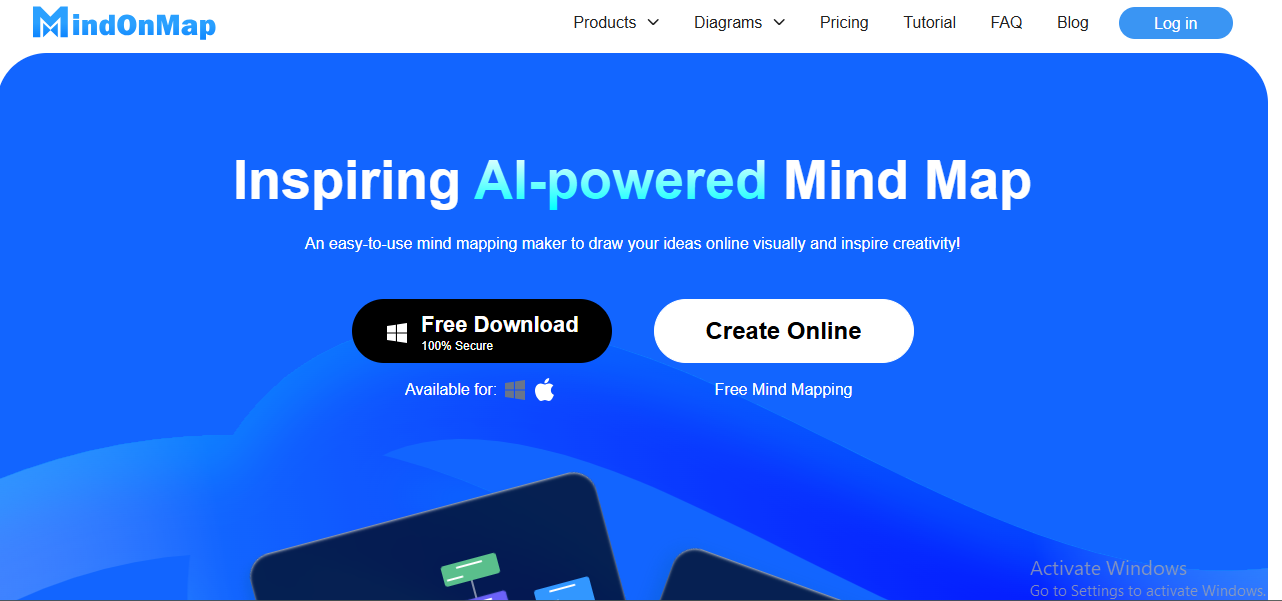
MindOnMap is a fast, intuitive, and user-friendly online image resizer and upscaler designed to help users enhance image quality effortlessly. The platform allows images to be upscaled online by up to 800% while preserving sharpness, clarity, and original details, making it suitable for both casual users and professionals.
Supporting widely-used image formats like JPG, PNG, and BMP, MindOnMap ensures compatibility across most digital projects. One of its standout features is batch processing, enabling users to upscale multiple images simultaneously without compromising speed or quality. Unlike many free tools, it delivers professional-looking results without watermarks, making it ideal for social media posts, eCommerce listings, presentations, or print materials.
Key Features of MindOnMap:
- Upscales images up to 800%
- Produces watermark-free output
- Supports batch image processing
- Compatible with JPG, PNG, and BMP
- Fast and beginner-friendly tool
7. Clipdrop
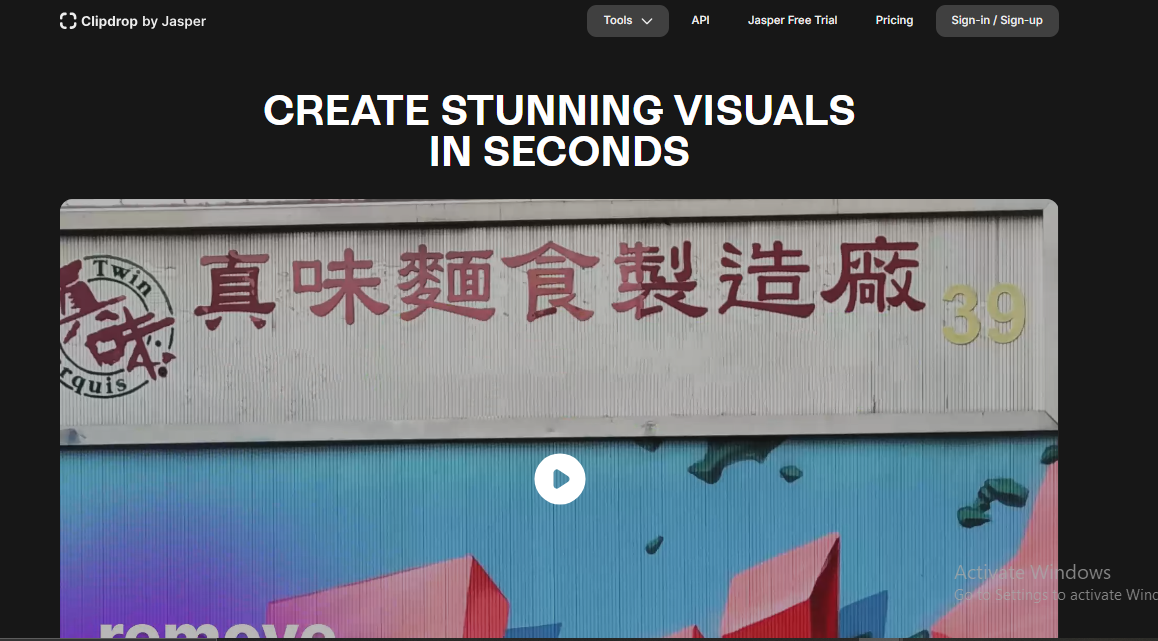
Clipdrop is a powerful AI-driven image editing platform that combines multiple tools in one, including image resizing, upscaling, background removal, and cleanup features. It is designed for creators, designers, eCommerce professionals, and developers who need fast, high-quality AI-assisted image enhancements without complex software.
The platform leverages advanced AI to remove unwanted objects, enhance image quality, and apply creative transformations, making it perfect for digital marketing, social media content, product listings, and professional presentations. Clipdrop supports common formats such as JPG, PNG, and WebP, ensuring versatility for various projects.For developers, Clipdrop offers a robust API, allowing seamless integration of AI image editing capabilities into websites, apps, and other platforms. Users can access both free and premium features, with the free tier providing essential AI tools and the premium plan unlocking high-resolution upscaling, batch processing, and advanced editing options.
Key Features of Clipdrop:
- AI-powered image resizing and upscaling
- Background and object removal tools
- Image cleanup and relighting features
- Developer-friendly API access
- Free and premium usage options
8. Aiseesoft Image Upscaler
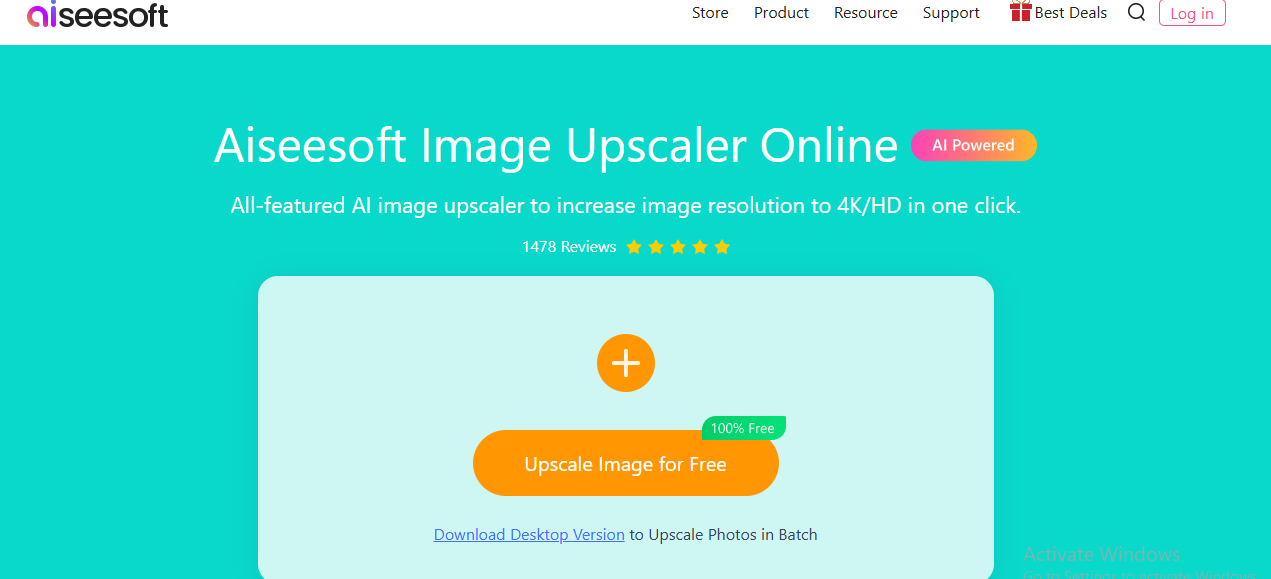
Aiseesoft Image Upscaler is a professional AI-powered tool designed to enhance image quality by restoring lost pixels, improving colors, and refining textures. It excels at fixing blurred, pixelated, or low-resolution images, making them suitable for web publishing, social media, and print applications.
The platform offers multiple upscaling levels, allowing users to choose the desired degree of enhancement depending on the project requirements. It supports popular image formats such as JPG, PNG, and BMP, ensuring compatibility across different use cases. Thanks to its AI-driven enhancement algorithms, Aiseesoft Image Upscaler automatically detects details and sharpens edges while preserving the original image quality. This makes it ideal for photographers, designers, marketers, and eCommerce professionals who need fast, professional-grade results without advanced editing skills.
Key Features of Aiseesoft Image Upscaler:
- Upscaling options up to 800%
- Fixes blurred and low-quality images
- Restores colors, textures, and details
- Supports JPG, PNG, BMP, and more
- Suitable for web and print images
9. Let’s Enhance
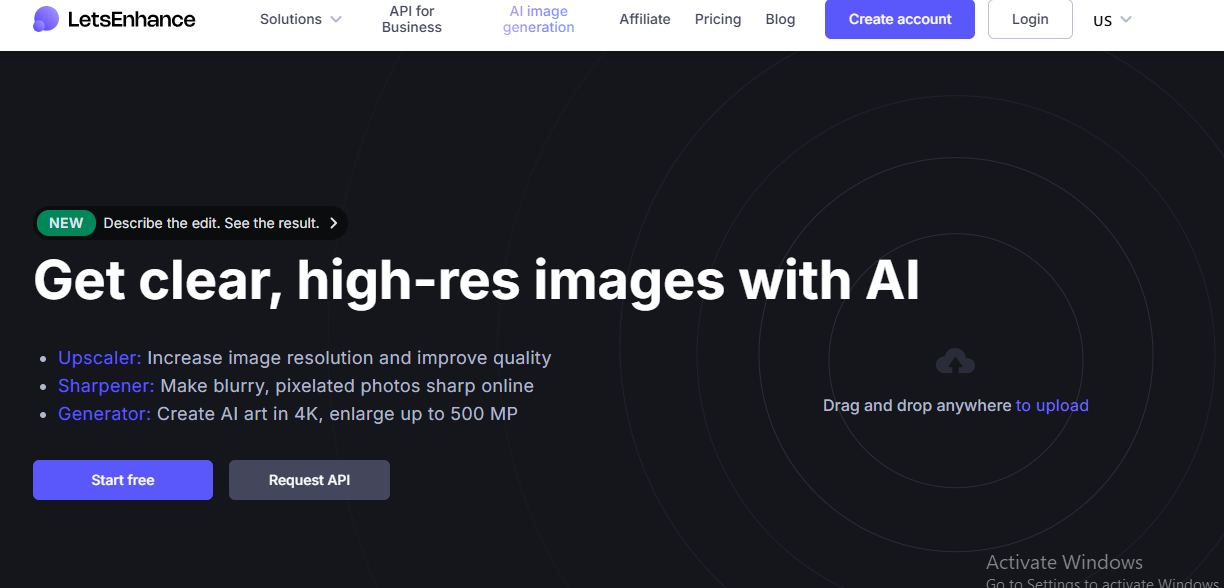
Let’s Enhance is an AI-driven image resizer and upscaler that helps users improve image resolution, enhance sharpness, and boost color accuracy. Ideal for eCommerce stores, marketing campaigns, social media content, and professional photography, the tool ensures images are visually appealing and ready for both digital and print use.
Using advanced AI algorithms, Let’s Enhance automatically analyzes every image to detect areas that need improvement, such as blurred edges, low detail, or washed-out colors. It intelligently restores fine details, enhances textures, and sharpens features without introducing artifacts. The platform supports batch processing, allowing users to upscale multiple images simultaneously, saving time while maintaining consistent quality. It also offers customizable enhancement options, including adjusting resolution, tone, and style to match specific branding or project requirements.
Key Features of Let’s Enhance:
- AI-powered image resizing and upscaling
- Improves sharpness, lighting, and colors
- Ideal for ecommerce and marketing visuals
- Supports batch image processing
- Professional-grade image enhancement
10. Fotor AI Image Resizer
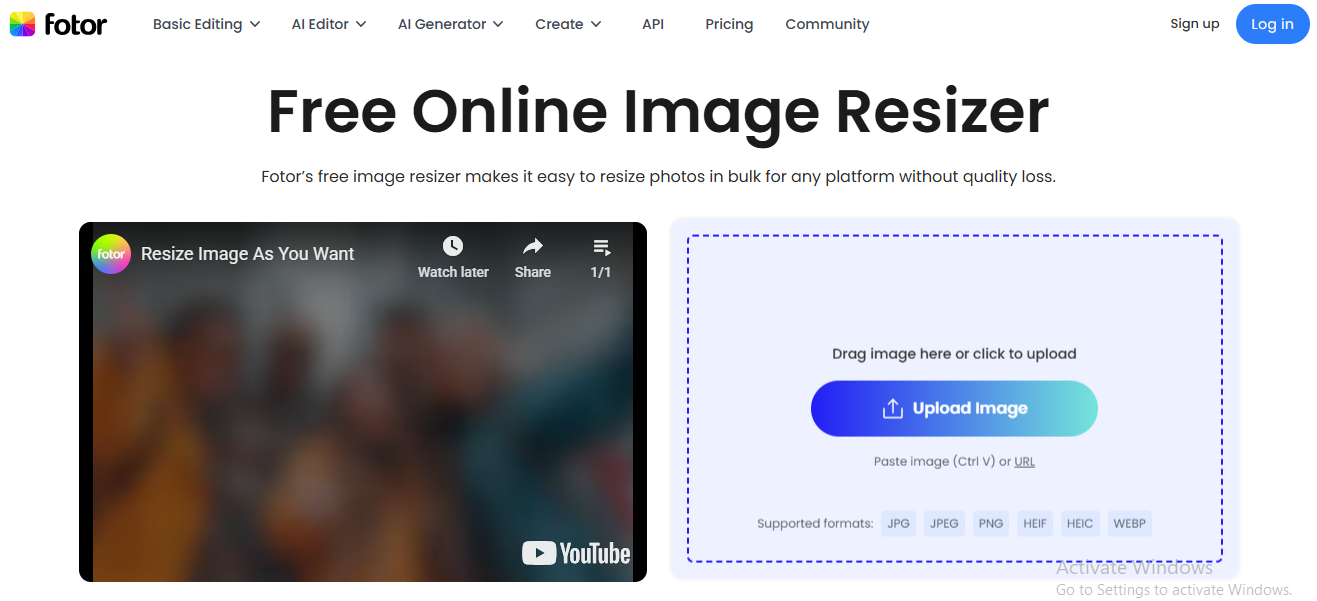
Fotor AI Image Resizer is a versatile, all-in-one AI-powered image editing platform designed to make resizing, upscaling, and enhancing images effortless. Perfect for social media graphics, website visuals, marketing materials, and general design projects, it ensures your images remain crisp, clear, and professional-looking after resizing.
The tool leverages advanced AI algorithms to intelligently preserve details, textures, and colors during upscaling, preventing blurriness or distortion even when enlarging small images. Users can choose from preset dimensions for popular platforms like Instagram, Facebook, YouTube, or enter custom sizes to suit specific project needs. Fotor’s user-friendly interface makes it easy for beginners to quickly resize or enhance images, while advanced options like color correction, background removal, and image filters provide added flexibility for professional designers. Additionally, batch processing allows multiple images to be resized or enhanced simultaneously, saving time and ensuring consistency across projects.
Key Features of Fotor AI Image Resizer:
- AI-based image resizing and upscaling
- Preset sizes for social media platforms
- Built-in photo editing tools
- Maintains image clarity after resizing
- Beginner-friendly interface
Final Verdict
Choosing the right AI image resizer tool ultimately depends on your specific needs, whether that’s quick resizing for social media, high-quality upscaling for professional visuals, or batch processing for large projects. Traditional image editors often fall short when it comes to maintaining quality during resizing, whereas AI-powered tools intelligently preserve sharpness, details, and overall image integrity.
Tools like Img2Go and Resize Image Editor are ideal for everyday resizing and simple edits, while advanced AI solutions such as Icons8 Smart Upscaler, Bigjpg, and Let’s Enhance excel at high-resolution upscaling with minimal quality loss. For users seeking an all-in-one AI editing platform, Clipdrop and Fotor provide additional creative flexibility beyond resizing.
Overall, free AI image resizer tools offer a powerful, accessible way to optimize images for web, social media, ecommerce, and professional use—without requiring advanced design skills or expensive software.
Frequently Asked Questions (FAQs)
What is an AI image resizer?
An AI image resizer uses artificial intelligence to resize images while preserving quality. Unlike traditional tools, it analyzes image details to prevent blurriness, pixelation, and loss of resolution during resizing or upscaling.
Are free AI image resizer tools reliable?
Yes, many free AI image resizer tools provide excellent results for common use cases such as web images, social media graphics, and basic upscaling. However, some advanced features like higher resolution limits or batch processing may require paid plans.
Can AI image resizers improve image quality?
Yes, AI-powered resizers can enhance image quality by reducing noise, sharpening edges, and restoring lost details—especially when upscaling low-resolution images.
Which AI image resizer is best for social media?
Tools like Fotor, Resize Image Editor, and Img2Go are well-suited for social media because they offer preset dimensions and fast resizing while maintaining image clarity.
Are AI image resizers safe to use online?
Most reputable AI image resizer tools use secure servers and automatically delete uploaded images after processing. It’s still recommended to review each platform’s privacy policy before uploading sensitive content.
Can I resize images without losing quality?
With AI-based image resizers, quality loss is minimal when images are resized correctly. These tools intelligently preserve important details, unlike standard resizing methods.
