
Building meaningful connections today requires more than talent alone. You need a way to present your story, your value, and your credibility in a format that instantly captures attention. Sounds important, right?
Whether you are pitching to brands, collaborators, or media outlets, first impressions can decide everything. If you want partnerships, visibility, and sustainable growth, you are exactly where you should be.
This is where AI-powered media kit generators step in, transforming static documents into compelling brand narratives. Instead of struggling with layouts, design tools, or outdated PDFs, these platforms help you showcase your achievements, audience insights, and brand voice in a polished and professional way. With smart automation and creative flexibility, AI media kit tools make it easier than ever to stand out and communicate your value with confidence.
What is an AI Media Kit Generator?
An AI media kit generator is a digital tool that helps creators, influencers, marketers, and businesses design professional media kits using automation and artificial intelligence. These platforms assist in structuring content, enhancing visuals, organizing brand data, and presenting key metrics such as audience demographics, engagement rates, platform reach, and past collaborations in a polished and professional format.
Instead of manually designing every element, AI media kit tools simplify the process by offering smart layouts, adaptive templates, and intelligent content suggestions powered by AI algorithms. Many platforms also provide automated integration with social media accounts and analytics dashboards, allowing real-time updates of follower counts, views, impressions, and engagement metrics. This reduces errors, improves accuracy, and saves time for content creators and marketing teams.
Why Are AI Media Kit Generators Important?
In an era where connection and creativity drive success, a standout media kit is no longer optional. It acts as your brand’s gateway to collaborations, sponsorships, and professional opportunities. A strong media kit communicates your journey, achievements, and vision in a way that builds instant trust. AI-powered media kit generators elevate this process by making media kits dynamic, interactive, and visually engaging. These tools do not just save time.
Many platforms integrate directly with social media accounts and analytics dashboards, automatically updating metrics such as follower growth and engagement rates. They also provide adaptive templates that suit different industries, content types, and partnership goals. Additionally, AI tools often support multi-format exports, enabling seamless distribution to brands, agencies, or press outlets.
How AI Media Kit Generators Help Creators and Brands?
AI media kit generators empower users to transform raw data into meaningful narratives. By combining design intelligence with automation, these tools allow you to present audience insights, campaign results, partnership history, and brand values in a structured and visually appealing way. Many platforms also integrate charts, graphs, and visual summaries to highlight key metrics clearly and concisely.
Whether you are an emerging creator or an established business, AI-driven platforms help you create media kits that feel current, professional, and collaboration-ready. Automated features such as smart layout suggestions and template adaptability reduce manual design work while ensuring brand consistency. Multi-platform export options, including PDFs, web links, and slide decks, allow media kits to be shared efficiently with brands, agencies, and potential partners.
10 Best AI Media Kit Generators in 2026
Below is the list of Best AI Media Kit Generators:
- CreatorsJet
- Canva
- Visme
- Storydoc
- Adobe InDesign
- Beacon
- Venngage
- Pitch
- Notion (Media Kit Templates + AI)
- Marq (formerly Lucidpress)
#1. CreatorsJet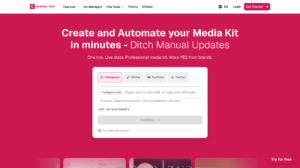
Review
CreatorsJet is an AI-based media kit generator designed for creators and influencers managing brand collaborations. The platform focuses on structured data aggregation, including follower count, engagement metrics, platform reach, and content categories. Automated data integration minimizes manual input and improves metric accuracy. Media kits generated by CreatorsJet follow standardized layouts suitable for agencies and advertisers.
The system supports creator profile synchronization across multiple social platforms. Export-ready formats improve outreach efficiency during sponsorship negotiations. Media kits present performance indicators in a clear and segmented structure. CreatorsJet aligns with workflows requiring frequent updates and consistent performance reporting.
Features
- AI-powered media kit builder tailored for creators
- Automated audience and engagement data integration
- Pre-designed professional media kit templates
- Custom branding options including colors and fonts
- Easy sharing via downloadable or online formats
Pros
- Designed specifically for influencers and creators
- Saves significant time through automation
- No advanced design skills required
- Clean and collaboration-ready layouts
Cons
- Limited free plan features restrict full metric visibility.
- Template customization options are less flexible than competitors.
- Integration with smaller platforms is sometimes unavailable.
- Advanced analytics require paid subscription tiers.
- Export formats are limited compared to other professional tools.
Pricing
- Free plan available with limited media kit features
- Paid plans start from approximately $12 per month
- Higher tiers include advanced branding and export options
- Source: CreatorsJet official pricing page
Final Verdict
CreatorsJet functions as a data-focused AI media kit generator for creators. The platform emphasizes automated metric collection and structured presentation. Integrated social statistics reduce manual reporting. The system aligns with influencer marketing workflows.
CreatorsJet supports fast media kit deployment with standardized layouts. Export-ready documents improve outreach efficiency. The tool fits creators managing frequent brand communications. The product centers on measurable creator performance.
#2. Canva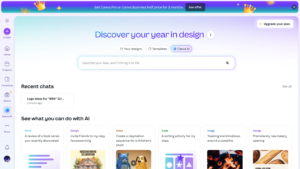
Review
Canva operates as a design-centric platform enhanced with AI-assisted content and layout tools. The platform provides prebuilt media kit templates that support visual hierarchy, brand identity, and structured information placement. Drag-and-drop editing enables fast customization using brand assets. Design elements include typography controls, color palettes, and layout grids.
Canva supports collaboration through shared access and version history. AI features assist with layout balance and text positioning. Media kits can be exported in PDF, presentation, and web-friendly formats. Canva supports scalable content creation for individuals and teams.
Features
- AI-powered design and layout suggestions
- Hundreds of media kit templates
- Drag-and-drop editing interface
- Brand kit for consistent visuals
- Export options including PDF and online sharing
Pros
- Extremely user-friendly platform
- Strong template library for media kits
- Supports branding consistency
- Suitable for beginners and professionals
Cons
- Free plan restricts access to premium templates and stock assets.
- Advanced design features require Canva Pro subscription.
- Large media kits may experience slow rendering in browser.
- Collaboration options are limited on lower-tier plans.
- AI-assisted text and layout tools sometimes produce inconsistent results.
Pricing
- Free plan with basic media kit templates
- Canva Pro costs around $12.99 per month for individuals
- Canva Teams pricing starts at approximately $14.99 per user per month
- Source: Canva official pricing documentation
Final Verdict
Canva operates as a visual design platform with AI-assisted layout generation. Media kit templates support branding consistency and visual clarity. The editor enables rapid customization without advanced design tools. Asset reuse supports scalable content creation.
Canva integrates collaboration and export flexibility. Media kits remain adaptable across formats. The platform supports individuals and teams. Canva suits users prioritizing design accessibility and layout variety.
#3. Visme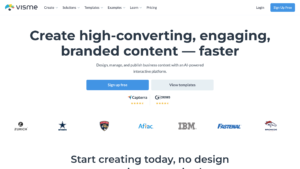
Review
Visme is a visual content creation platform focused on data-driven communication. Media kit templates include charts, icons, infographics, and structured text blocks. The platform supports brand kits to ensure consistency across visual assets. Layouts emphasize clarity and structured storytelling.
Visme enables asset reuse across multiple documents. Analytics features support content performance tracking. Media kits can include interactive and animated components. Visme aligns with professional presentation and reporting requirements.
Features
- AI-assisted design and content structuring
- Interactive media kit elements
- Data visualization and infographic tools
- Custom branding and design controls
- Multiple export and sharing formats
Pros
- Strong focus on visual storytelling
- Interactive and dynamic media kits
- Suitable for brands and creators
- Advanced customization options
Cons
- Free plan includes watermarked outputs.
- Interactive elements may not export correctly in all formats.
- Learning curve for first-time users due to multiple features.
- Analytics features are limited to paid plans.
- Brand kit management is only available on higher-tier subscriptions.
Pricing
- Basic free plan with Visme branding
- Starter plan begins at around $12.25 per month (annual billing)
- Pro and Business plans unlock brand kits and analytics
- Source: Visme official pricing page
Final Verdict
Visme provides structured visual content creation with data visualization support. Media kits benefit from charts, icons, and interactive components. The platform supports brand style control. Structured layouts improve information delivery.
Visme supports analytics and reusable design assets. Media kits maintain consistency across updates. The tool fits professional presentations. Visme aligns with data-supported communication needs.
#4. Storydoc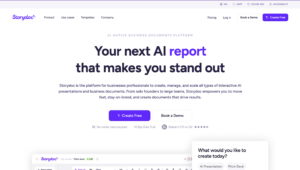
Review
Storydoc functions as an interactive document platform optimized for engagement tracking. Media kits use scroll-based layouts and dynamic content sections. Embedded analytics capture viewer behavior such as time spent and interaction flow. The platform supports personalized content delivery.
Storydoc integrates with CRM and sales systems. Media kits align with measurable outreach strategies. Structured layouts support brand storytelling. The platform emphasizes performance visibility across distributed teams.
Features
- AI-powered storytelling and content flow
- Interactive media kit layouts
- Analytics to track viewer engagement
- Modern, scroll-based presentation format
- Custom branding options
Pros
- Highly engaging and interactive output
- AI improves narrative structure
- Analytics provide performance insights
- Professional and modern design style
Cons
- Higher pricing compared to standard media kit tools.
- No permanent free plan for long-term testing.
- Customization outside templates can be limited.
- Integration options are fewer than other enterprise tools.
- Requires stable internet connection for interactive content features.
Pricing
- No permanent free plan available
- Starter pricing begins at approximately $40 per month
- Business plans include custom branding and integrations
- Source: Storydoc official pricing information
Final Verdict
Storydoc focuses on interactive document experiences. Media kits emphasize engagement tracking and viewer behavior analysis. Scroll-based layouts support narrative structure. Embedded analytics enhance performance measurement.
Storydoc integrates with CRM and sales tools. Media kits support personalization and segmentation. The platform aligns with engagement-driven outreach. Storydoc supports measurable content delivery.
#5. Adobe InDesign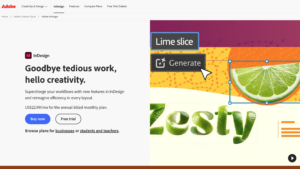
Review
Adobe InDesign is a professional desktop publishing application used for high-precision layout design. Media kits benefit from advanced typography controls, grid systems, and layout customization. The software supports high-resolution outputs suitable for print and digital distribution. Integration with Adobe Creative Cloud expands asset management.
InDesign supports industry-standard export formats and prepress workflows. Media kits maintain formatting consistency across revisions. The software requires design expertise for efficient use. InDesign aligns with professional publishing environments.
Features
- Advanced layout and typography control
- AI-assisted tools within Adobe ecosystem
- High-resolution export options
- Professional publishing standards
- Full customization for complex designs
Pros
- Industry-standard design quality
- Complete creative control
- Suitable for high-end branding
- Scalable for complex projects
Cons
- Requires significant design expertise to create professional media kits.
- Steep learning curve for beginners or non-designers.
- Single-app plan is costly relative to simpler tools.
- Collaboration features are limited without Adobe cloud subscription.
- Updates and file management can be complex for large teams.
Pricing
- Single-app plan costs around $22.99 per month
- Included in Adobe Creative Cloud All Apps plan
- Enterprise pricing available for teams
- Source: Adobe official subscription pricing
Final Verdict
Adobe InDesign functions as a professional desktop publishing application. Media kits benefit from precise typography control and grid-based layouts. The software supports high-resolution outputs for digital and print formats. Integration with Adobe Creative Cloud expands asset accessibility.
InDesign supports industry-standard export formats and prepress requirements. Media kits maintain strict formatting accuracy across revisions. The software requires design expertise for optimal use. InDesign aligns with professional publishing and design workflows.
#6. Beacon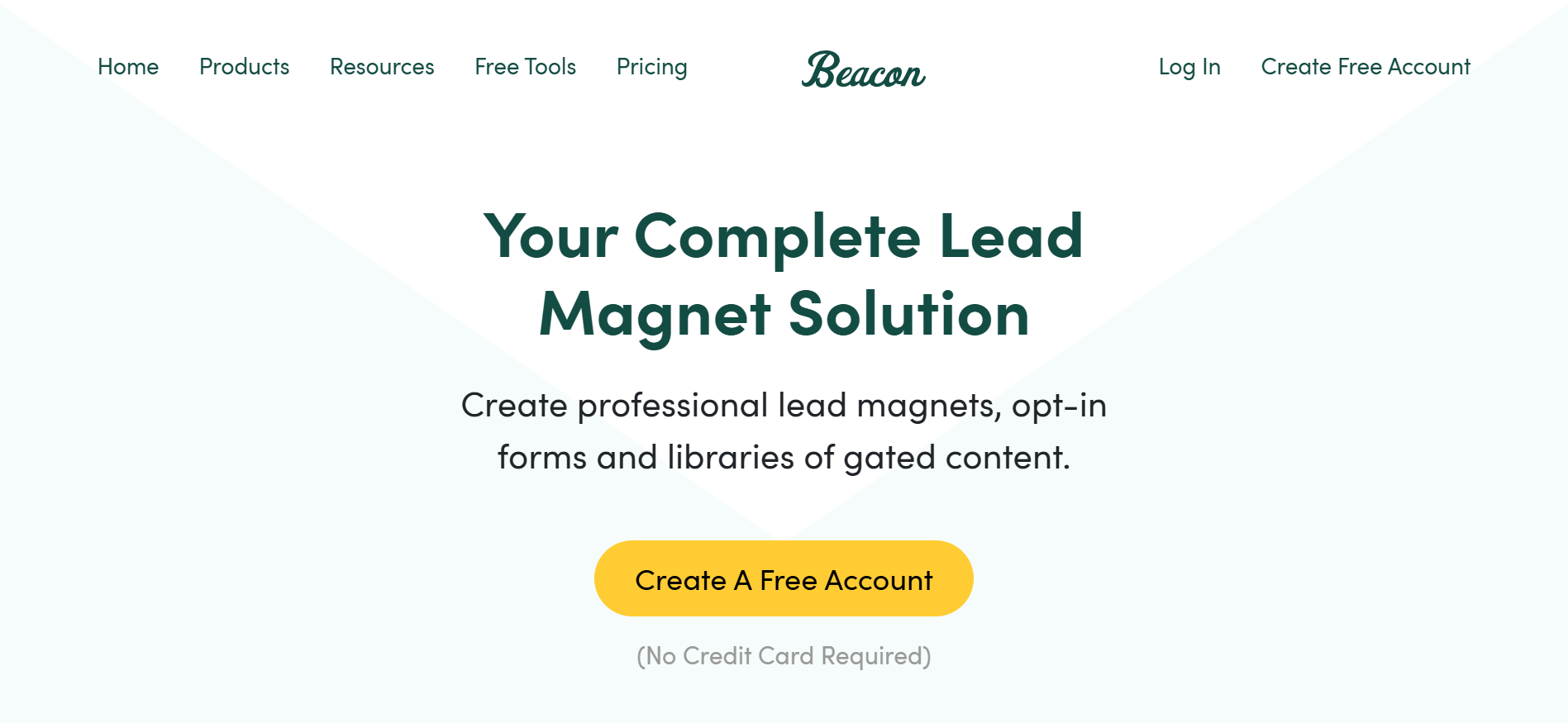
Review
Beacon functions as an AI-enabled content asset and media kit generation platform designed for creators and marketers. The system supports structured media kit creation using predefined templates that include branding sections, audience data, and collaboration information. Beacon integrates lead capture mechanisms such as email forms within digital assets. This integration connects media kits with audience growth and monetization workflows.
The platform enables content reuse across multiple formats, including PDFs, landing pages, and gated assets. Media kits generated in Beacon maintain consistent layout hierarchy and brand presentation. Analytics and performance indicators support content evaluation. Beacon aligns with creator-focused marketing documentation and asset management systems.
Features
- AI-assisted media kit builder
- Audience and brand stats sections
- Custom branding and layouts
- Export as PDF or shareable link
- Creator-focused templates
Pros
- Easy to use
- Designed specifically for creators
- Clean and professional layouts
- Fast media kit creation
Cons
- Free plan includes limited export and template options.
- Advanced analytics and lead capture features require paid plans.
- Interactive features are limited compared to Storydoc.
- Customization options are restricted to templates.
- Integration with external platforms can require additional setup.
Pricing
- Free plan available with limited exports
- Creator plan starts from approximately $19 per month
- Professional plans support lead capture and branding
- Source: Beacon official pricing page
Final Verdict
Beacon serves as a content and lead asset generation platform. Media kits include structured branding elements and conversion-focused sections. Templates reduce production time while maintaining consistency. The platform integrates email capture and content distribution features.
Beacon enables content reuse across multiple formats such as PDFs and landing assets. Media kits support audience growth documentation. The system aligns with creator-focused marketing strategies. Beacon emphasizes structured digital asset management.
#7. Venngage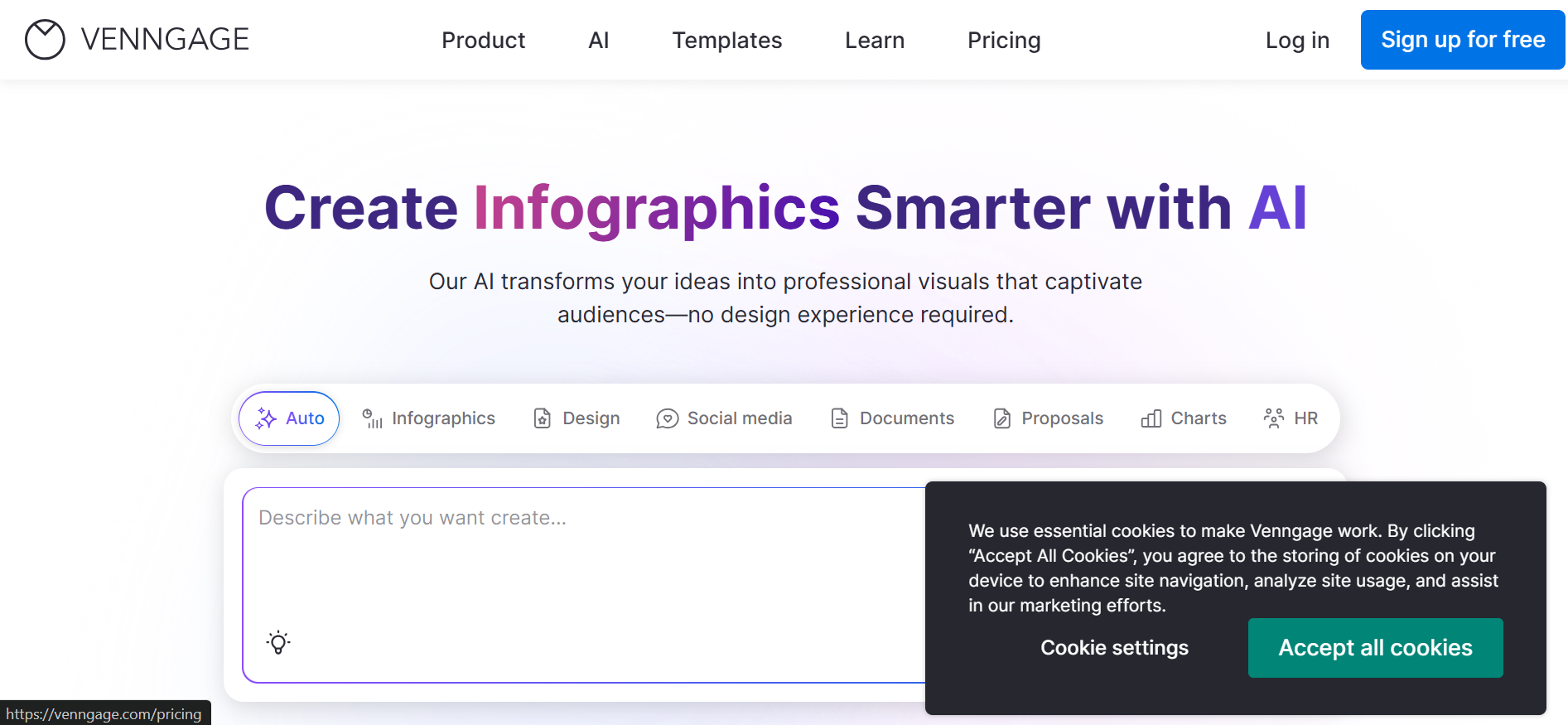
Review
Venngage is a visual communication platform specializing in infographic-based content and structured design layouts. Media kit templates emphasize statistical representation through charts, icons, and data blocks. The platform supports brand kits that lock color palettes, typography, and visual elements. Layouts are designed to improve readability and information hierarchy.
Venngage supports team collaboration and shared brand governance. Media kits maintain consistent styling across contributors. Export options support both digital and print use cases. Venngage aligns with data-focused storytelling and structured information delivery.
Features
- Media kit and brand templates
- AI-assisted design suggestions
- Brand kit and color controls
- Export and sharing options
- Data visualization tools
Pros
- Strong visual storytelling
- Professional branding support
- Easy content customization
- Business-friendly layouts
Cons
- Free plan outputs are watermarked.
- Team collaboration features are restricted to higher-tier subscriptions.
- Limited flexibility for template customization.
- Export formats for large or interactive media kits are limited.
- Brand kit features are only available on paid plans.
Pricing
- Free plan with limited template access
- Premium plan starts at around $19 per month
- Business plans include brand kits and team collaboration
- Source: Venngage official pricing documentation
Final Verdict
Venngage specializes in visual communication and infographic-based design. Media kits emphasize clarity through structured data visualization. Icons, charts, and visual summaries support metric representation. Brand kits ensure consistent visual identity.
Venngage supports collaborative workflows and asset governance. Media kits prioritize information clarity and visual hierarchy. The platform aligns with data-focused storytelling needs. Venngage supports both individual and team-based documentation.
#8. Pitch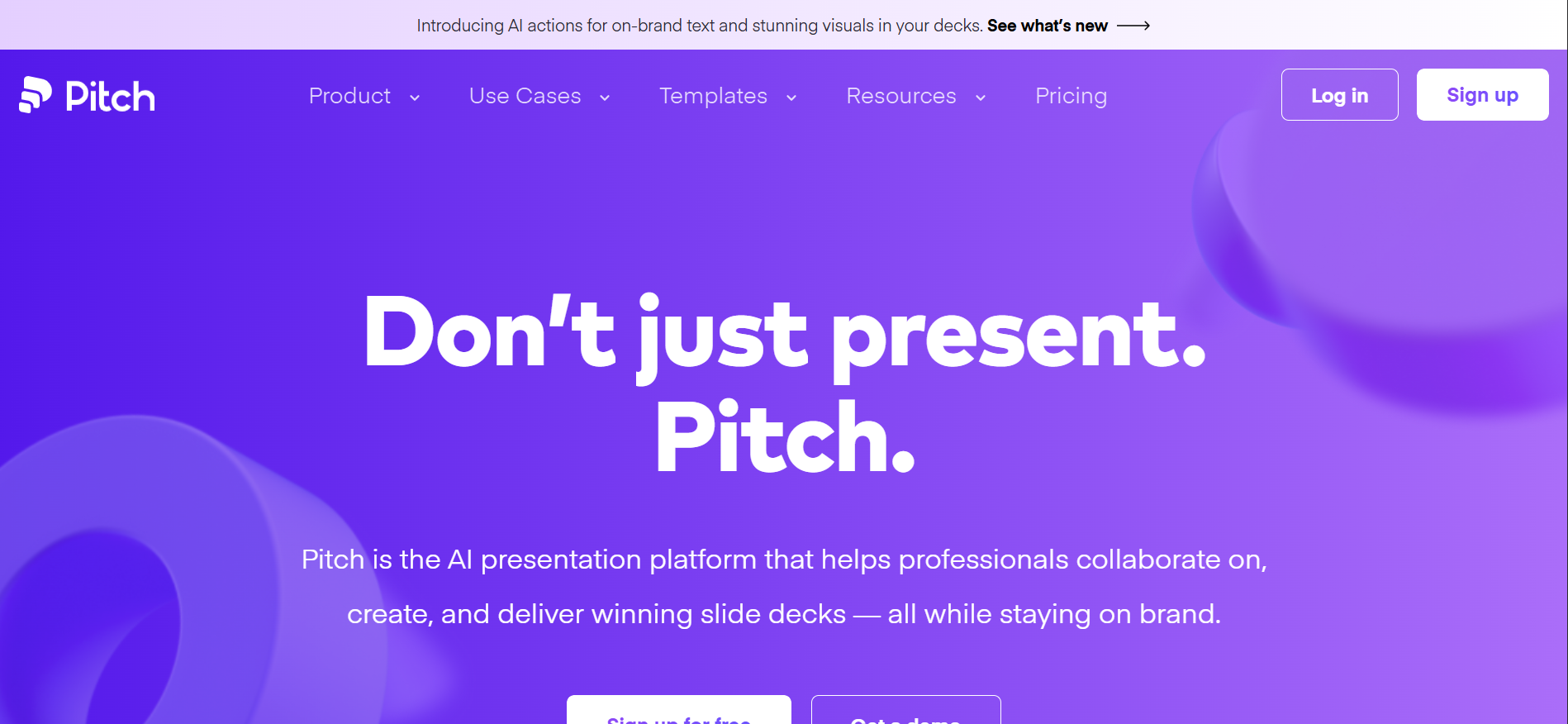
Review
Pitch operates as a collaborative presentation and document creation platform. Media kits are structured using slide-based layouts optimized for sequential information delivery. The platform supports real-time editing, commenting, and feedback workflows. Integrated analytics track viewer engagement and interaction patterns.
Pitch includes version control and permission management features. Media kits align with team-based content production processes. Export options support presentations and shareable links. Pitch integrates with modern presentation ecosystems and collaboration tools.
Features
- AI slide and content generation
- Collaborative editing tools
- Interactive presentation formats
- Brand consistency controls
- Shareable live links
Pros
- Excellent collaboration features
- Clean modern design
- Interactive media kit formats
- Strong team workflows
Cons
- Free plan limits access to advanced templates.
- Slide-based layout may not suit all media kit formats.
- Collaboration features are tier-dependent.
- Analytics tracking is limited on lower subscriptions.
- Exporting to multiple formats can require additional configuration.
Pricing
- Free plan available for individuals
- Pro plan costs approximately $20 per month per user
- Business plans include advanced permissions and analytics
- Source: Pitch official pricing page
Final Verdict
Pitch functions as a collaborative presentation and document platform. Media kits are structured using slide-based layouts. Real-time editing and commenting improve team coordination. Analytics support content performance monitoring.
Pitch includes permission management and version control. Media kits integrate with presentation workflows. The platform supports structured narrative delivery. Pitch aligns with collaborative brand communication processes.
#9. Notion (Media Kit Templates + AI)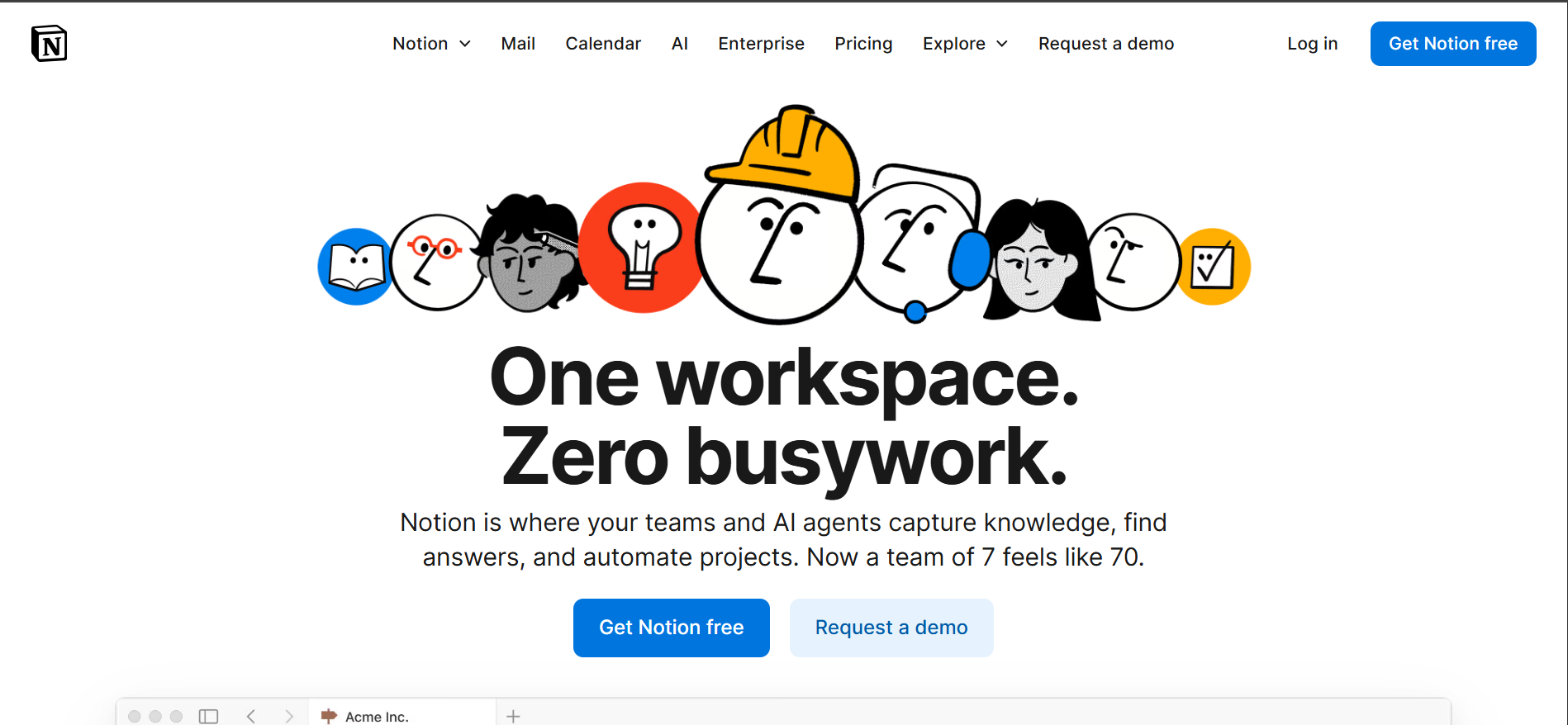
Review
Notion functions as a modular documentation and content management system. Media kits are built using flexible templates composed of structured content blocks. Notion AI supports organized text generation and content refinement. Centralized data storage improves consistency across documents.
Media kits can be dynamically updated using linked databases and synced properties. Asset reuse supports operational efficiency. Integration with productivity tools expands workflow compatibility. Notion aligns with documentation-driven content operations.
Features
- AI writing assistance
- Customizable media kit templates
- Real-time collaboration
- Shareable public pages
- Content organization tools
Pros
- Highly flexible
- Easy to update and maintain
- Strong collaboration support
- Cost-effective
Cons
- Free plan has limited AI-assisted features.
- Templates require manual adjustments for professional presentation.
- Export options for polished media kits are minimal.
- Complex media kits can become difficult to manage in block format.
- Integration with external analytics tools is limited.
Pricing
- Free plan supports basic templates
- Notion Plus starts at around $10 per month per user
- Notion AI add-on costs approximately $8 per month
- Source: Notion official pricing and AI add-on page
Final Verdict
Notion operates as a modular documentation and knowledge management system. Media kits are built using flexible templates and structured content blocks. Notion AI assists with organized text generation and content structuring. Centralized data storage improves consistency.
Media kits can be dynamically updated through linked databases. The platform supports asset reuse across content systems. Notion integrates media kits into broader operational workflows. The system aligns with documentation-driven content management.
#10. Marq (formerly Lucidpress)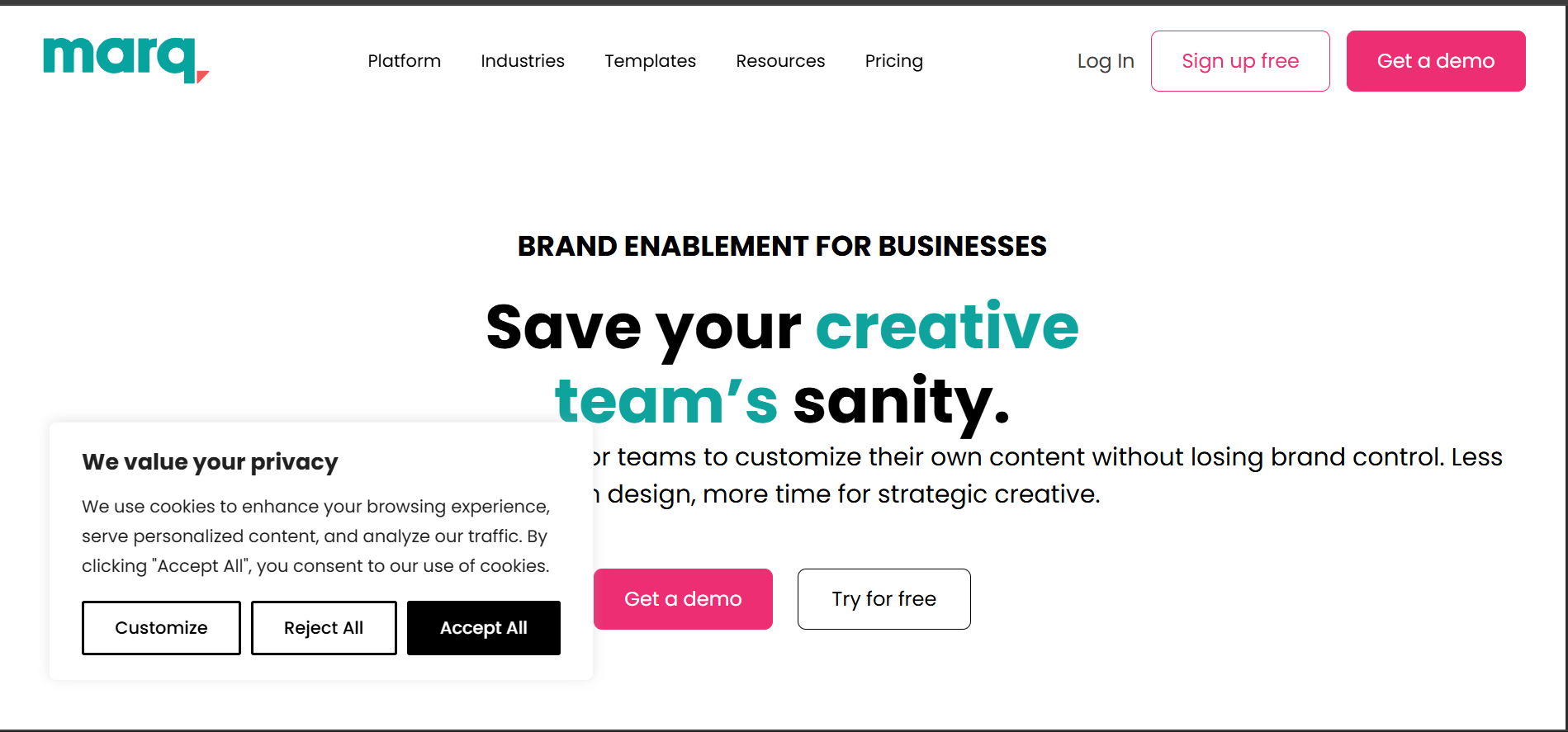
Review
Marq is a brand governance and document automation platform. Media kits are created using locked templates that enforce approved brand assets. The system supports consistency across distributed teams and departments. Layout controls maintain structural integrity.
Marq integrates with digital asset management and content libraries. Media kits support print-ready and digital outputs. Brand compliance is maintained across all documents. The platform aligns with enterprise-level branding and documentation requirements.
Features
- Brand-controlled templates
- AI-assisted layout management
- Team collaboration tools
- Cloud-based editing
- Multi-format export options
Pros
- Strong brand consistency
- Enterprise-ready workflows
- Professional output quality
- Easy collaboration
Cons
- Free plan offers limited template access.
- Advanced brand governance features require paid subscriptions.
- Learning curve for first-time users.
- Collaboration tools are restricted on lower-tier plans.
- Export options for interactive or complex layouts are limited.
Pricing
- Free plan with limited design features
- Pro plan starts at approximately $12 per month
- Team and Enterprise plans support brand control
- Source: Marq official pricing page
Final Verdict
Marq focuses on brand-controlled document creation and governance. Media kits enforce approved brand assets through locked templates. The system supports consistency across distributed teams. Layouts maintain visual and structural standards.
Marq integrates with digital asset management platforms. Media kits support print and digital distribution. Brand compliance is maintained across all outputs. The platform aligns with enterprise branding requirements.
How to Choose the Right AI Media Kit Generator?
Selecting the right AI media kit generator depends on your goals, audience, and level of creative control required. Some tools focus on speed and automation, making them ideal for influencers who want quick, professional-looking kits without much manual effort. Others prioritize deep customization, interactivity, or advanced design features suited for brands and agencies.
You should also consider whether you need static media kits or interactive, analytics-driven presentations. Platforms with engagement tracking are useful for creators pitching premium collaborations, while design-heavy tools work better for long-term brand positioning. Ease of use, export formats, branding flexibility, and scalability are all key factors that should guide your final decision.
Performance Factors in AI Media Kit Generation
Performance in AI media kit generation depends on data accuracy, entity completeness, and source attribution. AI media kit generators process structured inputs such as audience metrics, engagement rates, platform distribution, and content categories. Higher data granularity improves layout relevance and factual clarity. Tools perform better when inputs include verified analytics sources like social platforms or dashboard reports. Accurate entity attributes reduce inference gaps and improve content precision.
System performance is also influenced by template logic, brand kit enforcement, and update frequency. AI engines optimize faster when templates align with use cases such as sponsorships or press outreach. Consistent brand attributes maintain visual integrity across sections. Regular data refresh cycles ensure metric validity and relevance. Export performance improves when formats match stakeholder requirements, such as PDF for brands or web links for agencies.
Final Thought
AI media kit generators have transformed how creators, influencers, and brands present their stories. Instead of spending hours designing layouts or organizing data manually, these tools simplify the process while maintaining a professional and engaging appearance. From creator-focused platforms to advanced design software, each solution offers unique strengths depending on your needs.
Whether your priority is automation, interactivity, or full creative control, the tools discussed in this article provide reliable options to elevate your brand presentation. Choosing the right platform can strengthen collaborations, improve credibility, and help you stand out in a competitive digital space. A well-crafted media kit is no longer optional; it is a strategic asset powered by AI.
Frequently Asked Questions (FAQs)
Who should use AI media kit generators?
AI media kit generators are ideal for influencers, content creators, marketers, startups, and businesses seeking collaborations.
Are AI media kit tools suitable for beginners?
Yes, many AI media kit generators are beginner-friendly and designed for ease of use. Platforms like Canva and creator-focused tools offer templates and guided editing.
Can AI media kits replace traditional design software?
AI media kits can replace traditional design software for most users, especially when speed and simplicity matter. However, professional designers may still prefer advanced tools like Adobe InDesign for full creative control.
Do AI media kit generators support branding customization?
Most AI media kit generators allow branding customization such as colors, fonts, and logos. This helps maintain consistency across marketing materials.
