
In today’s fast-paced digital world, AI photo editing tools are redefining how images are created, enhanced, and perfected. Powered by advanced artificial intelligence and machine learning, these tools have transformed photo editing from a complex, time-consuming process into a seamless and highly efficient experience. What once demanded professional skills and hours of manual effort can now be accomplished in seconds with intelligent automation and precision.
Modern AI-powered photo editors go far beyond basic filters and cropping. They offer smart background removal, automatic retouching, image enhancement, color correction, object removal, and even creative transformations—all with minimal user input. This shift has made professional-grade photo editing accessible not only to photographers and designers, but also to content creators, marketers, and everyday users.
In this guide, we explore the best AI photo editing tools available today, highlighting platforms that combine powerful AI technology with intuitive interfaces. Each tool brings unique strengths to the table, helping users enhance image quality, save time, and unlock new creative possibilities. As AI continues to evolve, these tools are shaping the future of digital imagery—making photo editing faster, smarter, and more creative than ever before.
What Is AI Photo Editing?
AI photo editing refers to the use of artificial intelligence to automate and enhance image editing tasks that would traditionally require manual effort. Instead of adjusting every setting by hand, photographers can rely on smart algorithms to analyze an image and apply intelligent improvements on their behalf—often in just a few seconds.
There are several approaches to AI-powered editing. Some tools allow users to enter text-based prompts to generate or modify images. While this method is evolving rapidly, it currently supports only limited edits and, in many cases, isn’t faster than adjusting sliders manually for precise results.
The most effective AI photo editing software strikes a balance between automation and creative control. These tools integrate AI-driven features alongside traditional editing options, allowing users to stay in control while accelerating repetitive tasks. Actions such as object removal, sky replacement, lighting correction, depth-of-field effects, and background blur can now be completed instantly using generative AI technology.
In simple terms, AI photo editing eliminates time-consuming, routine work—giving photographers, designers, and creators more freedom to focus on creativity, storytelling, and fine-tuned manual enhancements.
10 Best AI Photo Editing Tools for 2026
Here are the list of 10 Best AI Photo Editing Tools for 2026:
- Skylum Luminar Neo
- Aperty
- Photoleap by Lightricks
- Aftershoot
- Fotor
- Picsart
- Adobe Photoshop
- Topaz Photo AI (Topaz Labs)
- Movavi Photo Editor
- Pixlr X
1. Skylum’s Luminar Neo

Skylum has made a significant mark in the AI photo editing world with its flagship software, Luminar Neo. The platform stands out due to its seamless combination of artificial intelligence and a user-friendly interface, offering advanced capabilities that serve both professional photographers and hobbyists. At its core, Luminar Neo aims to simplify complex editing tasks while producing professional-grade results, making the process faster and more creative.
The software features a robust set of AI tools, including SkyAI, FaceAI, BodyAI, IrisAI, and AtmosphereAI, which allow users to make detailed adjustments effortlessly. These tools can instantly transform ordinary photos into visually striking images. Additionally, specialized AI adjustment tools like Relight AI, GenErase, and Skin AI provide versatility, handling everything from subtle corrections to complete image transformations.
Luminar Neo also includes an extensive suite of effects and enhancement tools, such as power-line and dust removal, covering almost every aspect of photo editing. Its modular design, complete with layered editing and AI masking, ensures that beginners can navigate easily without sacrificing the depth and precision needed by advanced users.
Key Features of Skylum’s Luminar Neo
- AI-Powered Editing Tools: Advanced AI functions for fast and impactful photo enhancements.
- Unique AI Adjustments: A variety of tools to address multiple editing needs.
- Comprehensive Effects Suite: Wide range of effects and adjustments for thorough image enhancement.
- User-Friendly Modular Interface: Layered editing and AI masking make editing accessible yet powerful.
- Flexible Pricing: Available via subscription or one-time purchase.
2. Aperty
Aperty is a specialized AI-powered portrait editor designed to enhance photos of people with natural and high-quality results. Unlike general photo editors, Aperty focuses exclusively on improving facial features and skin, offering precise edits that refine portraits without the need for advanced skills. Its intuitive platform allows users to enhance skin texture, smooth imperfections, brighten features, and maintain facial balance quickly and efficiently.
The tool excels in delivering professional-looking results using AI-driven features such as skin smoothing, blemish removal, eye and teeth enhancement, face sculpting, and subtle body reshaping. This makes it ideal for personal branding, photography projects, or social media posts. Importantly, Aperty preserves natural details, ensuring retouched photos remain realistic.
Aperty also supports batch editing, portrait presets, lighting refinements, and color adjustments, all optimized for human subjects. Being web-based, it provides fast performance and easy access across devices, allowing users to create polished portraits in just a few clicks.
Key Features of Aperty
- AI Portrait Retouching: Smooth skin, remove blemishes, and enhance facial features naturally.
- Face & Body Adjustments: Tools for subtle reshaping and sculpting.
- Feature Enhancements: Eye brightening, teeth whitening, and lip/skin tone adjustments.
- Portrait-Specific Presets: Ready-to-use looks for headshots and portrait photography.
- Batch Processing: Edit multiple photos consistently in one go.
- Web-Based Workflow: No installation required—works directly in your browser.
3. Photoleap by Lightricks
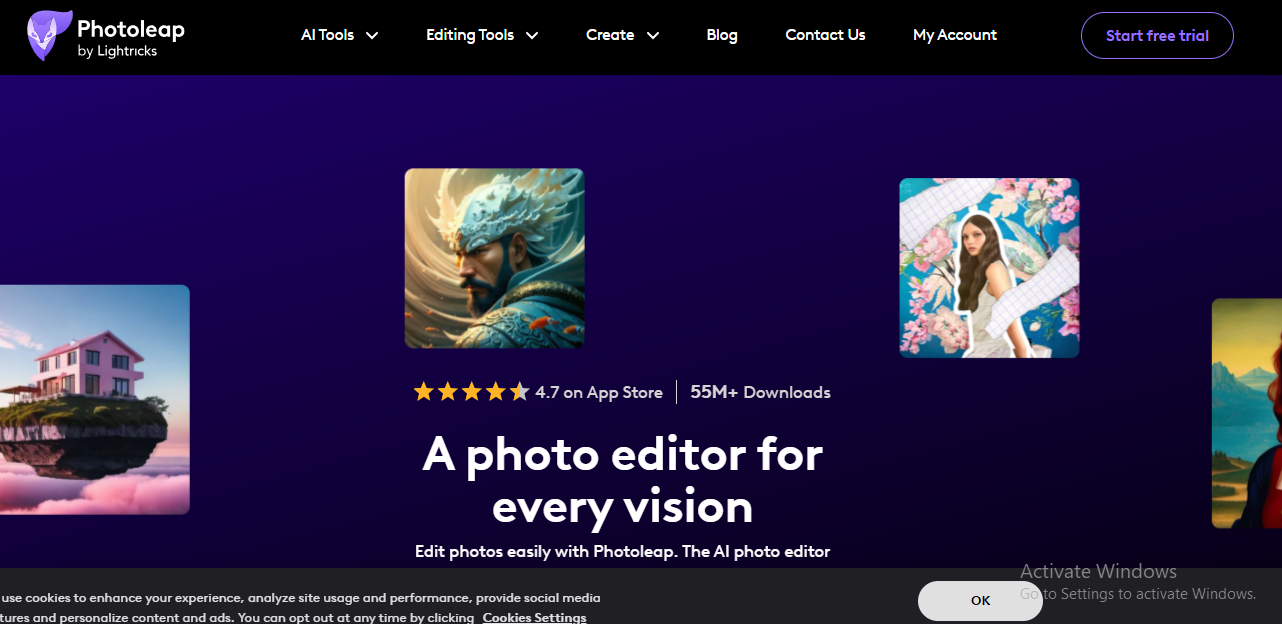
Photoleap, developed by Lightricks, is a versatile photo editing app that brings a wide range of creative possibilities to your fingertips. Known for its all-in-one editing capabilities, Photoleap caters to photographers, designers, and creators who want powerful tools in a single platform. Its combination of traditional editing tools with advanced AI functionalities makes it perfect for both simple edits and complex artistic projects.
Photoleap allows users to change backgrounds, remove unwanted objects, create collages, and apply diverse filters and effects without switching between multiple apps. The platform also provides instant edits and professional-grade effects, enabling photographers of all skill levels to enhance their images quickly.
What makes Photoleap exceptional is its AI-powered editing suite, which streamlines the creative workflow. Users can leverage layers, blending modes, and innovative AI tools to craft unique compositions. The app also offers an extensive selection of filters, brushes, fonts, and tonal adjustments, giving users complete control over the visual outcome. Whether for quick fixes or artistic transformations, Photoleap combines flexibility with precision.
Key Features of Photoleap by Lightricks
- All-In-One Photo Editing: Background changes, object removal, collage creation, and more.
- Instant Edits and Pro Effects: Quick enhancements alongside advanced artistic effects.
- Powerful AI Capabilities: Intelligent tools that speed up editing and improve results.
- Layers and Blending Modes: Advanced controls for unique and complex compositions.
- Diverse Filters and Effects: Extensive library for creative experimentation.
- Creative Tools and Adjustments: Brushes, fonts, and tonal adjustments for personalization.
- Innovative AI Transformations: Tools for artistic and highly creative image edits.
4. Aftershoot
Aftershoot is an AI-driven tool specifically designed to streamline the post-processing workflow for photographers. By significantly reducing the time spent on culling and editing images, it allows photographers to focus more on creativity rather than repetitive tasks. Users can either train a Personal AI Editing Profile, which learns their unique style from past edits, or select from pre-built AI styles available in the Aftershoot Marketplace. The AI automatically adapts to each image, considering factors like lighting, composition, and context, and can apply intelligent cropping and straightening.
For image culling, Aftershoot employs AI algorithms to group similar photos and highlight the best shots. It improves over time by learning from user feedback, ensuring more accurate selections. Supporting both RAW and JPEG formats, Aftershoot works offline on Windows and MacOS, and offers unlimited editing and culling at a flat fee, eliminating per-image costs. Its personalized AI profiles, offline functionality, and responsive support make it a reliable solution for professional photographers seeking efficiency without losing creative control.
Key Features of Aftershoot
- AI-Powered Workflow: Streamlines culling and editing to save time.
- Custom Editing Profiles: Train AI to match your style or use pre-built adaptive profiles.
- Smart Culling: Groups and selects top photos based on AI analysis and user feedback.
- Offline & Unlimited: Works locally with unlimited editing and culling.
- 24/7 Support: Round-the-clock assistance for any issues.
5. Fotor
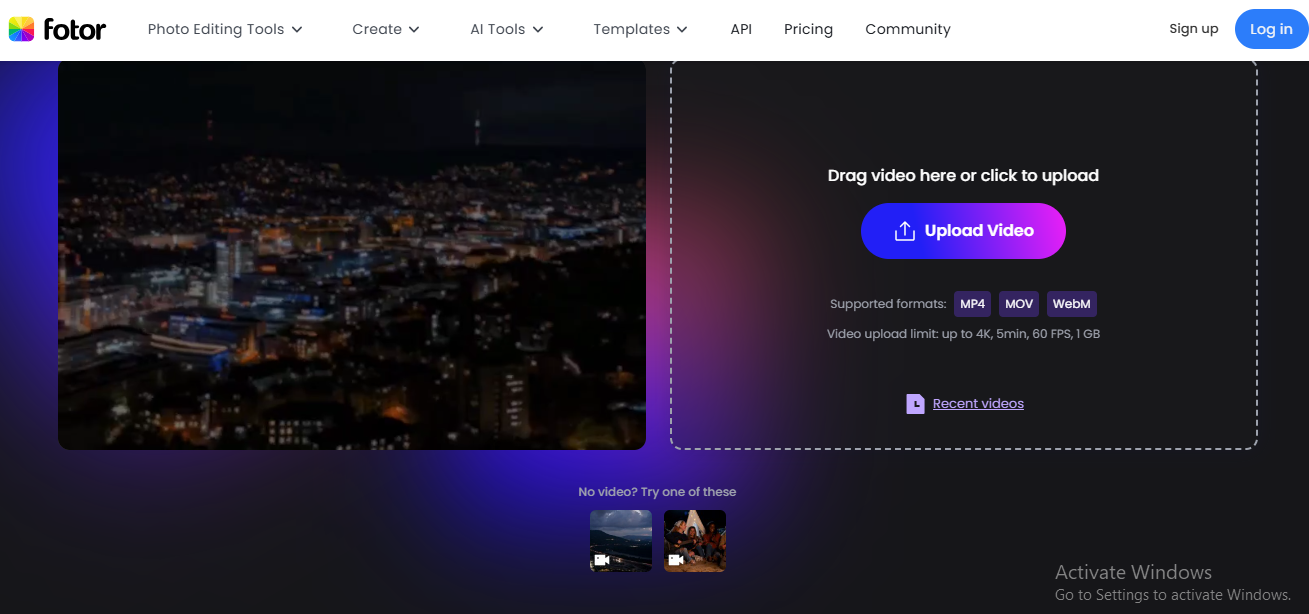
Fotor is an all-in-one online photo editor designed to make photo editing accessible to both beginners and professionals. It combines essential editing functions, such as cropping, brightness and contrast adjustments, with advanced tools like portrait retouching, background removal, and batch editing. Fotor simplifies complex tasks by leveraging AI-driven automation, enabling users to enhance image quality, remove unwanted objects, or even generate artwork from text prompts.
Beyond basic edits, Fotor provides a wide range of creative features, including collage creation, graphic design, and AI-assisted object manipulation. Its expansive library of templates, stock images, stickers, and stylish fonts ensures users can produce professional-quality visuals without additional resources. Being cross-platform, Fotor is accessible on both desktop and mobile devices, making it a versatile option for photo editing anytime and anywhere.
Key Features of Fotor
- Comprehensive Editing Tools: From basic adjustments to advanced portrait and object edits.
- AI Enhancements: Automatically improve photo quality and generate creative artwork.
- Extensive Asset Library: Templates, stock photos, stickers, and fonts for customization.
- User-Friendly Interface: Simple enough for beginners while functional for professionals.
- Cross-Platform Access: Available on desktop and mobile devices for flexible editing.
6. Picsart
Picsart is a versatile, AI-powered photo editor designed for creators of all levels. It offers an intuitive platform with advanced AI editing tools that allow users to enhance images, remove backgrounds, replace objects, or add custom designs effortlessly. Its generative AI features make it possible to create entirely new visuals, design avatars, logos, or even animations from scratch.
The platform provides a vast collection of professional templates, trendy filters, and royalty-free stock assets, making it ideal for social media content, marketing campaigns, or personal projects. Picsart also supports batch editing, which saves time when performing repetitive tasks like resizing, cropping, or watermarking multiple images. Accessible on mobile, desktop, and via API, Picsart balances simplicity with advanced customization, making it suitable for both beginners and professional editors.
Key Features of Picsart
- AI Editing Tools: Background removal, object replacement, and image enhancement.
- Generative AI: Create unique visuals, avatars, logos, and animations effortlessly.
- Creative Assets: Extensive library of templates, stock photos, and effects.
- Batch Editing: Edit multiple images simultaneously for efficiency.
- Cross-Platform Accessibility: Works on mobile, desktop, and through API integration.
7. Adobe Photoshop
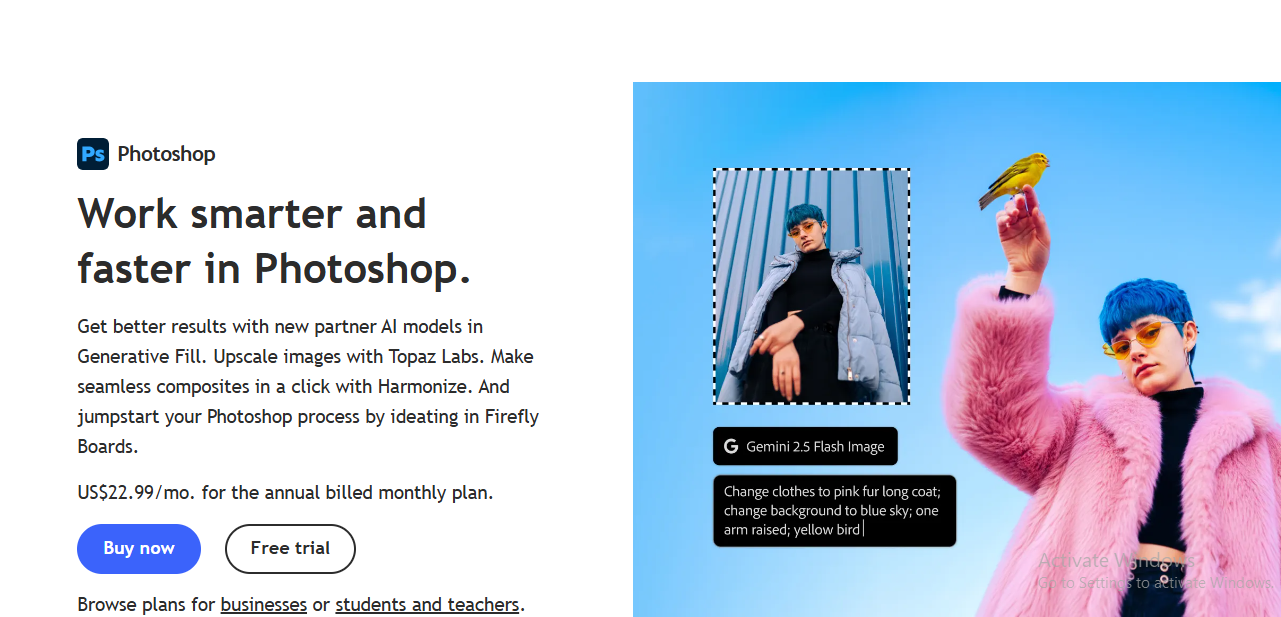
Adobe Photoshop, the industry standard for image editing, has integrated a suite of AI-powered tools that take photo editing to a whole new level. These features allow users to enhance, manipulate, and transform images with precision and speed, delivering results that were once extremely time-consuming or difficult to achieve manually.
One of the most notable AI tools is the Generative Fill, which lets users seamlessly add new content to images. By selecting a specific area, the AI automatically fills it with elements that match the surrounding content, producing a natural and cohesive appearance. Similarly, the Generative Expand tool intelligently extends selected portions of an image, generating realistic additions that blend seamlessly. Match Font AI helps identify and replicate fonts in images for consistent typographic design.
Photoshop also includes Preserve Details 2.0, which resizes images while maintaining crucial textures and details, and the Sky Replacement tool, which allows photographers to quickly swap skies without manual masking. Other AI-assisted tools such as Object Selection and Refine Edge simplify precise selections and masking, enhancing workflow efficiency. These AI features, combined with Neural Filters, give users full control to experiment creatively while maintaining professional-quality outcomes.
Key Features of Adobe Photoshop’s AI Suite
- Generative Fill and Expand: Seamlessly add or extend content in images with AI.
- Match Font: Identify and match fonts for consistent typography.
- Preserve Details 2.0: Resize images while keeping textures and quality intact.
- Sky Replacement: Quickly and automatically change skies in photos.
- Object Selection & Refine Edge: Accurate selections and masking made easy.
- Neural Filters: A variety of AI-powered filters for image enhancement and transformation.
8. Topaz Labs
Topaz Photo AI, developed by Topaz Labs, is a desktop-based AI photo enhancement software known for dramatically improving image quality. It offers features such as denoising, deblurring, and upscaling, making it a comprehensive solution for photographers and digital artists. Topaz is particularly praised for its ability to reduce noise and blur in challenging conditions, like fast-moving subjects or low-light shots.
The software is designed to enhance every aspect of a photo, from restoring old images and color correction to background replacement and object removal. It supports RAW and standard image formats, providing high-quality results. Topaz Photo AI offers four specialized AI models—standard, high fidelity, graphics, and low resolution—tailored for different scenarios, with exceptional performance in wildlife and portrait photography. Its Autopilot feature detects subjects and faces automatically, streamlining the editing process and yielding impressive results even with default settings.
Topaz Photo AI operates on both Windows and macOS, and the software is available as a one-time purchase, offering a cost-effective solution for professional image enhancement. Strong customer support and detailed documentation further enhance its usability.
Key Features of Topaz Labs
- Noise & Blur Reduction: Advanced AI-powered denoising and deblurring for sharper images.
- Versatile Image Enhancement: Ideal for color correction, background editing, and object removal.
- AI Models for Various Scenarios: Optimized models for portraits, wildlife, and other photography types.
- Autopilot Feature: Automatically detects subjects and faces for improved edits.
- One-Time Purchase: Cost-effective pricing with no recurring subscription required.
9. Movavi Photo Editor
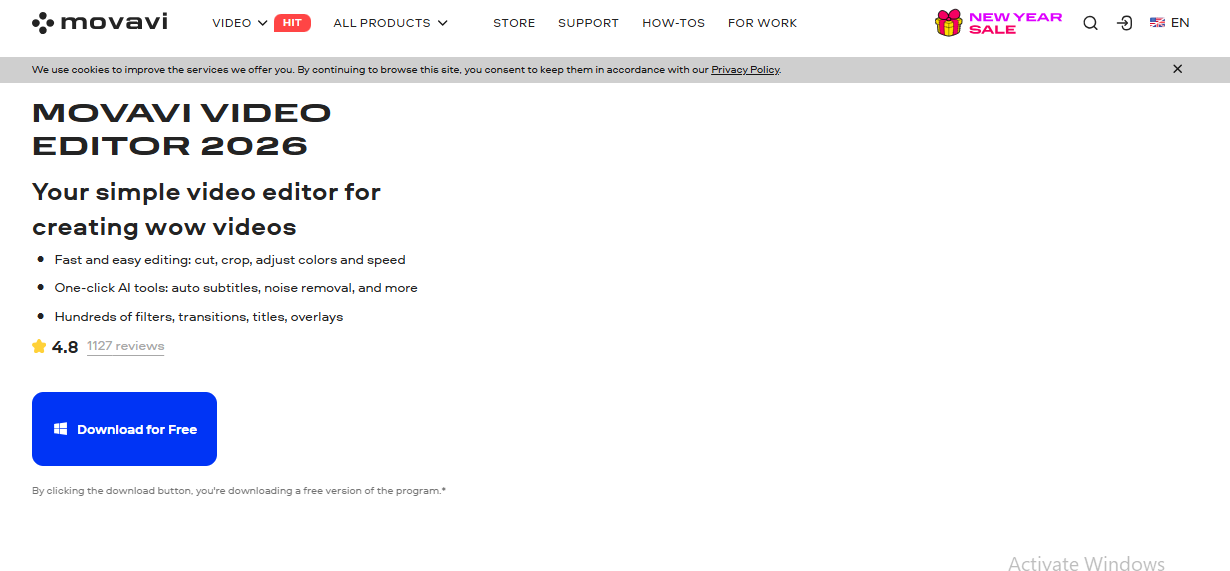
Movavi Photo Editor is a versatile AI-driven photo editing software designed to simplify the editing process while providing powerful creative tools. Its user-friendly interface caters to both beginners and professional photographers, making it an ideal choice for a wide range of editing tasks. Movavi combines automation with advanced AI features to save time while delivering professional-quality results.
At the core of Movavi Photo Editor are its AI-powered tools for tasks like face detection, skin smoothing, hair color adjustments, and old photo restoration. The AI restoration features are especially valuable for reviving old or damaged photos, removing creases, scratches, and stains, reducing noise, and adding color to black-and-white images. Automatic enhancement tools streamline the workflow further, providing intelligent photo improvements and object removal with minimal effort.
The software excels in portrait retouching, offering tools to remove facial shine, smooth wrinkles, and enhance skin naturally. Background removal and replacement tools simplify compositional changes, while color correction presets, atmospheric effects, and over 100 filters allow for extensive creative customization. Additional features like text editing, caption addition, object removal, and batch resizing further expand its usability for both personal and professional projects.
Key Features of Movavi Photo Editor
- AI-Powered Editing Tools: Advanced features for face detection, skin smoothing, and restoring old photos.
- Automatic Enhancements: AI-assisted photo enhancement and object removal.
- Portrait Retouching: Specialized tools for flawless portrait edits.
- Background Editing: Easily remove or replace backgrounds for creative compositions.
- Color Correction & Effects: Wide selection of presets, filters, and atmospheric effects.
- Text Customization: Add and edit captions or text directly on images.
10. Pixlr X
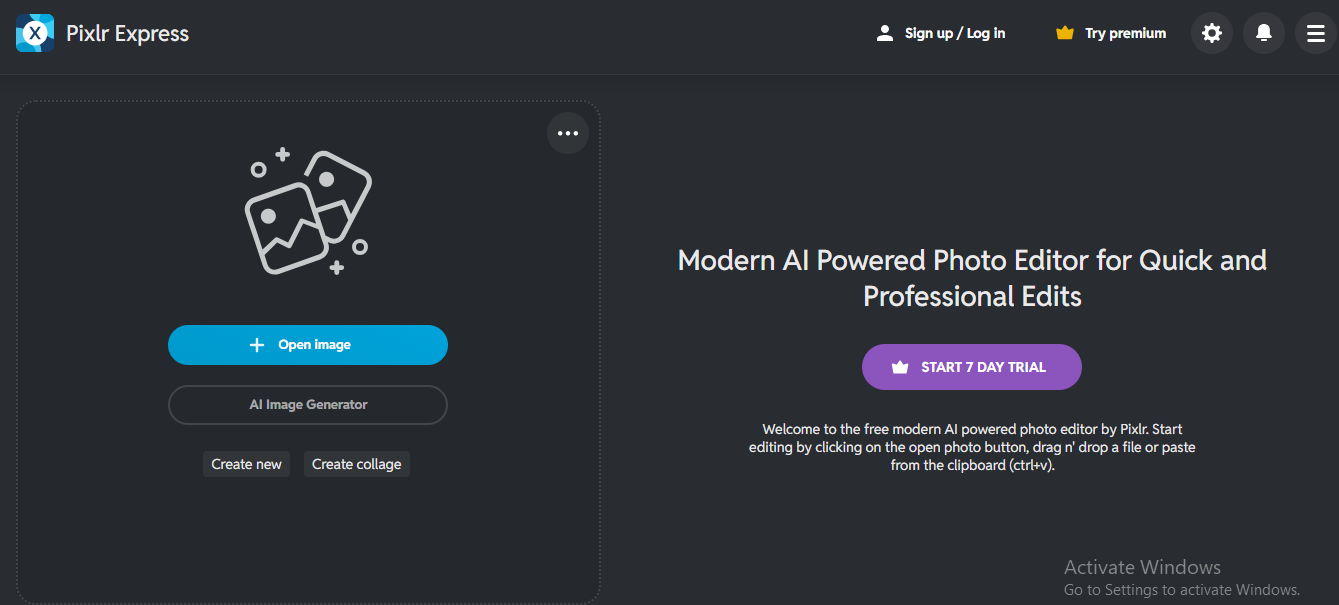
Pixlr X is a free, web-based AI photo editor that combines simplicity with advanced editing capabilities. Designed for both beginners and professionals, it offers an intuitive interface and a wide range of features that make photo editing fast, efficient, and highly creative.
Pixlr X integrates AI-driven tools for background removal, creating transparent images, and even a Text-to-Image AI generator, which allows users to convert text prompts into stunning visual content. The platform also supports collages, templates, and animations, enabling creators to design unique and engaging visuals without extensive design experience.
Its background editing tools make removing or isolating elements simple, while over 100 filters, color correction presets, and atmospheric effects allow for extensive photo enhancement and creative experimentation. Pixlr X also includes features for object removal, text and caption customization, and batch resizing, making it a versatile tool for social media content creation, marketing materials, or personal projects.
Key Features of Pixlr X
- User-Friendly Interface: Simple platform for fast and efficient photo editing.
- Advanced AI Tools: Background removal, transparent image creation, and AI-based edits.
- Text-to-Image AI Generator: Transform text prompts into high-quality visuals.
- Collage & Animation Features: Create unique designs with templates and animations.
- Color Correction & Effects: Extensive tools for enhancing and modifying images.
Final Verdict
AI photo editing tools have truly transformed the way photographers, creators, and hobbyists approach image enhancement. From professional-grade software like Adobe Photoshop and Topaz Labs, which offer advanced AI features for precision editing, to beginner-friendly platforms like Pixlr X and Fotor, these tools cater to every skill level and need.
For portrait-focused edits, Aperty and Movavi Photo Editor provide specialized AI retouching that saves hours of manual work. Tools like Luminar Neo and Photoleap stand out for their creative flexibility, allowing users to manipulate skies, lighting, and compositions with ease. Meanwhile, Aftershoot is ideal for photographers looking to streamline post-processing and image culling, maximizing workflow efficiency.
Choosing the right AI photo editor depends on your specific requirements: whether it’s detailed retouching, creative transformations, batch processing, or automated enhancements. Ultimately, integrating AI into photo editing not only saves time but also empowers users to explore new levels of creativity and professional-quality results with minimal effort.
Frequently Asked Questions (FAQs)
What is AI photo editing?
AI photo editing uses artificial intelligence algorithms to automate and enhance photo editing tasks. It can adjust lighting, remove objects, enhance portraits, replace backgrounds, and perform many other edits quickly, saving time while maintaining professional-quality results.
Are AI photo editors suitable for beginners?
Yes. Many AI photo editors like Pixlr X, Fotor, and Aperty are designed with intuitive interfaces, making them easy for beginners to use while still offering advanced tools for creative control.
Can AI photo editors replace manual editing?
AI tools are excellent for speeding up repetitive or complex tasks, but manual editing is still important for fine-tuning creative details. The best approach is to combine AI enhancements with manual adjustments for optimal results.
Which AI photo editor is best for portrait editing?
For portrait-focused editing, Aperty and Movavi Photo Editor excel. They offer specialized AI features like skin smoothing, face sculpting, eye and teeth enhancements, and subtle body adjustments for natural, professional-quality results.
Are AI photo editors expensive?
Pricing varies. Tools like Topaz Labs and Adobe Photoshop may require a one-time purchase or subscription, while platforms like Pixlr X and Fotor offer free versions with optional premium features. There’s an AI photo editor suitable for every budget.
