
Do you still own classic electronics like a VCR, DVD player, retro gaming console, or your first PlayStation? While these devices still work perfectly, they rely on AV/RCA cables, which are no longer supported by most modern TVs and monitors. As a result, connecting older devices to today’s HDMI-only HDTVs can feel impossible. That’s where an AV to HDMI converter becomes an essential solution.
An AV to HDMI converter allows you to convert analog signals into digital HDMI output, making it possible to enjoy old movies, tapes, and classic games on modern high-definition displays. Whether you want to relive nostalgic gaming moments or preserve old home videos, the right converter ensures clear video output, stable signal conversion, and easy plug-and-play setup.
In this comprehensive guide, we’ll break down the best AV to HDMI converters available today, along with the key features you should consider before buying, such as resolution support, compatibility, power requirements, and build quality. We’ve carefully reviewed multiple options to help you choose a converter that fits both your budget and technical needs. Let’s get started and bring your classic devices back to life on modern screens!
What is an AV to HDMI Converter?
An AV to HDMI converter is a device that transforms analog audio and video signals from older equipment into a digital HDMI format, making them compatible with modern TVs, monitors, and projectors. The term AV (Audio/Video) usually refers to RCA cables, which feature three color-coded connectors: yellow for video, red for right audio, and white for left audio. These cables are commonly found on legacy devices such as VCRs, DVD players, camcorders, and retro gaming consoles.
The converter works by decoding the analog signal and converting it into an HDMI output that newer displays can recognize. This allows you to continue enjoying classic content on high-definition screens without needing to replace your old devices.
It’s important to note that while an AV to HDMI converter may enhance signal stability and compatibility, it does not upscale content beyond its original quality. For example, a 720p or standard-definition video cannot be converted into true 1080p or 4K resolution. Instead, the converter ensures your older devices deliver the best possible viewing experience on modern displays with minimal signal loss.
Why Use an AV to HDMI Converter?
Why Should You Use an AV to HDMI Converter?
An AV to HDMI converter is a practical solution for anyone looking to keep older devices functional with modern displays. Below are some compelling reasons to invest in one:
- Connect Old Devices to Modern TVs
AV to HDMI converters allow you to connect legacy devices such as DVD players, VCRs, retro gaming consoles, camcorders, and set-top boxes to today’s HDTVs, monitors, and projectors. This ensures compatibility even when modern screens no longer include RCA input ports. - Improved Picture Quality
While converters can’t create true HD from standard-definition content, many models digitally process and upscale the signal, delivering sharper visuals with improved color balance. This helps eliminate common issues like screen flickering, distortion, rolling lines, and signal interference. - Easy Plug-and-Play Setup
Most AV to HDMI converters are designed for quick and hassle-free installation. Simply plug the RCA cables into the converter, connect an HDMI cable to your display, and power the device—no software, drivers, or technical setup required. - Built-in Noise Reduction Filters
High-quality converters often feature advanced noise reduction and signal stabilization filters, which reduce static, ghosting, and graininess. The result is a cleaner, more stable image that enhances your overall viewing experience.
Factors to Consider When Choosing an AV to HDMI Converter
Choosing the right AV to HDMI converter is essential for getting the best performance from your older devices. Below are the most important features you should consider before making a purchase:
- Image Quality & Upscaling Support
One of the most critical factors is the converter’s ability to upscale analog video signals. Look for models that support 720p or 1080p output, as modern TVs are optimized for HD content. While upscaling won’t transform standard-definition video into true HD, it does significantly enhance clarity by smoothing edges and improving color consistency from lower resolutions like 480p. - Cord Length & Cable Flexibility
If your entertainment setup involves connecting devices across a room or between shelves, cord length matters. A converter with adequate cable length—or support for standard HDMI cables—offers greater flexibility in positioning your devices without straining connections or cluttering your setup. - Extra Features & Compatibility Options
Some AV to HDMI converters include additional audio output ports, such as 3.5mm or optical audio, allowing you to route sound to external speakers or sound systems. Others come with built-in signal enhancement or noise reduction technology, which improves overall playback quality on high-resolution screens. - Price & Build Quality
Budget-friendly converters can work for basic needs, but slightly higher-priced models often deliver better durability, stable signal processing, and improved performance. When comparing options, consider the balance between price, supported resolutions, build materials, and any added features that enhance long-term usability.
Best AV To HDMI Converter 2026
Without wasting time let’s explore our options for the Best AV to HDMI Converters in 2025 and 2026:
- RUIPUO AV/RCA To HDMI Converter
- TAIHUAI Composite HDMI Converter
- TENGCHI AV To HDMI Converter
- GANA Composite HDMI Converter
- ABLEWE AV To HDMI Converter
- DIGIT NOW AV To HDMI Converter
- COOLMADE MINI CVBS AV To HDMI Converter
- AV2HDMI Converter
- WENTER Composite HDMI Converter
- LVY AV To HDMI Converter Cable
1. RuiPuo AV/RCA To HDMI Converter:
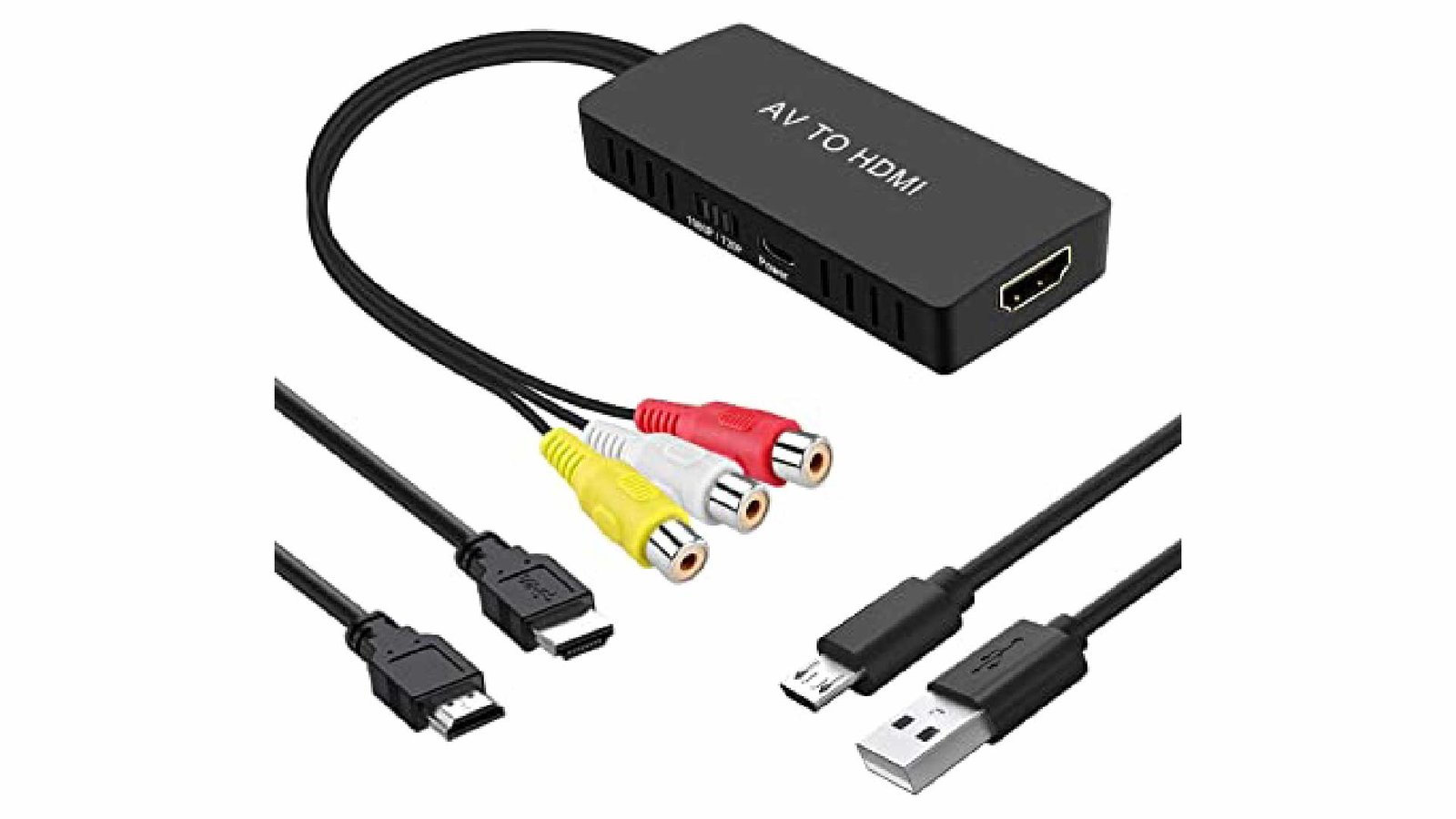
You will need a converter if you want to connect your older AV devices to a newer HDMI TV or monitor. One of the best available is the RuiPuo AV/RCA to HDMI Converter, and its operation is incredibly simple. Simply connect your AV cables to the input, then connect an HDMI cable to your television or monitor from the output. It’s that easy. The adapter is easy to use and has a great HDMI output compatible with 1080p and 720p resolutions. It’s quite possibly the best converter based on the rundown in conditions of fabricating quality.
An external USB cable powers the adapter, and the dock has a switch button for selecting the output resolution. The PlayStation One, PlayStation 2, PlayStation 3, N64, Wii, Wii U, STB, VHS, VCR, and Blue-Beam blue ray Players are viable with this Composite to HDMI Converter. You can also use it with TVs because it supports PAL, NTSC3.58, NTSC4.43, SECAM, PAL/M, and PAL/N formats.
2. TaiHuai Composite HDMI Converter:
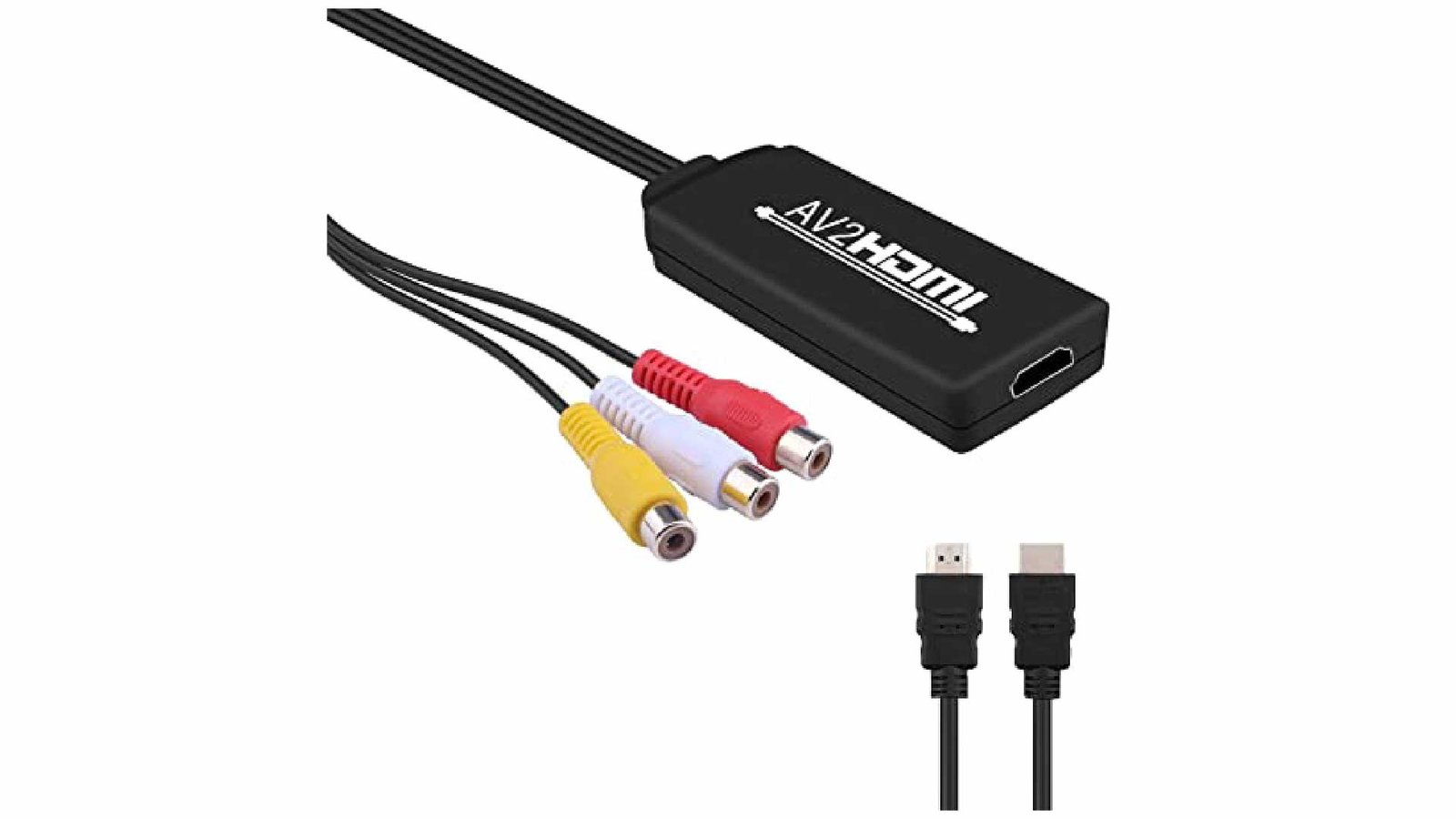
It makes it simple to connect an older VCR or gaming console to a new HDTV or console. The lack of audio output options and possible compatibility issues with certain equipment are two minor drawbacks of the product. However, compared to the unit’s positive aspects, these are easy to overlook. It always delivers on its promises and appears to be a high-quality product that will last long.
This AV to HDMI Adapter is compatible with PlayStation 2, Xbox, Nintendo 64, Wii, STB, VHS, VCR, and DVD players, as well as other devices with a standard composite AV output. Effectively convert RCA sign to an HDMI yield Which can show on television, VHS VCR, DVD recorders, and so forth. You can use this product with a PS2, PS3, and PC to play games on my monitor. The game’s logos and text are rendered flawlessly on the monitor.
3. Tengchi AV To HDMI Converter:
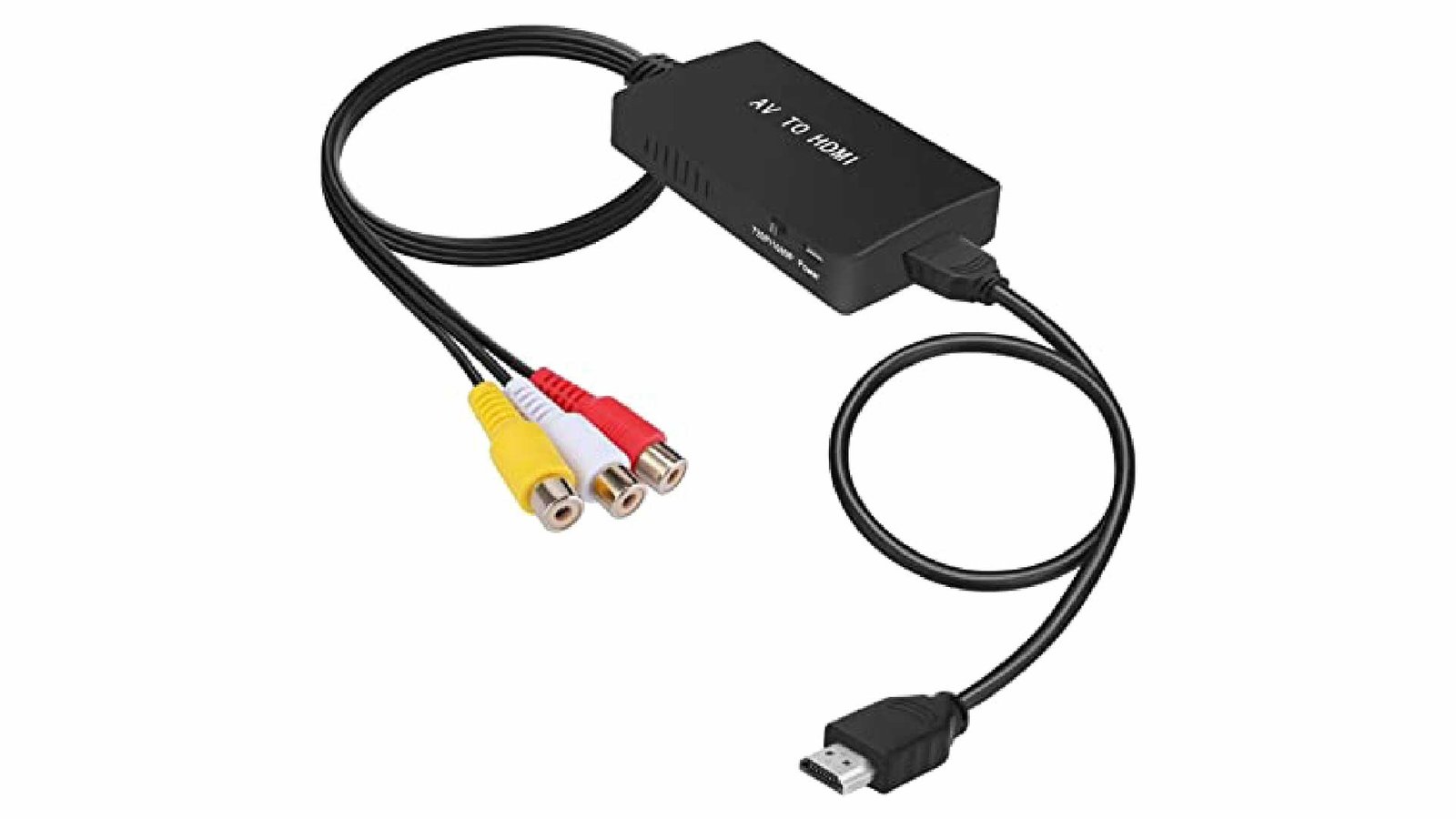
The best feature of this converter is that it can upscale content and output HDMI at a resolution of up to 1080p. You won’t have to buy a separate HDMI 1.3 cable because the box has just one. An external USB cable powers this converter and is simple to set up and use. Additionally, it supports various standard TV formats, making it an adaptable device for home entertainment.
Besides that, it has extraordinary varieties and subtleties and is extraordinarily easy to utilize. It is compatible with all RCA-output devices, including Blu-ray DVD players, VHS and VCR players, Xbox, PlayStation 1, PlayStation 2, and PlayStation 3. It is also compatible with all television formats, including PAL, NTSC3.58, NTSC4.43, SECAM, PAL/M, and PAL/N. This makes it ideal for connecting an older video game console, camcorder, or VCR to a more recent television.
4. GANA Composite HDMI Converter:
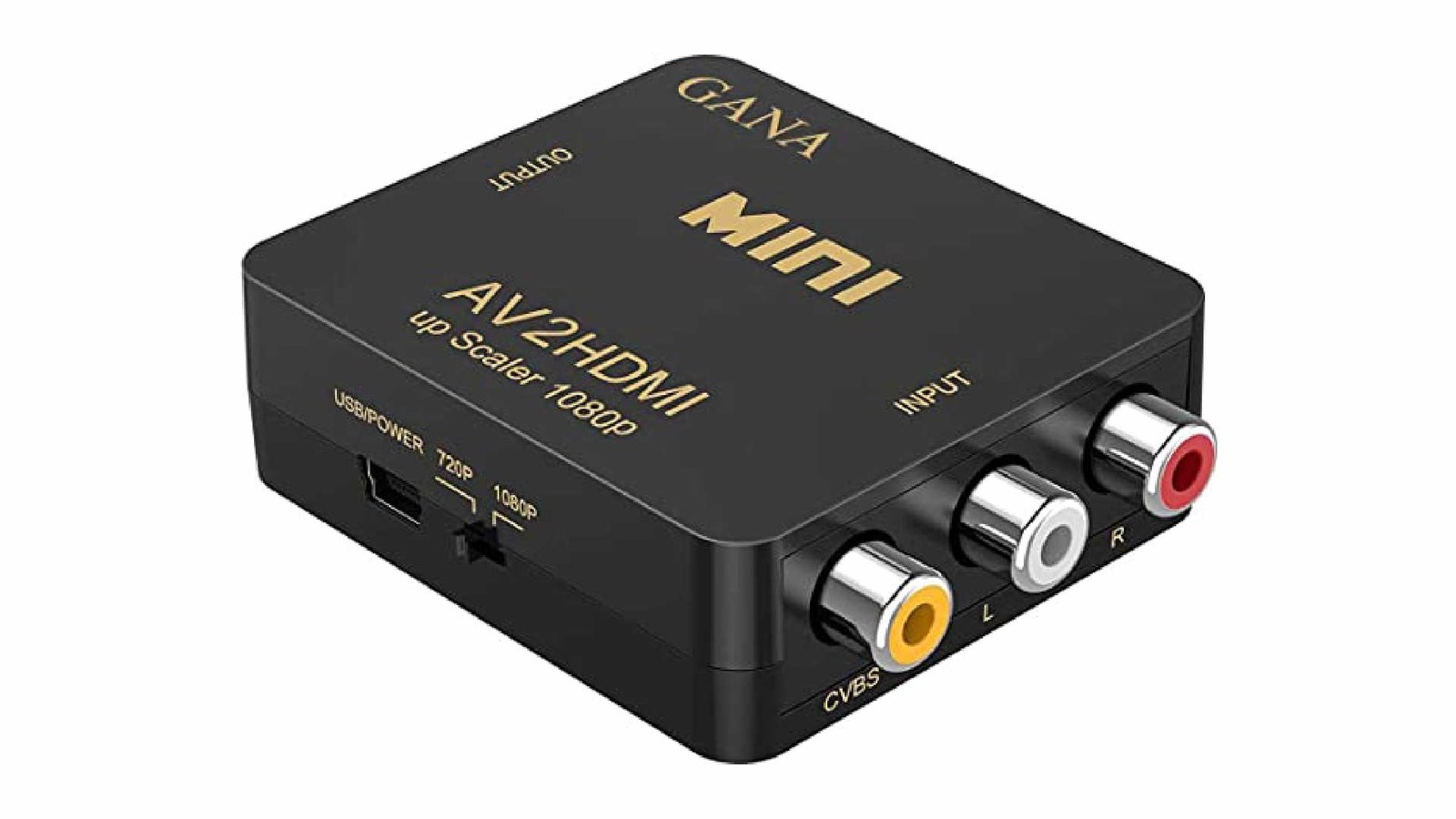
Gana is well-known for its extensive selection of adapters and converters, making it one of the most well-known brands. The outer casing of this AV to HDMI adapter is made of metal and is relatively small. As a result, its build quality is unaffected.
Moving toward the components, it offers two objective decisions for HDMI yield, 720p and 1080p, which can be easily traded using the switch. Because it supports PAL, NTSC3.58, NTSC4.43, SECAM, PAL/M, and PAL/N, as well as laptops and PCs with their own HDMI computer monitors, Xbox, PlayStation 3, and 4, it is an excellent converter for use with standard televisions. It takes care of a lot more old things, such as the Nintendo 64, VCRs or VHS players, various cameras, and early DVD players.
5. ABLEWE AV To HDMI Converter:
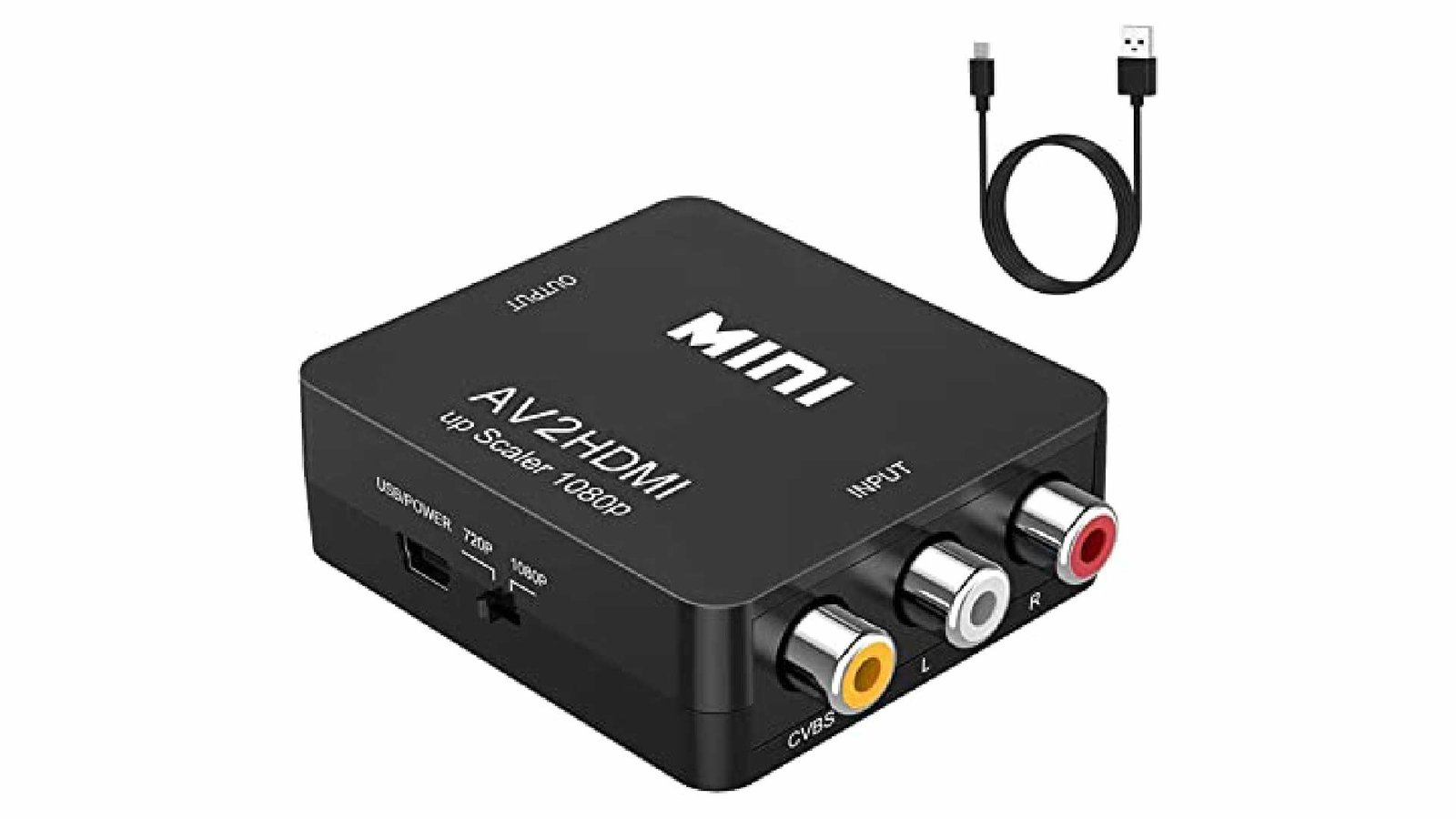
This converter is the ideal solution if you want to connect your older RCA/AV devices to your HDTV. With this converter, you will have no trouble connecting your VCR, DVD player, or any other AV device to your HDMI television or monitor. An HDMI cable and power adapter are included in the converter so you can get started. You can transform your analog RCA composite input using the ABLEWE RCA/AV to HDMI Converter into a modern HDMI 720P/1080P output.
This converter is simple to use and works well with many different devices, like PS2, PS3, Xbox, N64, Wii, STB, VHS, VCR, and DVD players. Additionally, this converter is compatible with any power source thanks to the USB power cable. Color accuracy, resolution, and finer details are all provided by sophisticated signal processing. It’s over! You can now use your older AV devices to watch and listen to high-definition video and audio.
6. DIGIT NOW AV To HDMI Converter:
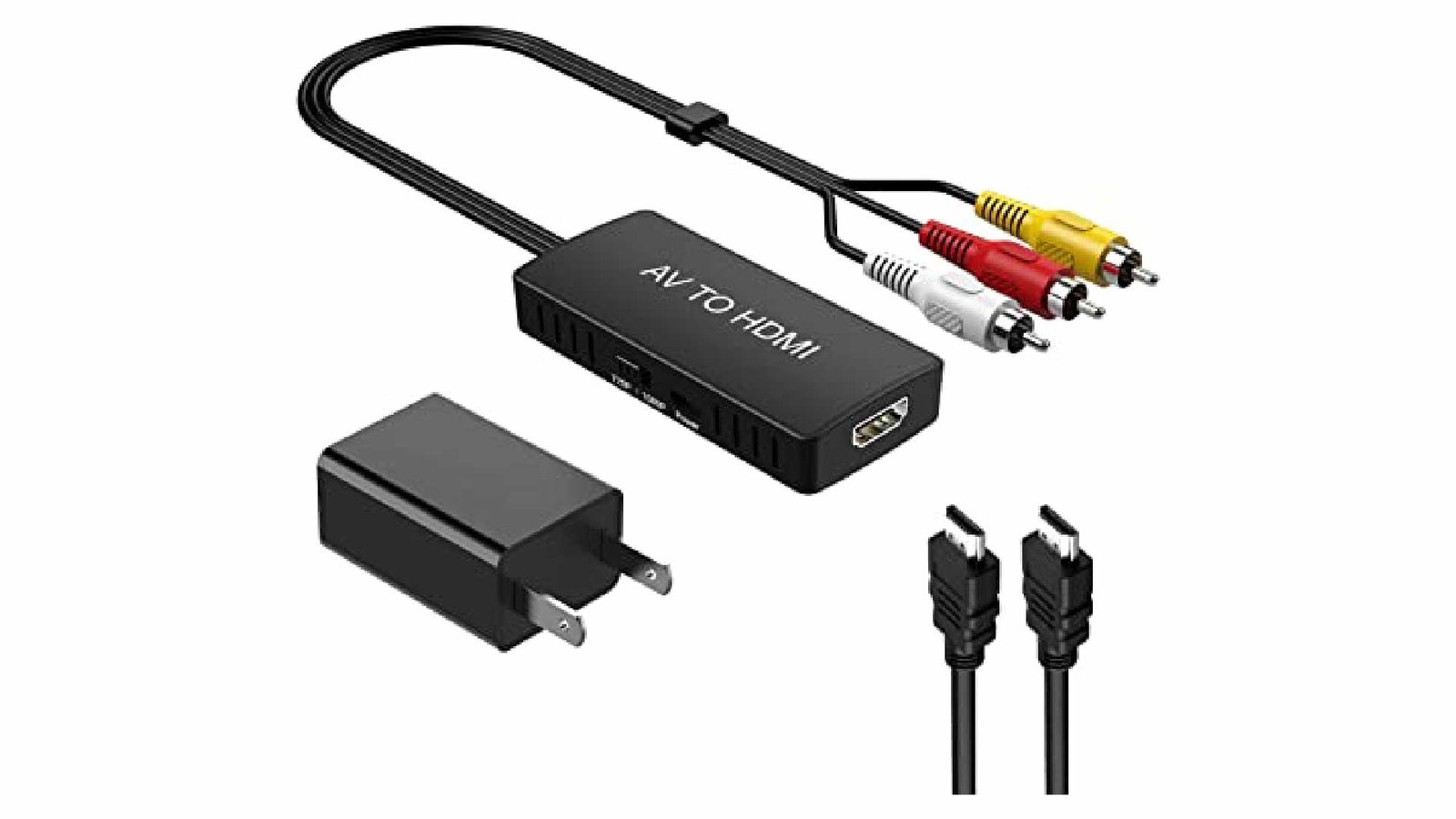
The converter is a great way to connect your new HDTV to your older AV equipment. This converter will convert audio and video signals from your RCA-equipped devices into HDMI format for use with any modern television. It is compatible with all RCA products, including video recorders, DVD players, and game consoles, and it is simple to install. In addition, the converter will upconvert the signal to 1080p resolution, allowing you to watch old games and movies in high definition.
Additionally, it can be used with various devices, including STBs and VHS players, in addition to PS2 and Xbox consoles. It is also compatible with PAL, NTSC3.58, NTSC4.43, SECAM, PAL/M, and PAL/N formats.
7. COOLMADE MINI CVBS AV To HDMI Converter:
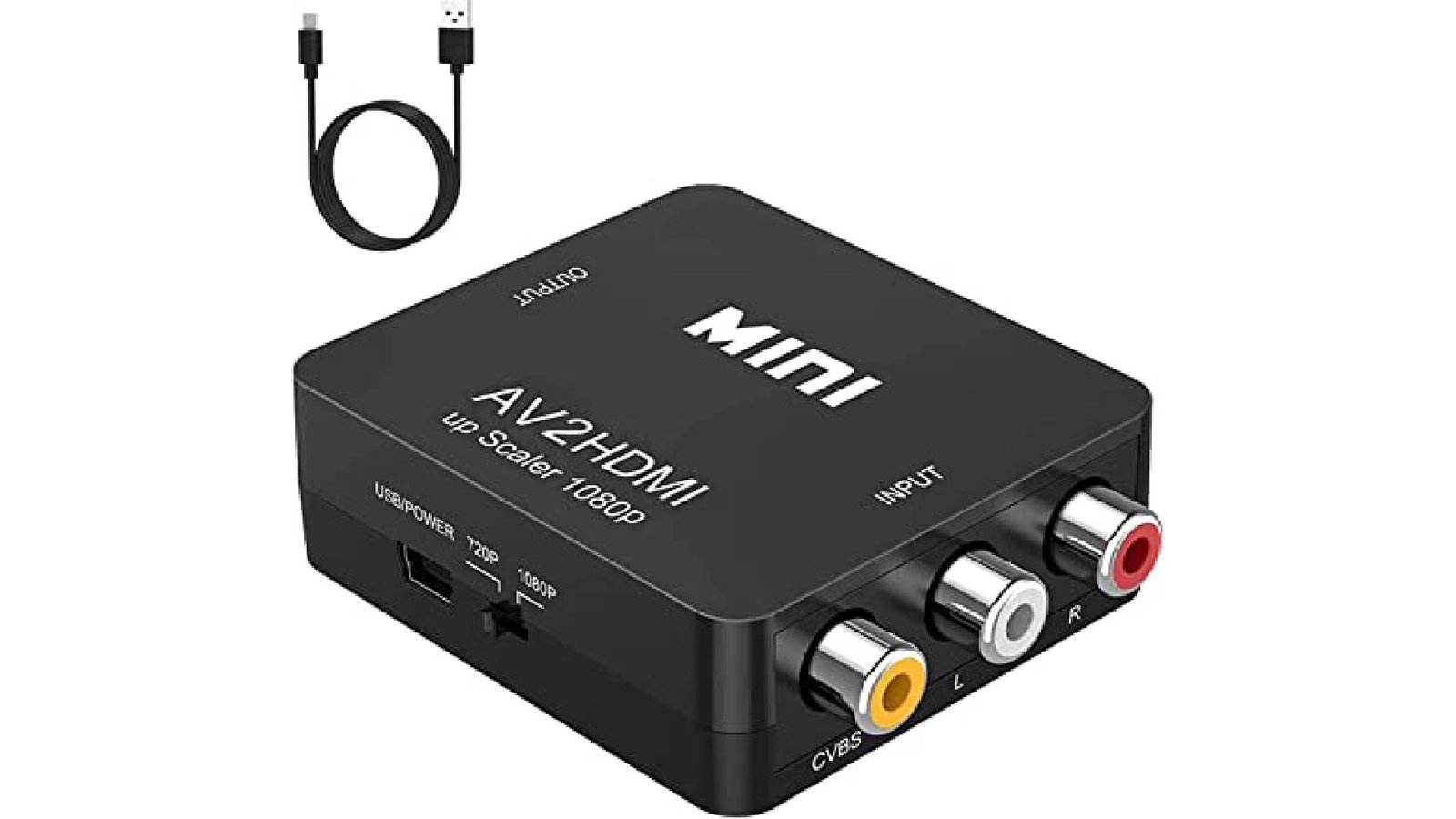
You can move from RCA video to the latest technology with the cool-made Mini CVBS AV to HDMI converter! You can power your device with a built-in USB charger even on the go! The connector is equipped for upscaling video to 1080P, so you’ve ensured a fresh, clear picture and sound quality. In addition, the converter will upconvert the signal to 1080p resolution, allowing you to watch old games and movies in high definition.
Supports PAL, NTSC3.58, NTSC4.43, SECAM, PAL/M, and PAL/N standard TV source formats. Provide sophisticated signal processing with exceptional precision, colors, resolutions, and granularity. Widely used with PlayStation 2, Xbox, Nintendo 64, WII, STB, VHS, VCR, DVD players, and other devices with standard composite AV output. When using this AV to HDMI adapter, you must connect the included USB power cable to a 5V power source.
8. AV2HDMI Converter:
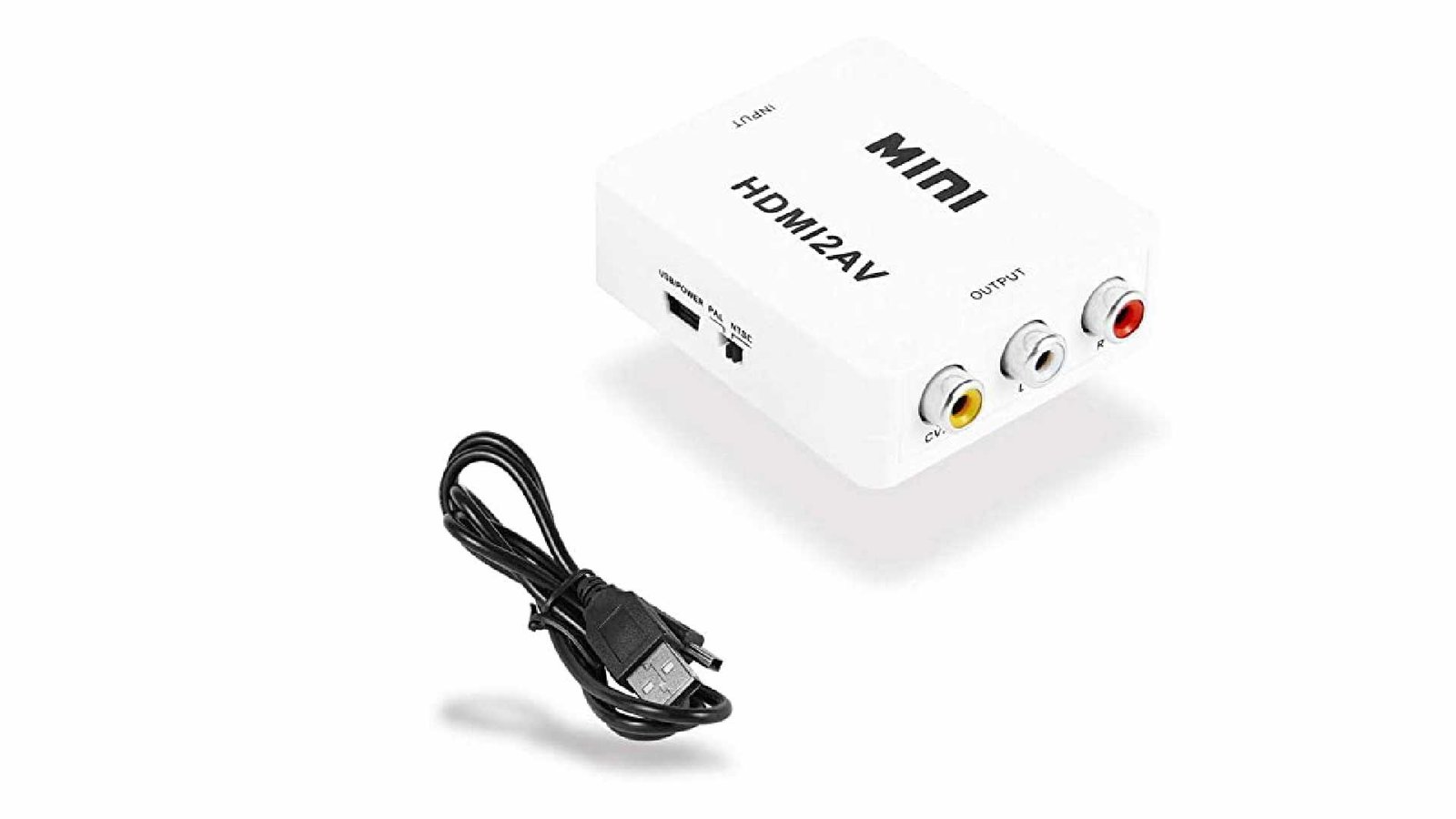
The AV2HDMI is one of at least a dozen different scalers available on Amazon, all appearing to be members of the same group of upscale low-quality. It supports HDMI 1080p or 720p output and converts analog composite input to HDMI 1080p (60Hz) output for display on 1080p (60Hz) HDTVs or monitors. Provide sophisticated signal processing with exceptional precision, colors, resolutions, and granularity. There are no aspect ratio settings, no options for fine-tuning the image, and this model only accepts composite input. Easy installation. Accept PAL, NTSC3.58, NTSC4.43, SECAM, PAL/M, and PAL/N as input formats for standard televisions. For this video converter to function properly, you must ensure that the included power cable is connected. Check to see that your device has an HDMI port.
9. WENTER Composite HDMI Converter:
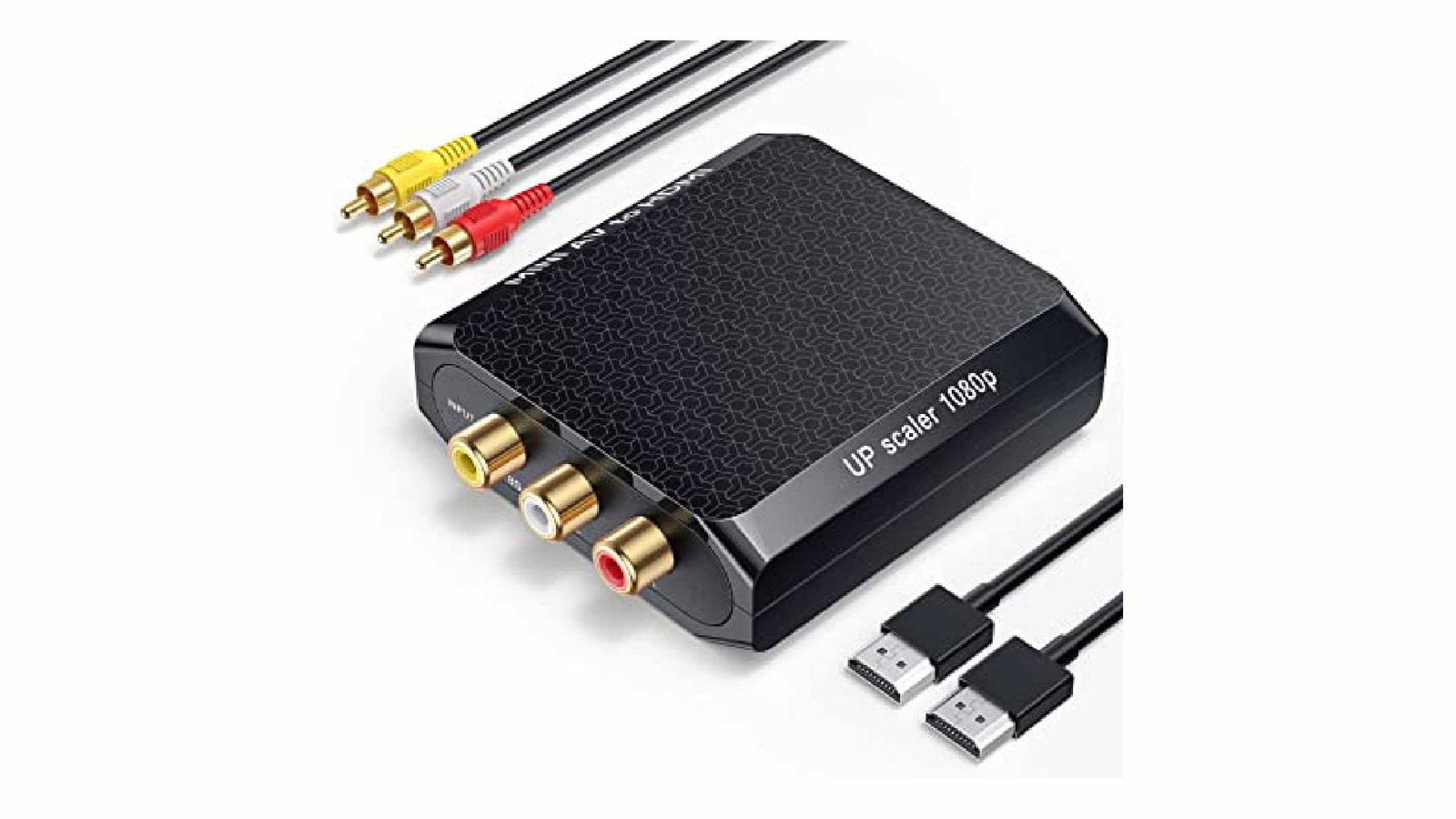
It supports all major TV and display resolutions, upscales analog video signals to 1080p, and converts analog video signals to digital HDMI. Its straightforward plug-and-play design makes it simple to use and set up. It is also one of the cheapest converters available, making it a great investment. Your HDTV or monitor’s RCA AV CVBS composite (Yellow, White, and Red) input will be transformed by this converter into an HDMI 720P/1080P (60Hz) output.
You can protect your old gadgets and remember your days of yore with this simple to-utilize converter. Additionally, it comes with three additional cables, including a micro USB cable, an HDMI cable, and an RCA cable. It has a button that lets you choose between 720P and 1080P. It can output HDMI at up to 720p and 1080p at 60Hz, and it uses cutting-edge signal processing to process colors and details with great precision.
10. LVY AV To HDMI Converter Cable:
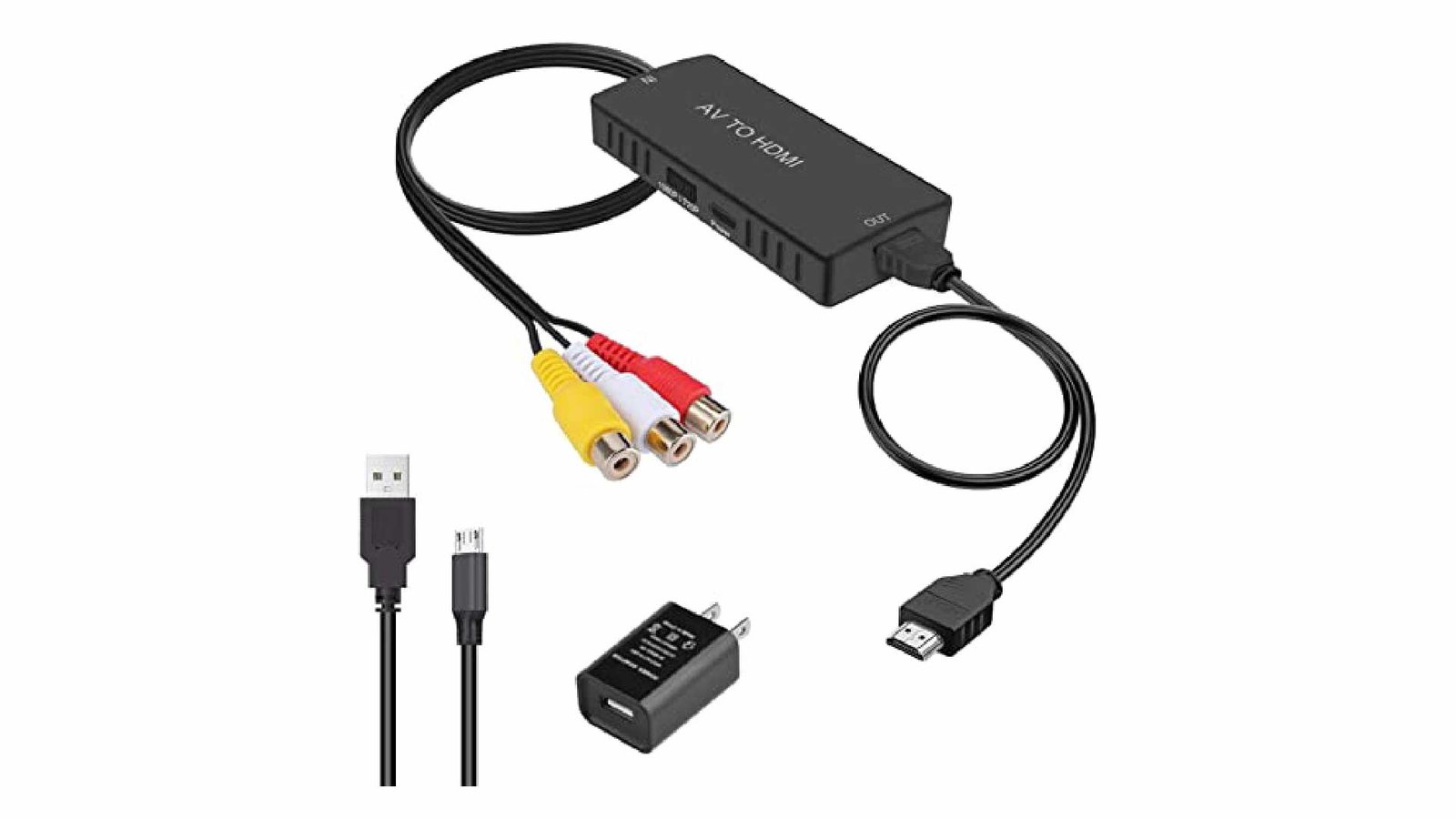
If you’re a video gamer with a limited number of HDTV ports and want to connect multiple consoles like the PS3, PS4, XBOX ONE, XBOX 360, Wii U, Wii, and Nintendo, this LVY AV to HDMI converter cable is a great option. This adapter can connect your tablet or smartphone to your TV. You can now watch YouTube videos on your television in high definition! Through the RCA port, it connects to your television and transforms it into an HDMI video source.
Without additional cables, you can connect your DVD player or gaming system to a television with this. This device does not require any drivers and can simply be plugged in and used. It is portable and flexible. Standard NTSC and PAL are supported by the RCA to HDMI Converter. AV to HDMI Converter for VHS, VCR, Camera, HDMI Capture Card, DVD, Xbox, PC, and more.
Conclusion
With minimal latency, an AV to HDMI converter can convert signals of high quality. Choose one that is simple to set up and use, and it should work with a lot of different devices.
The choices on this list are a great place to start if you want to find the best converter. Choosing the best AV to HDMI converter is not a struggle as each of the alternatives provides more or less the same features. However, the choices are differentiated in terms of their price.
You can find an affordable yet efficient converter from this list now!
Frequently Asked Questions (FAQs)
Will an AV to HDMI converter improve the video quality?
An AV to HDMI converter can upscale the resolution to 720p or 1080p, enhancing the visual experience, but it won’t transform lower-quality content into true HD.
Can I connect speakers to an AV to HDMI converter?
Some converters come with additional audio outputs, allowing you to connect external speakers for better sound quality.
Do I need any special cables to use an AV to HDMI converter?
You will typically need standard RCA cables to connect the AV device and an HDMI cable to connect to the TV or monitor.
Are there converters that work with 4K TVs?
Yes, some AV to HDMI converters support upscaling to resolutions compatible with 4K displays, but the original video quality will still affect the final output.
Is there a noticeable delay when using an AV to HDMI converter?
Most quality converters ensure minimal to no lag, providing a seamless viewing experience.
