
Turning a rough sketch into a realistic image used to take hours of manual rendering, advanced software skills, and creative guesswork. Sounds exhausting, right?
If you are a designer, architect, artist, or product creator, you already know how valuable speed and accuracy are in visual work. Well done for looking for smarter tools, because sketch-to-image AI rendering is changing how ideas come to life.
Today, AI can understand hand-drawn sketches and instantly convert them into detailed, high-quality images. These tools help professionals visualize concepts faster, reduce rework, and present ideas clearly to clients or teams. You are at the right place to explore the best solutions available. With these AI tools, even complex ideas can be brought to life with precision and style. Creativity no longer waits your sketches can now evolve into professional visuals almost instantly.
What Is Sketch to Image AI Rendering?
Sketch to image AI rendering is an advanced artificial intelligence technology that transforms basic hand-drawn sketches or line drawings into detailed, visually rich images. By analyzing outlines, shapes, proportions, and spatial relationships, AI models intelligently generate realistic or stylized visuals from minimal input.
This technology bridges the gap between raw ideas and finished visuals. Instead of manually shading, coloring, or adding textures, designers can rely on AI to interpret their sketches and produce complete images with lighting, materials, and depth. It significantly reduces the effort required to bring early-stage concepts to life.
Why Use Sketch to Image AI Tools?
Sketch to image AI tools help creators work faster while maintaining high visual quality. Instead of spending hours manually rendering concepts, designers can instantly generate realistic visuals, allowing them to focus more on creativity and ideation rather than technical execution.
These tools are especially valuable for professionals in architecture, interior design, product design, fashion, game design, and digital art. By converting sketches into refined visuals, teams can present ideas more clearly to clients and stakeholders, reducing confusion and unnecessary revisions.
How Sketch to Image AI Rendering Works?
Sketch to image AI rendering relies on computer vision and generative AI models trained on massive datasets of images and sketches. The AI identifies line structures, object boundaries, depth cues, and contextual relationships within a sketch to understand what the drawing represents.
Once the sketch is analyzed, the AI applies learned visual patterns to fill in missing details such as textures, colors, shadows, and lighting. Many tools allow users to choose between realistic, semi-realistic, or artistic styles, giving them control over the final output.
10 Best Sketch to Image AI Rendering Tools in 2026
Here is the complete list given, before we explore each tool in detail:
- Midjourney
- Stable Diffusion
- DALL·E
- Adobe Firefly
- Leonardo AI
- Runway ML
- NVIDIA Canvas
- Artbreeder
- Deep Dream Generator
- Kaedim
#1. Midjourney
Review
Midjourney is an AI-powered image generation platform designed for creators, designers, and digital artists. It produces high-quality, stylistic images from textual prompts, blending artistic creativity with automation. The platform supports advanced prompt inputs, including references to styles, color palettes, and composition attributes, enabling precise visual control.
The tool provides various rendering modes, including upscaling and alternative generation options. Users can create images suitable for commercial projects, marketing assets, and digital portfolios. Midjourney prioritizes output quality and artistic fidelity, offering a unique blend of automation and design intelligence. Frequent updates introduce new models that improve detail, realism, and stylistic variety, ensuring the tool remains aligned with industry trends.
Features
- Sketch and image-to-image generation
- Advanced style control
- High-resolution outputs
- Multiple variation generation
- Strong artistic rendering engine
Pros
- High-quality AI-generated images with artistic styling options.
- Supports advanced prompts for customized creativity.
- Offers community-driven feedback and gallery sharing.
- Regular updates and new model versions for improved rendering.
- Flexible subscription plans for personal and commercial use.
Cons
- Limited free trial access restricts full feature exploration.
- Requires Discord familiarity for operation, which may challenge beginners.
- GPU-based subscription can be expensive for casual users.
- Customization outside prompt guidance is limited.
- Rendering times can vary depending on server load.
Pricing
- Free trial with limited image generations.
- Basic plan: $10/month, limited GPU time and image outputs.
- Standard plan: $30/month, includes higher resolution and extended GPU access.
- Corporate/Enterprise plan: Custom pricing with commercial rights and priority support.
- Source: Midjourney official pricing page.
Final Verdict
Midjourney stands out as a platform for high-quality, AI-driven creative image generation. Its advanced prompt interpretation and model fidelity allow creators to produce visually compelling content across multiple genres. The platform is especially suitable for digital artists, marketers, and designers seeking automated yet stylistically controlled outputs.
The tool’s subscription-based model supports both casual and enterprise users, providing scalable GPU access and commercial usage rights. Its strengths lie in blending automation with artistic expression, offering a toolset that adapts to creative needs while maintaining structured output quality.
#2. Stable Diffusion
Review
Stable Diffusion is an open-source AI image generation platform designed for creators, developers, and businesses seeking high flexibility. It allows users to generate images from textual prompts, modify existing images, and perform inpainting tasks to refine or alter visuals. The platform’s open-source nature enables extensive customization, including installing custom models, adjusting parameters, and integrating third-party plugins.
The platform supports both local deployment and cloud-based usage through services like DreamStudio. Users can access pre-trained models or fine-tune their own for specific styles, themes, or commercial needs. Image outputs can range from highly artistic interpretations to realistic renderings depending on the model and prompt precision.
Features
- Sketch-based image generation
- Open-source customization
- Style and realism control
- Image variation creation
- Plugin and extension support
Pros
- Open-source AI image generation with flexible customization.
- Supports text-to-image, inpainting, and image-to-image tasks.
- Can be self-hosted or used via cloud platforms for higher control.
- Extensive community models and plugins for varied artistic styles.
- Integration with APIs for automation and commercial projects.
Cons
- Local installation may require technical knowledge and GPU compatibility.
- Free cloud access is limited, with credit-based usage for high-volume generation.
- Some outputs may require prompt experimentation to achieve desired results.
- Advanced features like model fine-tuning are complex for beginners.
- Quality may vary depending on the model version and parameters used.
Pricing
- Open-source version: Free for personal and research use.
- Cloud-hosted DreamStudio: $0.01 per generation credit.
- Subscription plans: Monthly credits ranging from $10–$50 depending on usage needs.
- Enterprise deployment requires licensing for commercial applications.
- Source: Stable Diffusion / DreamStudio official pricing pages.
Final Verdict
Stable Diffusion is a highly versatile and flexible AI image generation platform. Its open-source architecture allows users to deploy models locally or access cloud services, providing full control over customization, style, and output quality. The platform supports multiple use cases including artistic creation, commercial content, and research projects, making it suitable for both individual creators and teams.
The combination of text-to-image, inpainting, and image-to-image capabilities ensures that Stable Diffusion can handle a wide variety of creative tasks. Its pricing flexibility, including free local usage and subscription-based cloud services, allows users to scale their workflows based on project demands.
#3. DALL·E
Review
DALL·E is an AI image generator developed by OpenAI that transforms textual descriptions into highly detailed images. It excels in interpreting nuanced prompts, producing both realistic and imaginative visuals. The platform supports multiple resolutions, ensuring outputs are suitable for digital campaigns, presentations, and creative projects. DALL·E also allows image variations, enabling creators to refine outputs without starting from scratch, which saves time and enhances workflow efficiency.
The tool is accessible via web interface and API, supporting both personal and developer usage. DALL·E integrates with other OpenAI tools, allowing seamless automation, content management, and batch processing. It provides a reliable balance of creative flexibility and structured output quality, catering to individual creators, businesses, and agencies looking for high-fidelity AI-generated visuals.
Features
- Sketch and image-based generation
- Prompt-driven rendering
- Clean and consistent outputs
- Fast processing speed
- Web-based interface
Pros
- Generates high-quality images from textual prompts with advanced contextual understanding.
- Offers multiple output resolutions, including realistic and stylized visuals.
- Integrates directly with OpenAI platform for seamless API and developer access.
- Supports variations and edits on generated images for iterative refinement.
- Commercial usage is supported under OpenAI licensing.
Cons
- Free credits are limited for new users.
- Additional image generation can be costly for large-scale projects.
- Certain complex prompts may require multiple iterations for accurate results.
- API integration requires programming knowledge.
- Commercial usage requires adherence to OpenAI licensing terms.
Pricing
- Free credits for new users on OpenAI platform.
- Additional credits priced at $0.02–$0.016 per image, depending on resolution.
- API access available on pay-as-you-go pricing.
- Business and enterprise packages offer higher generation limits and commercial rights.
- Source: OpenAI DALL·E pricing documentation.
Final Verdict
DALL·E stands as a leading AI image generation platform due to its advanced prompt understanding and high-quality outputs. Its capacity to generate realistic and stylized images from textual input makes it ideal for creative professionals, marketing teams, and developers. The ability to iterate on images ensures efficiency while maintaining creative control, supporting both artistic exploration and commercial projects.
Integration with OpenAI API enhances automation and scalability, allowing bulk image generation and workflow integration. The platform balances accessibility and professional-grade output, making it a reliable solution for creators and organizations seeking high-fidelity AI-generated visuals. DALL·E continues to set standards in prompt-driven AI rendering.
#4. Adobe Firefly
Review
Adobe Firefly is Adobe’s AI image generation platform designed for creative professionals and enterprises. It combines generative AI with Adobe’s suite of editing tools, enabling users to create images from prompts, refine existing visuals, and apply style adjustments. The platform ensures output compatibility with Adobe Photoshop, Illustrator, and other Creative Cloud applications, streamlining professional workflows for content creators and marketing teams.
Firefly supports text-to-image generation, allowing for high-resolution renderings suitable for print, web, and multimedia projects. Users can apply generative fill to enhance or edit existing images, maintaining brand consistency and style fidelity. Integration with Creative Cloud ensures that AI-generated assets are easily reusable and adaptable across various design projects, improving efficiency and professional output quality.
Features
- Sketch-to-image AI rendering
- Adobe Creative Cloud integration
- Style and texture generation
- Commercial-safe outputs
- High-resolution image support
Pros
- AI image generation integrated with Adobe Creative Cloud ecosystem.
- Supports text-to-image and generative fill capabilities for existing images.
- Provides industry-standard editing tools for professional post-processing.
- Commercial usage rights included in Creative Cloud subscription.
- Offers adaptive templates and creative presets for faster output.
Cons
- Full access requires Adobe Creative Cloud subscription (~$54.99/month).
- Free tier limits daily generation capacity.
- Advanced editing features may have a learning curve for new users.
- High-resolution exports may be limited depending on subscription tier.
- AI outputs sometimes need manual adjustment for perfect precision.
Pricing
- Free tier available with limited daily generations.
- Individual subscription included in Adobe Creative Cloud All Apps plan (~$54.99/month).
- Enterprise plan includes extended usage rights, collaboration features, and volume licensing.
- Additional creative assets may require extra purchase.
- Source: Adobe Firefly official pricing page.
Final Verdict
Adobe Firefly combines AI image generation with professional-grade creative tools, making it ideal for designers, marketers, and content teams. Its integration with Creative Cloud ensures that AI-generated visuals can be seamlessly incorporated into broader design workflows. The platform’s text-to-image and generative fill capabilities provide versatility, supporting both original creations and refinements of existing media.
Firefly supports commercial use under Adobe’s licensing and offers high-resolution outputs suitable for print and digital projects. Its adaptive templates and presets accelerate creative production while maintaining brand and style consistency. The platform’s combination of AI innovation and professional design tools positions it as a robust solution for modern creative workflows.
#5. Leonardo AI
Review
Leonardo AI is designed for creators, developers, and businesses looking to generate high-quality images from textual prompts. It emphasizes flexibility, allowing users to adjust style, color, composition, and other parameters for precise results. The platform supports collaborative projects and commercial usage, enabling teams to work together while maintaining asset ownership and brand consistency.
The tool also provides high-resolution rendering and detailed output control, suitable for digital campaigns, product visuals, and multimedia presentations. Its prompt-based interface allows creators to iterate efficiently, ensuring outputs align with project requirements. Leonardo AI’s integration capabilities allow for automation and streamlined workflows, making it suitable for professional teams and agencies seeking scalable AI-generated visuals.
Features
- Sketch-based image rendering
- Style consistency controls
- High-detail output generation
- Image refinement tools
- Asset-focused workflows
Pros
- AI image generation platform optimized for creative professionals and developers.
- Supports high-resolution rendering with style and theme customization.
- Offers prompt-based control for detailed visual outcomes.
- Commercial usage and collaboration tools included in premium plans.
- Integration with third-party tools and APIs for workflow automation.
Cons
- Free plan includes limited image generations per month.
- Advanced rendering features require paid subscription.
- Prompt precision may need repeated experimentation.
- Collaboration and team features are restricted to premium plans.
- Integration setup may require technical knowledge for API usage.
Final Verdict
Leonardo AI offers a robust AI image generation platform with high customization and professional-grade output quality. Its combination of style control, high-resolution rendering, and prompt-based flexibility ensures creators can achieve precise visual outcomes. The platform’s support for collaborative workflows and commercial usage makes it suitable for professional teams and marketing agencies.
The system’s scalable subscription and credit-based model provide flexibility for individual creators, small teams, and enterprises. Integration with third-party tools and APIs enhances automation, while iterative prompt refinement ensures outputs meet project requirements.
#6. Runway ML
Review
Runway ML is a comprehensive AI creative platform designed for multimedia content creators, designers, and production teams. It enables users to generate images, videos, and audio through advanced AI models, offering a broad range of generative capabilities. The platform supports style transfer, object removal, motion tracking, and other creative manipulations, allowing creators to transform raw media into polished outputs efficiently.
In addition to media generation, Runway ML supports real-time collaboration, allowing multiple users to contribute to projects simultaneously. Its API integration capabilities allow for automated workflows and large-scale content generation, making it suitable for agencies, studios, and marketing teams. Frequent updates introduce new AI models and creative tools, keeping the platform aligned with evolving industry standards.
Features
- AI-powered image, video, and audio generation.
- Style transfer, object removal, background replacement, and motion tracking.
- Cloud-based GPU rendering for high-speed performance.
- Real-time collaboration for multiple users.
- API integration for automation and large-scale content generation.
- Pre-built templates for fast content creation.
- Support for exporting in multiple formats including video, images, and GIFs.
- Frequent model updates to improve quality and creative capabilities.
Pros
- Multi-modal AI generation for diverse media types.
- Cloud processing eliminates need for local GPU hardware.
- Real-time collaboration improves team efficiency.
- Flexible API integration for automation.
- Regular updates and model improvements.
Cons
- Free plan restricts access to advanced models.
- High-resolution video/image exports require subscription.
- Complex features may overwhelm beginners.
- Collaboration limited on lower-tier plans.
- Rendering speed can vary with server load.
Pricing
- Free plan with limited model access and export options.
- Creator plan: $15/month, access to advanced AI models, moderate GPU priority.
- Pro plan: $35/month, unlimited projects, higher rendering speed.
- Enterprise/Studio plan: Custom pricing for API access, team collaboration, and commercial usage.
- Source: Runway ML official pricing page.
Final Verdict
Runway ML is a powerful platform for multimedia AI content creation, suitable for designers, creators, and professional production teams. Its cloud-based architecture and multi-modal AI capabilities allow users to generate images, videos, and audio efficiently without relying on expensive hardware.
The platform’s frequent updates, diverse templates, and model improvements ensure that creators remain aligned with industry standards. While some advanced features require subscriptions, Runway ML’s combination of automation, creative flexibility, and professional output quality positions it as a standout tool for modern AI-driven content creation.
#7. NVIDIA Canvas
Review
NVIDIA Canvas is an AI-powered sketch-to-image tool that converts simple brush strokes into realistic landscapes or artistic visuals. Using generative adversarial networks, it interprets textures, colors, and shapes from minimal input. This makes it highly useful for designers, concept artists, and architects who want fast visualization without manually rendering every detail. The tool emphasizes experimentation, allowing users to iterate quickly on creative ideas.
The software supports multi-layer painting for complex compositions, giving creators control over depth, perspective, and scene structure. GPU acceleration ensures high-quality outputs in near-real-time. NVIDIA Canvas is primarily a prototyping tool, ideal for early-stage design exploration and concept creation, with exports compatible for further editing in other professional creative software.
Features
- AI-powered sketch-to-image conversion.
- Real-time brush-based painting with style transfer.
- Multi-layer painting for complex scene creation.
- NVIDIA GPU acceleration for fast rendering.
- Realistic landscape and environment generation.
- Supports exporting for further editing in design tools.
- Customizable brushes, textures, and styles.
- Free tool for creative experimentation and prototyping.
Pros
- Free to use with NVIDIA GPU.
- High-speed rendering with GPU acceleration.
- Easy sketch-to-image workflow.
- Multi-layer support for complex scenes.
- Ideal for early-stage prototyping.
Cons
- Requires NVIDIA GPU for optimal performance.
- Limited to landscapes and scene generation.
- No cloud collaboration features.
- Advanced customization requires external software.
- Not suitable for final production-level rendering.
Pricing
- Free download and use with NVIDIA-compatible GPUs.
- Enterprise or commercial deployment may require licensing.
- No recurring subscription fees for personal projects.
- Source: NVIDIA official Canvas page.
Final Verdict
NVIDIA Canvas is an excellent tool for sketch-to-image prototyping, especially for designers and concept artists. Its real-time generative output accelerates creative workflows, providing quick visualization of ideas.
While limited to landscape and scene generation, Canvas is free and intuitive, making it a practical solution for early-stage design and rapid iteration.
#8. Artbreeder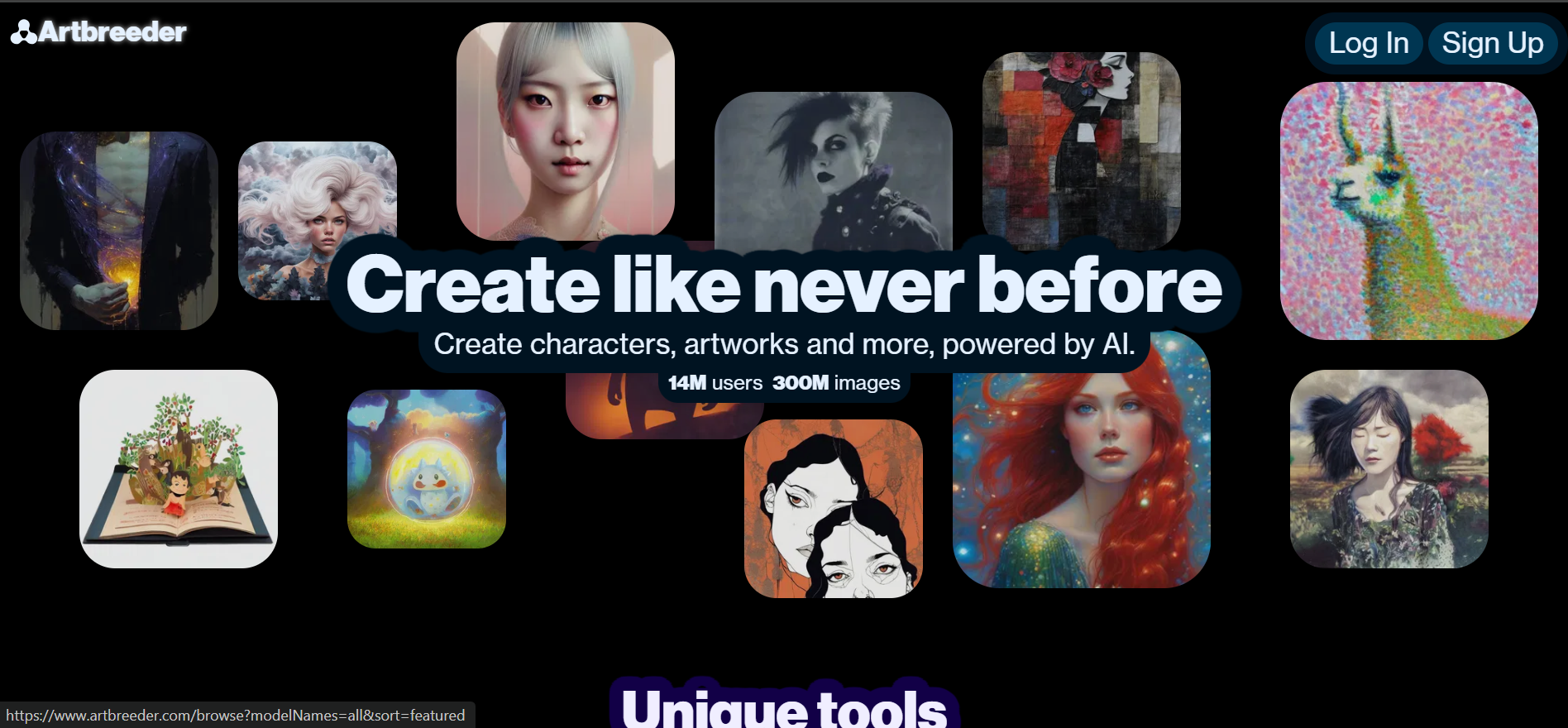
Review
Artbreeder is a collaborative AI platform for creating and evolving images using genetic-style blending. Users can combine or modify existing images to produce new characters, portraits, or abstract visuals. The platform is widely used by artists, storytellers, and game designers for character design, concept art, and experimental projects.
Artbreeder provides community-driven templates and remixing capabilities, allowing users to explore trends and iterate on visuals. Paid plans unlock high-resolution downloads and commercial rights, making the platform suitable for professional creative projects and portfolio development. Its unique genetic blending system encourages creative exploration.
Features
- AI-powered image creation and modification.
- Genetic-style blending to produce unique visuals.
- High-resolution downloads with paid plans.
- Multi-domain support: portraits, landscapes, abstract art.
- Community templates and remixing capabilities.
- Adjustable traits for precise customization.
- Collaboration through shared projects and community galleries.
Pros
- Creative control through trait adjustments.
- Community-driven collaboration and inspiration.
- High-resolution and commercial options with paid plans.
- Multi-domain flexibility for varied artistic needs.
- Encourages experimental and iterative design.
Cons
- Free plan limits image generations and resolution.
- Paid subscription required for high-res downloads.
- Customization depends on available traits and templates.
- Styles may overlap due to community-driven content.
- Limited API and automation options.
Pricing
- Free plan allows limited generation and access to community models.
- Starter plan: $8.99/month with extra image credits and downloads.
- Advanced plan: ~$18/month, high-resolution output and priority rendering.
- Enterprise plans include commercial licensing and API access.
- Source: Artbreeder official pricing.
Final Verdict
Artbreeder offers a unique, collaborative approach to AI image generation through genetic blending. It is ideal for character design, concept art, and creative experimentation.
Paid plans enhance usability with high-resolution downloads and commercial usage, making it suitable for professionals while maintaining an engaging, community-driven platform for creative exploration.
#9. Deep Dream Generator
Review
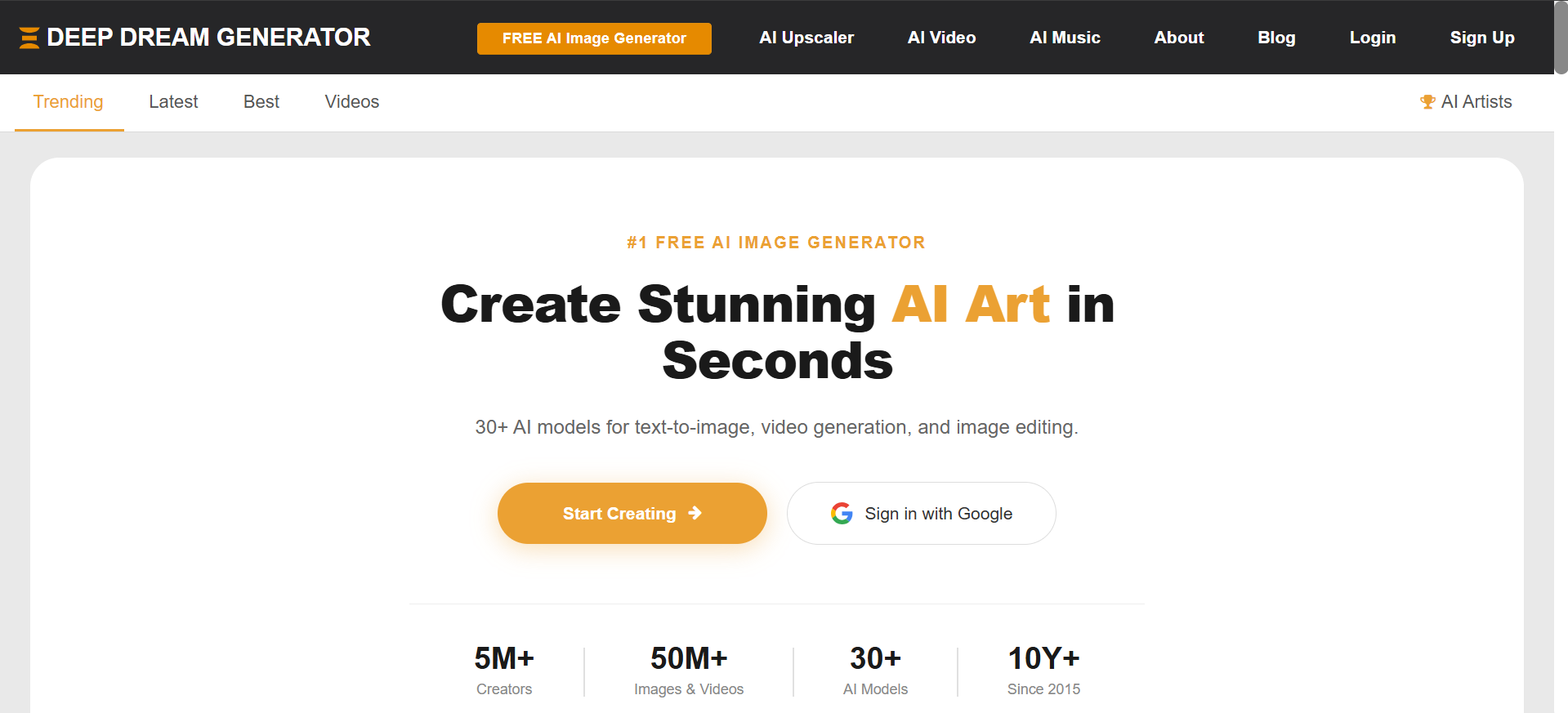
Deep Dream Generator uses neural networks to transform ordinary images into surreal, dream-like visuals. It highlights patterns and textures, producing abstract artistic effects. The platform is widely used for digital art, creative experimentation, and concept exploration. Users can experiment with multiple filters and styles to generate unique, eye-catching results.
The web-based tool is accessible from any browser, allowing quick image uploads and generation. Premium plans include high-resolution export, batch processing, and priority rendering. Deep Dream Generator combines creative exploration with structured neural processing, supporting both casual and professional artistic projects.
Features
- Neural network-based image processing.
- Generates surreal, abstract, and dream-like visuals.
- Multiple filters and style options.
- High-resolution output with premium plans.
- Web-based access from any device.
- Batch processing and faster rendering with paid plans.
- Community gallery for inspiration and trend-following.
Pros
- Creative exploration with neural network effects.
- Multiple style and filter options.
- Batch processing for professional use.
- High-resolution downloads available.
- Accessible via web browser without installation.
Cons
- Free plan includes watermarked images.
- Premium subscription required for high-resolution output.
- Large images may process slowly.
- Styles may not suit realistic projects.
- Limited collaboration and integration features.
Pricing
- Free plan: standard generation with watermark.
- Premium plan: $19/month for high-resolution images and faster processing.
- Advanced plan: ~$39/month, batch processing and priority access.
- Enterprise/API access available for commercial use.
- Source: Deep Dream Generator official pricing page.
Final Verdict
Deep Dream Generator is ideal for generating surreal and abstract AI art. Its neural network processing creates visually unique images that support creative experimentation.
With premium plans, users gain high-resolution outputs, batch generation, and faster processing, making it suitable for professional projects while maintaining a user-friendly web-based interface.
#10. Kaedim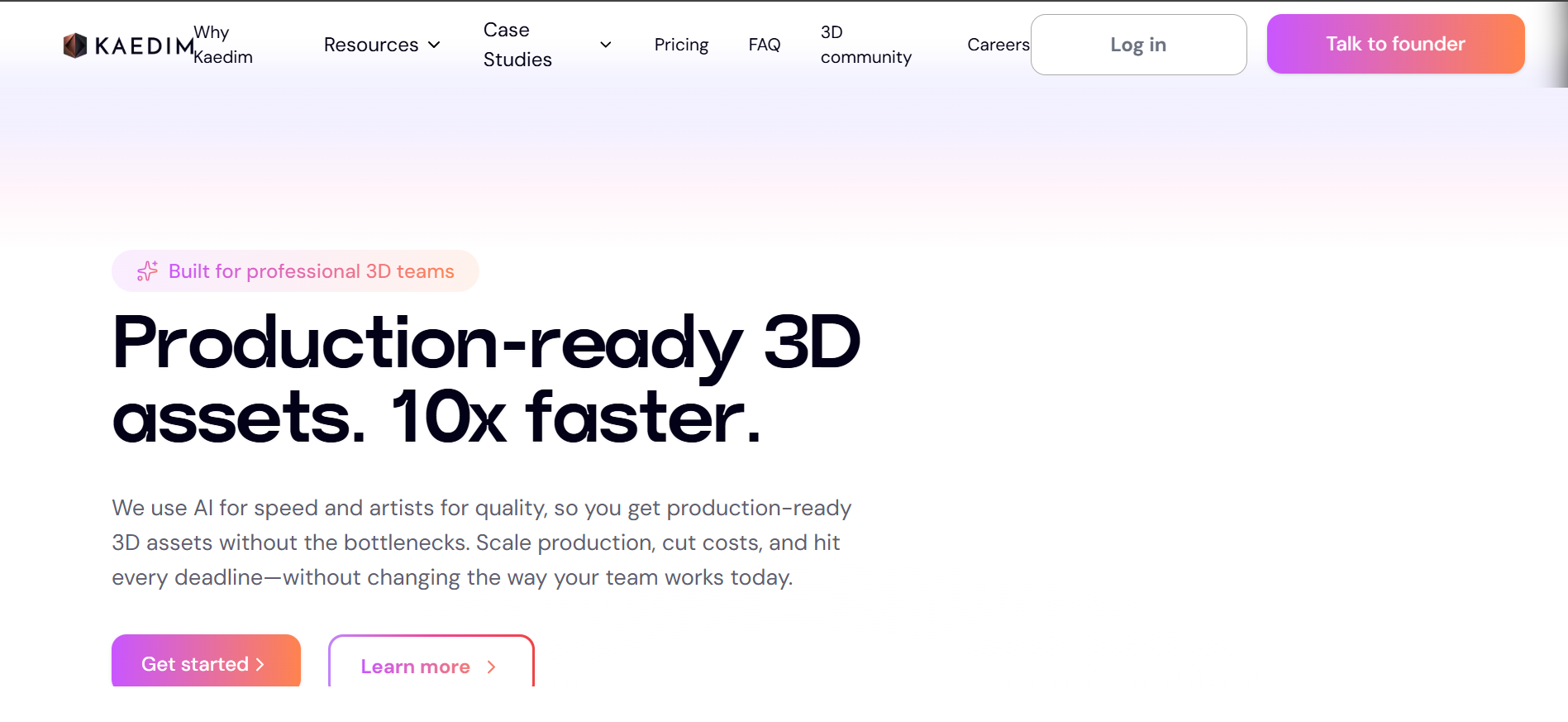
Review
Kaedim is an AI-powered tool that transforms 2D sketches into 3D models or high-quality images. It is tailored for game developers, 3D artists, and visualization professionals who require fast, accurate conversions from concept sketches to production-ready assets. Kaedim emphasizes speed, precision, and usability in professional workflows.
The platform supports collaboration for teams, allowing multiple users to contribute and refine models. Credits-based rendering allows scalable usage for larger projects, while commercial licensing ensures that outputs can be used professionally. Kaedim bridges the gap between artistic sketching and 3D visualization, streamlining concept-to-production workflows.
Features
- Converts 2D sketches into 3D models or high-quality images.
- High-resolution rendering with adjustable detail levels.
- Team collaboration tools for multiple users.
- Credit-based system for scalable rendering.
- Commercial usage rights included in paid plans.
- Fast rendering pipeline for rapid concept iteration.
- Supports integration with game engines and visualization tools.
Pros
- Efficient sketch-to-3D conversion.
- Supports commercial usage for professional projects.
- Collaboration features for teams.
- Fast, AI-powered rendering.
- Flexible export options for various applications.
Cons
- Free trial limited to a small number of renderings.
- Paid plans required for high-resolution output.
- Complex models may need multiple iterations.
- Team and enterprise features restricted to premium plans.
- Credits system may confuse new users.
Pricing
- Free trial: limited sketch-to-3D conversions.
- Paid plans: $30–$50/month for higher-quality outputs and commercial use.
- Enterprise solutions include collaboration and volume discounts.
- Credits-based system for additional renders and premium features.
- Source: Kaedim official website.
Final Verdict
Kaedim provides a robust AI-powered solution for converting 2D sketches into 3D assets and high-quality visuals. It reduces manual modeling effort, enabling rapid iteration for game developers, 3D artists, and visualization professionals.
Collaboration tools, commercial licensing, and scalable rendering make Kaedim ideal for both small teams and enterprises. The platform efficiently bridges the gap between conceptual sketches and production-ready assets, streamlining creative workflows.
Conclusion
Sketch-to-image AI rendering tools are transforming the way creators, designers, and artists bring their ideas to life. These platforms eliminate the traditional bottlenecks of manual rendering, enabling faster iterations and more efficient workflows. By converting simple sketches into high-quality visuals, AI tools allow professionals to focus on creativity and storytelling rather than technical execution.
Each AI tool provides a unique combination of speed, precision, and creative control, allowing users to experiment with styles, textures, and compositions effortlessly. By choosing the right sketch-to-image solution, professionals can streamline communication with clients, enhance team collaboration, and accelerate project timelines.
Ultimately, these AI platforms empower creators to turn rough concepts into visually compelling images that meet professional standards, helping ideas move seamlessly from imagination to impactful, finished visuals.
Frequently Asked Questions(FAQs)
What is sketch to image AI rendering?
Sketch to image AI rendering is a process where artificial intelligence converts hand-drawn sketches into realistic or stylized images. The AI interprets lines, shapes, and context to generate a complete visual output.
Who should use sketch to image AI tools?
Designers, architects, artists, product developers, and creative teams benefit the most. These tools help visualize concepts quickly and reduce manual rendering work.
Are sketch to image AI tools accurate?
Accuracy depends on the tool and the quality of the sketch. Advanced tools like ControlNet maintain strong structural accuracy, while creative tools focus more on style and aesthetics.
Can these tools be used for professional work?
Yes, many sketch to image AI platforms produce high-quality outputs suitable for client presentations, concept validation, and internal design workflows.
Do sketch to image AI tools replace manual rendering?
They reduce the need for manual rendering in early stages. For final production, designers may still refine outputs using traditional design tools.
