
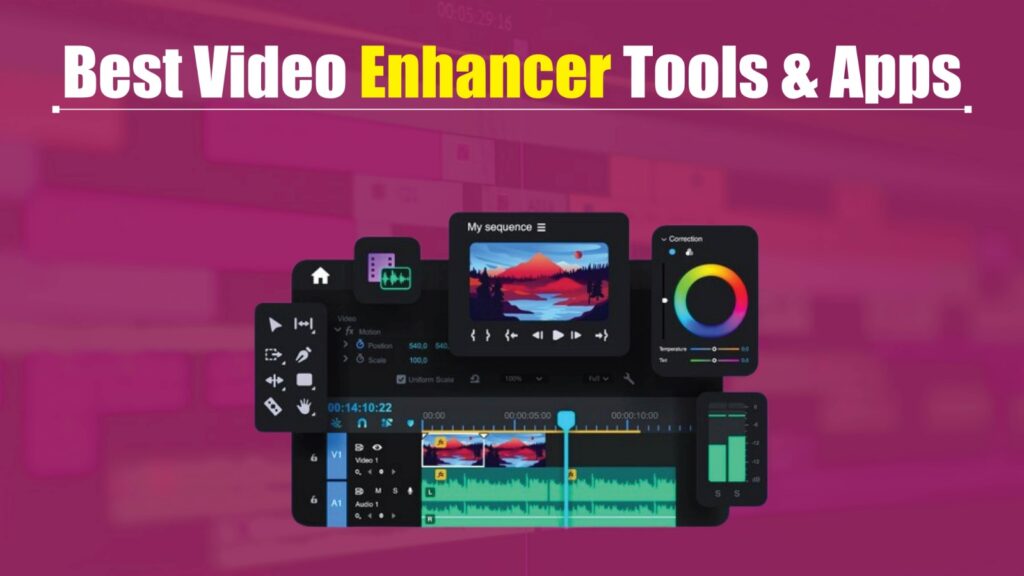
In a digital-first world, visuals play a powerful role in how audiences connect with content—whether it’s a cinematic music video, a live stream, a short-form vlog, or a full-length film. Viewers expect crisp visuals, smooth playback, and professional-grade quality, and anything less can instantly reduce engagement and credibility.
Fortunately, improving video quality is no longer a complex or time-consuming task. Modern video enhancer software uses advanced AI-driven algorithms to upgrade resolution, enhance brightness and contrast, sharpen details, reduce noise, and optimize colors—all with minimal effort. These tools can significantly improve footage recorded on webcams, smartphones, action cameras, or professional video equipment.
What makes today’s video enhancement tools truly valuable is their accessibility. You don’t need advanced editing skills or expensive post-production setups to create high-quality videos. With just a few clicks, creators can transform ordinary recordings into polished, professional-looking content. If your goal is to elevate visual quality, boost viewer retention, and produce standout videos effortlessly, video enhancer software is an essential part of your content creation workflow.
What is a Video Enhancer?
A video enhancer is a software tool or application designed to improve the visual and audio quality of videos. These tools use advanced algorithms, including AI and machine learning, to automatically adjust aspects like resolution, brightness, color balance, sharpness, and noise reduction. Video enhancers are used across industries—from professional filmmaking and marketing to social media content creation and personal videos.
In 2026, video enhancer tools go beyond basic editing. Many now include AI-driven upscaling, which converts lower-resolution videos into 4K or even 8K without losing detail, as well as stabilization for shaky footage, automated color grading, and noise removal for clear visuals and sound. Essentially, video enhancers allow creators to transform ordinary or old footage into high-quality, professional-looking content that’s optimized for any platform.
Key Benefits:
- Improve video clarity, color, and overall aesthetics.
- Upscale low-resolution videos to HD, 4K, or higher.
- Reduce noise, grain, and compression artifacts.
- Stabilize shaky or handheld footage for smoother playback.
- Save time with AI-powered automation instead of manual editing.
How Video Enhancers Work
Video enhancers leverage AI algorithms, machine learning, and advanced image processing techniques to automatically enhance video quality. These tools analyze every frame, detect imperfections, and apply corrections in real time or batch processing. Depending on the software, enhancements can include:
-
Upscaling: AI predicts missing details and increases video resolution while maintaining sharpness.
-
Noise Reduction: Grain, digital artifacts, and low-light distortions are minimized for cleaner visuals.
-
Color and Brightness Correction: Automatic adjustments optimize color grading, exposure, and contrast.
-
Stabilization: Shaky or handheld footage is smoothed out for professional-quality results.
-
Frame Interpolation: Some tools increase frame rates for smoother motion in slow-motion or high-speed videos.
-
Audio Enhancement: Background noise removal and sound leveling improve overall audio clarity.
Modern video enhancers are user-friendly, allowing creators to enhance videos with just a few clicks, while AI-driven engines handle complex tasks in the background. In 2026, these tools are not just for professionals—they are accessible to content creators, marketers, educators, and social media influencers looking to make visually compelling content with minimal effort.
How to Choose the Best AI Video Enhancer
Selecting the right AI video enhancer is essential if you want professional-quality results without complex editing. Not all video editing tools offer the advanced enhancement features required to significantly improve video quality, so it’s important to evaluate a few key factors before making a choice.
Start by checking the core enhancement controls. A reliable AI video enhancer should allow you to adjust brightness, contrast, saturation, hue, sharpness, and color temperature to refine your footage and achieve a natural, polished look.
Beyond basic controls, consider the following factors when choosing the best AI video enhancement software:
- Ease of Use: Choose a tool with a clean, intuitive interface that makes video enhancement simple, even for beginners. This ensures faster editing without a steep learning curve.
- AI-Powered Features: Look for strong AI capabilities such as automatic resolution upscaling, noise reduction, motion smoothing, and color correction. These features help enhance video quality with minimal manual effort.
- Advanced Adjustment Options: The best AI video enhancers offer flexible manual controls alongside AI automation, giving you full control over fine details like exposure, contrast balance, and color depth.
- Resolution and Format Support: Make sure the software supports high-resolution outputs, including HD, Full HD, and 4K, especially if you’re creating content for professional platforms or large displays.
When Do You Need a Good AI Video Enhancer App?
An AI video enhancer app becomes essential when your footage doesn’t turn out the way you planned—especially when recording in challenging environments or on the go. Instead of reshooting, these tools allow you to fix common video quality issues quickly and effectively.
You may need a video enhancer app when:
- Camera shake affects clarity, causing motion blur or unstable footage
- Poor lighting conditions result in dark, dull, or low-visibility videos
- Low-resolution recordings reduce viewing quality and audience engagement
- You want to enhance visuals with filters, effects, or improved color balance
With the ability to adjust lighting, upscale resolution, reduce blur, and stabilize shaky clips, AI-powered video enhancers make it easy to transform average footage into eye-catching content. In just a few taps, you can improve video quality, boost viewer retention, and make your videos more appealing across social media, streaming platforms, and professional projects.
Key Features of Video Enhancer Tools in 2026
Video enhancer tools in 2026 are more advanced than ever, thanks to AI-powered technologies, machine learning, and cloud computing. Whether you’re a professional filmmaker, marketer, or content creator, these features make it easier to produce high-quality, engaging videos in less time.
1. AI-Powered Upscaling
Modern enhancers can upscale videos from SD or HD to 4K or even 8K without losing details. AI algorithms predict missing pixels, refine textures, and preserve sharpness, making old or low-resolution footage look professional.
2. Noise and Grain Reduction
Grainy or low-light footage is automatically cleaned up. Tools remove digital artifacts, video noise, and compression issues while maintaining natural details.
3. Color Correction & Grading
Enhancers adjust brightness, contrast, and color balance automatically. Some platforms offer AI-driven cinematic color grading to make videos visually striking without manual editing.
4. Stabilization & Motion Correction
Shaky or handheld footage can be stabilized in real time. Some tools even allow motion smoothing for fast-moving subjects, ensuring professional-quality output.
5. Frame Rate Enhancement & Slow Motion
Frame interpolation technology allows creators to increase frame rates, making slow-motion clips smoother or converting low-FPS footage into high-FPS video.
6. Audio Enhancement & Noise Removal
Some enhancers also improve sound quality by removing background noise, leveling audio, and enhancing speech clarity—ideal for tutorials, vlogs, and professional presentations.
7. Batch Processing & Automation
Modern tools allow multiple videos to be enhanced simultaneously, saving time for marketers or content creators handling large libraries of footage.
8. User-Friendly Interface
Even with advanced AI features, top video enhancers in 2026 focus on intuitive drag-and-drop interfaces, requiring little technical knowledge to achieve professional results.
9. Cloud Integration
Some platforms use cloud processing, which reduces the need for high-end hardware and allows faster rendering of large, high-resolution files.
10. Multi-Platform Export Options
Videos can be optimized for social media platforms, streaming services, or professional broadcasts, ensuring the best quality for any audience.
By combining these features, 2026 video enhancer tools allow creators to transform ordinary footage into visually stunning, high-converting videos—whether for marketing, social media, or entertainment purposes.
10 Best Video Enhancer Tools and Apps for 2026
Here is the list of the 10 best video enhancer tools and apps for 2026 to improve video quality, clarity, and resolution effortlessly:
- Gling
- Wondershare Filmora
- Videoleap
- Fotor Video Enhancer
- HitPaw Video Enhancer AI
- VEED
- AVCLabs Video Enhancer AI
- Movavi Video Editor
- Flixier
- Topaz Video Enhance AI
1. Gling
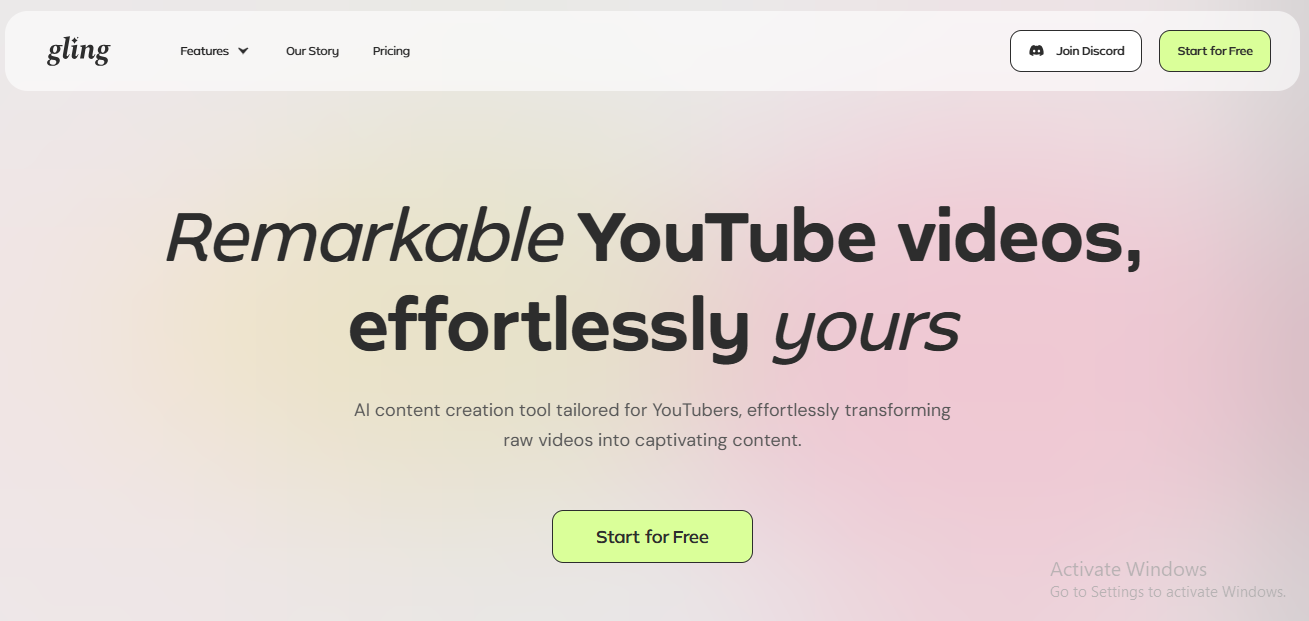
Gling AI is a purpose-built video editing tool designed for YouTubers who create talking-head content. It uses artificial intelligence to automatically remove filler words, awkward pauses, and bad takes, allowing creators to clean up footage without manually scrubbing timelines. This automation helps deliver sharper, more engaging videos in a fraction of the usual editing time.
The platform is extremely easy to use, making it ideal for creators who want to focus on storytelling rather than technical editing. Gling also enhances videos with AI-generated captions, smart jump cuts, and background noise removal. It integrates smoothly with professional editing software such as Final Cut Pro, DaVinci Resolve, and Adobe Premiere, fitting naturally into existing production workflows.
Although Gling is optimized mainly for English-language content and does not replace full-scale video editors, it excels at speeding up repetitive editing tasks. For content creators and YouTubers looking to produce polished videos quickly, Gling is a highly effective solution.
Key Features:
- Automated removal of filler words, silences, and bad takes
- AI-generated captions, jump cuts, and noise reduction
- Seamless compatibility with professional editing software
- Specifically optimized for talking-head video content
- Limited advanced editing features compared to full editors
2. Wondershare Filmora
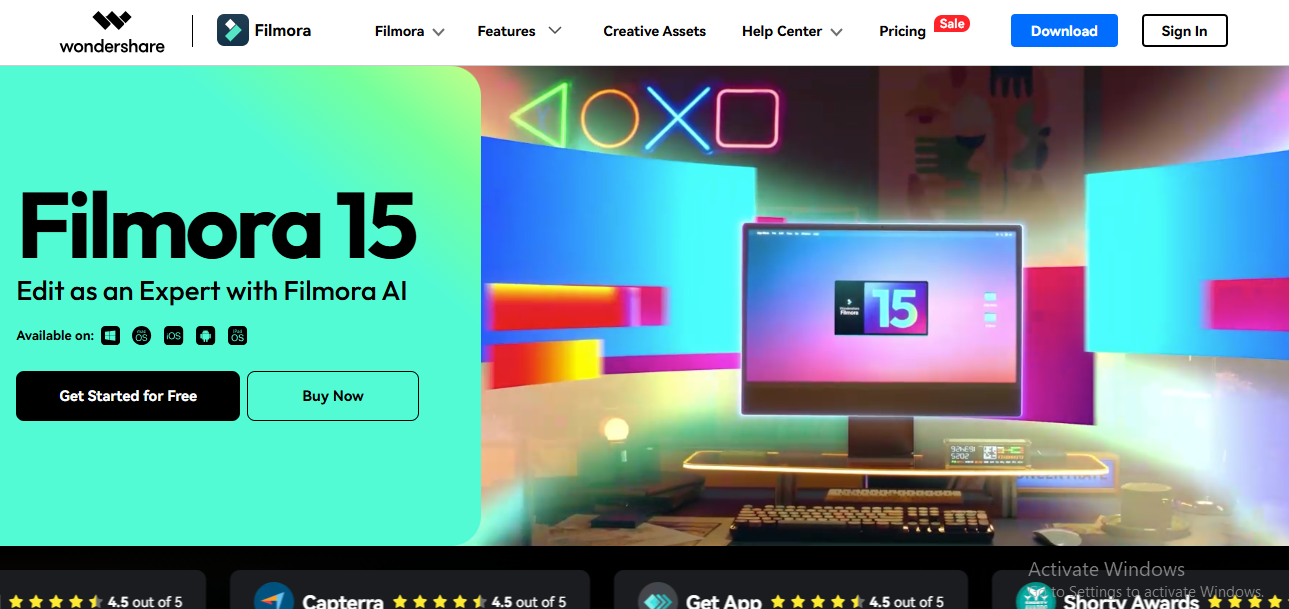
Wondershare Filmora is a feature-rich video enhancer and editor available for both Windows and Mac users. It supports over 50 video formats, including 4K, and offers a wide range of built-in audio and visual effects that help elevate video quality with minimal effort.
The software includes advanced editing tools alongside Filmstock effects, making it suitable for small businesses, educators, studios, and content creators. One of its standout features is AI Portrait, which automatically detects people in videos and simplifies background editing and object separation, significantly reducing manual work.
With its balance of powerful features and an easy learning curve, Wondershare Filmora is ideal for users who want professional-looking videos without complex workflows or technical expertise.
Key Features:
- Keyframing for precise motion control
- Extensive audio and video effects library
- Ready-to-use presets and templates
- Advanced color correction and adjustments
- Supports high-resolution and 4K video editing
3. Videoleap

Videoleap, developed by Lightricks, is an AI-powered video editing app built for creators who want visually striking and imaginative content. Designed with simplicity in mind, it allows users to edit, personalize, and share videos from a single intuitive platform.
The app offers powerful tools for removing backgrounds and objects, adding blur effects, and applying creative AI filters. Videoleap also makes it easy to experiment with AI avatars, cinematic transitions, and visually immersive effects without advanced editing skills.
Creators can save time by using hundreds of ready-made AI video templates or customizing their own to achieve standout results. Videoleap is especially popular for social media, short-form videos, and creative storytelling.
Key Features:
- AI-based background and object removal
- Creative AI filters and video effects
- Blur tools to highlight key subjects
- Infinite zoom effects from a single frame
- Pre-designed AI video templates for quick creation
4. Fotor – Video Enhancer

Fotor’s AI-powered video enhancer is designed for users who want to improve video quality quickly without dealing with complex editing tools. This online solution uses advanced artificial intelligence to automatically enhance videos by improving sharpness, brightness, and color balance. It supports popular formats such as MP4, MOV, and WebM, making uploads and exports seamless across platforms.
With just one click, Fotor can turn low-resolution or dull-looking footage into clearer, more vibrant visuals. Its AI sharpening technology reduces blur and enhances fine details, while automatic color correction boosts saturation for a more natural and appealing look. The tool is also effective for low-light videos, intelligently adjusting highlights and shadows while reducing visual noise.
Because Fotor works directly in your browser and on mobile devices, there’s no need for software installation. This makes it a convenient option for creators who want fast results, whether they’re enhancing personal videos or refining content for social media and marketing campaigns.
Key Features
- Supports MP4, MOV, and WebM video formats
- AI-powered sharpening, brightness, and color enhancement
- One-click video quality improvement
- Noise reduction and low-light optimization
- Accessible on web and mobile without installation
5. HitPaw Video Enhancer AI
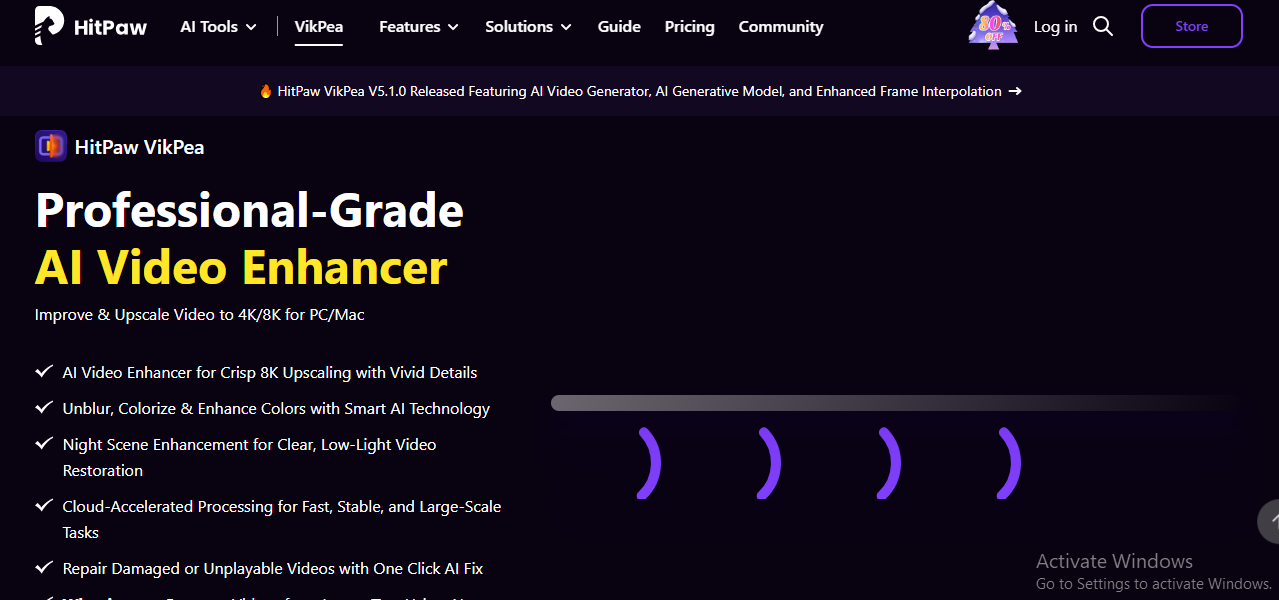
HitPaw Video Enhancer AI is built for users who want dramatic improvements in video resolution and clarity. It relies on advanced AI models to upscale and refine videos, making it especially effective for restoring low-quality footage and enhancing visual details.
The software uses three dedicated AI models. The Denoise Model improves low-light and grainy footage, the Animation Model enhances anime and animated videos by sharpening lines and improving color accuracy, and the Face Model focuses on human faces by adjusting brightness, contrast, and saturation for a more polished look. Together, these models deliver impressive results across different video types.
HitPaw is particularly well-suited for creators who want to upscale videos to higher resolutions, including 4K and even 8K, while maintaining natural-looking details.
Key Features
- AI-powered video upscaling
- Advanced noise reduction for low-quality footage
- Optimized models for anime and human faces
- Supports video enhancement up to 8K resolution
6. VEED
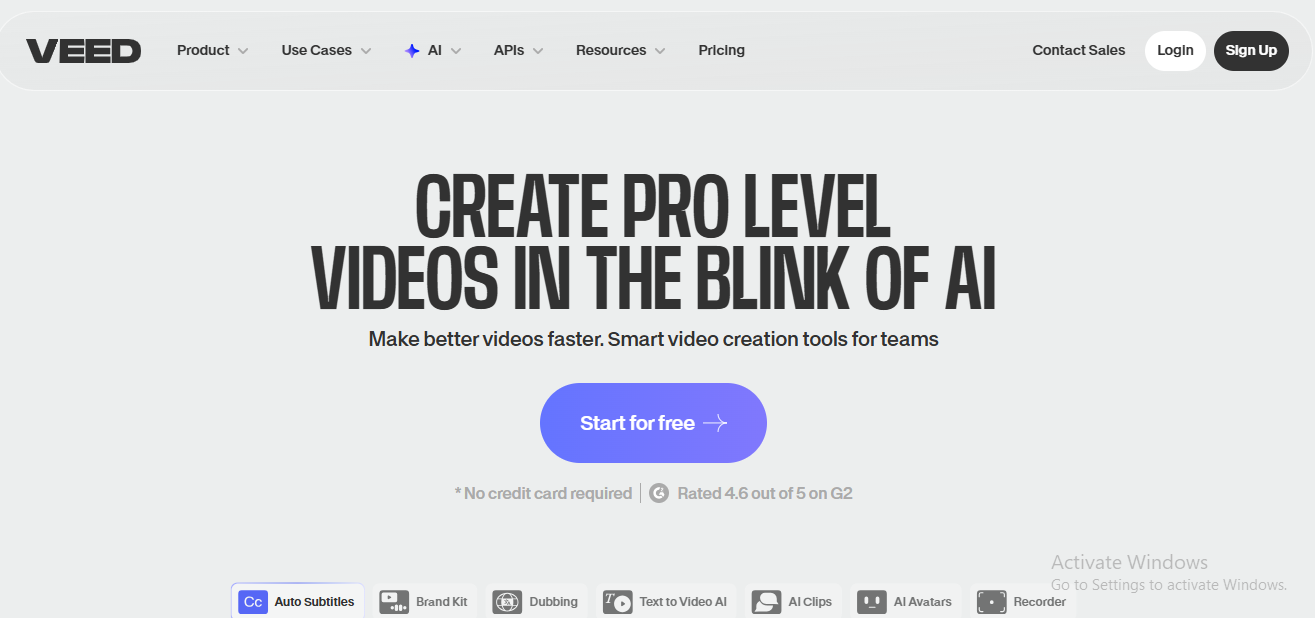
VEED is a browser-based AI video editor that focuses on simplicity, speed, and professional results. One of its strongest capabilities is AI-powered audio cleanup, which automatically detects and removes background noise such as traffic, wind, static, or office sounds, delivering clear and polished audio.
Beyond audio enhancement, VEED allows users to create professional-looking videos with minimal effort. You can easily adjust resolution, frame rate, lighting, and video dimensions, as well as add background music, voiceovers, and visual effects. Its AI tools help streamline the editing process, making it accessible even for beginners.
VEED also excels in accessibility features. The auto subtitle and transcription tool instantly generates subtitles, helping creators reach wider audiences. With additional tools like filters, camera effects, green screen editing, and screen recording, VEED serves as an all-in-one online video editing and enhancement platform.
Key Features
- AI-based background noise removal
- Auto subtitles and video transcription
- Easy control over resolution, frame rate, and lighting
- Built-in filters, effects, and green screen tools
- Fully browser-based with no downloads required
7. AVCLabs Video Enhancer AI
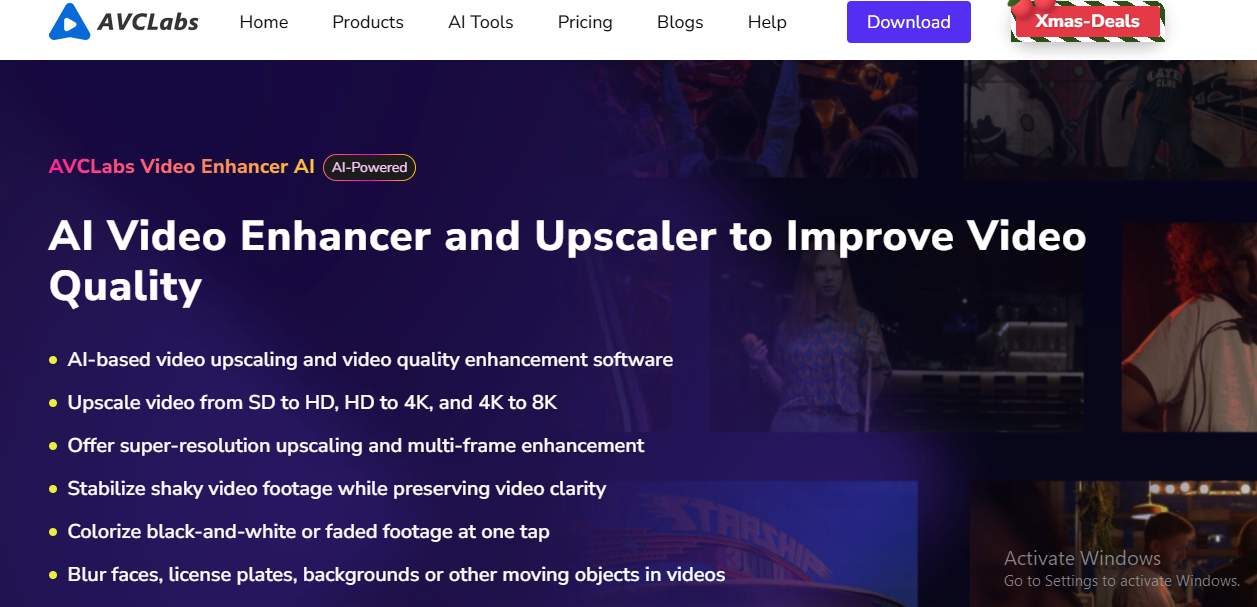
AVCLabs Video Enhancer AI is a powerful solution for users who want to upscale and restore video quality using advanced neural network technology. The software is designed to enhance videos across multiple resolutions, allowing smooth upscaling from SD to HD, HD to 4K, and even 4K to 8K while preserving fine details.
Unlike traditional upscaling methods that often cause pixelation and loss of clarity, AVCLabs uses super-resolution and multi-frame enhancement techniques. By analyzing information across multiple frames, the AI reconstructs sharper, more detailed visuals while reducing noise, artifacts, and blur. It also automatically balances brightness, contrast, and saturation for a natural-looking result.
AVCLabs is especially effective for restoring older content such as vintage films, TV shows, and anime, making them suitable for modern HD and UHD displays. Whether you’re improving TikTok videos or reviving archived footage, this tool delivers noticeably cleaner and sharper results.
Key Features
- AI-powered upscaling from SD to HD, 4K, and 8K
- Super-resolution and multi-frame enhancement
- Removes noise, blur, and compression artifacts
- Optimizes brightness, contrast, and color balance
- Ideal for restoring old films, TV shows, and anime
8. Movavi Video Editor
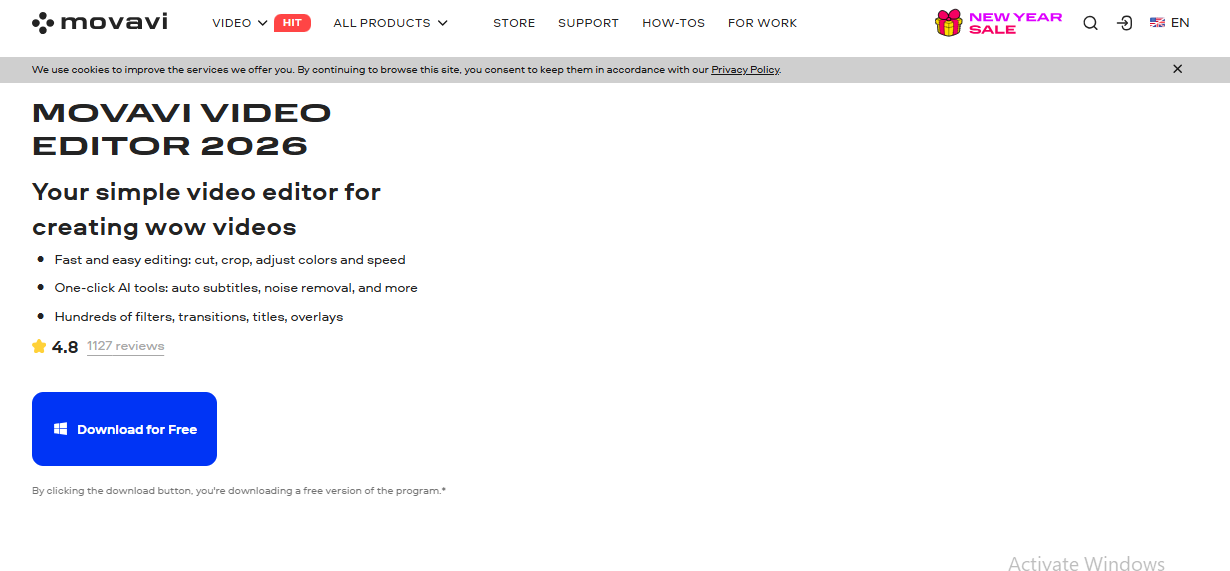
Movavi Video Editor provides a well-rounded set of video enhancement and editing tools designed for speed, simplicity, and creative flexibility. It is particularly popular among creators who want quick edits without sacrificing visual quality.
The software includes an intuitive audio denoiser that removes unwanted background sounds such as wind, traffic, and ambient noise. Movavi also allows instant background replacement, making it easy to change environments without complex masking. With a wide selection of LUTs, overlays, titles, and transitions, users can enhance videos with a modern, polished look.
Video resizing is straightforward, with options to adjust aspect ratios for different platforms while choosing whether to crop footage or retain black bars. Combined with fast exports, Movavi is well-suited for social media creators and marketers.
Key Features
- Audio denoising and background replacement
- Fast editing tools: trim, crop, resize, merge, and flip
- 180+ visual filters including VHS, Glitch, and Blur
- Stylish transitions, titles, and intros
- Color correction and highlight enhancement
- High-speed exports for quick publishing
9. Flixier
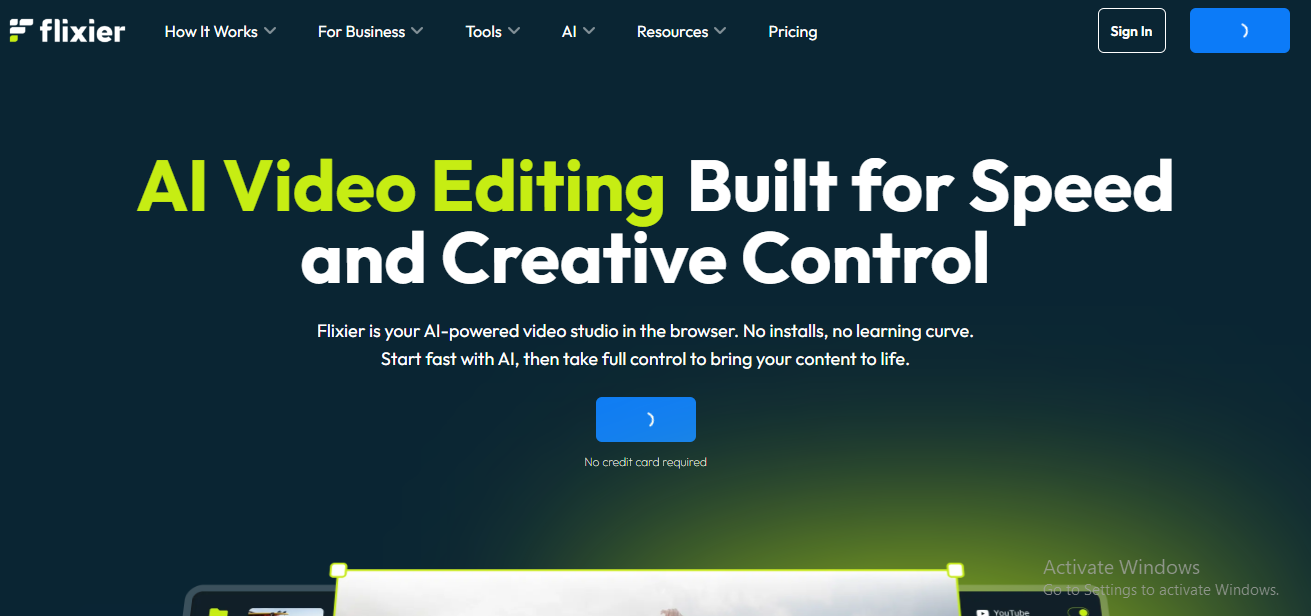
Flixier is a cloud-based video editor that allows users to create and enhance videos directly from their browser. It eliminates the need for downloads or installations, making it accessible on virtually any computer, regardless of hardware specifications.
The platform uses AI-powered tools to add text, subtitles, images, audio, transitions, and effects within minutes. Its drag-and-drop interface makes editing simple for beginners while still offering enough flexibility for experienced creators. Projects are automatically saved in the cloud, allowing seamless editing from home, work, or while traveling.
One of Flixier’s standout features is its fast cloud rendering technology, which can export videos in as little as one to three minutes—even on low-spec devices. This makes it ideal for teams and individuals who need quick turnaround times.
Key Features
- Fully browser-based with no installation required
- Cloud storage with instant project access
- AI-powered text, subtitle, and media tools
- Drag-and-drop editing interface
- Extremely fast cloud rendering
10. Topaz Video Enhance AI
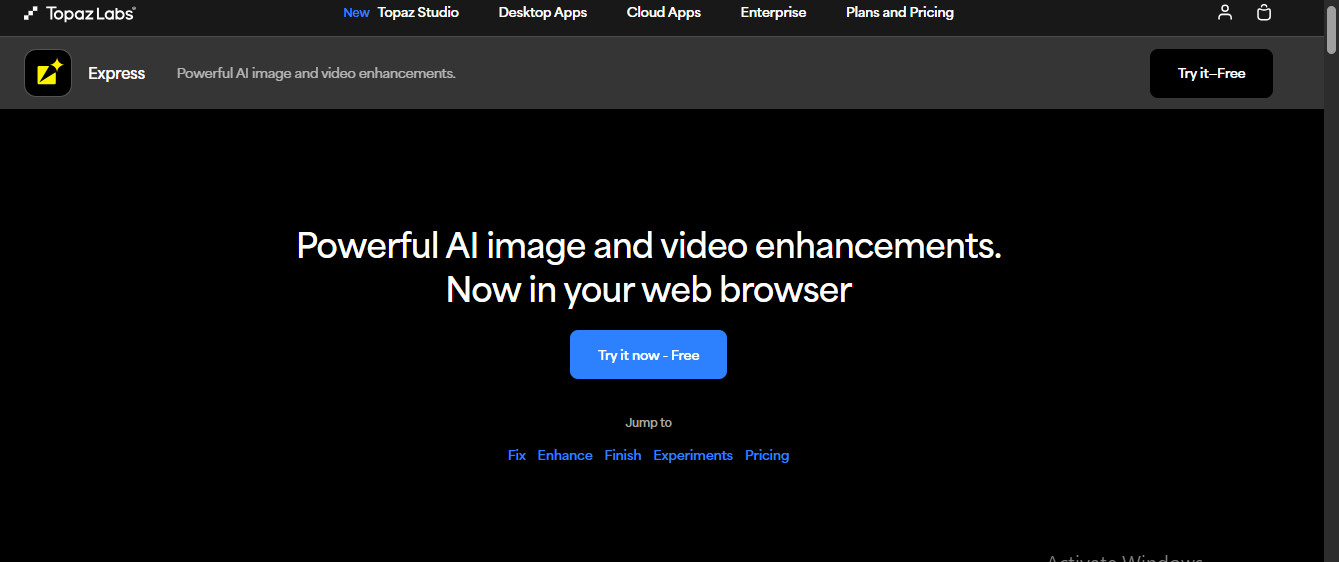
Topaz Video Enhance AI is a professional-grade video upscaling and restoration tool developed by Topaz Labs. It uses advanced machine learning models to significantly improve video resolution, allowing creators to upscale footage up to 8K while preserving natural detail and visual accuracy. This makes it a preferred choice for filmmakers, video editors, and restoration professionals.
Beyond upscaling, Topaz offers a wide range of enhancement capabilities, including denoising, deinterlacing, slow-motion processing, trimming, and video restoration. Its AI engine is trained on thousands of real-world videos, enabling it to intelligently detect and correct imperfections such as blur, flicker, color inconsistencies, and compression artifacts.
What sets Topaz apart is the level of control it provides. Users can fine-tune enhancement settings to achieve precise, high-quality results tailored to their specific footage. Whether you’re restoring old videos or enhancing modern content for high-resolution displays, Topaz delivers clean, realistic, and professional outputs.
Key Features
- Advanced machine learning-based video enhancement
- Upscales videos up to 8K resolution
- Powerful tools for denoising, deinterlacing, and restoration
- Supports trimming and slow-motion effects
- AI models trained on thousands of real-world videos
Final Verdict
AI video enhancer tools have completely changed the way creators improve video quality. Whether you’re fixing low-resolution footage, removing noise, stabilizing shaky clips, or upscaling videos to 4K and 8K, modern AI-powered software makes the process fast, accurate, and beginner-friendly. From lightweight online tools like Fotor and VEED to professional-grade solutions such as Topaz Video Enhance AI and AVCLabs, there’s an option for every skill level and use case.
If you’re a YouTuber or content creator focused on speed and automation, tools like Gling and VEED are excellent choices. For creative effects and social media content, Videoleap and Movavi stand out. Meanwhile, users who need serious upscaling and restoration will benefit most from HitPaw, AVCLabs, or Topaz. Overall, choosing the right AI video enhancer depends on your workflow, output quality requirements, and whether you prioritize simplicity or advanced control.
Frequently Asked Questions (FAQs)
What is an AI video enhancer?
An AI video enhancer is a software tool that uses artificial intelligence to improve video quality by enhancing resolution, reducing noise, correcting colors, sharpening details, and stabilizing footage automatically.
Can AI video enhancers really improve low-resolution videos?
Yes, advanced AI models can upscale videos from SD or HD to 4K or even 8K by reconstructing missing details and reducing blur, producing noticeably clearer results than traditional upscaling.
Are AI video enhancer tools suitable for beginners?
Many AI video enhancers are designed with beginners in mind. Tools like Fotor, VEED, and Filmora offer one-click enhancements and simple interfaces that don’t require editing experience.
Which AI video enhancer is best for professional use?
For professional-grade results, Topaz Video Enhance AI and AVCLabs Video Enhancer AI are among the best options due to their advanced machine learning models and precise control over enhancement settings.
Do online AI video enhancers reduce video quality?
High-quality online tools do not reduce video quality. However, results may depend on export settings and file compression. Choosing the correct resolution and format ensures optimal output.
