
Have you ever wondered how successful Instagram creators manage content, grow their audience, and stay consistent? You’re not alone. With so many tools available, choosing the right app can feel confusing.
The right Instagram application can help you save time, improve content quality, schedule posts, and track performance more effectively. Whether you’re a creator, influencer, or business owner, having the right tools can accelerate your growth.
In this guide, we’ll explore the best Instagram applications for creators and businesses and help you find the right tools for your goals.
What Are Instagram Creator Applications?
Instagram creator applications are software tools designed to help individuals and businesses plan, create, schedule, publish, analyze, and optimize content on Instagram. These applications extend Instagram’s native capabilities by providing advanced scheduling, analytics, design, and audience management features that the platform itself does not offer.
These tools analyze performance data including engagement rates, reach, follower growth, best posting times, and content format performance. Based on this data, creators and businesses can make informed decisions about content strategy, posting cadence, and audience targeting.
Modern Instagram applications integrate with Meta’s official API, third-party design platforms, e-commerce systems, and analytics dashboards. Creators use these tools to reduce content production time, improve posting consistency, and generate data-driven insights that improve account performance over time.
Why Do Creators and Businesses Need Instagram Applications?
As Instagram’s algorithm increasingly rewards consistency, engagement quality, and content diversity across Reels, Stories, and feed posts, managing an Instagram presence manually has become significantly more complex and time-consuming. Instagram applications help creators and businesses manage this complexity more efficiently.
One primary benefit is scheduling and automation. According to social media management research, creators who schedule content in advance post 3x more consistently than those managing publishing manually, and posting consistency is one of the strongest predictors of algorithmic reach growth on Instagram.
Instagram applications also provide performance analytics beyond what Instagram Insights delivers natively. Advanced analytics tools identify which content formats, posting times, caption structures, and hashtag combinations produce the highest engagement and reach for each specific account.
Additionally, design applications purpose-built for Instagram enable creators to produce professional-quality visual content without the technical expertise required in professional design software. This democratization of content production quality has become a critical competitive factor in saturated Instagram niches.
Who Should Use Instagram Creator Applications?
Instagram creator applications benefit a wide range of users across content categories and business types, including:
- Individual content creators building audience and monetization across niches
- Small businesses using Instagram as a primary customer acquisition channel
- eCommerce brands managing product photography, promotions, and shopping tags
- Social media managers handling multiple client Instagram accounts simultaneously
- Marketing agencies delivering Instagram growth and content services to clients
- Influencers managing brand partnership content calendars and performance reporting
- Coaches and educators selling digital products through Instagram audiences
- Restaurants, retailers, and service businesses driving local customer engagement
Regardless of content category, any creator or business that values posting consistency, content quality, audience growth, and performance analytics benefits from implementing at least one dedicated Instagram management or creation application.
Things to Consider Before Choosing an Instagram Application
| Factor | Why It Matters |
| Scheduling Capability | Enables consistent posting without manual daily publishing |
| Analytics Depth | Identifies content performance patterns beyond native Instagram Insights |
| Design Features | Determines visual content quality achievable within the tool |
| Platform Integration | Confirms compatibility with existing workflow tools |
| Account Limit | Determines suitability for agencies managing multiple accounts |
| Ease of Use | Reduces time investment in tool management versus content creation |
| Pricing Structure | Ensures the application fits creator or business budget constraints |
| Content Calendar View | Provides visual posting schedule planning and management |
| Hashtag Research Tools | Supports discoverability optimization for each post |
| Customer Support | Ensures issue resolution without disrupting posting schedules |
Top 10 Best Applications for Instagram Creators and Businesses in 2027
Here are the 10 best applications for Instagram creators and businesses available today:
- Later
- Canva
- Hootsuite
- Planoly
- Buffer
- Sprout Social
- Adobe Lightroom Mobile
- CapCut
- Iconosquare
- Metricool
Now that we’ve identified the leading Instagram creator and business applications in 2027, let’s examine each tool in detail, including its core features, advantages, limitations, pricing, and ideal user profile.
1. Later – Social Media Scheduler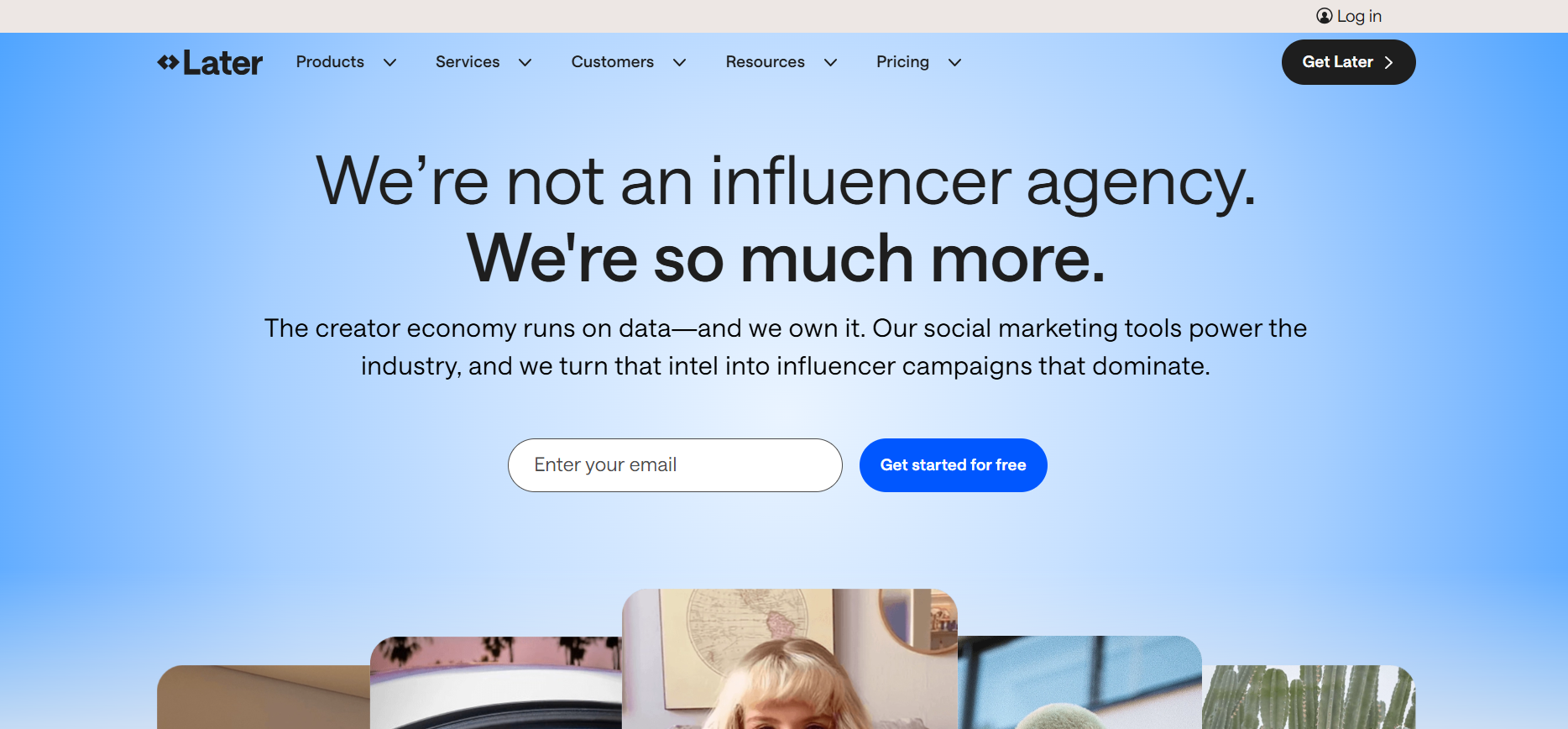
About
Later is a visual social media scheduling platform built specifically around Instagram content planning and publishing. According to Later’s platform documentation, the application manages over 7 million social media profiles globally and processes more than 1 billion scheduled posts annually across its customer base.
The platform’s visual content calendar allows creators and businesses to drag and drop photos and videos into a visual grid preview that replicates how the Instagram feed will appear to followers. This visual planning capability allows users to manage feed aesthetics and content sequencing before publishing, a feature that native Instagram scheduling tools do not provide.
Later integrates with Instagram’s official API, ensuring scheduled posts publish reliably without violating Meta’s terms of service. The platform also supports scheduling for TikTok, Pinterest, Facebook, Twitter, and LinkedIn, making it viable for creators managing presence across multiple platforms simultaneously.
Review
Later stands out for its combination of visual planning, scheduling reliability, and analytics depth. According to Later’s published usage data, creators who use the visual content calendar feature post 35% more consistently than those scheduling without grid preview, because the visual planning tool makes content gaps visible before they affect posting cadence.
The platform’s analytics module provides engagement rate tracking, follower growth trends, best time to post recommendations, and story performance data that exceed the depth of Instagram’s native Insights dashboard. This analytics depth allows creators to make content strategy adjustments based on specific performance data rather than general engagement observations.
Later’s Linkin.bio feature allows creators to build a customizable landing page linked from the Instagram bio that converts profile visitors into website traffic, email subscribers, and product buyers without requiring a separate link-in-bio tool subscription.
Features
- Visual drag-and-drop content calendar
- Instagram grid preview before publishing
- Auto-publish for photos, videos, carousels, and Reels
- Story scheduling and publishing
- Best time to post recommendations
- Engagement rate and follower growth analytics
- Linkin.bio landing page builder
- Hashtag suggestion tool
- Multi-platform scheduling (TikTok, Pinterest, Facebook)
- Media library with asset organization
Pros
- Visual grid preview eliminates feed aesthetic guesswork
- Reliable auto-publish through Meta’s official API
- Analytics depth exceeds native Instagram Insights
- Linkin.bio eliminates need for a separate link-in-bio subscription
- Accessible pricing for individual creators and small businesses
Cons
- Advanced analytics features require higher-tier plan subscriptions
- Video scheduling for Reels requires additional setup compared to photo posts
Final Verdict
Later is the strongest visual scheduling platform for Instagram creators and businesses that prioritize feed aesthetics, posting consistency, and analytics-informed content strategy within an accessible pricing structure.
2. Canva – Graphic Design Platform
About
Canva is a cloud-based graphic design platform that provides Instagram creators and businesses with professional-quality design templates, brand kit management, and content creation tools accessible without advanced design expertise. According to Canva’s published platform data, the application hosts over 150 million monthly active users and offers more than 1 million templates across social media, presentation, print, and video categories.
The platform’s Instagram-specific template library includes pre-sized designs for feed posts, Stories, Reels covers, carousel slides, and highlight covers. This format-specific template organization eliminates the manual sizing and layout work that slows content production for creators operating without in-house design teams.
Canva’s Brand Kit feature allows businesses and creators to store brand colors, fonts, and logos within the platform, ensuring visual consistency across all Instagram content without manually reapplying brand elements to each new design.
Review
According to Canva’s usage research, teams using Brand Kit produce Instagram content 40% faster than those managing brand elements manually across individual design files. This production speed advantage compounds significantly for businesses publishing daily Instagram content across multiple formats.
The platform’s Magic Resize tool allows creators to produce a single design and automatically resize it for every Instagram format simultaneously, including square feed posts, vertical Stories, and landscape banner formats. This one-design, multi-format capability reduces the time investment in content production without reducing visual quality across formats.
Canva’s free tier provides substantial design capability, making it the most accessible professional design tool for early-stage creators operating before monetization. The Pro tier unlocks Brand Kit, Magic Resize, background remover, and premium template access at a price point accessible to individual creators and small business budgets.
Features
- 1 million+ Instagram-specific design templates
- Brand Kit for colors, fonts, and logo storage
- Magic Resize for multi-format content production
- Background remover tool
- Photo editing and filter application
- Video creation and editing for Reels
- Team collaboration on shared design files
- Content planner with direct Instagram scheduling
- Stock photo and illustration library
- Presentation and document design alongside social content
Pros
- Professional-quality design accessible without design expertise
- Brand Kit ensures visual consistency across all Instagram content
- Magic Resize reduces multi-format production time significantly
- Generous free tier suitable for individual creators
- Direct Instagram scheduling eliminates workflow switching between tools
Cons
- Advanced animation and motion graphic capability is limited compared to professional design software
- Template-based designs may produce visual similarity with other creators using the same assets
Final Verdict
Canva is the strongest content creation application for Instagram creators and businesses requiring professional-quality visual design, brand consistency, and multi-format content production without the expertise requirements or cost of professional design software.
3. Hootsuite – Social Media Management
About
Hootsuite is a comprehensive social media management platform serving individual creators, marketing teams, and agencies managing Instagram alongside multiple other social platforms. According to Hootsuite’s published platform data, the application supports over 200,000 paying customers globally and manages social media accounts across more than 35 platform integrations.
The platform provides a unified dashboard for scheduling, publishing, monitoring, and reporting across Instagram, Facebook, LinkedIn, Twitter, TikTok, and Pinterest simultaneously. This multi-platform management capability makes Hootsuite particularly valuable for social media managers and agencies handling diverse platform portfolios on behalf of multiple clients.
Hootsuite’s social listening and monitoring features allow businesses to track brand mentions, competitor activity, and industry keyword conversations across social platforms in real time. This monitoring capability enables faster response to customer comments, competitor campaigns, and emerging conversation opportunities.
Review
According to Hootsuite’s productivity research data, social media managers using Hootsuite’s unified scheduling dashboard reduce content publishing time by an average of 2.5 hours per week compared to platform-native publishing workflows. This time saving compounds significantly for agencies managing 10 or more Instagram accounts simultaneously.
The platform’s team collaboration features include role-based permissions, post approval workflows, and shared content libraries that enable agencies to implement quality control processes before publishing client content. This approval infrastructure reduces the risk of publishing errors that damage client relationships.
Hootsuite’s reporting module generates automated performance reports across all connected social platforms, providing agencies and marketing teams with client-ready analytics documents without manual data compilation from multiple platform dashboards.
Features
- Multi-platform unified scheduling dashboard
- Instagram auto-publish for feed posts, Stories, and Reels
- Social listening and brand monitoring
- Team collaboration with approval workflows
- Role-based account access permissions
- Automated performance reporting
- Bulk content scheduling via CSV upload
- Content library for asset management
- Instagram and Facebook ad management integration
- Inbox management for comment and message responses
Pros
- Strongest multi-platform social management capability in the market
- Team collaboration and approval workflows reduce publishing errors
- Automated reporting eliminates manual analytics compilation for agencies
- Bulk scheduling via CSV accelerates content calendar management
- Comprehensive social listening for brand and competitor monitoring
Cons
- $$$ pricing positions it above individual creator budgets
- Interface complexity requires a learning curve for new users
- Instagram-specific features are less refined than Instagram-first tools like Later or Planoly
Final Verdict
Hootsuite is the strongest multi-platform social media management application for marketing agencies and enterprise businesses requiring team collaboration, approval workflows, social listening, and automated reporting across multiple client Instagram accounts simultaneously.
4. Planoly – Visual Content Planner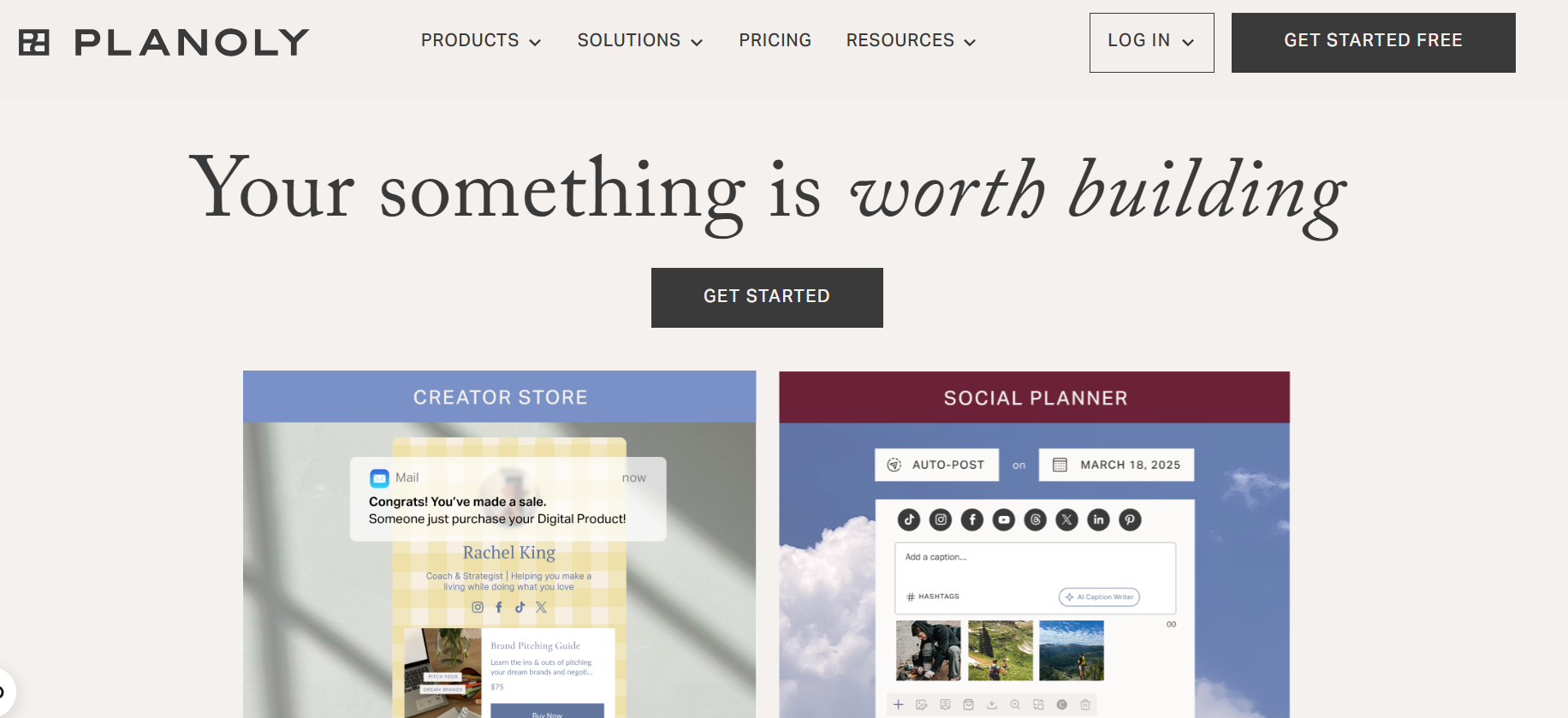
About
Planoly is an Instagram-first visual planning and scheduling application designed for creators and businesses that prioritize feed grid aesthetics as a core component of their Instagram brand identity. According to Planoly’s published platform data, the application was one of the first Instagram scheduling tools to receive official approval from Meta’s partner program, establishing its technical reliability within Instagram’s publishing ecosystem.
The platform’s grid planner allows creators to arrange and rearrange upcoming posts visually within a mock Instagram grid before scheduling, enabling complete visual control over how the feed profile appears to new and returning followers. This grid-first design philosophy makes Planoly particularly valuable for lifestyle, fashion, food, travel, and design creators for whom profile aesthetics directly influence follower conversion rates.
Planoly supports scheduling for Instagram feed posts, carousels, Stories, and Reels, alongside Pinterest, Facebook, Twitter, and TikTok publishing. Its Sellit feature allows creators to tag products in planned posts and connect Instagram content directly to e-commerce product pages.
Review
According to Planoly’s creator usage data, accounts that use the grid preview planner maintain more consistent visual themes and achieve 28% higher profile-to-follow conversion rates than accounts posting without advance grid planning. This conversion rate difference reflects the importance of profile aesthetics in follower acquisition decisions made by new profile visitors.
The platform’s analytics module tracks engagement rate, reach, impressions, and follower growth at the individual post and overall account level. Story analytics provide view count, tap-forward rate, and tap-back rate data that identify which story content formats hold audience attention most effectively.
Planoly’s clean interface and Instagram-first design philosophy make it the most intuitive scheduling tool for individual creators who want powerful planning capability without the complexity of enterprise social media management platforms.
Features
- Visual Instagram grid planner with drag-and-drop rearrangement
- Auto-publish for feed posts, carousels, Stories, and Reels
- Story storyboard planning tool
- Sellit e-commerce product tagging
- Hashtag management and grouping
- Multi-platform scheduling (Pinterest, Facebook, TikTok)
- Engagement analytics and follower growth tracking
- Story performance analytics
- Media library with folder organization
- Collaboration features for small teams
Pros
- Grid preview planner delivers the strongest feed aesthetics planning experience
- Official Meta partner status ensures reliable publishing compliance
- Sellit feature connects Instagram content directly to product sales
- Clean interface optimized for Instagram-first creators
- Accessible pricing for individual creators and small businesses
Cons
- Analytics depth is less comprehensive than Iconosquare or Sprout Social
- Multi-platform capability is narrower than Hootsuite or Buffer at scale
Final Verdict
Planoly is the strongest Instagram-first visual planning application for creators and businesses that prioritize feed grid aesthetics, profile visual consistency, and e-commerce product integration within an intuitive, Instagram-optimized planning interface.
5. Buffer – Content Scheduling Tool
About
Buffer is a straightforward social media scheduling and publishing application designed for individual creators, small businesses, and early-stage teams that need reliable Instagram scheduling without enterprise-level complexity or pricing. According to Buffer’s published platform transparency data, the application manages over 140,000 paying customers globally and has processed more than 1 billion posts across connected social accounts.
The platform provides Instagram scheduling for feed posts, carousels, Stories, and Reels through a clean queue-based scheduling interface that prioritizes simplicity over feature density. This simplicity-first design makes Buffer the fastest tool to learn and operate for creators transitioning from manual Instagram publishing to scheduled content management.
Buffer’s Start Page feature provides creators with a mobile-optimized link-in-bio landing page that aggregates Instagram post links, product pages, and external content into a single clickable hub accessible from the Instagram bio link. This built-in link-in-bio capability eliminates the need for a separate Linktree or similar subscription.
Review
According to Buffer’s published creator research, Instagram accounts that use Buffer’s queue scheduling system maintain 2.4x more consistent posting frequency than accounts managed through manual native publishing. This consistency improvement directly correlates with algorithmic reach growth on Instagram, where posting regularity is a confirmed ranking signal.
The platform’s analytics module provides engagement rate, reach, impressions, and follower growth data at both individual post and account-level timeframes. Buffer’s paid analytics tier adds best time to post recommendations based on individual account historical performance data rather than general industry averages.
Buffer’s free tier supports three social accounts and up to ten scheduled posts per account simultaneously, making it the most generous free scheduling option available for individual creators beginning their Instagram growth journey.
Features
- Queue-based Instagram post scheduling
- Auto-publish for feed posts, Stories, and Reels
- Start Page link-in-bio builder
- Engagement analytics and reach tracking
- Best time to post recommendations (paid tier)
- Content calendar view
- Multi-platform scheduling (Facebook, LinkedIn, Twitter, TikTok, Pinterest)
- Browser extension for content capture and scheduling
- Pablo image creation tool for simple graphic design
- Team collaboration with draft approval features
Pros
- Simplest scheduling interface available for beginner creators
- Generous free tier supporting three accounts and 10 queued posts
- Built-in Start Page eliminates separate link-in-bio subscription cost
- Reliable Meta API integration for consistent auto-publishing
- Accessible pricing for individual creators and small businesses
Cons
- Analytics depth is more limited than Later, Iconosquare, or Sprout Social
- Design and creative features are minimal compared to Canva-integrated workflows
- Less suitable for agencies managing large numbers of client accounts
Final Verdict
Buffer is the strongest scheduling application for individual Instagram creators and small businesses that prioritize ease of use, posting consistency, and reliable scheduling within the most accessible pricing structure in the market.
6. Sprout Social – Social Analytics Platform
About
Sprout Social is an enterprise-grade social media management platform serving mid-market and enterprise businesses that require advanced team collaboration, CRM integration, social listening, and comprehensive performance reporting across Instagram and all major social platforms. According to Sprout Social’s published platform data, the application serves over 34,000 customers globally including enterprise brands across retail, healthcare, financial services, and technology categories.
The platform’s Smart Inbox consolidates Instagram comments, direct messages, story mentions, and tagged posts into a single unified response interface that enables customer service teams to manage Instagram engagement without switching between platform-native notification systems. This unified engagement management capability reduces response time and eliminates missed customer interactions.
Sprout Social’s CRM features connect Instagram profile interactions with contact records, allowing businesses to track individual customer conversation histories across multiple touchpoints and apply that relationship context to future communications.
Review
According to Sprout Social’s published benchmark data, businesses using its unified inbox reduce average Instagram comment response time by 37% compared to teams managing responses through Instagram’s native interface. Faster response rates directly correlate with improved engagement rates and customer satisfaction scores in social media service environments.
The platform’s listening tool monitors brand mentions, competitor campaigns, and industry keyword conversations across Instagram and other platforms in real time. This listening capability enables enterprise marketing teams to identify emerging trends, respond to reputation risks, and benchmark competitive social performance without manual monitoring.
Sprout Social’s premium pricing reflects its enterprise feature depth, senior customer success support model, and the operational value it delivers to businesses where Instagram represents a significant customer acquisition or service channel.
Features
- Smart Inbox for unified engagement management
- Instagram scheduling for all content formats
- Social listening and brand monitoring
- CRM contact history and tagging
- Team collaboration with approval workflows
- Advanced analytics and custom report builder
- Competitor performance benchmarking
- Paid social performance integration
- Employee advocacy content distribution
- Salesforce and HubSpot CRM integration
Pros
- Smart Inbox delivers the strongest unified engagement management experience
- CRM integration connects Instagram interactions to customer relationship records
- Enterprise-grade team collaboration and approval infrastructure
- Comprehensive social listening reduces manual monitoring workload
- Salesforce and HubSpot integration suits enterprise marketing technology stacks
Cons
- $$$$ pricing positions it significantly above small business and creator budgets
- Feature complexity requires dedicated platform training for effective team adoption
- Less relevant for individual creators without customer service management requirements
Final Verdict
Sprout Social is the strongest Instagram management application for mid-market and enterprise businesses requiring unified engagement management, CRM integration, social listening, and enterprise team collaboration within a comprehensive social media management platform.
7. Adobe Lightroom Mobile – Professional Photo Editor
About
Adobe Lightroom Mobile is a professional photo editing application that allows Instagram creators and businesses to edit, color grade, and enhance photographs to a professional standard directly on mobile devices before publishing to Instagram. According to Adobe’s published platform data, Lightroom Mobile has over 28 million monthly active users globally, making it one of the most widely used mobile photo editing tools among professional and semi-professional content creators.
The application provides non-destructive editing through a comprehensive set of adjustment tools including exposure, contrast, highlights, shadows, white balance, HSL color grading, curves, and detail sharpening. Non-destructive editing preserves the original image file while applying adjustments, allowing creators to refine edits or revert changes without quality loss.
Lightroom Mobile’s preset system allows creators to save custom editing settings as one-tap presets that apply a consistent visual style across multiple photographs simultaneously. This preset capability enables creators to maintain a recognizable and cohesive feed aesthetic without manually reapplying identical editing settings to each individual image.
Review
According to Adobe’s creator usage data, Lightroom Mobile users who develop and apply consistent preset systems to their photography produce content with measurably higher visual consistency ratings from follower surveys compared to creators using default filter applications. Visual consistency is a primary driver of profile-to-follow conversion for photography and lifestyle accounts.
The application’s cloud synchronization connects Lightroom Mobile directly to Lightroom desktop, allowing creators to begin edits on mobile and complete them on desktop within the same project file without manual file transfer. This cross-device workflow supports professional-quality editing across both mobile and desktop work environments.
Lightroom Mobile’s free tier provides substantial editing capability including the full adjustment panel and preset application. The Creative Cloud Photography plan unlocks cloud storage, desktop synchronization, and additional premium preset collections at an accessible monthly subscription rate.
Features
- Professional exposure, color, and detail adjustment tools
- Non-destructive editing with full edit history
- One-tap preset application for consistent visual styling
- Custom preset creation and export
- HSL color grading panel
- Curves adjustment tool
- Healing brush for object and blemish removal
- Cloud sync with Lightroom desktop
- Selective adjustment masking
- Raw file editing support
Pros
- Professional-grade editing tools accessible on mobile devices
- Preset system enables one-tap visual style consistency across all photos
- Non-destructive editing protects original image quality
- Cloud sync eliminates file transfer friction between mobile and desktop workflows
- Generous free tier provides substantial editing capability
Cons
- Photo-only focus means no video editing capability for Reels content
- Learning curve for creators unfamiliar with professional photography editing concepts
- Advanced features including cloud sync require Creative Cloud subscription
Final Verdict
Adobe Lightroom Mobile is the strongest photo editing application for Instagram creators and businesses that prioritize professional-quality image editing, visual style consistency through presets, and cross-device workflow integration within an accessible pricing structure.
8. CapCut – Short Video Editor
About
CapCut is a video editing application developed by ByteDance that has become the dominant video creation tool for Instagram Reels and TikTok content among creators globally. According to ByteDance’s published platform data, CapCut surpassed 200 million monthly active users in 2024, driven by its combination of professional video editing capability, automated editing features, and a free pricing model accessible to all creator tiers.
The application provides a comprehensive mobile video editing environment including multi-track timeline editing, auto-captions, text animations, transitions, filters, green screen effects, speed ramping, and an extensive library of trending audio tracks. These capabilities enable creators to produce high-production-quality Reels content directly on mobile devices without desktop editing software.
CapCut’s auto-caption feature automatically generates and synchronizes captions to spoken audio within video content, a feature that significantly improves Reels accessibility and engagement in the growing segment of Instagram users who watch video content without sound enabled.
Review
According to social media performance research, Instagram Reels with accurate captions achieve 40% higher completion rates than uncaptioned videos among audiences watching without audio. CapCut’s automated caption generation and synchronization directly addresses this performance lever without requiring creators to manually transcribe and time-code spoken content.
The application’s template library provides pre-built video editing structures that creators can populate with their own footage to produce trending video formats without building editing sequences from scratch. This template-driven approach significantly reduces the time required for creators to publish Reels formats that are already performing well in the algorithm.
CapCut’s free core feature set makes it the most accessible professional video editing tool in the market, with the CapCut Pro tier unlocking additional effects, premium templates, and expanded asset libraries for creators requiring advanced production elements.
Features
- Multi-track mobile video timeline editing
- Auto-caption generation and synchronization
- Trending audio and music library
- Text animation and overlay effects
- Transition library with auto-application
- Green screen and background removal
- Speed ramping and slow motion
- Template library for trending Reels formats
- Filters and color grading presets
- AI-powered video enhancement tools
Pros
- Free core feature set accessible to all creator tiers
- Auto-caption generation improves Reels accessibility and completion rates
- Template library accelerates production of algorithm-performing Reels formats
- Comprehensive mobile editing capability eliminates desktop software dependency
- Developed by ByteDance with direct integration of trending TikTok and Reels formats
Cons
- ByteDance ownership creates data privacy considerations for business users
- Advanced effects library requires CapCut Pro subscription
- Less suitable for long-form video production beyond Reels format lengths
Final Verdict
CapCut is the strongest video editing application for Instagram creators seeking professional-quality Reels production, automated caption generation, and trending template access within the most accessible pricing structure available for mobile video creation.
9. Iconosquare – Instagram Analytics Tool
About
Iconosquare is an advanced Instagram analytics and scheduling platform designed for social media managers, agencies, and data-driven brands that require deeper performance intelligence than Instagram Insights or general scheduling tools provide. According to Iconosquare’s published platform data, the application has served over 10,000 brands and agencies with advanced Instagram analytics since its founding as one of the first third-party Instagram analytics tools in the market.
The platform provides engagement rate tracking, reach and impression analysis, follower demographic breakdowns, hashtag performance analytics, story analytics, Reels performance data, and competitor benchmarking within a single analytics dashboard. This data depth allows agencies and brands to make content strategy decisions based on specific performance evidence rather than general engagement observations.
Iconosquare’s competitor benchmarking feature allows brands to track the posting frequency, engagement rates, follower growth, and top-performing content of up to five competitor Instagram accounts simultaneously. This competitive intelligence capability informs content strategy adjustments without requiring manual competitor monitoring.
Review
According to Iconosquare’s analytics methodology documentation, its engagement rate calculations use reach-based metrics rather than follower-based metrics, providing a more accurate measure of content performance for accounts with significant non-follower reach from the Explore page and hashtag discovery. This methodological distinction produces engagement rate data that more accurately reflects true content performance.
The platform’s scheduling module provides auto-publish capability for all Instagram content formats alongside the analytics dashboard, eliminating the need to maintain separate scheduling and analytics tool subscriptions. This all-in-one configuration reduces both workflow complexity and total software subscription cost for analytics-focused social media managers.
Iconosquare’s automated reporting feature generates branded performance reports on defined schedules, providing agencies with client-ready Instagram performance documentation without manual report compilation from raw analytics data.
Features
- Advanced engagement rate and reach analytics
- Follower demographic breakdown reports
- Hashtag performance tracking and analysis
- Story and Reels performance analytics
- Competitor account benchmarking (up to 5 accounts)
- Scheduling and auto-publish for all Instagram formats
- Automated branded report generation
- Best time to post recommendations
- Content performance by format type analysis
- Industry benchmark comparison data
Pros
- Deepest Instagram analytics capability among mid-tier platform options
- Competitor benchmarking provides actionable competitive content intelligence
- Reach-based engagement rate calculations produce more accurate performance data
- Automated report generation eliminates manual client reporting workload
- Combined analytics and scheduling eliminates dual-tool subscription cost
Cons
- $$$ pricing positions it above individual creator budgets
- Analytics depth may exceed the requirements of small accounts with limited performance data
- Interface navigation requires familiarity to access the full analytics capability efficiently
Final Verdict
Iconosquare is the strongest advanced analytics and scheduling platform for social media managers and agencies requiring competitor benchmarking, deep performance intelligence, and automated reporting for data-driven Instagram account management.
10. Metricool – Marketing Analytics Platform
About
Metricool is an all-in-one social media scheduling, analytics, and advertising management platform that provides Instagram creators and businesses with unified performance data across all connected social platforms within a single dashboard. According to Metricool’s published platform data, the application serves over 1 million users globally across individual creator, small business, and agency account tiers.
The platform supports Instagram scheduling for feed posts, Stories, Reels, and carousels alongside simultaneous scheduling for TikTok, YouTube, LinkedIn, Facebook, Twitter, Pinterest, and Google Business Profile. This comprehensive platform coverage makes Metricool particularly valuable for creators and businesses managing active presence across five or more social platforms simultaneously.
Metricool’s unified analytics dashboard aggregates performance data from all connected platforms into comparative reports, allowing businesses to evaluate Instagram performance in the context of their complete social media investment rather than analyzing each platform in isolation.
Review
According to Metricool’s comparative analytics documentation, businesses that monitor Instagram performance alongside other platform data within a unified dashboard identify cross-platform content performance patterns 60% faster than those reviewing platform-native analytics separately. This pattern identification speed accelerates content strategy optimization across the full social media portfolio.
The platform’s advertising analytics module integrates Instagram and Facebook ad campaign performance data alongside organic posting analytics, providing a complete view of both paid and organic Instagram investment performance within a single reporting environment. This integrated paid and organic reporting eliminates the fragmentation between Meta Ads Manager data and organic Instagram Insights.
Metricool’s free tier supports one user and provides access to all core scheduling and basic analytics features across all connected platforms, making it the most comprehensive free-tier offering available for creators managing multi-platform social presence.
Features
- Multi-platform unified scheduling dashboard
- Instagram auto-publish for all content formats
- Unified analytics across all connected social platforms
- Instagram and Facebook ad campaign analytics
- Best time to post recommendations per platform
- Competitor account tracking and benchmarking
- Automated report generation
- Content calendar with multi-platform view
- Hashtag performance tracking
- Team collaboration for agency account management
Pros
- Most comprehensive platform coverage for multi-social creators and businesses
- Unified paid and organic analytics eliminates fragmentation between ad manager and Insights data
- Generous free tier with full scheduling and basic analytics access
- Competitor tracking available at accessible pricing tiers
- Automated reports reduce manual analytics compilation for agency workflows
Cons
- Instagram-specific analytics depth is less comprehensive than Iconosquare for dedicated Instagram analytics requirements
- Interface density may overwhelm creators managing only Instagram without multi-platform needs
Final Verdict
Metricool is the strongest all-in-one scheduling and analytics platform for Instagram creators and businesses managing active multi-platform social presence, requiring unified paid and organic performance data within the most generous free-tier feature structure in the market.
Instagram Application Comparison: Key Features at a Glance
| Application | Scheduling | Analytics | Design | Video Editing | Free Tier | Best For |
| Later | Advanced | Strong | Limited | Basic | Yes (limited) | Visual scheduling |
| Canva | Basic | None | Advanced | Basic | Yes (generous) | Content creation |
| Hootsuite | Advanced | Strong | Limited | None | No | Agency management |
| Planoly | Advanced | Moderate | Limited | None | Yes (limited) | Feed aesthetics |
| Buffer | Standard | Basic | None | None | Yes (generous) | Simple scheduling |
| Sprout Social | Advanced | Enterprise | None | None | No | Enterprise management |
| Adobe Lightroom | None | None | Advanced (photo) | None | Yes (limited) | Photo editing |
| CapCut | None | None | Basic | Advanced | Yes (generous) | Reels production |
| Iconosquare | Advanced | Advanced | None | None | No | Analytics + reporting |
| Metricool | Advanced | Strong | None | None | Yes (generous) | Multi-platform management |
Conclusion
Using the right Instagram tools can make content creation, scheduling, and performance tracking much easier. Apps like Later, Planoly, Canva, CapCut, and Lightroom help creators produce high-quality content, while Buffer, Metricool, Hootsuite, and Iconosquare offer powerful scheduling and analytics features.
The best choice depends on your goals, budget, and content strategy. Whether you’re a beginner creator, growing brand, or social media manager, investing in the right Instagram tools can improve consistency, increase engagement, and support long-term growth.
Frequently Asked Questions(FAQs)
What is the best app for scheduling Instagram posts?
Later is one of the best Instagram scheduling tools for creators who want visual feed planning. Buffer is another strong option for users looking for a simple and budget-friendly scheduling solution.
Which app is best for editing Instagram photos?
Adobe Lightroom Mobile is widely considered one of the best photo editing apps for Instagram. It offers professional editing tools, presets, and color adjustments that help create a consistent visual style.
Is there a free app for managing Instagram?
Yes, several apps offer free plans for Instagram management. Buffer, Metricool, Canva, and CapCut provide useful features such as scheduling, analytics, content creation, and video editing without requiring a paid subscription.
What app do Instagram creators use to edit Reels?
CapCut is the most popular app for editing Instagram Reels. It includes features like auto-captions, templates, transitions, and editing tools that make short-form video creation easier and faster.
Which Instagram analytics tool provides the most detailed data?
Iconosquare is known for providing detailed Instagram analytics. It offers insights into engagement rates, audience growth, hashtag performance, and competitor analysis, making it a valuable tool for creators and businesses.
