
Instagram success is no longer just about creating great content. Consistency, timing, and content planning play a major role in growing engagement and reaching the right audience. This is why Instagram scheduling apps have become essential tools for creators, businesses, marketers, and agencies.
Instead of manually publishing posts every day, these tools allow you to schedule content in advance, manage multiple accounts, analyze performance, and maintain a consistent posting strategy. Whether you’re a solo creator or a growing brand, the right Instagram scheduling app can save hours every week while helping you stay organized.
In this guide, you’ll find the best Instagram scheduling apps for 2027, including their features, pros, cons, pricing, and ideal use cases.
What Is an Instagram Scheduling App?
An Instagram scheduling app is a tool that allows users to plan, organize, and automatically publish Instagram content at specific times. These platforms help creators and businesses manage posts, Reels, Stories, and content calendars without needing to publish everything manually.
Most modern scheduling tools also include analytics, collaboration features, hashtag management, and content planning capabilities, making them valuable for long-term Instagram growth.
Why Should You Use an Instagram Scheduling App?
Instagram scheduling apps do more than automate posting. They help streamline content management and improve overall marketing efficiency.
Save Time on Content Publishing
Instead of logging in every day to publish content manually, scheduling apps allow you to plan weeks or even months of content in advance. This reduces repetitive tasks and gives you more time to focus on content creation and audience engagement.
Maintain Consistent Posting
Consistency is one of the most important factors for Instagram growth. Scheduling tools ensure your content is published regularly, even when you’re busy or unavailable. This helps maintain audience engagement and brand visibility.
Improve Team Collaboration
Businesses and agencies often work with multiple team members. Scheduling platforms provide approval workflows, shared calendars, and collaboration tools that simplify content management across teams.
Publish at Optimal Times
Many scheduling apps include analytics that identify when your audience is most active. Posting during these peak engagement periods can increase reach, impressions, and interactions.
Manage Multiple Accounts Easily
If you manage several Instagram profiles, switching between accounts manually can become time-consuming. Scheduling apps centralize account management and make content publishing much more efficient.
Quick Comparison Table: Best Instagram Scheduling Apps
| Tool | Best For | Free Plan | Auto Publishing | Starting Price |
|---|---|---|---|---|
| Buffer | Beginners & Small Businesses | Yes | Yes | Affordable |
| Later | Visual Content Planning | Yes | Yes | Affordable |
| Hootsuite | Large Businesses | Limited | Yes | Premium |
| SocialBee | Content Recycling | No | Yes | Mid-Range |
| Sprout Social | Enterprise Teams | No | Yes | Premium |
| Metricool | Analytics & Reporting | Yes | Yes | Affordable |
| Planable | Team Collaboration | Yes | Yes | Mid-Range |
| Sendible | Agencies | No | Yes | Mid-Range |
| Pallyy | Instagram Creators | Yes | Yes | Affordable |
| Publer | Multi-Platform Scheduling | Yes | Yes | Affordable |
How We Selected the Best Instagram Scheduling Apps
Choosing the right Instagram scheduling app is not just about finding the most popular tool. To create this list, we evaluated each platform based on the features that matter most to creators, businesses, marketers, and agencies.
Ease of Use
A scheduling tool should simplify content management, not make it more complicated. We prioritized platforms with intuitive dashboards, user-friendly interfaces, and minimal learning curves.
Instagram-Specific Features
We looked for tools that support Instagram posts, Reels, Stories, content calendars, hashtag management, and visual planning. Apps with stronger Instagram-focused functionality received higher consideration.
Scheduling and Automation Capabilities
Reliable scheduling and auto-publishing features are essential for maintaining a consistent posting schedule. We evaluated how effectively each platform automates content publishing while remaining easy to manage.
Analytics and Reporting
Understanding content performance is critical for growth. We considered the quality of analytics, audience insights, engagement tracking, and reporting features offered by each platform.
Team Collaboration Tools
For businesses and agencies, collaboration features can significantly improve workflow efficiency. Tools that offer approval systems, shared calendars, and team management capabilities scored higher.
Pricing and Overall Value
Instead of focusing solely on the cheapest option, we assessed whether each platform provides good value for its feature set. Both free and premium solutions were considered.
Scalability
A good scheduling app should grow alongside your business. We favored tools that can support individual creators, small businesses, and larger teams without requiring a complete platform switch later.
Customer Support and Reliability
Reliable customer support and platform stability are important factors when managing social media campaigns. We reviewed each tool’s reputation for uptime, support quality, and overall reliability.
Our goal was to identify Instagram scheduling apps that offer the best combination of usability, functionality, flexibility, and long-term value for different types of users.
1. Buffer
Why Is Buffer One of the Best Instagram Scheduling Apps?
Buffer is one of the most beginner-friendly social media management platforms available today. It focuses on simplicity, making it easy for creators and small businesses to schedule Instagram content without dealing with a complicated interface.
The platform supports Instagram posts, Reels, Stories, and multi-platform publishing, making it a strong choice for users who want an affordable and reliable scheduling solution.
Overview
Buffer is designed for users who want a straightforward scheduling experience. Its clean dashboard, easy setup process, and content calendar make it accessible even for users with little social media management experience.
The platform emphasizes efficiency and helps users maintain a consistent posting schedule without spending hours managing content.
Key Features
- Instagram post scheduling
- Reel scheduling
- Story scheduling
- Content calendar
- AI content assistant
- Analytics dashboard
- Team collaboration tools
- Multi-platform publishing
Pros
- Easy to use for beginners
- Clean and intuitive interface
- Supports multiple social platforms
- Affordable pricing structure
- Reliable auto-publishing
Cons
- Limited advanced analytics compared to enterprise tools
- Fewer collaboration features than agency-focused platforms
- Some advanced features require paid plans
Best For
Buffer is best for:
- Individual creators
- Bloggers
- Freelancers
- Small businesses
- Startups
Pricing
Buffer offers a free plan with limited features. Paid plans provide additional scheduling capabilities, analytics, and team management tools.
Final Verdict
Buffer is one of the best Instagram scheduling apps for beginners and small businesses. If you want a simple, affordable, and dependable scheduling solution, Buffer remains an excellent choice.
2. Later
Why Do Many Creators Prefer Later?
Later has built a strong reputation among creators because of its visual content planning capabilities. Unlike many scheduling tools that focus primarily on automation, Later helps users organize and preview their Instagram feed before publishing.
This visual-first approach makes it especially valuable for brands that care about aesthetics and consistent branding.
Overview
Later allows users to drag and drop content into a visual content calendar. This feature makes it easier to maintain a cohesive Instagram feed while planning future posts.
The platform also supports Reels, Stories, user-generated content management, and link-in-bio functionality.
Key Features
- Visual content planner
- Instagram post scheduling
- Reel scheduling
- Story scheduling
- Media library
- Link in bio tool
- Hashtag suggestions
- Analytics reporting
Pros
- Excellent visual planning tools
- User-friendly interface
- Strong Instagram-focused features
- Helpful content organization tools
- Suitable for creators and brands
Cons
- Advanced analytics require higher-tier plans
- Some features focus heavily on Instagram rather than broader social management
- Limited functionality in the free plan
Best For
Later is best for:
- Influencers
- Content creators
- Fashion brands
- Lifestyle brands
- Visual marketers
Pricing
Later offers a free version along with premium plans that unlock advanced scheduling, analytics, and collaboration features.
Final Verdict
If maintaining a visually appealing Instagram feed is a priority, Later is one of the strongest options available. Its planning features make content management significantly easier for creators and brands.
3. Hootsuite
Is Hootsuite Worth It for Instagram Management?
Hootsuite is one of the most established social media management platforms in the industry. It offers extensive scheduling, monitoring, reporting, and collaboration capabilities for businesses managing multiple social networks.
While it comes at a higher price point than many competitors, it provides advanced functionality for larger teams.
Overview
Hootsuite allows users to manage multiple social media accounts from a single dashboard. In addition to scheduling Instagram content, it offers social listening, audience monitoring, analytics, and reporting tools.
This makes it particularly attractive to businesses with complex marketing operations.
Key Features
- Instagram scheduling
- Social listening tools
- Content calendar
- Team collaboration
- Performance analytics
- Audience monitoring
- Campaign reporting
- Multi-platform management
Pros
- Powerful analytics capabilities
- Excellent team management tools
- Supports many social platforms
- Strong reporting features
- Suitable for large organizations
Cons
- Higher pricing than many alternatives
- Learning curve for beginners
- Some features may be unnecessary for smaller users
Best For
Hootsuite is best for:
- Marketing teams
- Enterprises
- Large businesses
- Social media agencies
- Corporate brands
Pricing
Hootsuite primarily targets professional users and businesses, with premium plans designed for larger social media operations.
Final Verdict
Hootsuite is ideal for organizations that require advanced reporting, collaboration, and social media management capabilities. While it may be excessive for casual users, it remains one of the industry’s leading platforms.
4. SocialBee
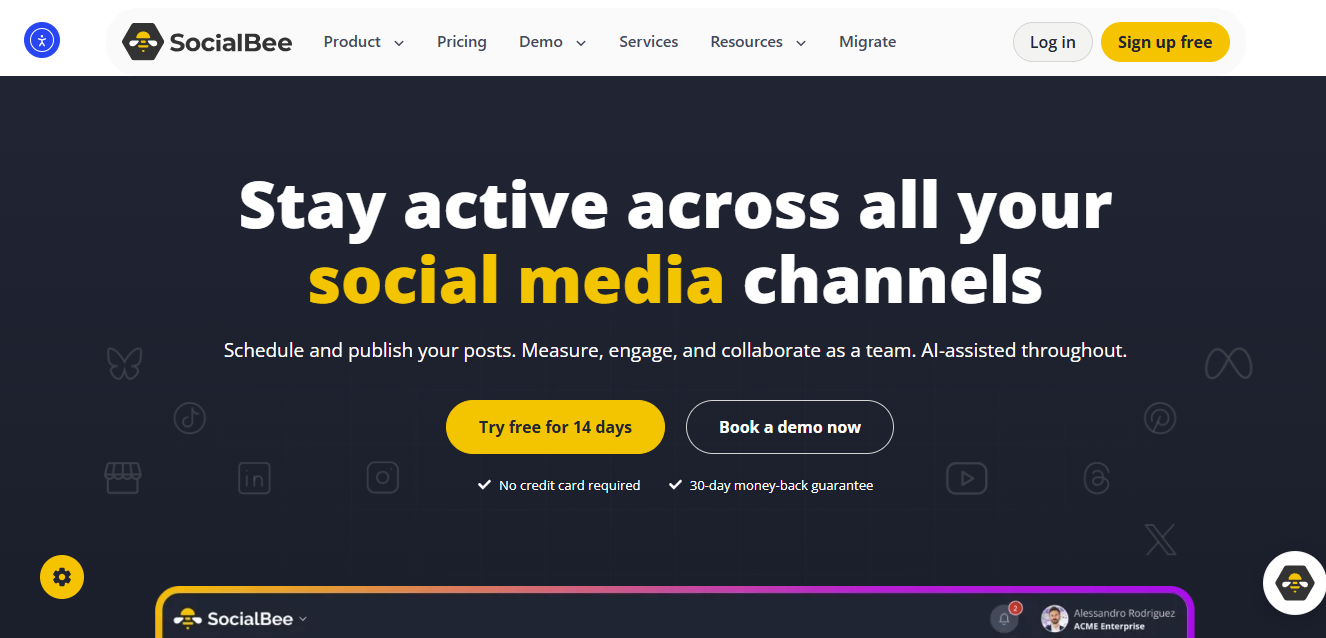
What Makes SocialBee Different From Other Scheduling Tools?
SocialBee stands out because of its content categorization and recycling features. Instead of constantly creating new content, users can organize posts into categories and automatically reuse evergreen content over time.
This approach helps maximize content value and maintain posting consistency.
Overview
SocialBee is designed for businesses and marketers who want a structured content management system. The platform simplifies scheduling while helping users create balanced content calendars.
Its automation features make it easier to keep accounts active without manually publishing content every day.
Key Features
- Content categories
- Evergreen content recycling
- Instagram scheduling
- Content calendar
- AI content generation
- Analytics reporting
- Team collaboration
- Audience management
Pros
- Excellent content organization
- Saves time through content recycling
- Strong automation capabilities
- Useful AI tools
- Supports multiple platforms
Cons
- No permanent free plan
- Learning curve for new users
- Advanced features may feel overwhelming initially
Best For
SocialBee is best for:
- Content marketers
- Coaches
- Consultants
- Small businesses
- Personal brands
Pricing
SocialBee offers premium subscription plans with various features tailored to different business sizes.
Final Verdict
SocialBee is a strong option for users who want to maximize content efficiency. Its recycling system can significantly reduce content creation workload while maintaining a consistent posting schedule.
5. Sprout Social

Why Do Enterprise Brands Use Sprout Social?
Sprout Social is a premium social media management platform built for businesses that require advanced analytics, customer engagement tools, and team collaboration features.
Its comprehensive feature set makes it one of the most powerful Instagram scheduling solutions available.
Overview
Sprout Social combines publishing, analytics, customer relationship management, and social listening into a single platform. This helps businesses manage both content and audience interactions efficiently.
The platform is often used by brands that need detailed reporting and strategic insights.
Key Features
- Instagram scheduling
- Advanced analytics
- Social listening
- Customer engagement tools
- Team workflows
- Reporting dashboards
- Audience insights
- Multi-platform publishing
Pros
- Exceptional analytics capabilities
- Professional reporting tools
- Strong customer engagement features
- Excellent team collaboration
- Enterprise-grade functionality
Cons
- Expensive compared to competitors
- May be excessive for small businesses
- Requires time to learn fully
Best For
Sprout Social is best for:
- Enterprise brands
- Large marketing teams
- Agencies
- Corporate organizations
- Data-driven marketers
Pricing
Sprout Social operates as a premium platform with pricing geared toward professional and enterprise users.
Final Verdict
For organizations that prioritize analytics, reporting, and customer engagement, Sprout Social is one of the most advanced Instagram scheduling apps available today.
6. Metricool
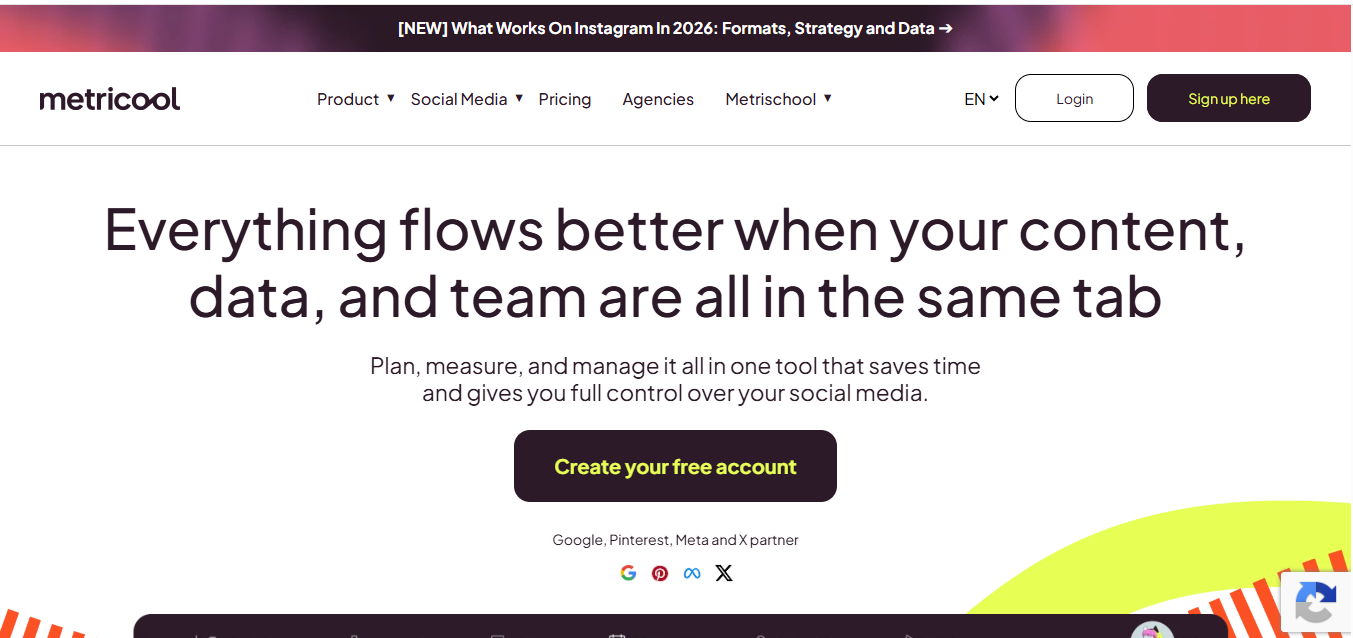
Why Is Metricool Popular Among Data-Driven Marketers?
Metricool is more than just an Instagram scheduling app. It combines content scheduling, analytics, competitor tracking, and performance reporting in one platform. This makes it especially valuable for marketers who want to make decisions based on real data rather than guesswork.
The platform is known for balancing affordability with powerful analytics, making it a strong choice for creators and businesses alike.
Overview
Metricool helps users plan content, schedule Instagram posts, monitor performance, and analyze audience behavior. Its dashboard provides a clear view of content performance across multiple social media platforms.
This data-focused approach helps users understand what content works best and where improvements can be made.
Key Features
- Instagram post scheduling
- Reel scheduling
- Performance analytics
- Competitor tracking
- Content calendar
- Multi-platform management
- Automated reporting
- Audience insights
Pros
- Strong analytics capabilities
- Affordable pricing
- Easy-to-understand reports
- Supports multiple social channels
- Useful competitor analysis features
Cons
- Interface can feel overwhelming initially
- Some advanced reports require paid plans
- Fewer collaboration tools than enterprise solutions
Best For
Metricool is best for:
- Digital marketers
- Content creators
- Small businesses
- Social media managers
- Data-focused teams
Pricing
Metricool offers a free plan alongside premium plans that unlock advanced reporting and management features.
Final Verdict
If analytics and performance tracking are important to your strategy, Metricool delivers excellent value and is one of the most well-rounded Instagram scheduling tools available.
7. Planable

How Does Planable Improve Team Collaboration?
Planable is designed specifically for teams that create, review, and approve content before publishing. Instead of managing feedback through emails or spreadsheets, teams can collaborate directly within the platform.
This makes content planning faster, more organized, and easier to manage.
Overview
Planable focuses on content workflows and approval processes. Team members can create posts, leave comments, request revisions, and approve content before it goes live.
This streamlined process reduces mistakes and improves collaboration between marketers, clients, and content creators.
Key Features
- Content approval workflows
- Instagram scheduling
- Visual content calendar
- Internal commenting
- Team collaboration
- Multi-platform publishing
- Draft management
- Client approval tools
Pros
- Excellent collaboration features
- Simplifies approval processes
- Easy-to-use interface
- Strong content organization
- Great for agencies
Cons
- Analytics features are less advanced than some competitors
- Primarily focused on collaboration
- Advanced plans can become expensive for large teams
Best For
Planable is best for:
- Agencies
- Marketing teams
- Content departments
- Freelancers working with clients
- Collaborative businesses
Pricing
Planable offers a free version with limited capabilities and premium plans for growing teams.
Final Verdict
For teams that require content reviews and approval workflows, Planable is one of the best Instagram scheduling apps available today.
8. Sendible

Why Do Many Agencies Choose Sendible?
Sendible is built specifically for agencies and businesses managing multiple clients. It offers strong scheduling capabilities, reporting tools, and client management features that simplify social media operations.
The platform helps agencies save time while maintaining professional reporting standards.
Overview
Sendible centralizes social media management into one dashboard. Users can schedule content, monitor engagement, generate reports, and manage client accounts without switching between multiple tools.
Its agency-focused design makes large-scale account management much easier.
Key Features
- Instagram scheduling
- Client management tools
- Reporting dashboards
- Content calendar
- Team collaboration
- Social listening
- Automated workflows
- Multi-platform support
Pros
- Built for agencies
- Strong reporting capabilities
- Easy client management
- Supports multiple social channels
- Good workflow automation
Cons
- More expensive than beginner-focused tools
- Some features require higher-tier plans
- Can be complex for solo creators
Best For
Sendible is best for:
- Social media agencies
- Marketing consultants
- Growing businesses
- Client management teams
- Professional marketers
Pricing
Sendible provides several premium plans tailored to businesses and agencies of different sizes.
Final Verdict
If you manage multiple clients or social media accounts, Sendible provides the tools needed to streamline operations and improve efficiency.
9. Pallyy
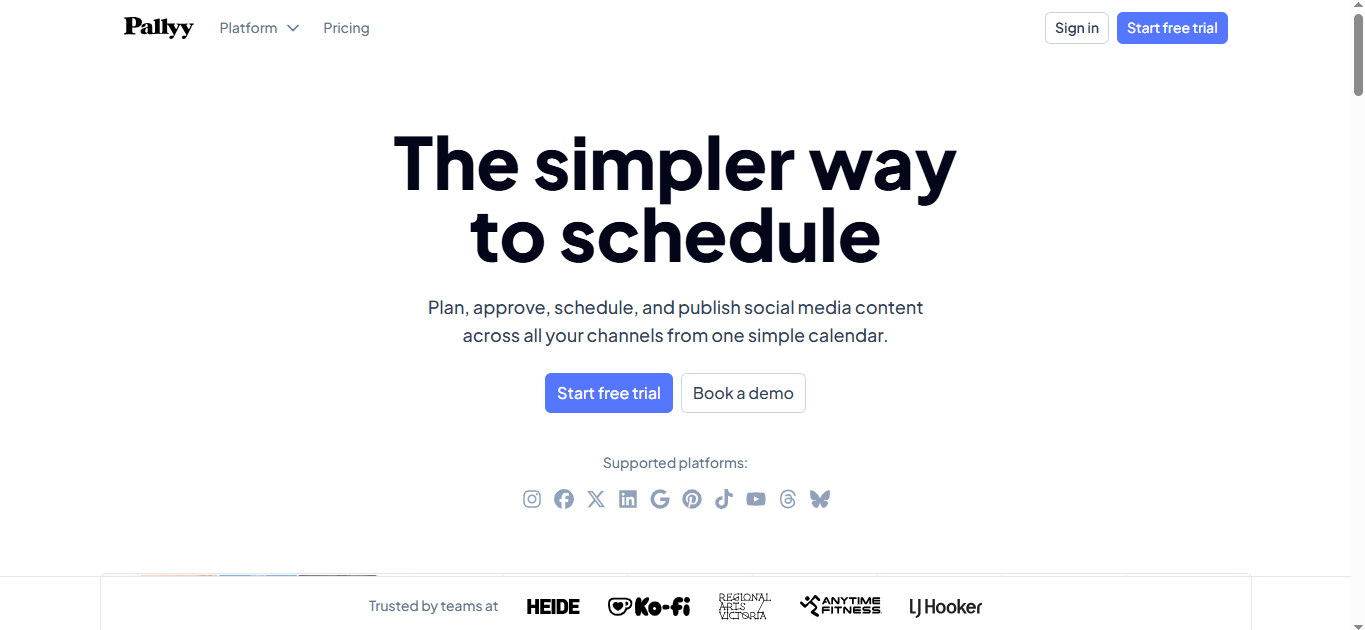
Is Pallyy the Best Instagram Scheduling App for Creators?
Pallyy was developed with Instagram users in mind. Unlike many social media management platforms that support numerous networks equally, Pallyy places a strong focus on Instagram content planning and scheduling.
Its affordability and Instagram-specific features make it attractive to creators and small businesses.
Overview
Pallyy offers visual scheduling, content planning, analytics, and hashtag management. The platform is easy to use and focuses on helping users organize Instagram content efficiently.
Many creators appreciate its simplicity and creator-friendly pricing.
Key Features
- Instagram scheduling
- Visual content calendar
- Reel scheduling
- Hashtag management
- Analytics dashboard
- Content planning
- Team collaboration
- Multi-account support
Pros
- Affordable pricing
- Instagram-focused features
- Easy learning curve
- Clean user interface
- Strong visual planner
Cons
- Fewer enterprise features
- Limited advanced reporting
- Smaller ecosystem than larger competitors
Best For
Pallyy is best for:
- Instagram creators
- Influencers
- Small businesses
- Personal brands
- Freelancers
Pricing
Pallyy offers a free plan and affordable premium options for growing users.
Final Verdict
For creators primarily focused on Instagram, Pallyy provides an excellent balance of simplicity, affordability, and functionality.
10. Publer
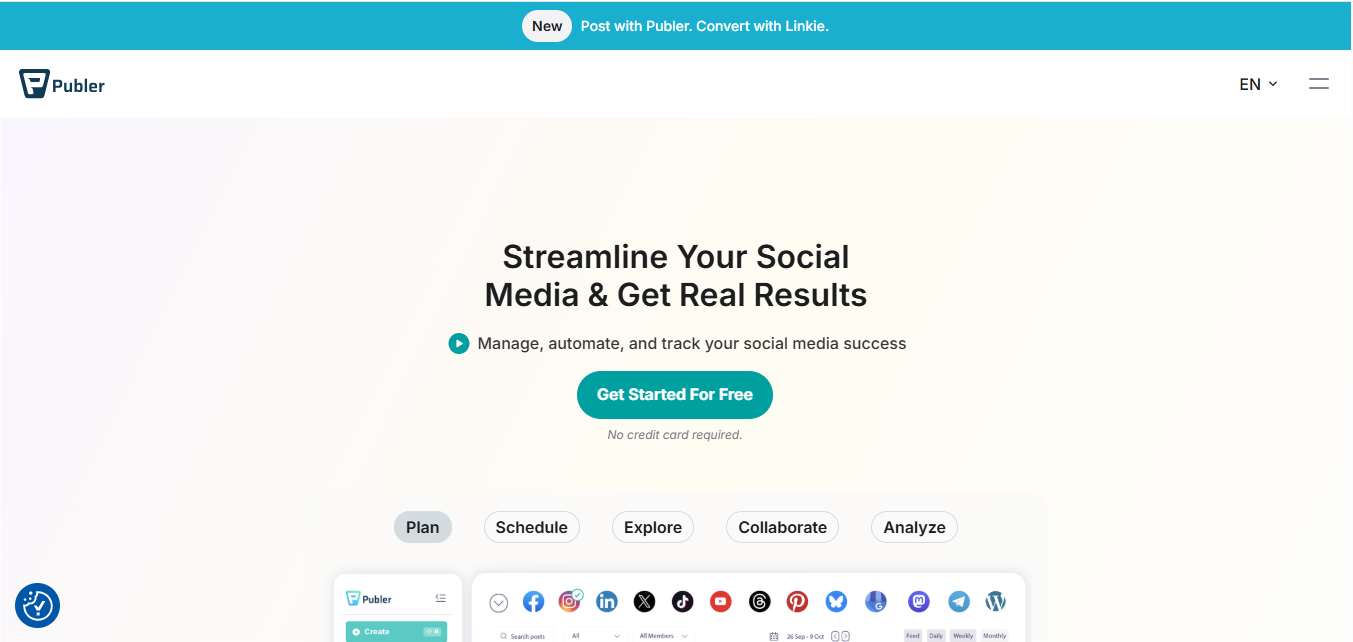
Why Is Publer a Strong Budget-Friendly Option?
Publer has gained popularity because it offers advanced scheduling features at a competitive price. Users can manage multiple social networks, schedule content, and automate publishing without paying enterprise-level fees.
It is especially attractive for businesses looking for value.
Overview
Publer helps users schedule posts, manage content calendars, recycle evergreen content, and track performance. The platform supports multiple social media networks, making it useful for businesses with cross-platform strategies.
Its affordability makes it accessible to a wide range of users.
Key Features
- Instagram scheduling
- Auto publishing
- Content recycling
- Post previews
- Link shortening
- Analytics reporting
- Team collaboration
- Multi-platform management
Pros
- Affordable pricing
- Strong automation features
- Supports multiple platforms
- Easy content planning
- Good value for money
Cons
- Analytics not as advanced as premium competitors
- Some features require upgrades
- Interface could be more polished
Best For
Publer is best for:
- Small businesses
- Startups
- Freelancers
- Budget-conscious marketers
- Growing brands
Pricing
Publer offers free and premium plans designed for users with different needs and budgets.
Final Verdict
Publer is one of the best value-for-money Instagram scheduling apps and delivers a solid combination of features and affordability.
Which Instagram Scheduling App Is Best for Different Users?
Choosing the best Instagram scheduling app depends on your goals, team size, and budget.
| User Type | Recommended Tool |
|---|---|
| Beginners | Buffer |
| Content Creators | Later |
| Small Businesses | Metricool |
| Agencies | Sendible |
| Enterprise Teams | Sprout Social |
| Visual Brands | Later |
| Budget Users | Publer |
| Instagram-Focused Creators | Pallyy |
| Collaborative Teams | Planable |
| Content Recycling | SocialBee |
What Features Should You Look for in an Instagram Scheduling App?
Not every scheduling tool offers the same functionality. Before choosing a platform, evaluate the features that align with your workflow and growth goals.
Auto Publishing
Auto publishing allows posts to go live automatically without requiring manual confirmation. This is one of the most important features for maintaining a consistent posting schedule.
Content Calendar
A visual content calendar helps organize upcoming posts and identify gaps in your content strategy. It also makes long-term planning much easier.
Analytics and Reporting
Analytics reveal which posts generate the most engagement, reach, and conversions. These insights help improve future content decisions.
Team Collaboration
Businesses and agencies benefit from collaboration features that allow multiple users to create, review, and approve content.
Multi-Platform Management
Managing Instagram alongside Facebook, LinkedIn, X, TikTok, and Pinterest from one dashboard can significantly improve efficiency.
AI-Powered Assistance
Many modern scheduling tools now include AI features that help generate captions, optimize content, and streamline workflows.
How Do You Choose the Right Instagram Scheduling App?
Selecting the right tool requires evaluating your needs rather than simply choosing the most popular option.
Identify Your Goals
Determine whether your primary focus is scheduling, analytics, collaboration, content planning, or audience growth.
Consider Your Budget
Some platforms are designed for creators, while others target enterprise organizations with larger budgets.
Evaluate Scalability
Choose a tool that can support future growth without requiring a complete platform change later.
Test Free Plans
Many scheduling tools offer free versions or trial periods. Testing a platform before purchasing helps ensure it matches your workflow.
What Common Mistakes Should You Avoid?
Many users invest in scheduling software but fail to use it effectively.
Scheduling Without a Strategy
Posting consistently is important, but content quality still matters. A scheduling tool cannot compensate for weak content.
Ignoring Analytics
Analytics provide valuable insights into audience behavior. Failing to review performance data can limit growth opportunities.
Over-Automating Content
Automation should support your strategy, not replace genuine engagement. Audiences still expect authentic interactions.
Posting at the Wrong Times
Even the best content can underperform if published when your audience is inactive.
Choosing Features You Don’t Need
Many businesses pay for advanced capabilities they never use. Focus on tools that solve your specific challenges.
Frequently Asked Questions (FAQs)
What Is the Best Instagram Scheduling App?
The best Instagram scheduling app depends on your needs. Buffer is excellent for beginners, Later is ideal for visual planning, and Sprout Social is better suited for enterprise users.
Can I Schedule Instagram Posts for Free?
Yes. Several platforms, including Buffer, Metricool, Pallyy, Publer, and Later, offer free plans with basic scheduling functionality.
Are Instagram Scheduling Apps Safe?
Yes. Most reputable scheduling tools use Instagram’s approved integrations and follow platform guidelines for publishing content.
Do Scheduling Apps Improve Instagram Engagement?
Scheduling apps do not directly increase engagement, but they help maintain consistency and optimize posting times, which can contribute to better performance.
Can I Schedule Instagram Reels and Stories?
Most modern scheduling platforms support Reels and Stories, although available features vary by provider.
Final Verdict: Which Instagram Scheduling App Should You Choose?
There is no single best Instagram scheduling app for everyone. The ideal choice depends on your goals, workflow, and budget.
- Choose Buffer if you want simplicity and affordability.
- Choose Later if visual content planning is your priority.
- Choose Metricool if analytics matter most.
- Choose Sendible if you manage clients.
- Choose Sprout Social if you need enterprise-level reporting.
- Choose Pallyy if Instagram is your primary platform.
- Choose Publer if you want strong features at a lower cost.
The most effective scheduling tool is the one that helps you publish consistently, analyze performance, and manage content efficiently. By choosing the right platform and combining it with a strong content strategy, you can save time, improve organization, and achieve better results on Instagram.
Expert Insight
The biggest advantage of using an Instagram scheduling app is not automation—it’s consistency. Many creators and businesses struggle because they post irregularly or fail to plan content ahead of time. A good scheduling tool removes that obstacle, allowing you to focus on creating valuable content while maintaining a reliable publishing schedule. Over time, consistency often becomes one of the strongest drivers of Instagram growth.
