
Scheduling Instagram Reels sounds simple until you actually try to do it. Then you discover the problem nobody talks about upfront: a lot of tools that claim to “schedule Reels” don’t actually post them for you. They send a push notification to your phone at the scheduled time and ask you to tap “Share” yourself.
That’s not scheduling. That’s a reminder with extra steps.
The distinction matters because the entire point of scheduling content is to not be glued to your phone when it publishes. Miss the notification, and the Reel doesn’t go live. You’re still babysitting every post.
This guide cuts through that. Every tool on this list uses Meta’s official Graph API to auto-publish — meaning your Reel posts itself at the time you set, with no phone required.
What Is an Instagram Reels Scheduler — and How Does Auto-Publishing Actually Work?
An Instagram Reels scheduler is a third-party tool that connects to your Instagram Business or Creator account via Meta’s Graph API and publishes Reels automatically at a time you choose in advance.
When you upload a Reel to a scheduling tool, write a caption, pick a cover image, and set a publish time — a true scheduler handles the rest without your involvement. At the scheduled moment, the tool sends the video, caption, and metadata to Instagram’s API, which publishes it directly to your profile.
The key word is “true.” In 2026, Reels auto-publishing through the official API is technically available to any approved third-party tool. The problem is that not every tool has bothered to implement it properly — or they’ve restricted it to expensive plans while offering only push notifications on cheaper tiers.
Before paying for any scheduler, ask one question: does this tool publish my Reel automatically without me touching my phone? If the answer involves “reminder” or “notification,” keep looking.
Why Your Instagram Account Type Matters Before You Pick Any Tool
This is the detail most scheduler articles bury or skip entirely.
Instagram Reels auto-publishing only works with Business accounts or Creator accounts. Personal accounts cannot connect to Meta’s Graph API, which means no third-party tool can auto-publish Reels to a personal profile — full stop.
If you’re currently on a personal account, switching takes about 30 seconds: go to Settings → Account → Switch to Professional Account → choose Business or Creator. Your followers, posts, and profile information stay exactly the same. The only things that change are your analytics access and your ability to use scheduling tools properly.
Check this before signing up for any paid tool — otherwise you’ll pay for something that can’t actually do what you need.
What to Look for Before Choosing a Reels Scheduler
Not all schedulers are equal, and the feature that sounds most impressive in a marketing video isn’t always the one that matters most in daily use.
True auto-publish, not push notifications
Already covered above — but worth repeating because it’s the single most important criteria and the one most often misrepresented.
Custom cover image support
Your Reel’s thumbnail shows up as a tile on your Instagram grid. Tools that only let you pick a frame from the video give you limited control over your grid aesthetic. Look for tools that let you upload a custom JPG as the cover.
Caption and hashtag handling
Some tools truncate long captions or strip formatting. Test with a caption that uses line breaks and emojis before committing.
Cross-platform posting
If you repurpose Reels as TikToks or YouTube Shorts — and you should be — a scheduler that handles all three from one upload saves significant time.
Pricing transparency
Several tools advertise low entry prices but restrict Reels auto-publishing to higher plans. Read what’s actually included at each tier before starting a trial.
The Best Instagram Reels Scheduler Tools in 2026 — At a Glance
| Tool | Auto-Publish | Best For | Free Tier | Starting Price |
|---|---|---|---|---|
| Later | ✅ Yes | Instagram-first creators, grid planning | ✅ 1 social set | $25/month |
| Buffer | ✅ Yes | Simple scheduling, beginners | ✅ 3 channels | $6/channel/month |
| Publer | ✅ Yes | AI tools + affordable pricing | ✅ Limited | $12/month |
| Pallyy | ✅ Yes | Visual grid planning, creators | ✅ 15 posts/mo | $25/month |
| Hootsuite | ✅ Yes | Enterprise teams | ❌ No | $99/month |
| Metricool | ✅ Yes | Analytics-heavy workflows | ✅ Limited | $22/month |
| Planly | ✅ Yes | Budget-conscious creators | ✅ Forever free | $15/month |
| Sked Social | ✅ Yes | Reliability, bulk uploads | ❌ No | $30/month |
| Meta Business Suite | ✅ Yes | Completely free option | ✅ Unlimited | Free |
| SocialBee | ✅ Yes | Content categories, evergreen | ❌ No | $29/month |
Pricing verified June 2026. Always confirm current rates on each tool’s pricing page before subscribing.
1. Later — Best for Instagram-First Creators and Grid Planning
Later was built specifically for Instagram before it expanded to other platforms. That origin shows up in features competitors haven’t matched — and probably explains why it still leads this category for creators who care about their feed aesthetic.
Best For:
Creators who plan Reels alongside feed posts, carousels, and Stories, and want to see exactly how their grid looks before anything publishes.
Why It Stands Out:
The visual grid planner is genuinely the best in this category. You drag and drop content into position and see a live preview of your Instagram feed layout — exactly as it will appear on your profile — before a single post goes live. For creators where the grid aesthetic is part of the brand, that one feature justifies the subscription on its own.
Reels auto-publishing works cleanly through Meta’s Graph API. You upload your video, choose or upload a custom cover image, write your caption with hashtags, set a time, and walk away. At the scheduled moment, it publishes without any phone involvement.
The Linkin.bio feature deserves a mention separately. It creates a clickable landing page tied to your Instagram bio link, letting you turn individual posts and Reels into traffic drivers without changing your bio URL every time you want to promote something different.
Later also surfaces best-time-to-post suggestions based on your account’s own historical engagement data — not generic benchmarks that may have nothing to do with your actual audience.
One thing worth knowing: Later’s per-social-set pricing model works well for single-platform creators but gets expensive quickly if you manage several platforms or multiple Instagram accounts. At that point, flat-rate alternatives become more cost-effective.
Pros:
- Visual grid planner — best in category for Instagram feed planning
- True auto-publish for Reels, Stories, carousels, and feed posts
- Linkin.bio included on paid plans
- Best-time-to-post based on your own account data
- AI caption suggestions built into the composer
Cons:
- Per-social-set pricing adds up for multi-platform users
- Free plan limited to 1 social set, 5 posts per month
- TikTok and YouTube features feel secondary to Instagram
- No bulk video upload on lower plans
Pricing:
Free (1 social set, 5 posts/month) | Starter — $25/month | Growth — $45/month | Advanced — $80/month
Platform:
Web ✅ iOS ✅ Android ✅
2. Buffer — Best for Simplicity and Getting Started
Buffer isn’t the most feature-rich scheduler on this list. It’s the one that gets out of your way fastest — and for creators who want to schedule Reels without spending an afternoon learning a new tool, that’s actually what matters.
Best For:
Creators new to scheduling, anyone who posts across a mix of image posts and occasional Reels, and teams who want the cleanest interface at the lowest per-channel price.
Why It Stands Out:
Buffer added full Reels auto-publishing through Meta’s official API — so yes, it posts without a push notification. The workflow is simple: open the composer, upload your video, write your caption, pick a publish time from the calendar, and schedule. No complicated setup, no feature buried three menus deep.
The free plan is one of the most genuinely usable free tiers in this category. Three channels, 10 posts per channel per month, and access to the core scheduling features — enough for a creator who posts a few times a week and wants to test the tool before paying anything.
The browser extension is a useful extra: clip content from anywhere on the web and add it directly to your Buffer queue without opening the app.
Where Buffer shows its limitations is in Instagram-specific depth. There’s no visual grid planner — you see a calendar, not your feed layout. Analytics are basic compared to Later or Metricool. And the per-channel pricing model means that managing four or five platforms costs more than flat-rate alternatives like Publer or SocialBee.
Pros:
- Cleanest, simplest interface of any scheduler on this list
- True Reels auto-publish via official API
- Free plan covers 3 channels with real functionality
- Per-channel pricing works out cheap for 1–2 platforms
- Browser extension for quick content queuing
Cons:
- No visual grid planner — calendar only
- Basic Instagram analytics
- Per-channel pricing gets expensive at scale
- No bulk video upload
- Stories scheduling uses push notifications, not auto-publish
Pricing:
Free (3 channels, 10 posts/month) | Essentials — $6/channel/month | Team — $12/channel/month
Platform:
Web ✅ iOS ✅ Android ✅ Browser Extension ✅
3. Publer — Best Value for AI-Powered Scheduling
Publer sits in a genuinely useful spot: it has AI tools that most competitors put behind expensive plans, at a price point that doesn’t require a business case to justify.
Best For:
Solo creators and small teams who want AI caption generation, proper Reels auto-publishing, and a flat-rate pricing model — without paying Hootsuite prices.
Why It Stands Out:
At $12/month, Publer is the cheapest option on this list that includes AI caption writing, AI image generation, and direct Reels auto-publishing in the same plan. For a creator who posts daily and wants a bit of help with caption ideas, that combination at that price is genuinely hard to argue with.
The scheduling workflow is solid. Upload your Reel, get AI-suggested caption options, customize, pick a time, schedule. Publer also supports Instagram Trial Reels — a 2025-era feature that lets you test a Reel with non-followers before deciding whether to publish it to your main feed. Getting automatic scheduling support for Trial Reels is something not every tool has caught up on.
Team collaboration features are included at reasonable plan tiers — approval workflows, shared calendars, internal notes — which makes it practical for small agencies or creator teams without moving to enterprise pricing.
One limitation: the analytics are functional but not deep. If detailed performance tracking is central to your workflow, Metricool or Iconosquare will serve you better.
Pros:
- AI caption and image generation included from $12/month
- True Reels auto-publish including Instagram Trial Reels support
- Approval workflows and team collaboration on mid-tier plans
- Flat-rate pricing — not per-channel
- Bulk scheduling available
Cons:
- Analytics less detailed than Metricool or Later
- Interface has a learning curve compared to Buffer
- Free plan is quite limited in post volume
- AI tools still need human editing — outputs are starting points, not finished captions
Pricing:
Free (limited) | Professional — $12/month | Small Business — $21/month | Agency — $83/month
Platform:
Web ✅ iOS ✅ Android ✅
4. Pallyy — Best for Visual Planning on a Creator Budget
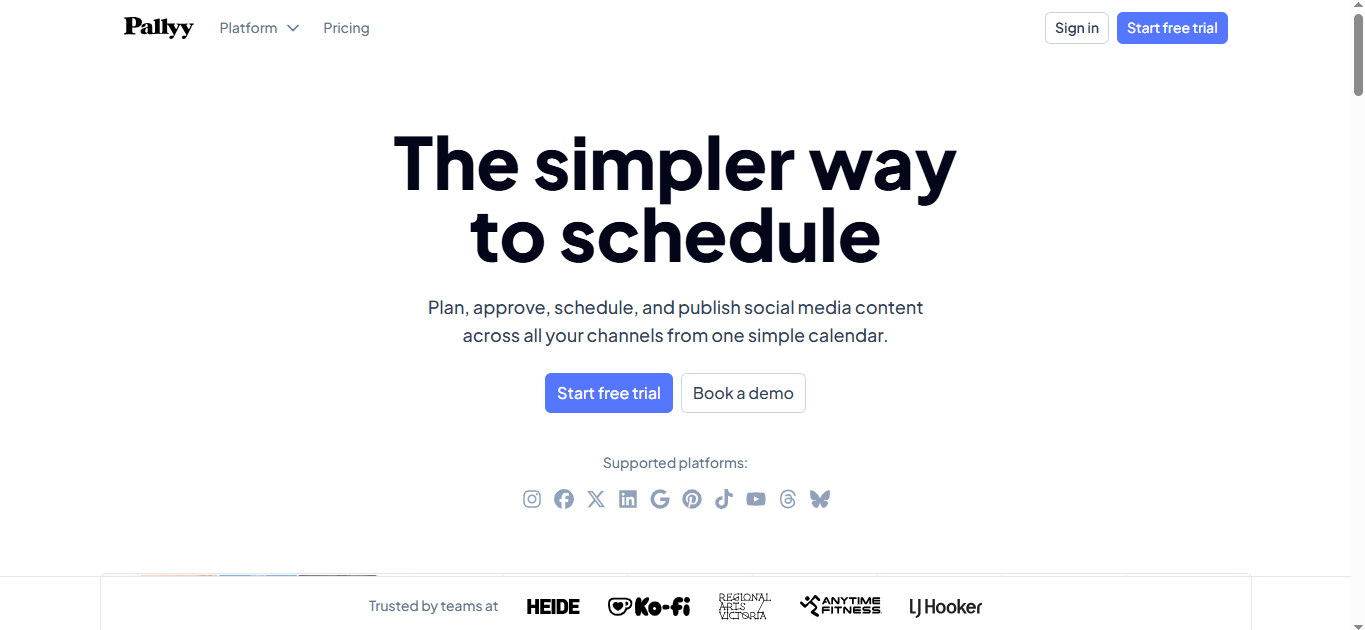
Pallyy was designed from the start for creators and social media managers — not enterprise marketing teams. That focus shows in every part of the product.
Best For:
Content creators and freelancers who want a visual grid planner similar to Later but at a lower price point, with full Reels auto-publishing included.
Why It Stands Out:
The entire interface is built around visual content rather than text posts. When you open Pallyy, your feed preview is front and center — you see your Instagram grid as it currently looks, and you drag new content into position to plan what comes next. It’s the same core concept as Later’s grid planner, but Pallyy’s paid plan at $25/month includes features that Later restricts to higher tiers.
Reels auto-publishing works cleanly — no push notifications, no manual posting. Stories are included too. The post preview feature shows exactly how your Reel will appear on the feed before you schedule it, which catches formatting issues before they go live rather than after.
The free tier includes 15 posts per month across one social set — genuinely enough to test whether the tool fits your workflow before committing. The paid plan at $25/month unlocks everything with no feature tiers within the paid plan itself, which is a refreshing change from tools that introduce new pricing walls every few features.
One honest limitation: Pallyy is a smaller, newer company than Later or Buffer. The feature set is strong for Instagram but thinner on other platforms. If you need deep TikTok or LinkedIn scheduling, the larger tools handle those better.
Pros:
- Visual grid planner included on paid plan without extra cost
- True auto-publish for Reels and Stories
- $25/month flat — all features unlocked, no sub-tiers
- Post preview before publishing — catch issues early
- Free tier includes 15 posts/month — usable for testing
Cons:
- Smaller company — fewer integrations and platform support
- Analytics less comprehensive than enterprise tools
- TikTok and other platform support secondary to Instagram
- No bulk video upload
Pricing:
Free (15 posts/month) | Paid — $25/month per social group (all features included)
Platform:
Web ✅ iOS ✅ Android ✅
5. Hootsuite — Best for Enterprise Teams Managing Multiple Platforms
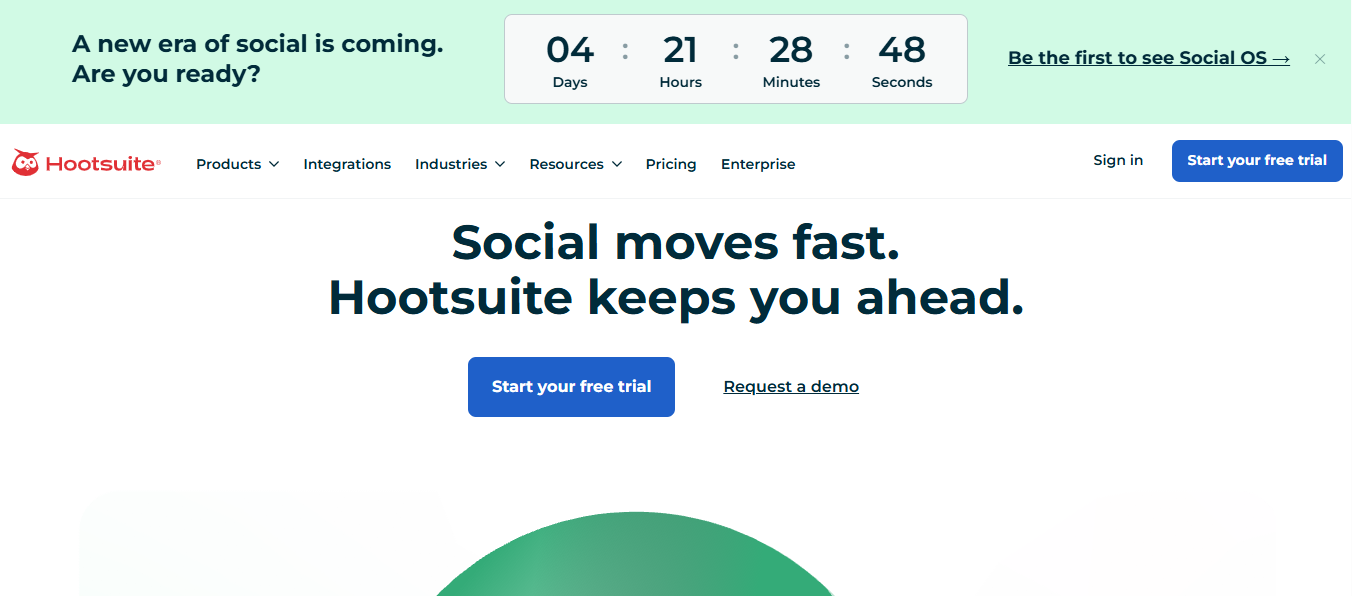
Hootsuite is the most expensive tool on this list by a significant margin. It’s also the most comprehensive. For individual creators, it’s overkill. For marketing teams managing Instagram alongside eight other platforms with approval workflows, audit trails, and detailed reporting — it earns its price.
Best For:
Enterprise teams, agencies, and brands managing multiple social platforms, multiple accounts, and multiple team members with formal approval workflows.
Why It Stands Out:
Reels auto-publishing works through Meta’s official API with custom thumbnail support, caption handling, and hashtag management. That’s table stakes at Hootsuite’s price point — what you’re actually paying for is everything around the publishing itself.
The team collaboration infrastructure is the most mature on this list. Assign posts for review, require approval before anything publishes, maintain an audit trail of who changed what and when, set role-based permissions across team members. For a brand where a single poorly-worded post can cause a PR issue, that level of workflow control has real value.
Social listening is built in — monitor mentions, hashtags, and competitor activity across platforms without needing a separate tool. The analytics depth is also substantially stronger than most mid-tier options: custom reports, competitor benchmarking, and detailed Reels-specific metrics.
Honest take: if you’re a solo creator or a small team, $99/month is genuinely hard to justify when Publer or Later do the core job at a fraction of the cost. Hootsuite makes sense when you have a team large enough to need the collaboration infrastructure.
Pros:
- True Reels auto-publish with custom thumbnail support
- Most mature team collaboration and approval workflow system
- Built-in social listening across platforms
- Deep analytics and custom reporting
- Enterprise-grade security and permissions
Cons:
- $99/month starting price — expensive for individuals and small teams
- Complex interface with a steep learning curve
- Video features not the primary focus despite supporting Reels
- No free plan
Pricing:
Professional — $99/month | Team — $249/month (enterprise pricing available)
Platform:
Web ✅ iOS ✅ Android ✅
6. Metricool — Best for Data-Driven Creators Who Want Scheduling and Analytics Together
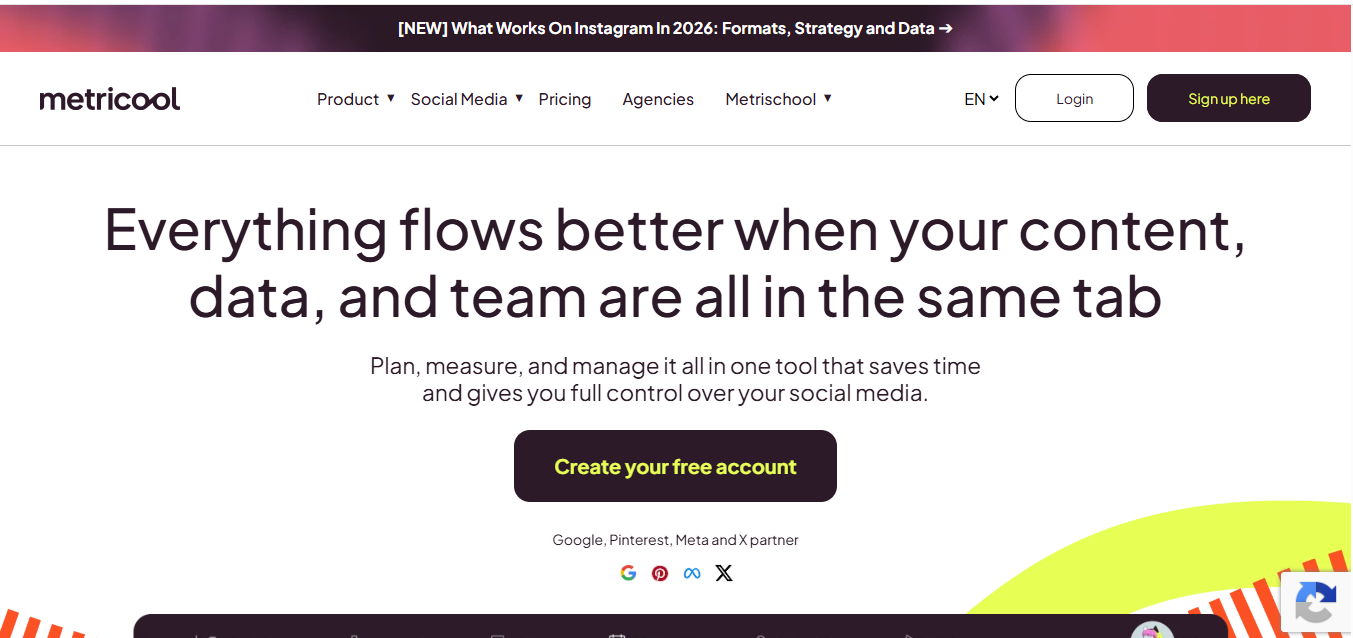
Most scheduling tools have analytics as an afterthought. Metricool built the analytics first and added scheduling around it — and that difference in priority shows up in how much more useful the data is.
Best For:
Creators and marketers who make content decisions based on performance data and want scheduling and analytics in one place rather than paying for two separate tools.
Why It Stands Out:
Metricool connects to your Instagram account and pulls historical data on your Reels performance — reach, watch time, engagement rate, saves, shares — displayed in a dashboard that’s genuinely easier to read than Instagram’s native insights. You can see which Reels performed best, at what time they were posted, and what their first-hour engagement looked like. That data informs when you schedule future Reels rather than relying on generic best-time-to-post advice.
The auto-publish Reels scheduling works cleanly. The calendar interface is clear, captions handle hashtags properly, and custom cover image upload is supported.
One genuinely useful feature: Metricool lets you track competitor accounts alongside your own, so you can see how your Reels performance compares to others in your niche over time. That’s not something most schedulers offer without a significant price jump.
The free plan is one of the more functional free tiers in this category — 50 posts per month across one brand, basic analytics included.
Pros:
- Analytics depth significantly stronger than most scheduling tools
- Competitor tracking built in — compare your Reels to others in your niche
- True Reels auto-publish with custom cover support
- Free plan includes 50 posts/month and basic analytics
- Best-time-to-post based on your actual account data
Cons:
- Interface can feel data-heavy — less intuitive than Buffer or Pallyy
- Some advanced analytics features require higher-tier plans
- Cross-platform support less polished than Instagram-specific features
- No visual grid planner
Pricing:
Free (50 posts/month, 1 brand) | Starter — $22/month | Advanced — $59/month
Platform:
Web ✅ iOS ✅ Android ✅
7. Planly — Best Budget Option with True Auto-Publishing
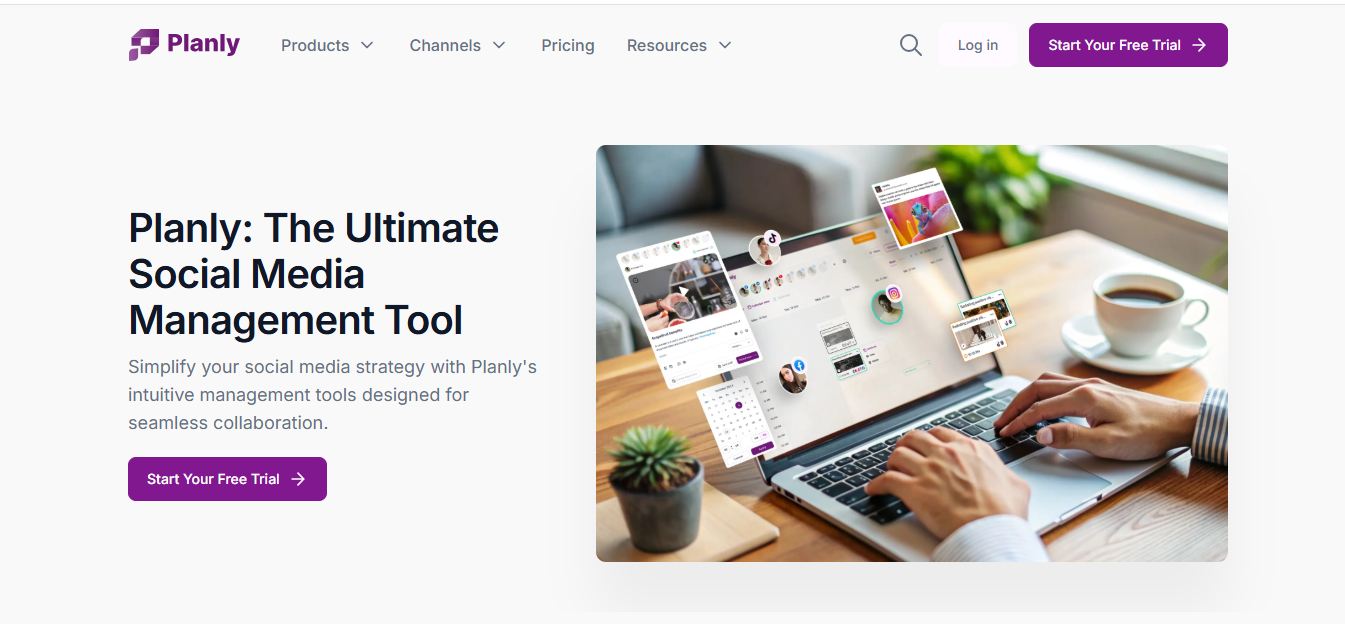
Planly doesn’t have the brand recognition of Later or Buffer. What it has is a clean, functional scheduler that auto-publishes Reels without push notifications, supports first-comment automation, and starts at $15/month — the lowest paid price point on this list.
Best For:
Budget-conscious creators and small teams who need true Reels auto-publishing without paying premium prices, and who post first comments with hashtags as part of their strategy.
Why It Stands Out:
The feature that most distinguishes Planly from similarly-priced tools is first-comment scheduling. You write your hashtags in the first comment field when creating the post, and Planly publishes both the Reel and the first comment simultaneously — keeping your caption clean while still using hashtags for discoverability. Not every tool handles first comments, and the ones that do often restrict it to higher plans.
Reels auto-publishing is true auto-publish — no push notification, no manual intervention. The scheduling calendar is straightforward to use, and the free tier actually means free: you can schedule without paying, just with a volume cap.
The interface is clean and modern. It won’t impress you with visual fireworks, but everything is where you expect it to be, which matters when you’re scheduling content every day.
Pros:
- First-comment scheduling included — clean captions, hashtags in comment
- True Reels auto-publish, no push notifications
- Free plan available with no time limit
- $15/month Starter plan is the lowest paid option on this list
- Clean, intuitive interface — minimal learning curve
Cons:
- Smaller platform — fewer integrations than established tools
- Analytics basic compared to Metricool or Later
- No visual grid planner
- Less established reputation than Buffer or Later
Pricing:
Free (forever, limited volume) | Starter — $15/month | Pro — $40/month | Guru — $80/month
Platform:
Web ✅ iOS ✅ Android ✅
8. Sked Social — Best for Reliability and Bulk Uploads
Sked Social was one of the first third-party tools to offer true Instagram auto-publishing, back when most competitors were still relying on push notifications. That early investment in getting publishing right shows in how consistently it works.
Best For:
Agencies, prolific creators, and brands who need rock-solid publishing reliability, bulk video upload for large content batches, and a track record they can trust.
Why It Stands Out:
Sked Social’s reputation in the scheduling space is built on reliability. Other tools have had periods where Instagram API changes broke their auto-publishing temporarily — Sked Social’s engineering team has historically been faster to update its integration and restore functionality. For brands where a missed post has real business consequences, that track record matters.
Bulk upload handles large batches cleanly. Upload multiple videos at once, set times for each, and schedule an entire week or month of content in a single session. Combined with a visual grid planner, it’s built for the kind of high-volume content operation that would find one-at-a-time tools genuinely limiting.
The honest trade-off: Sked Social’s interface feels more dated than newer entrants like Pallyy or Planly. It’s functional, but it wasn’t designed in the modern visual-first era. The starting price at $30/month without a free plan also means you’re committing to it financially from day one.
Pros:
- Strongest reliability track record of any tool on this list
- Bulk upload for large content batches
- Visual grid planner included
- One of the earliest and most tested Reels auto-publishing integrations
- Strong team collaboration features
Cons:
- Interface feels dated compared to newer tools
- No free plan — $30/month starting from day one
- Higher price point than Pallyy or Planly for similar features
- Less focused on AI features than newer competitors
Pricing:
Fundamentals — $30/month | Essentials — $89/month | Professional — $159/month
Platform:
Web ✅ iOS ✅ Android ✅
9. Meta Business Suite — Best Free Option
Meta Business Suite is Instagram’s own free tool for scheduling content — and the only option on this list with zero cost and no post volume cap.
Best For:
Solo creators, small businesses, and anyone who only needs to schedule to Instagram and Facebook and doesn’t want to pay for a third-party tool.
Why It Stands Out:
Because it’s built by Meta, Business Suite connects to your Instagram account with zero API friction — no third-party authentication, no integration issues, no risk of the connection breaking when Meta updates something. It’s the most reliable publishing integration possible, simply because it is Instagram.
Reels scheduling works through the Planner tab. Upload your video, add a caption, set a date and time, and it publishes automatically. Custom cover image selection is supported. The scheduling window is limited to 75 days out, which is rarely a real constraint for most creators.
The free pricing is the obvious standout. No tier limits, no post caps, no subscription. For a creator who posts to Instagram and Facebook only and doesn’t need cross-platform scheduling, analytics depth, or a visual grid planner, this is the correct choice.
What you don’t get: analytics beyond Instagram’s native insights, a visual grid planner, cross-platform posting to TikTok or YouTube, AI caption tools, or any of the workflow features that paid tools include. If you need any of those, a paid tool earns its cost immediately.
Pros:
- Completely free — no subscription, no post cap
- True Reels auto-publish via native Meta integration
- Zero API connection issues — built by Meta itself
- Manages both Instagram and Facebook from one place
- Custom cover image support
Cons:
- Limited to Meta platforms only — no TikTok, YouTube, LinkedIn
- Basic analytics — no depth beyond native Instagram insights
- No visual grid planner
- Interface clunky compared to third-party tools
- 75-day scheduling window cap
Pricing:
Free — no paid tiers
Platform:
Web ✅ iOS ✅ Android ✅
10. SocialBee — Best for Evergreen Content and Content Categories
SocialBee solves a problem most schedulers ignore: what do you do with content that’s still relevant months after you first posted it? Most tools treat every post as a one-time event. SocialBee treats content as something you can reuse, recycle, and redistribute on a schedule.
Best For:
Creators and businesses with a library of evergreen Reels content who want to keep posting consistently without creating new content every single day.
Why It Stands Out:
The content category system is what makes SocialBee genuinely different. You organize your Reels into categories — educational, promotional, entertaining, behind-the-scenes — and SocialBee rotates through them on a schedule you set. Your posting queue never runs dry because evergreen content cycles back automatically when new content isn’t available.
For a business that has 30 solid evergreen Reels — product demos, explainer videos, FAQ answers — SocialBee can keep those in rotation indefinitely while you add fresh content on top. That’s a fundamentally different workflow than any other tool on this list.
Reels auto-publishing is properly implemented, and AI caption generation is included from the base plan. The analytics are functional for most use cases, though not as deep as Metricool.
One honest limitation: the content category system takes time to set up properly. It’s not the right tool if you want to be up and running in 15 minutes. But once configured, it runs with less ongoing maintenance than any other scheduler here.
Pros:
- Content category and evergreen recycling system — unique to SocialBee
- True Reels auto-publish
- AI caption generation included from base plan
- Flat-rate pricing — not per-channel
- Strong for businesses with existing content libraries
Cons:
- Setup takes more time than simpler tools
- Interface less intuitive for beginners than Buffer or Pallyy
- No free plan
- Visual grid planner not as polished as Later or Pallyy
- Analytics functional but not deep
Pricing:
Bootstrap — $29/month | Accelerate — $49/month | Pro — $99/month
Platform:
Web ✅ iOS ✅ Android ✅
Auto-Publish vs Push Notifications: The One Thing to Check Before Paying
This distinction deserves its own section because it’s the most common source of buyer’s regret in this category.
Every tool on this list auto-publishes. But the market is full of tools that don’t — they send a push notification to your phone and ask you to tap “Share” manually. At the scheduled time, your phone buzzes. If you’re asleep, on a call, or in a meeting, the Reel doesn’t post.
The reason these tools still exist isn’t malice — it’s history. Instagram restricted API publishing for years, and many tools built their entire product around the push-notification workaround. When Meta eventually opened up proper API access for Reels, some tools updated. Others didn’t, or only updated on their expensive plans.
Before signing up for anything not on this list, search for “[tool name] Reels auto publish” and look for recent confirmation — ideally from their own help documentation, not their marketing page. Marketing copy says “schedule Reels.” Support documentation tells you whether that means auto-publish or a notification.
Frequently Asked Questions (FAQs)
Does scheduling Instagram Reels hurt reach?
No. Instagram’s algorithm treats scheduled Reels the same as manually posted ones. The platform cannot tell whether a post came from the API or from the app directly. What affects reach is content quality, watch time, posting consistency, and timing — not the publishing method.
What’s the best free Instagram Reels scheduler?
Meta Business Suite is the only truly free option with no post limits. ShortSync and Metricool also offer free tiers with Reels scheduling if you need cross-platform support. For most solo creators, Meta Business Suite covers the basics without spending anything.
How far in advance can I schedule Instagram Reels?
Meta Business Suite caps scheduling at 75 days. Third-party tools like Later, Buffer, and Hootsuite have no enforced limit — you can schedule months ahead. In practice, scheduling more than 30 days out for Reels is rare, since trending audio and timely content make advance scheduling less useful at that distance.
Can I schedule the same Reel to TikTok and Instagram at the same time?
Yes, with the right tool. ShortSync, Later, Buffer, and Publer all support cross-platform scheduling where you upload once and publish to multiple platforms simultaneously. Each platform can have its own caption while sharing the same video file.
Do I need a Business account to schedule Reels?
Yes. Instagram’s Graph API — which is how all third-party schedulers publish content — requires a Business or Creator account. Personal accounts cannot use auto-publishing tools. Switching is free and takes under a minute in your Instagram settings.
