

Microsoft Power Automate is our best overall business process automation software for 2026 because it combines cloud workflows, approvals, desktop automation, RPA, AI capabilities, and deep integration with Microsoft 365 and Power Platform. Zapier is easier for SMBs and cross-app no-code automation, Workato is stronger for enterprise orchestration, UiPath leads in RPA-heavy processes, and Appian is one of the strongest options for enterprise BPM and low-code process applications.
Our top 20 picks are:
Rank |
Software |
Best For |
Advertiser Review Rating |
|---|---|---|---|
| 1 | Microsoft Power Automate | Best Overall | 4.9/5 |
| 2 | Workato | Enterprise Orchestration | 4.9/5 |
| 3 | Zapier | SMB & No-Code Automation | 4.8/5 |
| 4 | UiPath | RPA & Legacy Systems | 4.8/5 |
| 5 | Appian | Enterprise BPM | 4.8/5 |
| 6 | Make | Visual Complex Workflows | 4.8/5 |
| 7 | Nintex | Process Management & Approvals | 4.7/5 |
| 8 | Pega Platform | Enterprise Case Management | 4.7/5 |
| 9 | Camunda | Developer-Led Process Orchestration | 4.7/5 |
| 10 | n8n | Technical Teams & Self-Hosting | 4.7/5 |
| 11 | Kissflow | Business-Led No-Code BPM | 4.6/5 |
| 12 | Pipefy | Operations, HR & Finance | 4.6/5 |
| 13 | ProcessMaker | Structured Business Processes | 4.6/5 |
| 14 | Automation Anywhere | Enterprise RPA | 4.6/5 |
| 15 | Jotform Workflows | Forms & Approvals | 4.5/5 |
| 16 | monday.com | Work Management Automation | 4.5/5 |
| 17 | Smartsheet | Cross-Team Workflow Automation | 4.5/5 |
| 18 | Airtable | Data-Centric Workflows | 4.4/5 |
| 19 | Creatio | CRM + No-Code Automation | 4.4/5 |
| 20 | Bizagi | Process Modeling & Transformation |
What Is Business Process Automation Software?
Business process automation software helps organizations automate repeatable workflows involving people, data, applications, rules, approvals, documents, and business decisions.
A basic automation might be:
New Form Submission → Create CRM Record → Notify Sales Team
A more sophisticated process could look like:
Purchase Request → Manager Approval → Budget Validation → Finance Review → Purchase Order → ERP Update → Vendor Notification → Audit Log
Modern BPA platforms may provide:
- Workflow builders
- Application integrations
- API connectors
- Approval routing
- Forms
- Business rules
- AI agents
- Robotic process automation
- Document processing
- Process monitoring
- Analytics
- Governance
- Human-in-the-loop tasks
- Process modeling
- Error handling
- Audit trails
Business process automation is increasingly overlapping with BPM, RPA, integration platforms, and AI agents. Current 2026 market analysis reflects this convergence, with platforms increasingly combining workflows, app integrations, AI actions, and autonomous agents.
BPA vs BPM vs RPA: What’s the Difference?
These terms are related but not identical.
Technology |
Primary Purpose |
Example |
| BPA | Automate complete business workflows | Employee onboarding |
| BPM | Design, manage and improve processes | Procurement lifecycle |
| RPA | Automate repetitive computer interactions | Copy data from legacy software |
| iPaaS | Connect apps and data | CRM ↔ ERP sync |
| Workflow Automation | Automate task sequences | Approval notification |
| AI Agents | Make context-dependent decisions/actions | Qualify and route support cases |
BPA
Business Process Automation focuses on automating an end-to-end operational process.
BPM
Business Process Management includes:
Design → Execute → Monitor → Optimize
Automation may be part of BPM, but BPM is broader.
RPA
Robotic Process Automation usually automates user-interface tasks.
For example:
Open ERP → Copy Invoice Number → Enter Into Accounting System
RPA remains especially valuable when software lacks modern APIs. UiPath and Automation Anywhere remain prominent examples of this category.
Why Use Business Process Automation Software?
BPA software can reduce repetitive work, shorten process cycle times, standardize operations, improve visibility, and reduce errors caused by manual handoffs.
Typical processes include:
Finance
- Invoice approvals
- Expense requests
- Purchase orders
- Vendor onboarding
- Financial reporting
HR
- Employee onboarding
- Leave approvals
- Recruitment
- Offboarding
- Policy acknowledgments
Sales
- Lead routing
- CRM updates
- Proposal workflows
- Deal approvals
- Follow-ups
Marketing
- Campaign approvals
- Lead enrichment
- Reporting
- Content workflows
- CRM synchronization
IT
- Access requests
- Incident workflows
- Provisioning
- Password workflows
- Security approvals
How We Evaluated Business Process Automation Software
Advertiser Review weighted platforms according to the following criteria.
Criterion |
Weight |
| Workflow & process automation depth | 25% |
| Integrations & interoperability | 15% |
| AI and agent capabilities | 15% |
| Ease of use | 10% |
| Governance & security | 10% |
| Scalability | 10% |
| RPA/BPM capabilities | 5% |
| Analytics & monitoring | 5% |
| Pricing/value | 5% |
Importantly, “best” depends heavily on process type.
Zapier can be better than Appian for a 20-person startup.
Appian can be dramatically better than Zapier for a regulated enterprise workflow involving hundreds of employees.
1. Microsoft Power Automate
Best Overall Business Process Automation Software
Advertiser Review Rating: 4.9/5
Microsoft Power Automate is our best overall BPA platform because it combines cloud automation, desktop RPA, AI, approvals, business applications, governance, and deep Microsoft ecosystem integration.
Power Automate is especially compelling for organizations already using:
- Microsoft 365
- Teams
- Outlook
- SharePoint
- Excel
- Dynamics 365
- Azure
- Power Apps
Key Features
- Cloud flows
- Desktop flows
- RPA
- AI Builder
- Process automation
- Approvals
- Connectors
- Power Platform integration
- Dataverse
- Process mining
- Enterprise governance
Pricing
Microsoft’s Premium model has commonly started around $15 per user/month, while process-level automation and unattended RPA licensing use separate capacity-based plans. Microsoft’s current licensing documentation lists Power Automate Process at $150 per bot/month for applicable unattended RPA or process scenarios.
Best For
- Microsoft-centric companies
- Enterprises
- Finance
- IT
- Operations
- Desktop automation
Pros
- Excellent Microsoft integration
- Cloud + desktop automation
- Strong enterprise governance
- RPA
- AI capabilities
- Huge ecosystem
Cons
- Licensing can become complicated
- Premium connectors may increase costs
- Can be intimidating for casual users
- Less elegant for some non-Microsoft workflows
Why Choose It?
Choose Power Automate if your business already operates heavily inside Microsoft.
Who Should Avoid It?
Teams primarily working across unrelated SaaS apps may find Zapier or Make easier.
Expert Review
Power Automate’s biggest strength is range.
It can automate:
Excel → Outlook → Teams
but can also orchestrate enterprise processes involving desktop applications, approvals, Dataverse, AI and RPA.
That makes it more of an automation ecosystem than simply a workflow connector.
Final Rating: 4.9/5
2. Workato
Best for Enterprise Workflow Orchestration
Advertiser Review Rating: 4.9/5
Workato is one of the strongest platforms for large organizations that need governed automation across SaaS applications, APIs, data, business teams, and increasingly AI-powered workflows.
Current 2026 comparisons continue to position Workato as a top enterprise orchestration platform, particularly where workflows need stronger governance than lightweight automation tools provide.
Best For
- Enterprises
- SaaS companies
- Finance
- IT automation
- RevOps
- Cross-department integration
Key Features
- Workflow recipes
- Enterprise integrations
- API automation
- AI capabilities
- Data orchestration
- Security
- Governance
- Reusable components
Pricing
Custom quote
Pros
- Excellent enterprise scale
- Strong governance
- Powerful cross-app orchestration
- Large integration ecosystem
- Good collaboration between IT and business teams
Cons
- Expensive for smaller companies
- Pricing is not transparent
- Greater complexity than Zapier
Expert Review
Workato fits organizations that have moved past “connect these two apps” and need:
Process ownership + integrations + governance + reusable automation architecture
Final Rating: 4.9/5
3. Zapier
Best for SMBs and No-Code Automation
Advertiser Review Rating: 4.8/5
Zapier remains one of the easiest ways to automate business processes across a very large number of cloud applications without requiring a developer.
Its 2026 automation offering combines traditional workflows with AI functionality and a very large app integration ecosystem. Current comparisons cite 9,000+ integrations and paid pricing starting around $19.99/month, alongside a free tier.
Best For
- SMBs
- Marketing
- Sales
- Solopreneurs
- SaaS operations
- Cross-app workflows
Key Features
- Zaps
- Multi-step workflows
- AI automation
- Tables
- Forms
- Webhooks
- Filters
- Paths
- Scheduling
- Large integration ecosystem
Pricing
- Free plan available
- Paid plans from approximately $19.99/month
- Higher tiers scale by usage
Pros
- Extremely easy to start
- Huge app ecosystem
- Strong no-code interface
- Fast deployment
- AI workflow support
Cons
- Task-based pricing can become expensive
- Complex workflows can become difficult to manage
- Less appropriate for sophisticated BPM
- Limited RPA compared with UiPath
Expert Review
Zapier wins on time-to-automation.
A marketing team can often build useful automation in minutes instead of weeks.
Its weakness appears when simple Zaps evolve into mission-critical enterprise processes requiring heavy governance and orchestration.
Final Rating: 4.8/5
4. UiPath
Best for Robotic Process Automation
Advertiser Review Rating: 4.8/5

UiPath is the strongest choice when business automation depends heavily on repetitive desktop applications, legacy systems, documents, and user-interface automation.
Current 2026 automation comparisons continue to identify UiPath as a major RPA platform for systems that cannot easily be connected through APIs.
Best For
- Enterprise RPA
- Legacy software
- Banking
- Insurance
- Healthcare
- Finance
- Back-office operations
Key Features
- Desktop robots
- Document understanding
- AI automation
- Process mining
- Task mining
- Orchestration
- Attended automation
- Unattended automation
Pricing
Entry-level paid options may begin around $25/month for selected capabilities, while enterprise automation uses custom licensing.
Pros
- Excellent RPA
- Strong legacy-system support
- Advanced document automation
- Enterprise-grade governance
- Process intelligence
Cons
- Significant learning curve
- Enterprise deployments can be expensive
- Overkill for simple SaaS automation
Expert Review
Choose UiPath when your automation challenge is:
“A human repeatedly clicks through six old applications.”
Choose Zapier when it is:
“Move data between six SaaS apps.”
Those are very different problems.
Final Rating: 4.8/5
5. Appian
Best for Enterprise BPM and Low-Code Applications
Advertiser Review Rating: 4.8/5

Appian is one of the strongest choices for enterprises that need complex workflows, process applications, case management, data orchestration, and AI within a governed low-code environment.
Recent 2026 BPM evaluations continue to rank Appian prominently for connecting workflows, enterprise data, and AI.
Best For
- Large enterprises
- Regulated industries
- Case management
- Financial services
- Government
- Complex workflows
Key Features
- Low-code application development
- BPM
- Process orchestration
- Case management
- AI
- RPA
- Business rules
- Data fabric
Pricing
Custom
Pros
- Powerful enterprise BPM
- Strong low-code capabilities
- Handles complex processes
- Good governance
- Case management
Cons
- Expensive
- Requires skilled implementation
- Too complex for simple automations
Final Rating: 4.8/5
6. Make
Best Visual Automation Builder
Advertiser Review Rating: 4.8/5
Make is one of the best platforms for users who want more visual control and workflow complexity than Zapier without moving into heavyweight enterprise BPM.
Its scenario builder is particularly strong for:
- Branching logic
- Data transformations
- Routers
- Iterators
- Multi-app processes
Current comparisons continue to characterize Make as a powerful visual option for more logic-heavy cross-application workflows.
Best For
- Agencies
- Technical marketers
- Operations
- SMBs
- SaaS companies
- Complex integrations
Pricing
- Free tier available
- Paid plans use a credit-based model
Pros
- Excellent visual builder
- More flexible than many basic no-code tools
- Strong data transformations
- Competitive pricing
- Many integrations
Cons
- Steeper learning curve than Zapier
- Credit usage can become difficult to estimate
- Complex scenarios can become hard to maintain
Final Rating: 4.8/5
7. Nintex
Best for Process Management and Approvals
Advertiser Review Rating: 4.7/5
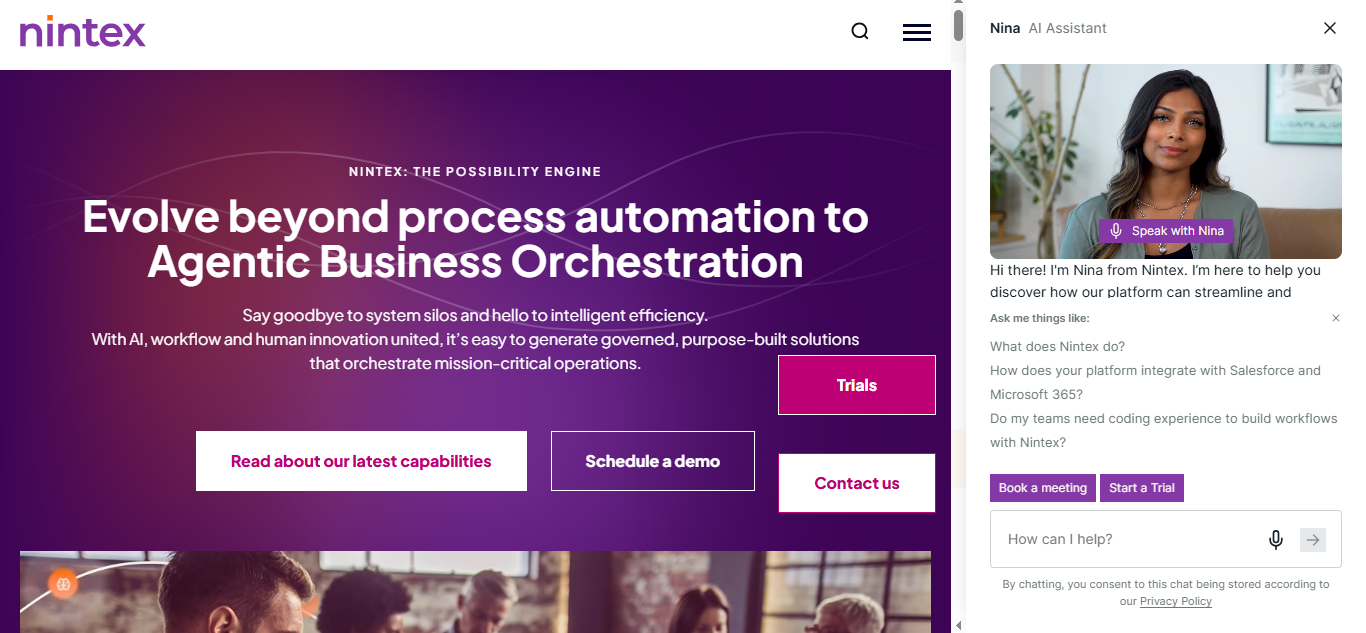
Nintex is a strong enterprise platform for structured business workflows, approvals, process mapping, document automation, and broader process management.
It remains a prominent BPM choice in current 2026 software evaluations, especially for repeatable processes spanning business departments.
Best For
- Enterprises
- HR
- Finance
- Operations
- Document workflows
Key Features
- Workflow automation
- Process mapping
- Forms
- Approvals
- Documents
- RPA
- E-signature integrations
- Analytics
Pricing
Custom
Pros
- Strong process management
- Document workflows
- Enterprise controls
- Good business-user accessibility
Cons
- Pricing can be high
- Less developer-oriented than Camunda
- Overkill for basic automation
Final Rating: 4.7/5
8. Pega Platform
Best for Enterprise Case Management
Advertiser Review Rating: 4.7/5
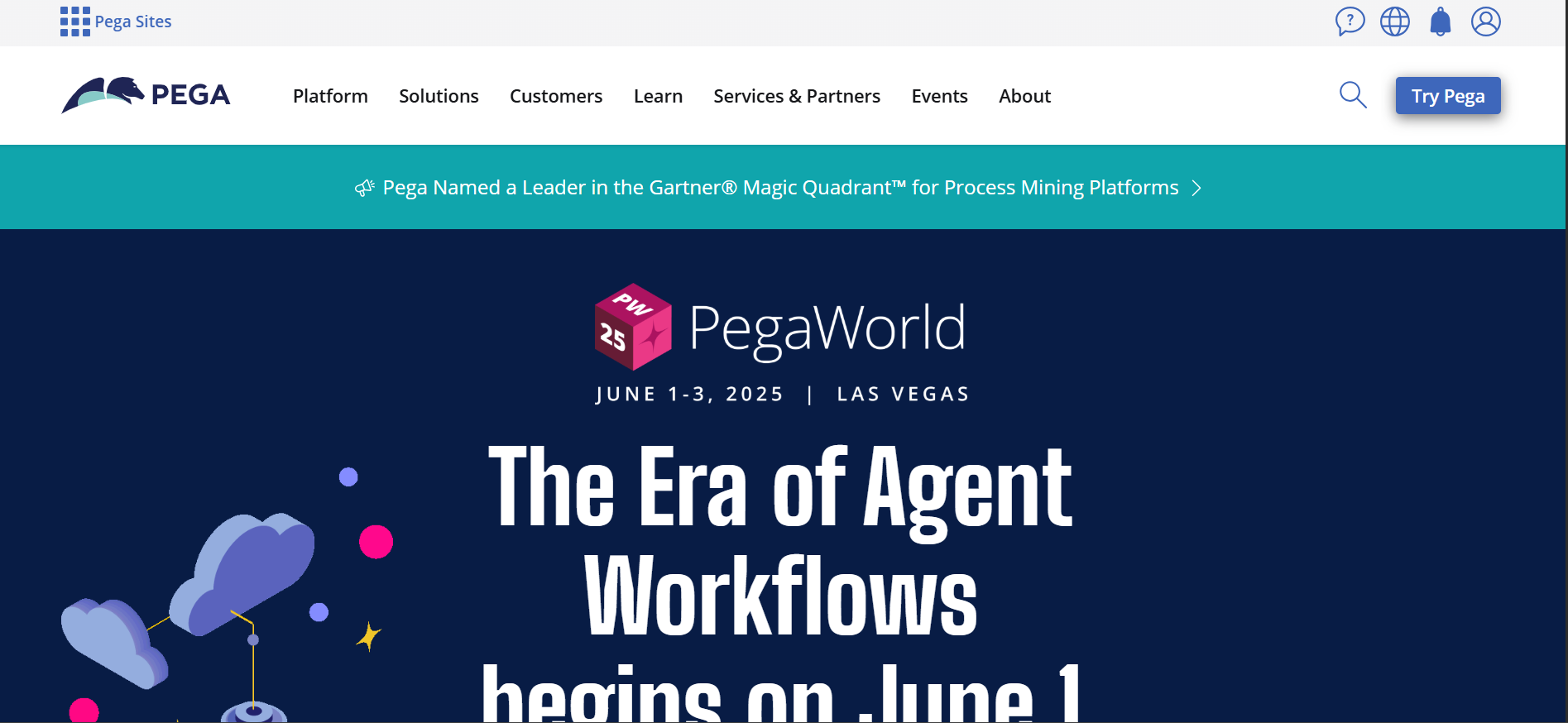
Pega is particularly strong for complex, long-running processes where cases, decisions, customer interactions, and regulatory workflows must be coordinated at enterprise scale.
Best For
- Banks
- Insurance
- Telecom
- Government
- Customer service
- Complex case management
Key Features
- BPM
- Case management
- Decisioning
- AI
- Low-code applications
- Automation
- Customer service
- Business rules
Pricing
Custom
Pros
- Excellent complex-case management
- Advanced enterprise capabilities
- Strong business rules
- AI decisioning
- Highly scalable
Cons
- Significant complexity
- Expensive
- Specialist skills often required
Final Rating: 4.7/5
9. Camunda
Best for Developer-Led Process Orchestration
Advertiser Review Rating: 4.7/5
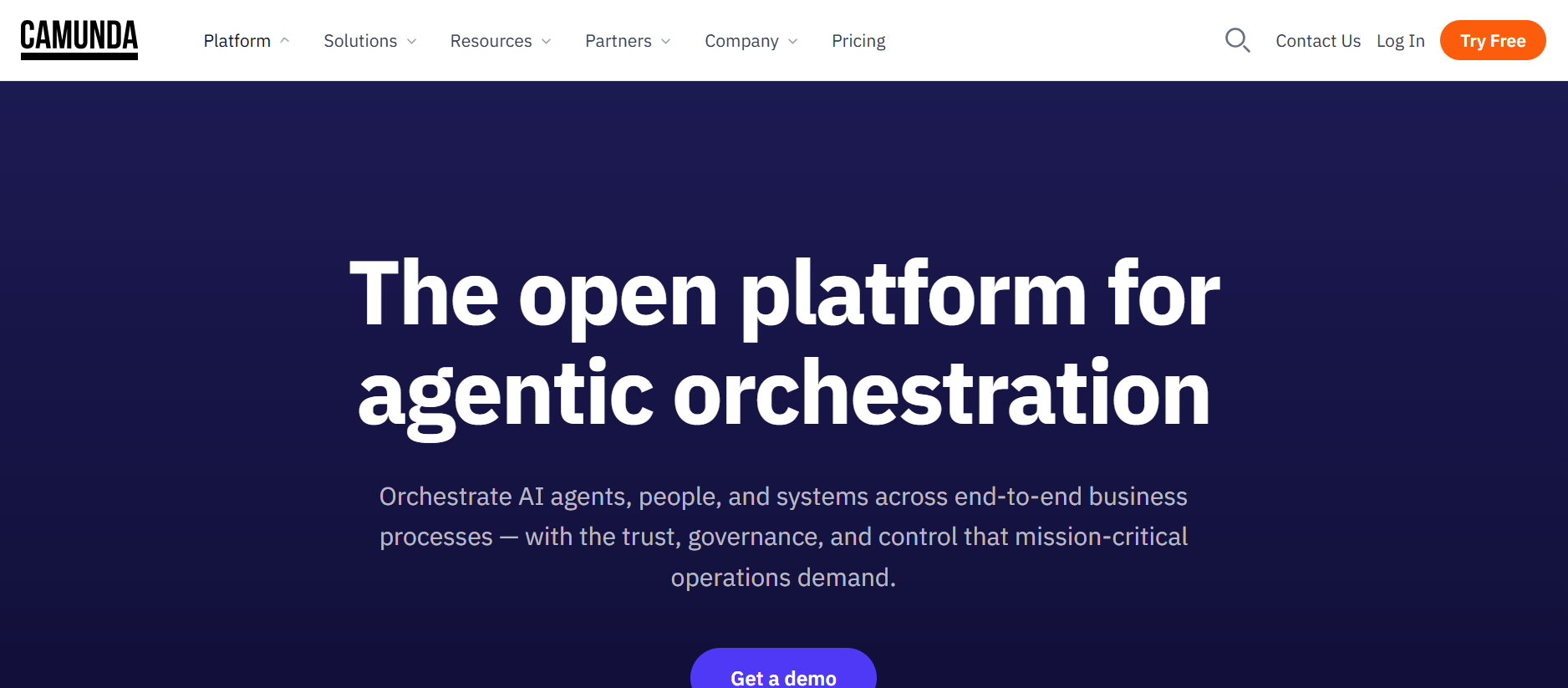
Camunda is best for technical organizations that need to orchestrate complex processes across APIs, applications, microservices, workers, and human tasks.
Current 2026 BPM comparisons continue to distinguish Camunda as a strong option for processes spanning modern application architectures and microservices.
Best For
- Developers
- Software companies
- Microservices
- Complex enterprise architectures
- Mission-critical processes
Key Features
- BPMN
- Process orchestration
- Decision modeling
- Human tasks
- API integration
- Observability
- Developer tooling
Pricing
Cloud and enterprise pricing varies by deployment and usage.
Pros
- Strong process orchestration
- Developer friendly
- Open standards
- Excellent for complex systems
- Scalable architecture
Cons
- Less accessible to nontechnical users
- Requires development resources
- Not an instant no-code tool
Final Rating: 4.7/5
10. n8n
Best for Technical Teams and Self-Hosting
Advertiser Review Rating: 4.7/5
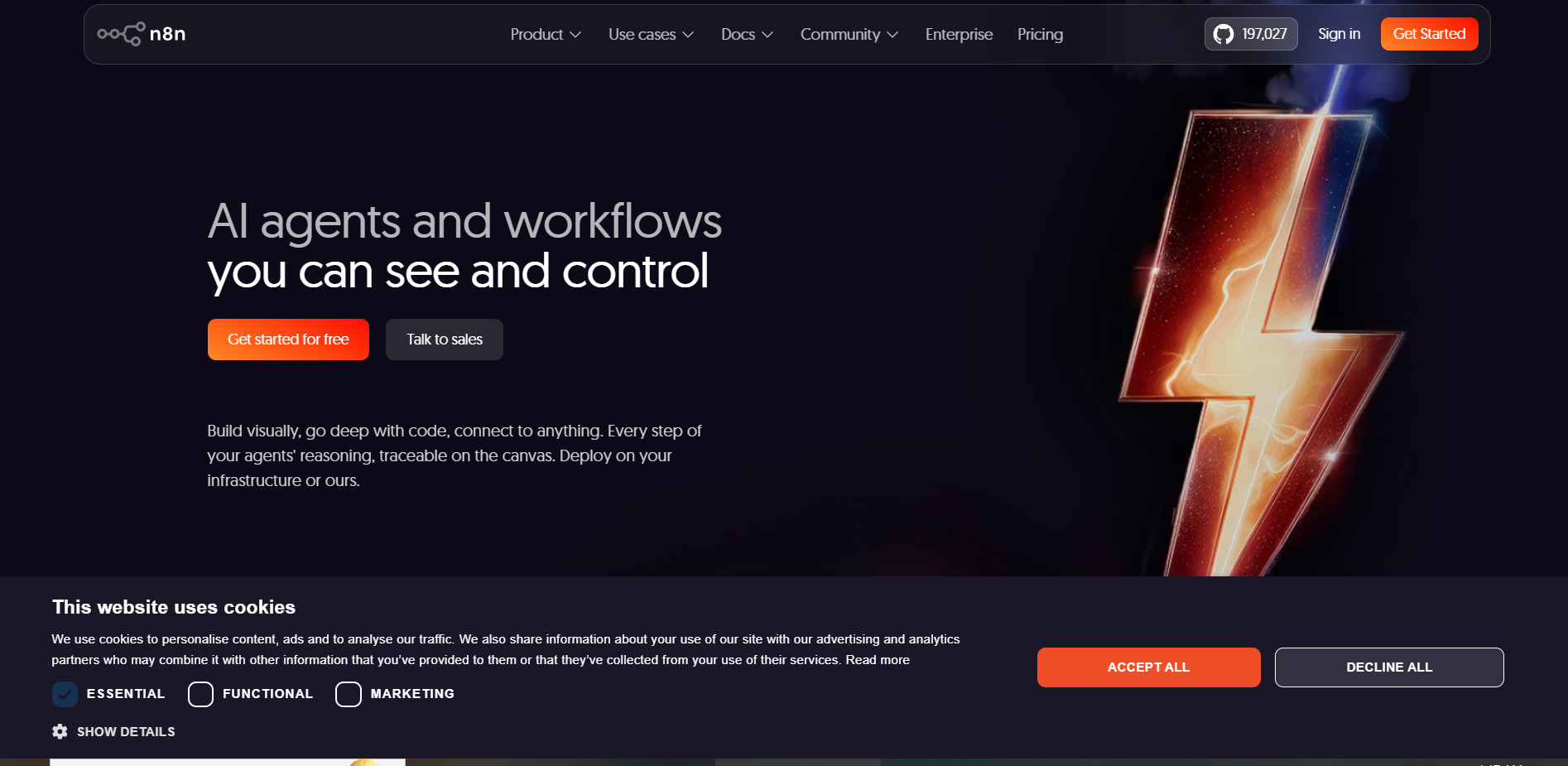
n8n is one of the strongest choices for technical teams that want visual automation without sacrificing code-level flexibility, AI workflows, or deployment control.
Current 2026 comparisons highlight self-hosting as a major differentiator, alongside AI automation and technical flexibility.
Best For
- Developers
- AI automation builders
- Technical operations
- Privacy-sensitive teams
- Self-hosting
Key Features
- Visual workflow editor
- Code nodes
- Webhooks
- AI integrations
- Self-hosting
- API connections
- Custom logic
Pricing
- Community/self-hosted options
- Cloud plans from roughly $20/month depending on current configuration.
Pros
- Excellent flexibility
- Self-hosting
- Strong AI workflows
- Technical control
- Good value
Cons
- More technical than Zapier
- Requires maintenance when self-hosted
- Governance requires careful setup
Final Rating: 4.7/5
11. Kissflow
Best for Business-Led No-Code BPM
Advertiser Review Rating: 4.6/5
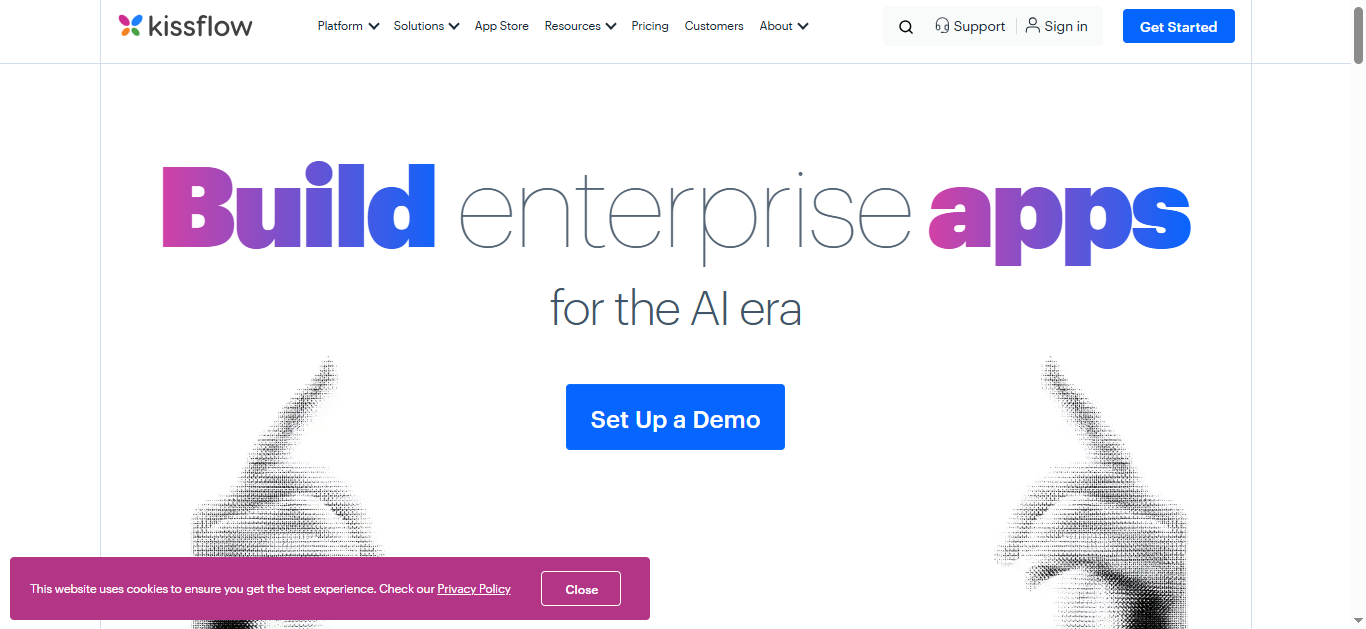
Kissflow is designed for business teams that want to build workflows, forms, approvals, and internal process applications without relying heavily on developers.
Current 2026 workflow comparisons describe Kissflow as particularly useful for business units that need low-code or no-code workflow and form automation.
Best For
- HR
- Finance
- Operations
- Procurement
- Business teams
Pros
- No-code friendly
- Forms and workflows
- Process tracking
- Suitable for departmental automation
Cons
- Less flexible than developer-oriented platforms
- Enterprise pricing can be substantial
Final Rating: 4.6/5
12. Pipefy
Best for Operations, HR and Finance
Advertiser Review Rating: 4.6/5
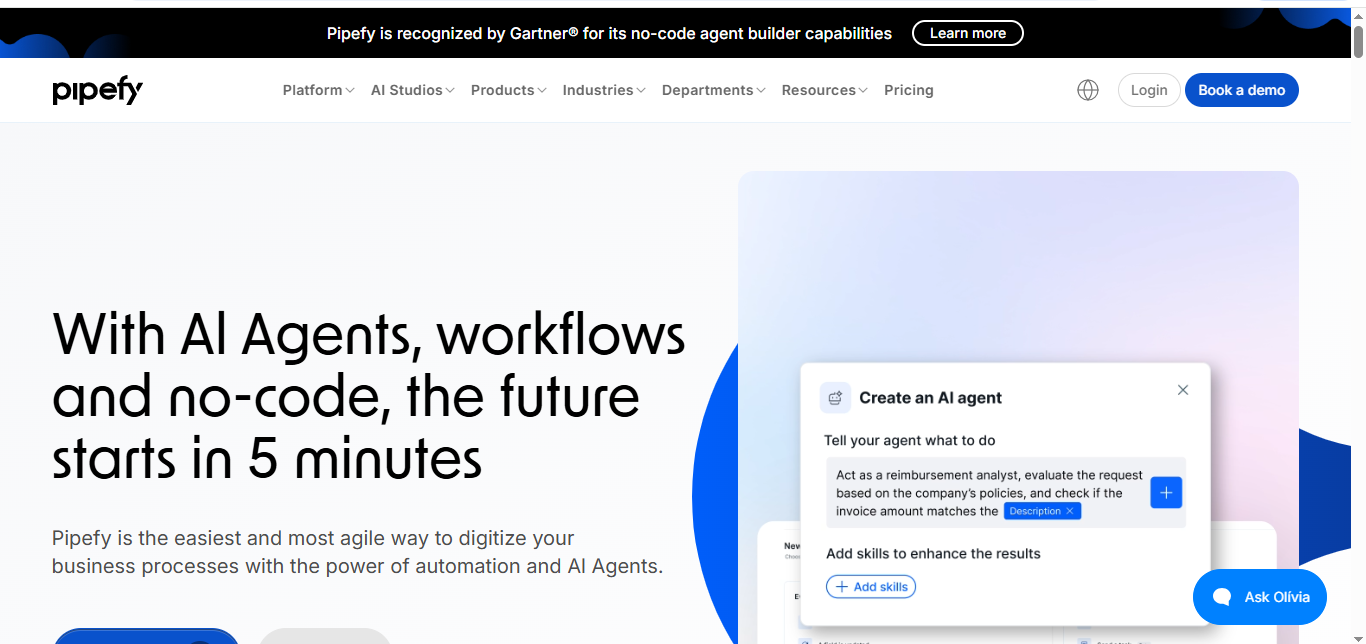
Pipefy is especially useful for teams standardizing structured processes such as procurement, HR requests, finance workflows, service operations, and approvals.
Current 2026 workflow comparisons specifically identify Pipefy as a good fit for operations, finance, and HR teams standardizing internal workflows.
Key Features
- Workflow templates
- Forms
- Approvals
- SLA management
- Process tracking
- Automation
- Reporting
Pros
- Strong operational workflows
- Easy process visualization
- Good for standardized processes
Cons
- Less integration-heavy than Workato
- Not designed for advanced RPA
Final Rating: 4.6/5
13. ProcessMaker
Best for Structured Business Processes
Advertiser Review Rating: 4.6/5
ProcessMaker is well suited to organizations that need structured workflow automation, process modeling, forms, approvals, and low-code process applications.
Best For
- Financial services
- Higher education
- Manufacturing
- Operations
- Enterprise workflows
Key Features
- BPM
- Process modeling
- Workflow automation
- Forms
- Business rules
- Integrations
Pros
- Strong structured process support
- Low-code
- Good business rules
Cons
- More complex than lightweight automation tools
- Enterprise implementation may require specialists
Final Rating: 4.6/5
14. Automation Anywhere
Best Enterprise RPA Alternative to UiPath
Advertiser Review Rating: 4.6/5
Automation Anywhere is a major enterprise RPA platform for organizations automating repetitive application interactions, documents, and high-volume business operations.
Current automation comparisons continue to position it as an enterprise multi-bot and AI-enabled automation platform.
Best For
- Large enterprises
- Shared services
- Finance
- Back-office operations
- Legacy systems
Pros
- Strong RPA
- Enterprise governance
- AI integration
- Scalable bot management
Cons
- Expensive
- Requires automation expertise
- Overkill for cloud-only workflows
Final Rating: 4.6/5
15. Jotform Workflows
Best for Forms and Approval Automation
Advertiser Review Rating: 4.5/5
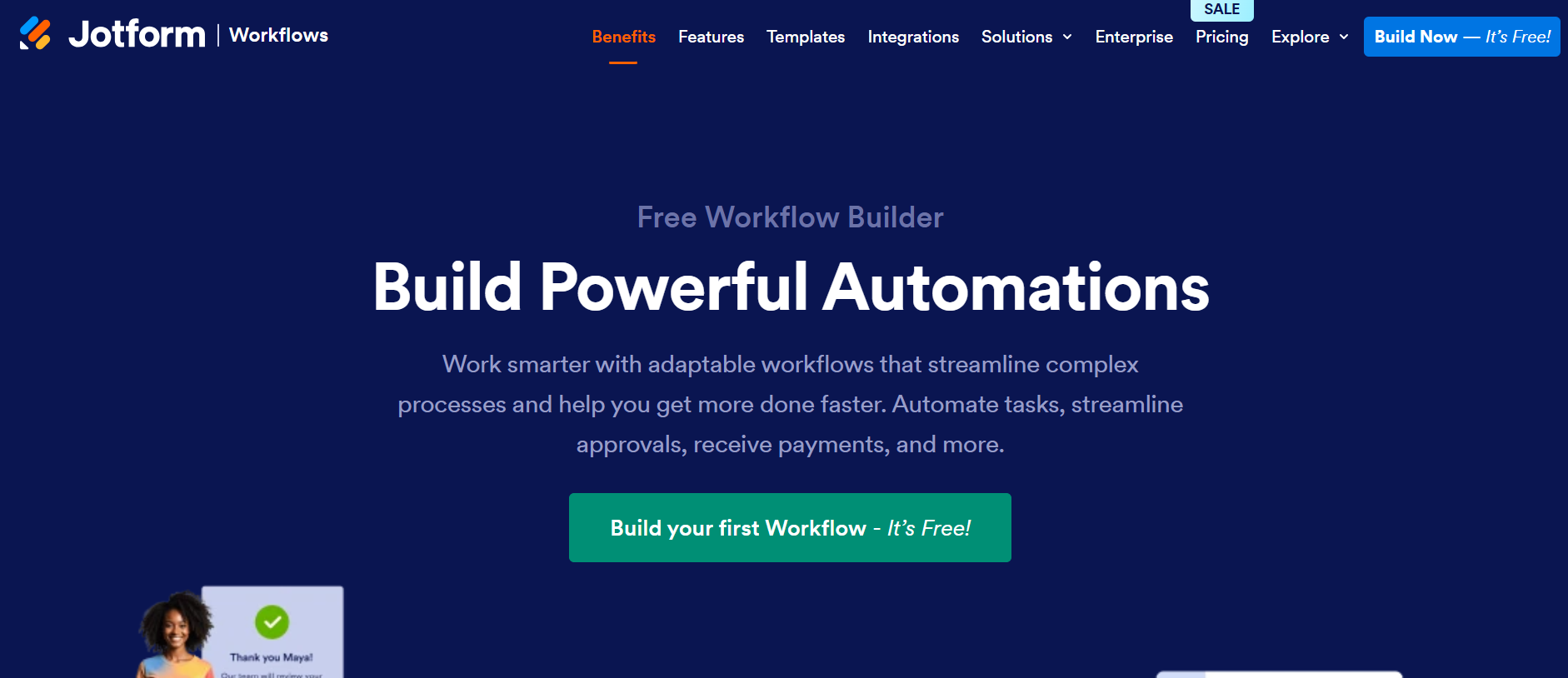
Jotform Workflows is one of the easiest options for turning form submissions into approvals, routing, signatures, and repeatable internal workflows.
G2’s July 2026 BPM comparison specifically identifies Jotform Workflows as particularly suited to replacing manual approvals with no-code workflows.
Best For
- Forms
- Approvals
- HR requests
- Purchase requests
- Simple onboarding
Pros
- Very easy to use
- Excellent form integration
- Fast deployment
- Good approval flows
Cons
- Less capable for enterprise orchestration
- Not designed for heavy RPA
- Complex logic may require another platform
Final Rating: 4.5/5
16. monday.com
Best for Work Management + Automation
Advertiser Review Rating: 4.5/5
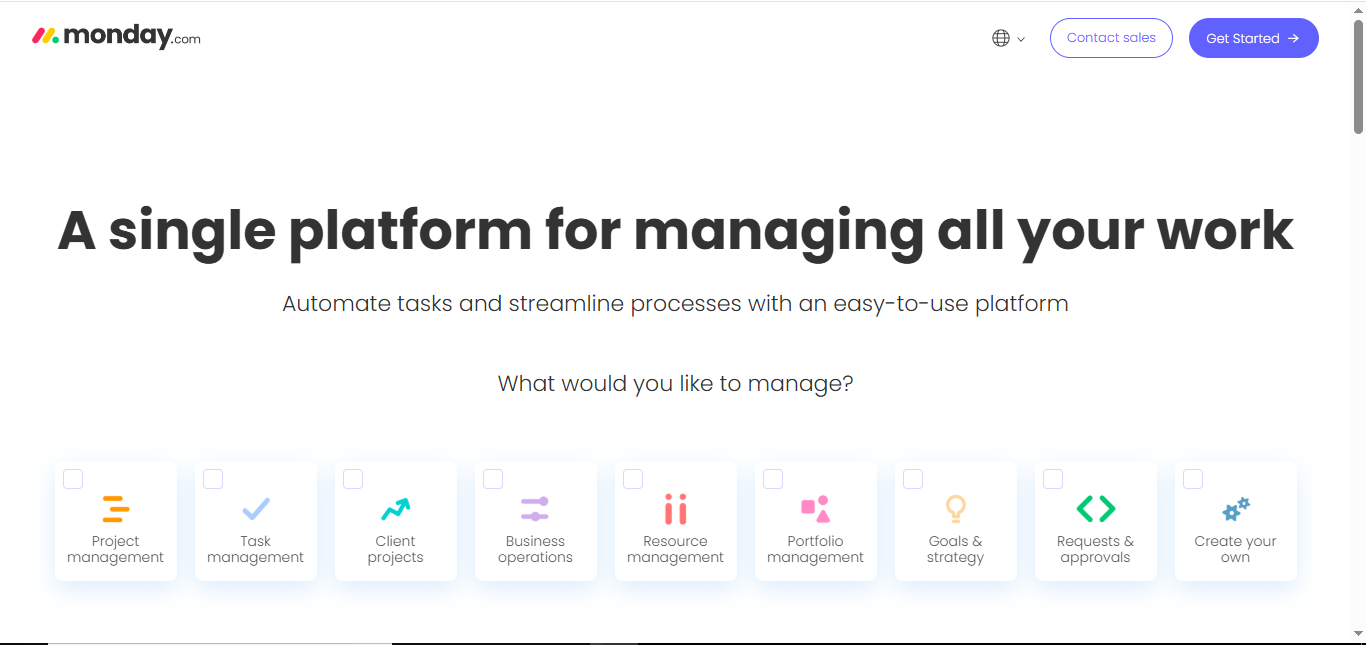
monday.com works well when the process itself is already being managed inside a collaborative work-management environment and automation mainly needs to coordinate statuses, tasks, people, notifications, and integrations.
Current 2026 workflow comparisons continue to position monday.com as useful for departments visually managing internal workflows alongside task automation.
Best For
- Marketing teams
- Operations
- Project management
- Agencies
- Cross-functional work
Pros
- Excellent interface
- Easy team adoption
- Workflow templates
- Good internal automation
Cons
- Not a true enterprise BPM replacement
- Automation limits depend on plan
- Complex integration logic is weaker than Make
Final Rating: 4.5/5
17. Smartsheet
Best for Cross-Team Workflow Automation
Advertiser Review Rating: 4.5/5

Smartsheet is particularly useful for enterprises that already organize work around sheets, projects, portfolios, approvals, and cross-department operational processes.
Its current workflow positioning emphasizes scalable automation across teams, systems, and departments.
Best For
- PMOs
- Operations
- Enterprises
- Project workflows
- Approval processes
Pros
- Familiar spreadsheet model
- Strong collaboration
- Enterprise work management
- Approvals and alerts
Cons
- Not ideal for sophisticated app integration
- Can become complicated at scale
Final Rating: 4.5/5
18. Airtable
Best for Data-Centric Workflows
Advertiser Review Rating: 4.4/5
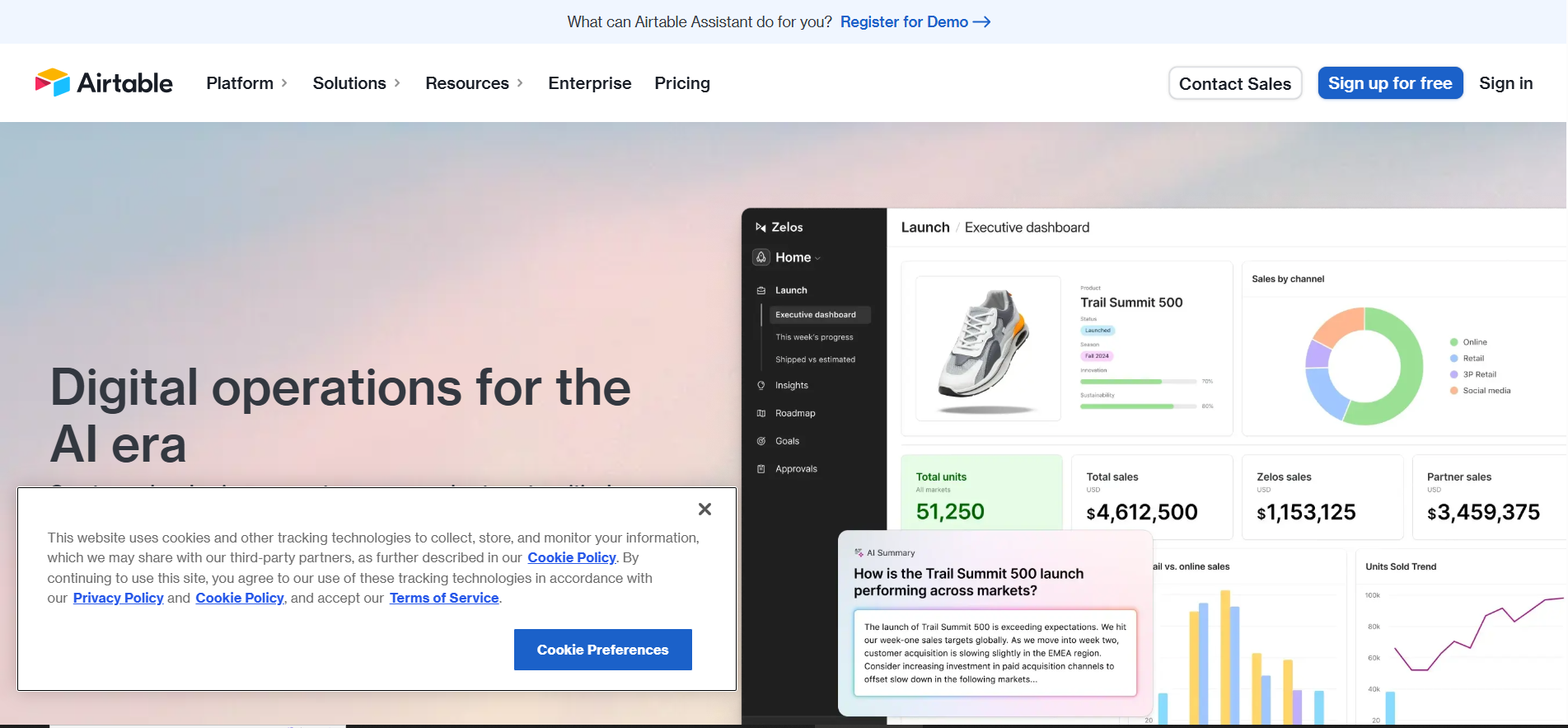
Airtable is best when your workflow centers around structured operational data rather than formal BPM diagrams or desktop automation.
Best For
- Content operations
- Marketing
- Product teams
- CRM-like workflows
- Internal databases
Key Features
- Database tables
- Interfaces
- Automations
- Forms
- Integrations
- Scripts
Pros
- Flexible
- User friendly
- Excellent structured data
- Great for custom operational systems
Cons
- Not full BPM
- Complex processes can outgrow it
- Usage limits vary by plan
Final Rating: 4.4/5
19. Creatio
Best for CRM + No-Code Process Automation
Advertiser Review Rating: 4.4/5
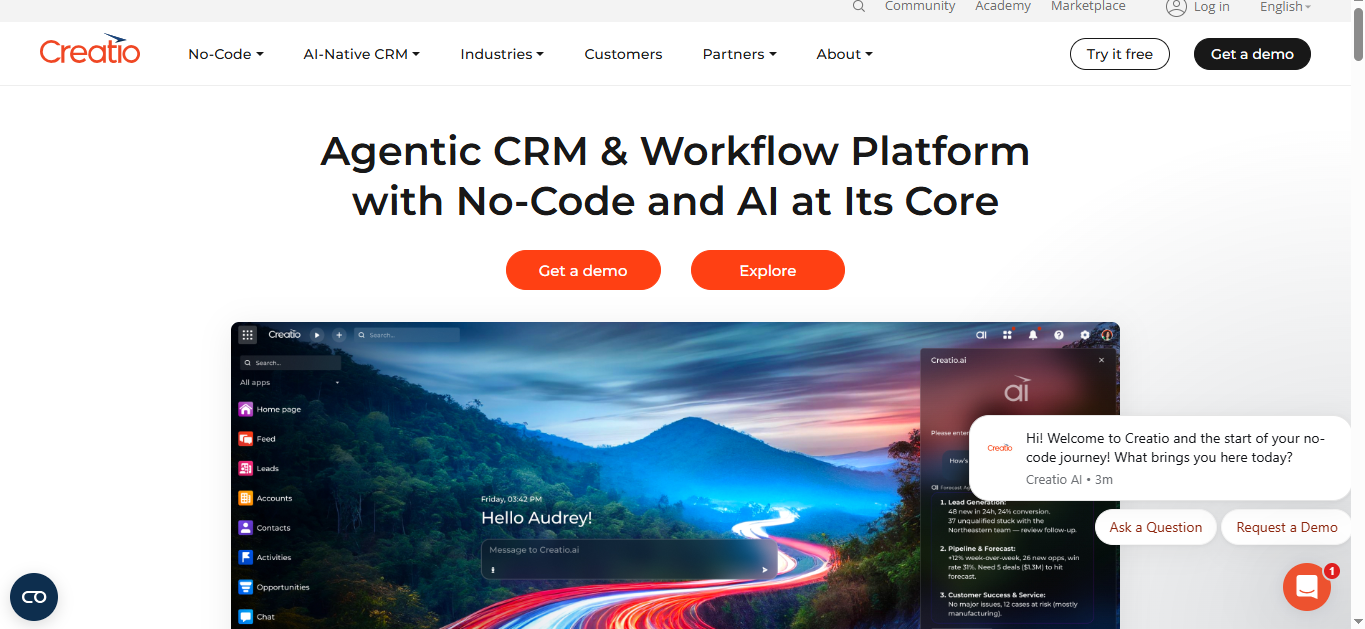
Creatio is attractive for organizations that want CRM, sales, marketing, service, and process automation inside the same no-code ecosystem.
Best For
- CRM workflows
- Sales processes
- Customer service
- Marketing operations
- Mid-market and enterprise
Pros
- CRM + automation
- No-code
- Process modeling
- Customer-facing workflows
Cons
- Less appropriate if you only need app integration
- Requires broader platform adoption to maximize value
Final Rating: 4.4/5
20. Bizagi
Best for Process Modeling and Transformation
Advertiser Review Rating: 4.4/5
Bizagi is a strong fit for organizations that first need to understand, model, redesign, and govern business processes before automating them.
G2’s current 2026 BPM assessment identifies Bizagi as particularly suitable for organizations redesigning and optimizing processes.
Best For
- Process modeling
- Business transformation
- Enterprise BPM
- Process documentation
Pros
- Strong modeling
- BPM orientation
- Useful for transformation initiatives
- Process governance
Cons
- More process-management-oriented than quick SaaS automation
- Greater learning curve
Final Rating: 4.4/5
Business Process Automation Feature Comparison
Tool |
No-Code |
RPA |
BPM |
AI |
Integrations |
Enterprise Governance |
| Power Automate | ★★★★★ | ★★★★★ | ★★★★☆ | ★★★★★ | ★★★★★ | ★★★★★ |
| Workato | ★★★★☆ | ★★★☆☆ | ★★★★☆ | ★★★★★ | ★★★★★ | ★★★★★ |
| Zapier | ★★★★★ | ★☆☆☆☆ | ★★☆☆☆ | ★★★★★ | ★★★★★ | ★★★★☆ |
| UiPath | ★★★☆☆ | ★★★★★ | ★★★★☆ | ★★★★★ | ★★★★☆ | ★★★★★ |
| Appian | ★★★★☆ | ★★★★☆ | ★★★★★ | ★★★★★ | ★★★★☆ | ★★★★★ |
| Make | ★★★★☆ | ★☆☆☆☆ | ★★☆☆☆ | ★★★★☆ | ★★★★★ | ★★★☆☆ |
| Nintex | ★★★★☆ | ★★★★☆ | ★★★★★ | ★★★★☆ | ★★★★☆ | ★★★★★ |
| Pega | ★★★☆☆ | ★★★★☆ | ★★★★★ | ★★★★★ | ★★★★☆ | ★★★★★ |
| Camunda | ★★☆☆☆ | ★☆☆☆☆ | ★★★★★ | ★★★★☆ | ★★★★★ | ★★★★★ |
| n8n | ★★★☆☆ | ★☆☆☆☆ | ★★☆☆☆ | ★★★★★ | ★★★★★ | ★★★★☆ |
Pricing Comparison
Platform |
Starting Price |
Free Option |
Enterprise Pricing |
| Power Automate | ~ $15/user/mo | Limited/included scenarios | Available |
| Workato | Custom | ❌ | Custom |
| Zapier | ~ $19.99/mo | ✅ | Available |
| UiPath | ~ $25/mo entry options | Limited/community options | Custom |
| Appian | Custom | Trial/developer options vary | Custom |
| Make | Low-cost paid tiers | ✅ | Available |
| Nintex | Custom | ❌ | Custom |
| Pega | Custom | ❌ | Custom |
| Camunda | Usage/deployment dependent | Community/developer options | Custom |
| n8n | ~ $20/mo cloud | Self-hosted option | Available |
| Kissflow | Custom/plan based | Trial | Available |
| Pipefy | Custom/plan based | Limited | Available |
| Jotform | Plan based | ✅ | Available |
| monday.com | Plan based | ✅ | Available |
| Smartsheet | Plan based | Trial | Available |
Pricing changes frequently and enterprise contracts can differ significantly. Current 2026 comparisons also emphasize that execution-, task-, credit-, user-, bot-, and process-based pricing models can produce very different costs at scale.
Best Business Process Automation Software by Use Case
Use Case |
Best Software |
| Best Overall | Microsoft Power Automate |
| Enterprise Automation | Workato |
| SMB Automation | Zapier |
| Visual Workflows | Make |
| RPA | UiPath |
| Enterprise BPM | Appian |
| Case Management | Pega |
| Developer Orchestration | Camunda |
| Self-Hosting | n8n |
| Forms & Approvals | Jotform Workflows |
| HR & Operations | Pipefy |
| No-Code BPM | Kissflow |
| Microsoft Companies | Power Automate |
| Legacy Applications | UiPath |
| Project Workflows | monday.com |
| Data Workflows | Airtable |
| Process Modeling | Bizagi |
Which BPA Platform Should You Choose?
Choose based on what you are automating—not simply which platform has the most integrations.
Choose Zapier When:
Your workflows mainly connect SaaS tools.
Example:
Facebook Lead → HubSpot → Slack → Gmail
Choose Make When:
You need more advanced branching and data transformations.
Choose Power Automate When:
Your company runs heavily on Microsoft.
Choose UiPath When:
Employees still manually operate legacy desktop software.
Choose Workato When:
You need enterprise-grade cross-system automation and governance.
Choose Appian or Pega When:
You are automating complex enterprise processes, cases and business applications.
Choose Camunda When:
Developers need to orchestrate microservices and mission-critical processes.
Business Process Automation Decision Tree
What kind of process are you automating?
│
├── Mostly cloud SaaS apps
│   │
│   ├── Need simplicity?
│   │   └── Zapier
│   │
│   └── Need complex logic?
│       └── Make / n8n
│
├── Mostly Microsoft applications
│   └── Power Automate
│
├── Legacy desktop systems
│   └── UiPath / Automation Anywhere
│
├── Large enterprise workflow
│   │
│   ├── App integration heavy
│   │   └── Workato
│   │
│   ├── Case management heavy
│   │   └── Pega / Appian
│   │
│   └── Developer orchestration
│       └── Camunda
│
├── HR / Finance / Operations approvals
│   └── Pipefy / Kissflow / Nintex
│
└── Forms + simple approvals
    └── Jotform Workflows
What Should Business Process Automation Software Include?
A strong BPA platform should cover five layers.
1. Process Trigger
Examples:
- New form
- New employee
- Invoice received
- CRM stage changed
- Email arrived
- Schedule reached
2. Business Logic
Examples:
- If amount > $10,000 → CFO approval
- If customer = enterprise → assign senior rep
- If invoice invalid → return to vendor
3. System Actions
Examples:
- Update ERP
- Send email
- Create CRM record
- Generate document
4. Human Decisions
Not everything should be automated.
Examples:
- Manager approval
- Compliance review
- Exception handling
5. Monitoring
Track:
- Completion time
- Failed executions
- Bottlenecks
- Process volume
- Exceptions
- SLA compliance
BPA vs In-House Development
Factor |
BPA Platform |
Custom Development |
| Deployment Speed | Fast | Slower |
| Initial Cost | Lower | Higher |
| Flexibility | High | Maximum |
| Maintenance | Vendor-assisted | Internal |
| Governance | Built in | Must be built |
| Integrations | Often prebuilt | Custom |
| Vendor Dependence | Higher | Lower |
| Specialized Logic | Limited by platform | Unlimited |
A custom system becomes more attractive when the process itself creates proprietary competitive advantage.
Common Business Process Automation Mistakes
1. Automating a Broken Process
Automation does not fix poor process design.
It accelerates it.
First ask:
Should this step exist at all?
2. Automating Everything
Some decisions require human judgment.
Use:
AI/Automation → Human Review → Automation
when appropriate.
3. Choosing Based on Integration Count Alone
9,000 integrations are useful.
But one deep integration with your ERP may matter more.
4. Ignoring Exception Handling
Ask:
What happens when the automation fails?
Every critical workflow needs:
- Error alerts
- Retry logic
- Human fallback
- Audit trail
5. Underestimating Automation Costs
Task-based pricing can become expensive at high volume.
Model:
Monthly Processes × Steps Per Process × Cost Per Execution
before scaling.
6. Creating Automation Spaghetti
Dozens of undocumented workflows become difficult to maintain.
Create:
- Naming standards
- Owners
- Documentation
- Change logs
- Testing procedures
7. No Automation Governance
Every automation should have:
Owner + Purpose + Systems + Data + Failure Procedure + Review Date
8. Giving AI Too Much Authority
AI agents should not automatically make every high-risk decision.
Use approval gates for:
- Large payments
- Legal commitments
- Account deletion
- Hiring/firing
- Security changes
Expert Tips for Business Process Automation
Automate Processes, Not Individual Tasks
Instead of:
Automate invoice email
think:
Automate invoice intake → validation → approval → payment → ERP update
The second approach creates greater business value.
Calculate Automation ROI
Use:
Automation ROI = Value of Time Saved + Error Reduction + Incremental Revenue − Automation Cost
Example:
200 hours saved monthly × $40/hour:
$8,000 labor value
Software + maintenance:
$2,500
Estimated monthly benefit:
$5,500
Measure Cycle Time
Before:
Purchase approval = 4 days
After automation:
Purchase approval = 8 hours
That is often more meaningful than counting the number of automated tasks.
Build Human-in-the-Loop Workflows
Strong automation frequently looks like:
Automation → AI Analysis → Human Decision → Automation
rather than:
AI Does Everything
Future of Business Process Automation
Business process automation in 2026 is moving from deterministic workflows toward AI-assisted and agentic automation, where software can interpret context, make bounded decisions, and coordinate actions across multiple systems.
Academic work on AI-augmented BPM anticipated systems becoming increasingly adaptable, proactive and context-sensitive; that direction is now becoming practical through LLM-powered agents and enterprise orchestration platforms.
1. AI Agents
Traditional automation:
IF X → DO Y
Agentic automation:
Goal → Assess Context → Choose Action → Execute → Evaluate
This is a major architectural shift.
2. Natural-Language Workflow Building
Instead of manually configuring every node, users increasingly describe workflows conversationally.
Example:
“Whenever a new enterprise lead enters Salesforce, enrich the company, calculate lead score, notify the territory manager, and draft a personalized follow-up.”
AI can help build the workflow.
3. Agent + Workflow Hybrid Systems
Pure AI agents can be unpredictable.
Pure workflows can be rigid.
The strongest model may be:
Deterministic Workflow + AI Decision Nodes
4. Process Mining + Automation
Organizations will increasingly discover automation opportunities from real process data.
Process mining can identify:
- Bottlenecks
- Rework
- delays
- manual steps
- exceptions
before automation begins.
5. More Human-in-the-Loop Automation
AI will increase automation potential, but regulated processes will require stronger approval boundaries.
6. Outcome-Based Automation
Teams will increasingly stop measuring:
How many tasks did we automate?
and start measuring:
- Cycle time
- Error rate
- Revenue impact
- Cost per process
- SLA performance
- Customer satisfaction
Frequently Asked Questions
What is the best business process automation software?
Microsoft Power Automate is our best overall choice for 2026, particularly because it combines cloud workflows, desktop automation, RPA, AI, approvals, and deep Microsoft integration.
What is business process automation software?
BPA software automates repeatable business workflows involving people, applications, data, business rules and approvals.
What is the best BPA software for small businesses?
Zapier and Make are among the strongest options for SMBs because they are easier and less expensive to deploy than enterprise BPM platforms.
What is the best enterprise automation platform?
Workato, Power Automate, Appian, UiPath and Pega are strong enterprise choices depending on the use case.
What is the best RPA software?
UiPath remains one of the strongest RPA platforms, particularly for automating desktop and legacy systems.
Is Zapier BPA software?
Yes, Zapier can automate many business processes, particularly those that span cloud applications.
Is Make better than Zapier?
Make generally offers more visual control and complex logic, while Zapier is easier for beginners and has an exceptionally broad integration ecosystem.
Is Power Automate better than Zapier?
Power Automate is usually stronger for Microsoft-centric enterprises and RPA. Zapier is often easier for cross-SaaS workflows.
What is BPM software?
Business Process Management software helps organizations design, execute, monitor and improve business processes.
What is the difference between BPA and BPM?
BPA focuses on automation. BPM includes the broader lifecycle of designing, managing, measuring and improving processes.
What is RPA?
Robotic Process Automation uses software robots to reproduce repetitive actions that people perform through computer interfaces.
Does BPA require coding?
No. Many modern platforms support no-code or low-code automation, although advanced integrations may require technical skills.
Can AI automate business processes?
Yes. AI can classify data, extract information, generate content, make bounded decisions and trigger actions as part of broader workflows.
Can AI agents replace workflow automation?
Not completely. Deterministic workflows remain better for predictable, controlled processes, while AI agents are useful when interpretation or contextual decision-making is required.
What business processes should be automated first?
Good candidates are:
- High volume
- Repetitive
- Rule based
- Time consuming
- Error prone
- Easy to measure
What processes should not be fully automated?
High-risk processes requiring ethical, legal, strategic or sensitive human judgment should generally retain human oversight.
How much does BPA software cost?
Pricing ranges from free and low-cost SMB tools to enterprise platforms costing thousands or substantially more per month.
How do I calculate automation ROI?
Estimate labor savings, error reduction, incremental revenue and process improvements, then subtract software, implementation and maintenance costs.
What is process orchestration?
Process orchestration coordinates multiple systems, tasks, people and services across an end-to-end workflow.
What is workflow automation?
Workflow automation automatically executes predefined actions when specific triggers or conditions occur.
What is an automation workflow?
An automation workflow defines:
Trigger → Logic → Actions → Outcome
Do I need RPA if my applications have APIs?
Not necessarily. API integration is usually more reliable where available. RPA is especially useful when systems lack suitable APIs.
What is human-in-the-loop automation?
It is a workflow where automation handles routine work but pauses for human review or decision at important points.
Can automation reduce employees?
Automation can reduce manual workloads, but its best use is often reallocating employee time from repetitive processing to higher-value work rather than treating workforce reduction as the primary objective.
Which automation software is easiest to use?
Zapier and Jotform Workflows are among the easiest options for nontechnical users.
Which tool is best for self-hosting?
n8n is one of the strongest mainstream choices for teams requiring greater deployment and data control.
Pros and Cons of Business Process Automation
Pros |
Cons |
| Reduces repetitive work | Poor processes can become automated faster |
| Faster process completion | Implementation takes planning |
| Consistent execution | Software costs can grow |
| Fewer manual errors | Integration failures can disrupt workflows |
| Better visibility | Requires governance |
| Scales operations | Complex workflows require expertise |
| Improves auditability | Vendor dependence |
| Enables 24/7 execution | AI introduces new risk considerations |
Final Verdict
There is no single business process automation platform that is best for every organization.
The market is now divided into several distinct categories.
For general business automation, Microsoft Power Automate is our best overall choice.
For enterprise orchestration, Workato is stronger.
For small businesses and easy app automation, Zapier remains one of the best options.
For complex visual workflows, Make provides exceptional flexibility.
For RPA and legacy applications, UiPath is difficult to beat.
For enterprise BPM and case management, Appian and Pega are stronger than lightweight automation tools.
For developer-led orchestration, Camunda stands out.
For self-hosted and highly customizable automation, n8n deserves serious consideration.
The mistake is trying to choose software before defining the process.
Start with:
What is the process?
Then determine:
Which systems are involved?
Which decisions can be automated?
Where is human approval necessary?
Does the process need APIs, RPA, BPM, AI, or all four?
Only then should you choose the platform.
The strongest decision framework is:
Process → Systems → Rules → Human Decisions → Automation Type → Governance → Platform
Business process automation creates the most value when companies stop asking:
“What tasks can we automate?”
and start asking:
“How should this entire business process operate if repetitive work, system handoffs, and routine decisions no longer required manual effort?”
That shift—from task automation to process redesign—is where BPA becomes a genuine operational advantage.
Key Takeaways
- Microsoft Power Automate is our best overall BPA software for 2026.
- Workato is particularly strong for enterprise orchestration.
- Zapier is excellent for SMBs and cross-SaaS automation.
- Make offers exceptional visual workflow flexibility.
- UiPath is one of the strongest choices for RPA.
- Appian and Pega are best suited to complex enterprise processes.
- Camunda is excellent for developer-led process orchestration.
- n8n is attractive for technical teams needing self-hosting and flexibility.
- BPA, BPM and RPA solve related but different automation problems.
- Do not automate a broken process without redesigning it first.
- Integration depth can matter more than total integration count.
- Critical automations need error handling and human fallbacks.
- Model software costs before scaling high-volume workflows.
- AI agents are expanding the range of processes that can be automated.
- Deterministic workflows and AI agents will increasingly work together.
- The best automation metric is business impact—not the number of automated tasks.
